Os agentes de IA detêm hoje chaves de API e credenciais de bases de dados que antes pertenciam apenas a pessoas ou a pipelines. Também transportam tokens de serviço, muitas vezes com menos restrições do que as que alguma vez seriam aplicadas a um utilizador humano. Um inquérito da Palo Alto Networks de 2026, realizado junto de 2930 decisores de cibersegurança em 20 países, identificou uma média de 109 identidades de máquina por cada identidade humana nas organizações inquiridas, e 79 dessas 109 eram agentes de IA. O inquérito mostra a rapidez com que as identidades não humanas se tornaram um problema de gestão de acessos.
A maioria das organizações emite credenciais para agentes da mesma forma que entrega um portátil a um novo colaborador: cria uma conta, concede acesso amplo para que nada falhe e passa ao assunto seguinte. Esta abordagem funciona com pessoas, porque um colaborador humano normalmente para e verifica antes de executar uma ação que possa causar danos. Funciona pior com um sistema que age com base na instrução que parecer mais convincente no texto que acabou de ler.
Este artigo trata da vertente das credenciais na segurança de agentes: como emitir, delimitar e auditar os segredos de que um agente autónomo ou uma ferramenta baseada em LLM necessita, sem lhe entregar uma chave mestra permanente. Baseia-se no modelo de segredos para DevOps do Passwork, que já responde à maior parte desta questão no caso dos pipelines de CI/CD. A pegada de credenciais de um agente está muito mais próxima da de um pipeline do que da de uma pessoa.
Pontos principais
- Os agentes já superam em número os colaboradores. 109 identidades de máquina por cada pessoa, 79 delas agentes de IA (Palo Alto Networks, 2026).
- Cada agente tem a sua própria conta de serviço. As contas partilhadas impedem a atribuição das ações no momento em que algo corre mal.
- Delimitar as permissões à tarefa. Uma única permissão de API e o acesso mais restrito possível ao cofre determinam se um comprometimento custa uma credencial ou a frota inteira.
- Ajustar a duração dos tokens ao tempo de execução. 15-60 minutos para agentes por tarefa, até 4 horas para agentes sempre ativos.
- Os ficheiros de configuração estáticos são a origem mais frequente de fugas. Só em 2025, a GitGuardian encontrou 24 008 segredos expostos em ficheiros de configuração MCP públicos.
- Manter as credenciais em bruto numa camada isolada de execução de ferramentas. Um intermediário de credenciais (credential broker) pode implementar esta fronteira, desde que o agente que interage com o modelo nunca receba o segredo.
- A filtragem e a análise acrescentam fricção, não autorização. O Comment and Control contornou a filtragem, a análise de segredos e a lista de permissões de rede do Copilot Agent, enquanto o CamoLeak utilizou o proxy Camo do GitHub como canal de exfiltração separado. Estes casos sustentam uma fronteira de autorização assente num intermediário, mas não provam que esta consiga travar, por si só, a injeção de prompts.
- Uma identidade por agente torna a revogação cirúrgica. Desativa-se a conta comprometida enquanto todos os outros agentes continuam a funcionar.
- A rotação continua a exigir um processo gerido pela própria organização. O Passwork cobre contas, acessos, tokens e registos de auditoria como base.
Porque é que as credenciais de agentes de IA precisam de controlos diferentes
Um script segue sempre o mesmo caminho de código, pelo que é possível delimitar o respetivo acesso antes de ser executado. Um agente de IA escolhe a ferramenta a chamar com base no texto que lê em tempo de execução, e parte desse texto pode vir de um atacante. O OWASP (Open Worldwide Application Security Project) designa este modo de falha como LLM06:2025, Excessive Agency: resultados do modelo inesperados, ambíguos ou manipulados podem desencadear ações prejudiciais quando um agente dispõe de funcionalidades, permissões ou autonomia excessivas.
A injeção de prompts (prompt injection) é texto concebido para se sobrepor às instruções de um agente. É uma das formas como esta manipulação acontece, mas não a única. Duas divulgações do último ano mostram como isto se traduz na prática: o Comment and Control (abril de 2026) exfiltrou tokens ativos de três agentes de programação através de um comentário oculto no GitHub, e o CamoLeak (outubro de 2025) utilizou um pull request oculto para levar o GitHub Copilot Chat a divulgar dados de repositórios privados através de um canal de proxy de imagens. Em ambos os casos, um agente tinha acesso a ferramentas, uma credencial ativa estava ao seu alcance e um texto não fiável levou o agente a tratá-lo como uma instrução. A Regra 6 explica o mecanismo de ambos.
As 7 regras para proteger as credenciais de agentes de IA
Estas regras aplicam a um ator que decide o seu próximo passo a mesma disciplina de acesso que as equipas de DevOps já utilizam para os segredos dos pipelines. A maioria assenta em controlos que as plataformas de segredos e de identidade mais maduras já oferecem. O que muda é onde traçar a fronteira entre aquilo que o agente pode pedir e aquilo que lhe é permitido deter.
Regra 1: Atribuir a cada agente a sua própria conta de serviço
Uma conta de serviço é uma identidade de acesso criada para um sistema automatizado e não para uma pessoa, com função e par de tokens próprios, independente de qualquer colaborador. Cada agente em produção precisa de uma. Partilhar uma única conta entre vários agentes impede a atribuição das ações. Quando algo corre mal, o log indica «o agente», em vez de identificar a execução, a tarefa ou a implementação que causou o problema.
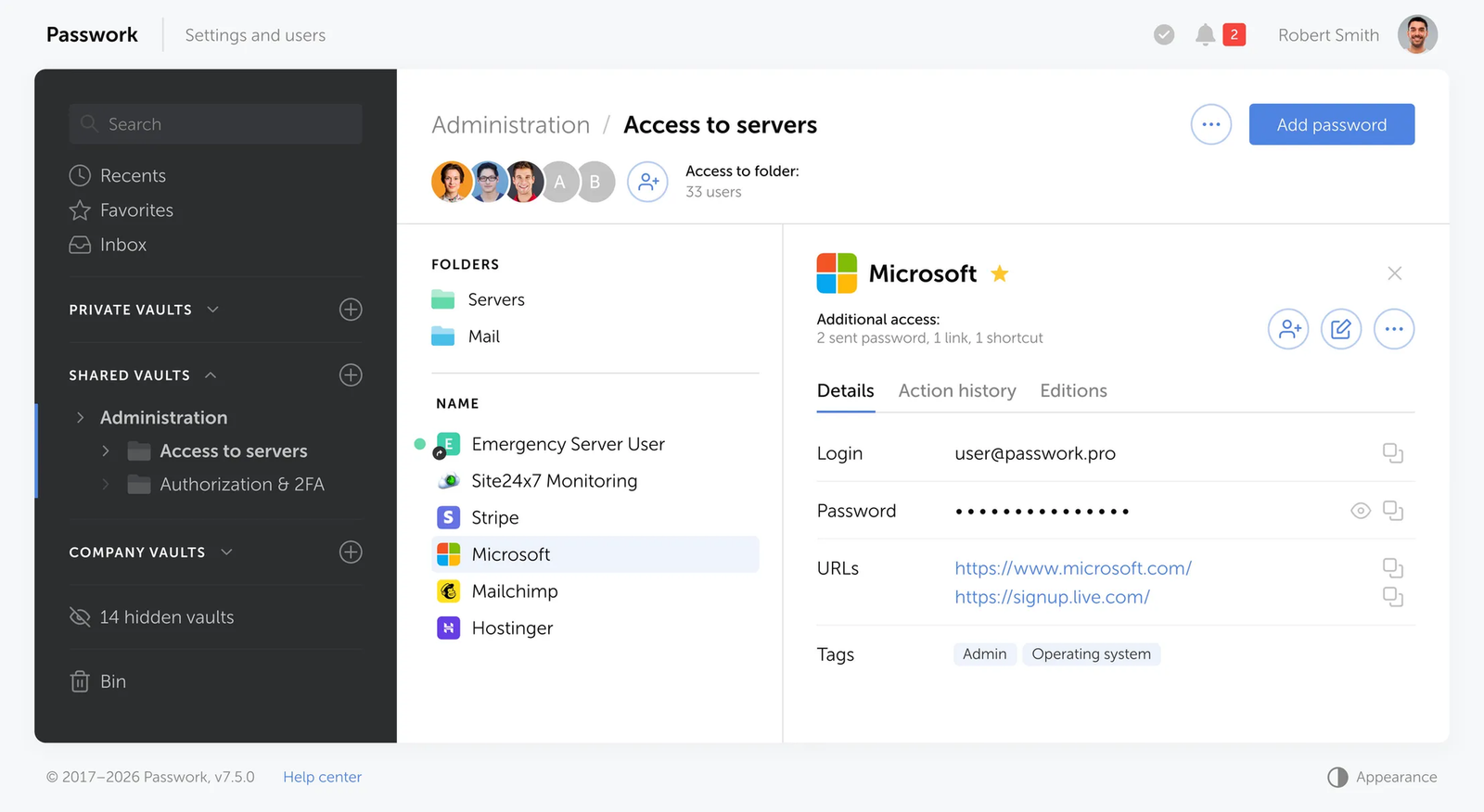
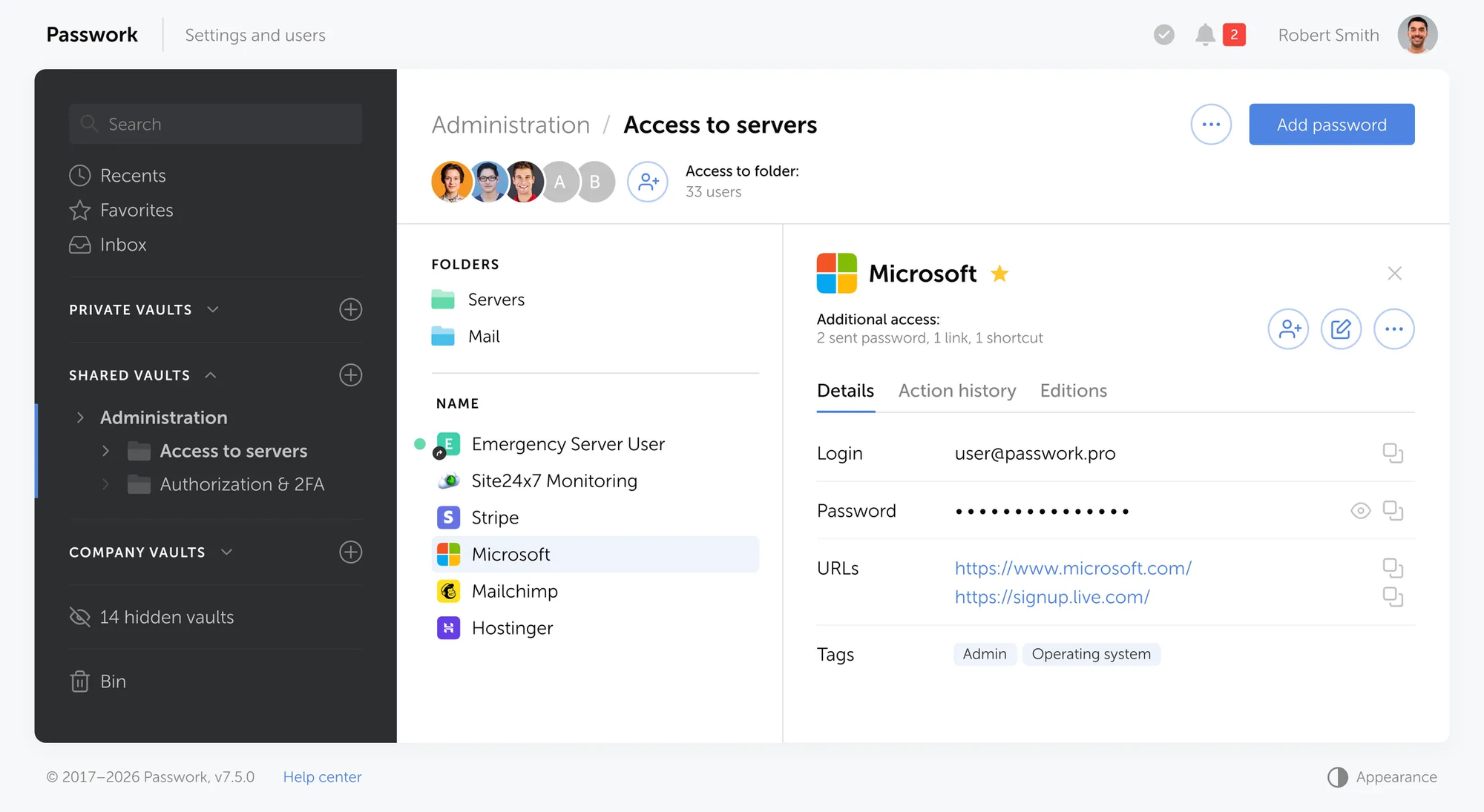
O guia do Passwork sobre contas de serviço e tokens de API faz disto a primeira regra para qualquer automatização, agentes incluídos: nunca autenticar um script ou um agente com uma conta pessoal. As permissões de uma conta pessoal são normalmente mais amplas do que a tarefa exige. As suas ações ficam registadas em nome de um colaborador e não da automatização, e revogar o acesso implica editar o perfil pessoal de alguém, em vez de eliminar uma conta dedicada.
| Conta | Finalidade | Acesso |
|---|---|---|
| agent-support-triage-ro | Lê pedidos do CRM e redige respostas | Só de leitura, cofre de helpdesk |
| agent-deploy-approval | Revê e aprova implementações | Só de leitura, cofre de infraestrutura |
| agent-cred-rotator | Faz a rotação de segredos de forma agendada | Ler e editar, ambos os ambientes |
Atribua nomes às contas pela função, e não por número. agent-support-triage-ro diz a um engenheiro de serviço o que a conta faz, mesmo daqui a seis meses. agent-3 não diz nada.
Regra 2: Delimitar as permissões à tarefa
As orientações do OWASP sobre Excessive Agency resumem-se a duas medidas:
- aplicar o princípio do menor privilégio, limitando o agente às ferramentas e permissões mínimas necessárias e aplicando a autorização de forma independente nos sistemas a jusante;
- exigir aprovação humana antes de ações de elevado impacto.
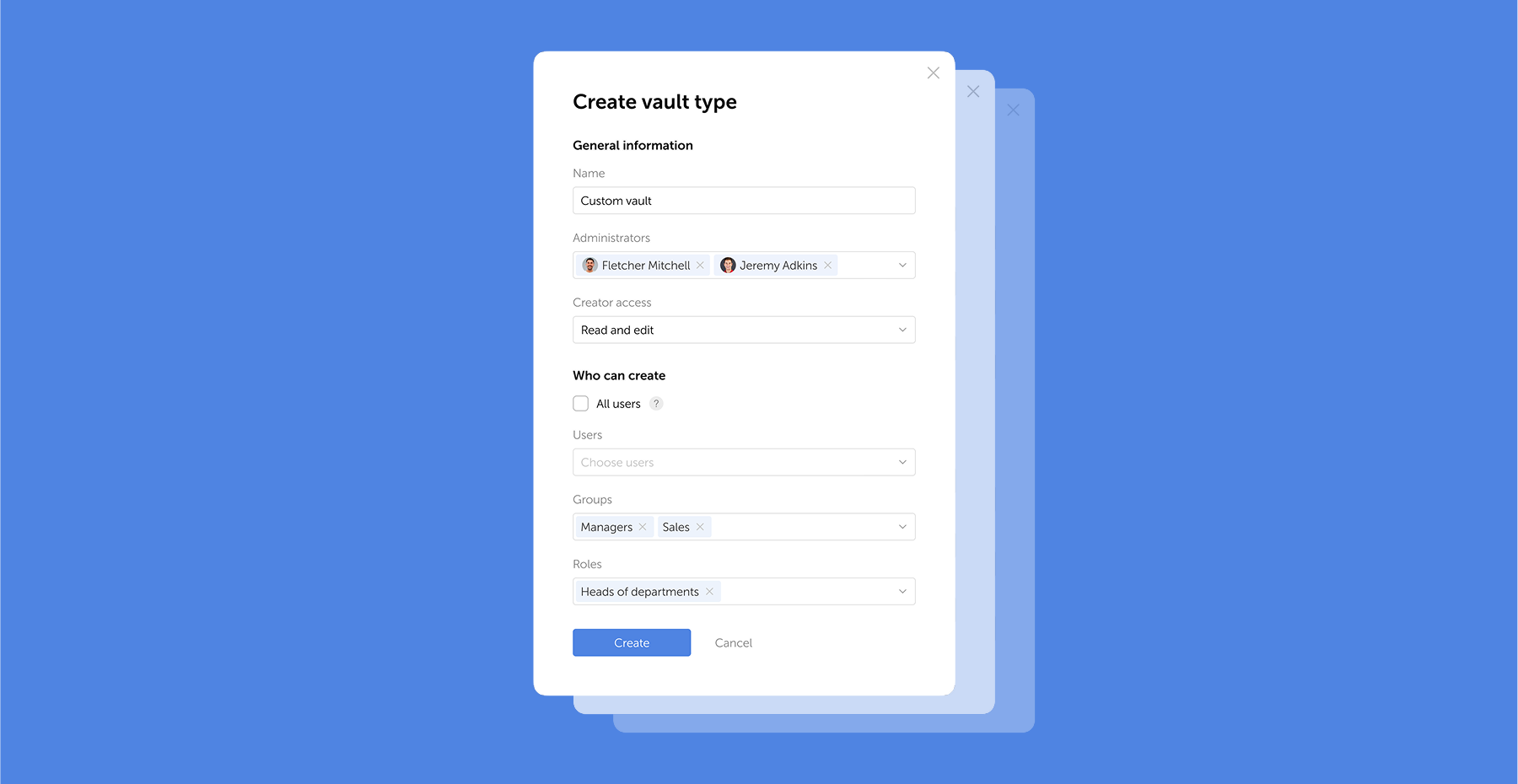
No Passwork, construa a função do agente em torno de uma única permissão, «Use API» (utilizar a API), com a gestão de utilizadores, a integração LDAP e a administração do SSO desativadas, ou seja, o mesmo modelo de acesso baseado em API que as equipas de DevOps já utilizam para os segredos. Conceda o acesso a cofres e pastas separadamente, ao nível mais restrito que a tarefa exigir: só de leitura, a menos que a função do agente seja escrever, e ao nível da pasta em vez do cofre quando apenas precisa de um subconjunto.
Um bot de suporte que lê uma credencial de helpdesk não tem motivo para partilhar uma função com um agente de implementação que acede a credenciais de bases de dados de produção, mesmo que uma função partilhada seja mais fácil de configurar. Se um agente for comprometido, essa decisão de delimitação separa um incidente que afeta uma credencial de um incidente que afeta toda a frota.
Regra 3: Ajustar a duração dos tokens ao tempo de execução do agente
Um agente acionado uma vez por tarefa, para responder a um pedido ou rever um pull request, comporta-se como uma tarefa curta de CI (integração contínua). Não se comporta como uma pessoa que inicia sessão para o dia de trabalho, pelo que as suas credenciais não devem durar tanto como a sessão de uma pessoa.
O Passwork emite um par de tokens: um accessToken, utilizado em cada pedido à API, e um refreshToken, que solicita um novo par quando o token de acesso expira. As durações recomendadas variam consoante a tarefa:
| Caso de utilização | Token de acesso | Token de atualização |
|---|---|---|
| Agente por tarefa (acionado uma vez por tarefa) | 15-60 minutos | 1 dia |
| Agente sempre ativo | 1-4 horas | 30 dias |
| Script agendado ou acionado manualmente | 1 hora | 7 dias |
Estes intervalos são recomendações do próprio Passwork e não uma norma universal. Verifique a duração predefinida dos tokens na sua plataforma antes de assumir que corresponde a estes valores. As predefinições são normalmente pensadas para a comodidade e não para uma tarefa de agente de curta duração, pelo que encurtá-las é um passo deliberado, e não algo que se herda.
No Passwork 7.6.0 e versões posteriores, é possível rodar o par de tokens completo, apenas o token de acesso ou apenas o token de atualização. Rodar o par completo invalida ambos os tokens anteriores. Rodar apenas o token de atualização invalida o token de atualização anterior, mas mantém o token de acesso atual válido até expirar por si. Os testes de revogação devem ser concebidos em função do modo utilizado. Guarde os tokens de atualização como segredos de elevado valor e longa duração, num repositório seguro de segredos ou no armazenamento seguro fornecido pela plataforma; o RFC 9700 apresenta princípios de proteção úteis, embora o Passwork documente estes tokens como tokens de sessão de API e não como tokens OAuth.
Regra 4: Manter as credenciais fora dos repositórios e dos ficheiros de configuração MCP
As fugas de credenciais de agentes têm frequentemente origem em ficheiros de texto simples que se encontram no próprio diretório de trabalho do agente. O relatório State of Secrets Sprawl 2026 da GitGuardian identificou 24 008 segredos únicos expostos em ficheiros de configuração MCP (Model Context Protocol) no GitHub público durante 2025. Os mecanismos de análise da GitGuardian confirmaram que 2117 deles ainda funcionavam no momento da deteção. Em todo o GitHub público, surgiram 28,6 milhões de segredos codificados diretamente (hardcoded) em commits durante 2025, um aumento de 34 % face a 2024. Os segredos associados a serviços de IA cresceram 81 %, para mais de 1,27 milhões, incluindo mais de 113 000 chaves de API da DeepSeek divulgadas.
O MCP é uma norma de código aberto que permite às aplicações de IA ligar-se a ferramentas e fontes de dados externas. A investigação da Trend Micro sobre configurações de servidores MCP concluiu que cerca de 48 % dos servidores analisados recomendam passar as credenciais através de um ficheiro .env. A alternativa comum é codificá-las diretamente num ficheiro de configuração JSON em texto simples. Ambas as abordagens colocam vários segredos num único ficheiro que o próprio processo do agente consegue abrir.
Referencie o nome da variável na configuração e obtenha o valor real de uma plataforma de segredos no arranque do processo, em vez de o ler de um ficheiro a que o agente tem acesso direto:
{
  "mcpServers": {
    "internal-api": {
      "command": "node",
      "args": ["./server.js"],
      "env": { "API_TOKEN": "${API_TOKEN}" }
    }
  }
}
Isto resolve o problema dos ficheiros estáticos, mas não decide quem obtém o valor real nem para onde esse valor vai depois de obtido. A Regra 5 trata dessa parte.
Regra 5: Encaminhar todas as credenciais através de uma camada isolada de execução de ferramentas
Remover um segredo de um repositório ou de um ficheiro de configuração MCP é importante, mas não resolve tudo se esse valor acabar diretamente no ambiente de execução do próprio agente. Um programador sabe que não deve colar uma chave de API numa janela de chat. Um agente não tem um instinto equivalente. Quando um segredo entra numa resposta de ferramenta, numa linha de depuração ou num rastreio de raciocínio produzido pelo modelo, pode reaparecer em qualquer lugar onde esse texto seja registado, guardado em cache ou reproduzido.
A abordagem mais segura é manter os segredos na camada de execução de ferramentas, implementada aqui como um intermediário de credenciais ou um serviço de execução de ferramentas, onde o modelo não os consegue ver. O agente pede a uma ferramenta dedicada que execute uma tarefa específica, como verificar o estado de uma implementação ou obter um registo. A ferramenta utiliza o segredo para concluir a tarefa e devolve ao agente apenas o resultado.
Para fornecer segredos no arranque de um processo, sem os guardar em ficheiros de texto simples como mcp.json ou .env, utilize passwork-cli exec.
passwork-cli exec --folder-id "$PROD_SECRETS_FOLDER_ID" – ./start-agent.sh
O utilitário passwork-cli exec carrega os segredos num processo filho apenas enquanto esse processo está em execução. Não os escreve em disco nem os inclui no resultado do comando. O princípio fundamental é manter as credenciais ao nível da ferramenta, onde ficam fora do contexto do modelo e de qualquer texto que o LLM possa ler.
Manter o segredo fora do contexto do modelo fecha uma via de divulgação. Um agente alvo de injeção de prompts pode ainda pedir ao intermediário que execute uma operação para a qual está tecnicamente autorizado, apenas no momento errado ou sobre o registo errado. O intermediário precisa dos seus próprios controlos de políticas antes do repositório de segredos, e a Regra 6 explica o que acontece quando, mesmo assim, uma injeção chega tão longe.
Isto também limita, por si só, os danos causados pelo acesso ao sistema de ficheiros. Um processo de agente que consegue ler um ficheiro .env carrega a credencial diretamente para a sua memória de trabalho, e nenhuma permissão de ficheiro o impede quando é o próprio agente a fazer a leitura. O encaminhamento através de um intermediário que o agente pode chamar, mas não inspecionar, impõe a fronteira que a Regra 4 inicia.
Regra 6: Tratar a filtragem de resultados como rede de segurança, e não como defesa principal
Em 15 de abril de 2026, o investigador Aonan Guan e os investigadores da Johns Hopkins Zhengyu Liu e Gavin Zhong publicaram o Comment and Control: três demonstrações de prova de conceito contra o Claude Code Security Review, o Gemini CLI Action e o GitHub Copilot Agent. Cada uma utilizou uma superfície de injeção diferente (o título de um pull request, um comentário de issue, um comentário HTML oculto) para expor segredos do runner como ANTHROPIC_API_KEY e GITHUB_TOKEN.
A Anthropic atribuiu à descoberta que lhe dizia respeito uma pontuação CVSS de 9,4, acima do limiar crítico. Nenhum dos três fornecedores atribuiu um CVE nem publicou um aviso de segurança. Não confie num feed de CVE para detetar o próximo caso: não devolveu nada para uma fuga de credenciais confirmada, crítica e acionável remotamente em três agentes amplamente implementados.
O caso do Copilot Agent mostra porque é que a filtragem, por si só, não é suficiente. O relatório de Guan descreve três defesas à frente do Copilot Agent: filtragem de variáveis, análise de segredos baseada em diffs e uma lista de permissões de rede. A cadeia demonstrada contornou as três: leu segredos por uma via que o filtro não detetou, codificou valores para passarem pelo mecanismo de análise e exfiltrou-os através de um endpoint do GitHub que a lista de permissões já autorizava.
O CamoLeak, uma vulnerabilidade anterior do Copilot Chat, mostra que este risco não se limita a runners de agentes nem a segredos de CI. O investigador Omer Mayraz encontrou-a no Copilot Chat em junho de 2025 e publicou os detalhes a 8 de outubro de 2025: conteúdo oculto num pull request levou o Chat a codificar dados de repositórios privados em pedidos de imagem encaminhados através do proxy Camo do GitHub. Mayraz atribuiu-lhe uma pontuação CVSS de 9,6. O GitHub mitigou o problema, registado como CVE-2025-59145, até 14 de agosto de 2025.
Os filtros de resultados, a análise e as listas de permissões de saída reduzem a probabilidade de uma fuga ser bem-sucedida, mas nenhum deles consegue, por si só, autorizar ou bloquear um pedido de ferramenta. Devem ser tratados como redes de segurança. Combine-os com autorização independente a jusante, validação de argumentos, ferramentas restritas com uma única finalidade e aprovação humana para ações de elevado impacto.
Regra 7: Registar todas as ações e limitar a revogação a uma única identidade
O registo de atividade do Passwork guarda os eventos em CEF (Common Event Format), adequado para reencaminhamento para um SIEM (plataforma de gestão de informações e eventos de segurança) através de syslog. Os campos documentados incluem o código do evento (por exemplo, item_created), um nível de gravidade, uma descrição, o ID e o nome de utilizador de quem executou a ação e o IP do cliente. A documentação sobre o reencaminhamento de eventos do Passwork apresenta a lista completa de campos, tanto para o syslog do Linux como para o Visualizador de Eventos do Windows.
Uma conta de serviço dedicada atribui cada operação registada a uma única identidade de automatização. Num dia mau, é uma peça fiável do quadro. Reconstruir o que uma execução específica de um agente fez realmente continua a exigir a correlação dos logs do intermediário, dos serviços a jusante e do tráfego de saída no mesmo intervalo de tempo.
O valor nota-se de qualquer forma. Quando um agente faz algo que ninguém planeou, quer tenha seguido uma instrução injetada, quer tenha interpretado mal uma tarefa, uma conta de serviço por agente indica que identidade, que sessão e que segredos foram envolvidos, sem ser necessário cruzar um token partilhado com marcas temporais. A revogação também fica isolada: desativam-se os tokens dessa conta e todos os outros agentes continuam a funcionar. É um argumento mais forte a favor de contas separadas do que qualquer painel de controlo.
Construir controlos de credenciais de agentes com o Passwork
O Passwork disponibiliza os controlos essenciais para gerir o acesso de agentes. No caso dos agentes de IA, estes controlos podem organizar-se em torno de cinco áreas:
- Atribuir a cada função de agente uma conta de serviço dedicada. Contas separadas mantêm o acesso dos agentes isolado e a atividade atribuível.
- Aplicar o princípio do menor privilégio através de funções e ACL granulares. Limite cada conta aos cofres, pastas e operações necessários para a sua tarefa. Modelos normalizados de funções e ACL podem simplificar o aprovisionamento em escala.
- Tratar a rotação de credenciais como um fluxo de trabalho completo. Substitua a credencial no sistema de destino, atualize-a no Passwork, revogue a credencial antiga e verifique que o acesso antigo terminou. A GitGuardian concluiu que mais de 64 % das credenciais confirmadas como válidas em 2022 continuavam válidas em janeiro de 2026.
- Utilizar credenciais dinâmicas quando necessário. As cargas de trabalho que precisam de credenciais de curta duração geradas a pedido podem exigir um serviço de segredos dinâmicos ou de concessão temporária de credenciais (credential leasing) a par do cofre.
- Ligar a atividade dos agentes à restante infraestrutura de monitorização. Verifique as capacidades de monitorização da edição e da versão do Passwork em utilização e reencaminhe os registos de atividade para um SIEM quando for necessária correlação de eventos ou alertas quase em tempo real.
Lista de verificação de credenciais de agentes de IA
Percorra estas oito verificações antes de um agente utilizar uma credencial real em produção.
- Identidade dedicada. Este agente tem a sua própria conta de serviço ou identidade de carga de trabalho, separada de todos os outros agentes e de todas as pessoas?
- Menor privilégio. A função, o acesso ao cofre ou à pasta e o âmbito de recursos foram limitados ao que a tarefa realmente exige?
- Só de leitura por predefinição. A escrita, a eliminação e a comunicação externa foram desativadas, a menos que a tarefa as exija especificamente?
- Ciclo de vida dos tokens. A duração do token de acesso foi ajustada à duração de uma execução, com os tokens de atualização protegidos e revogáveis?
- Sem exposição estática. Foi confirmado que a credencial não está presente em repositórios, ficheiros
.env, configurações MCP nem em qualquer outro ficheiro da árvore de trabalho do agente? - Fronteira do intermediário. Um intermediário separado e isolado detém o segredo, enquanto o agente que interage com o modelo recebe apenas um resultado minimizado?
- Controlos de segurança testados. O tratamento de resultados, a validação de argumentos e as restrições de saída foram testados contra dados de entrada maliciosos, em vez de se assumir que funcionam?
- Contenção verificável. É possível correlacionar os logs do agente, do intermediário e dos sistemas a jusante, e revogar a identidade afetada sem perturbar nenhum outro agente?
O que isto significa para a sua equipa
Limitar a função de um agente à permissão «Use API» e ao acesso mínimo a cofres é uma alteração de configuração. A maioria das plataformas de segredos já o permite. O trabalho de engenharia está na camada à volta: um intermediário entre o agente e o repositório de segredos, a filtragem de resultados como rede de segurança contra fugas e registos de auditoria que permitam revogar uma identidade sem afetar as restantes.
Comece pelo agente que tem hoje o acesso mais amplo no seu ambiente e reduza a respetiva função ao que a tarefa exige.
Perguntas frequentes
Um agente de IA deve reutilizar a conta de serviço de CI/CD já existente?
Não. O acesso do pipeline foi delimitado para implementações, e um agente que faça outra coisa herda permissões de que nunca precisou. Partilhar uma conta também funde dois atores numa única identidade de auditoria, e é precisamente essa distinção que será necessária durante um incidente. Atribua a cada função, por ambiente, a sua própria conta.
Que duração deve ter o token de uma credencial de agente?
Deve corresponder à forma como o agente funciona. Os agentes acionados uma vez por tarefa encaixam na mesma janela de 15 a 60 minutos para o token de acesso que o Passwork recomenda para tarefas curtas de CI. Os agentes sempre ativos podem justificar 1 a 4 horas. Qualquer duração superior é uma credencial permanente com um rótulo de curta duração.
É possível guardar o token do cofre no ficheiro de configuração MCP?
É exatamente a classe de ficheiros em que a GitGuardian encontrou 24 008 segredos expostos no GitHub público em 2025. Referencie o nome da variável no ficheiro de configuração, mantenha o valor real fora dele e obtenha-o no arranque do processo através de um intermediário de credenciais, com uma ferramenta como passwork-cli exec.
Um cofre de palavras-passe impede a injeção de prompts?
Não. Um fornecedor que afirme o contrário está a exagerar. A injeção de prompts mitiga-se ao nível da arquitetura do agente: ferramentas restritas, uma fronteira entre instruções e conteúdo ingerido, autorização independente no sistema a jusante e aprovação humana em ações de elevado impacto. Um cofre limita o alcance de uma injeção bem-sucedida e indica depois exatamente que credenciais foram afetadas.
Quantos agentes de IA executa já uma empresa típica?
Um inquérito da Palo Alto Networks de 2026, realizado junto de 2930 decisores de cibersegurança, identificou uma média de 109 identidades de máquina por identidade humana, incluindo 79 identidades de agentes de IA por pessoa, nas organizações inquiridas. Trata-se de uma média do inquérito e não de uma garantia de que cada empresa tenha individualmente mais agentes do que colaboradores, mas é um sinal razoável de que, na maioria dos ambientes, a identidade dos agentes já ultrapassou o que uma gestão improvisada consegue acompanhar.
Os incidentes do GitHub Copilot e do CamoLeak significam que estes agentes não são seguros?
Não. Ambos foram descobertas de prova de conceito divulgadas por investigadores, e os fornecedores envolvidos responderam. Mostram que a filtragem e a análise são apenas parte da defesa: as cadeias de injeção podem contorná-las ou utilizar vias de exfiltração separadas. É por isso que a fronteira do intermediário descrita na Regra 5 é importante, independentemente do fornecedor do agente utilizado.
 Passwork Team
 Passwork Team
 Passwork Team
Credenciais de agentes de IA: 7 regras para um controlo de acesso seguro
Os agentes de IA já superam os colaboradores na maioria das empresas e detêm credenciais ativas. Agem com base em texto convincente, o que torna controlos fracos um risco para toda a frota. Este artigo mostra como delimitar, isolar e revogar credenciais de agentes para conter um comprometimento.