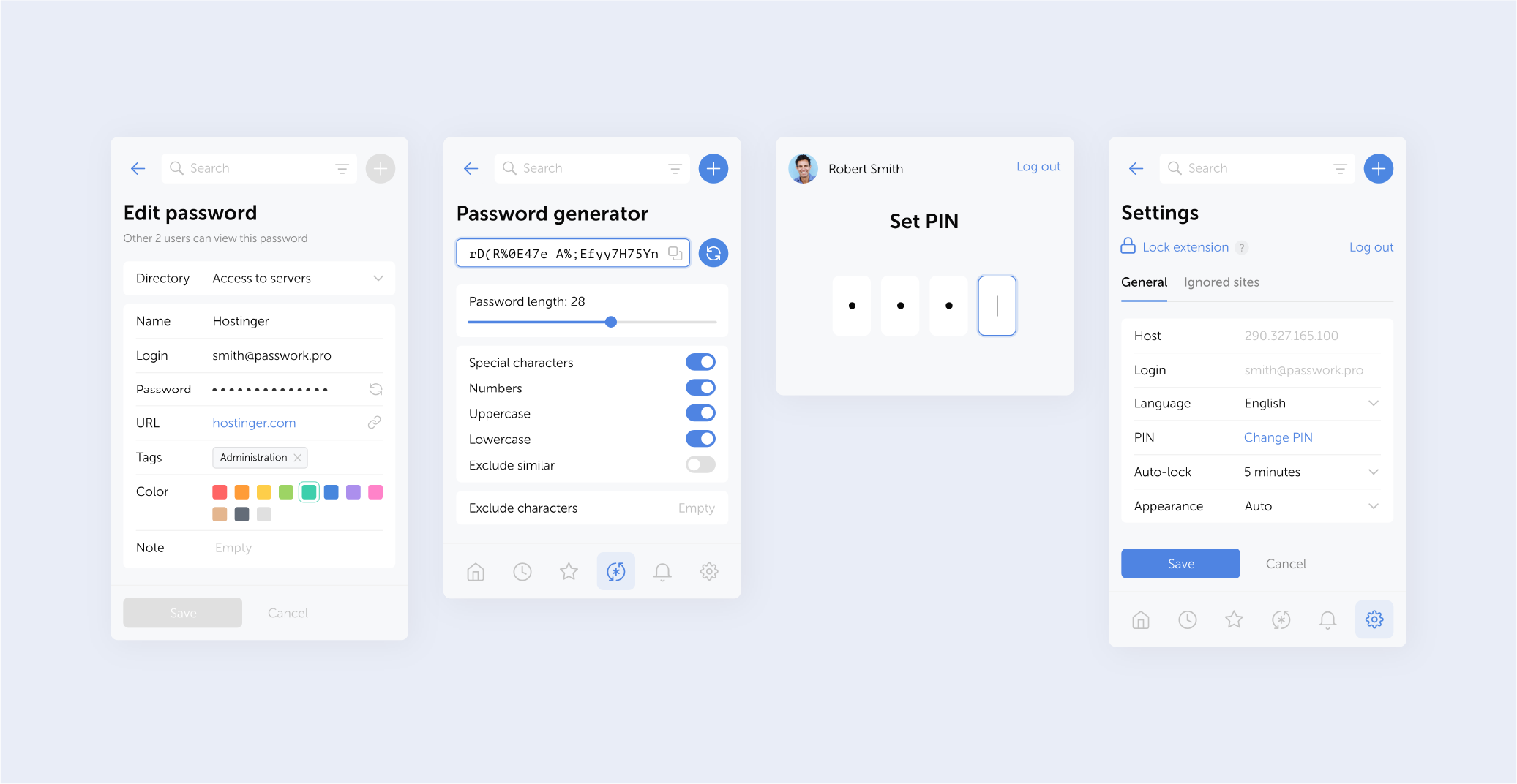
Version 2.0.27
- Further improved clickjacking protection: added blocking of clicks on hidden elements and checking for element overlap and CSS transformations
- Fixed an issue when following a link from a notification to a deleted vault or password
- Fixed an issue that could cause the extension to log out
Changes in versions 2.0.25 and 2.0.26
- In version 2.0.25, pop-up window offering autofill was disabled to test the extension’s resistance to clickjacking attacks. Warnings about suspicious elements on webpages were also added.
- In version 2.0.26, autofill pop-ups are available again, and you can now disable them for the entire organization. The extension automatically detects and blocks most common clickjacking methods.
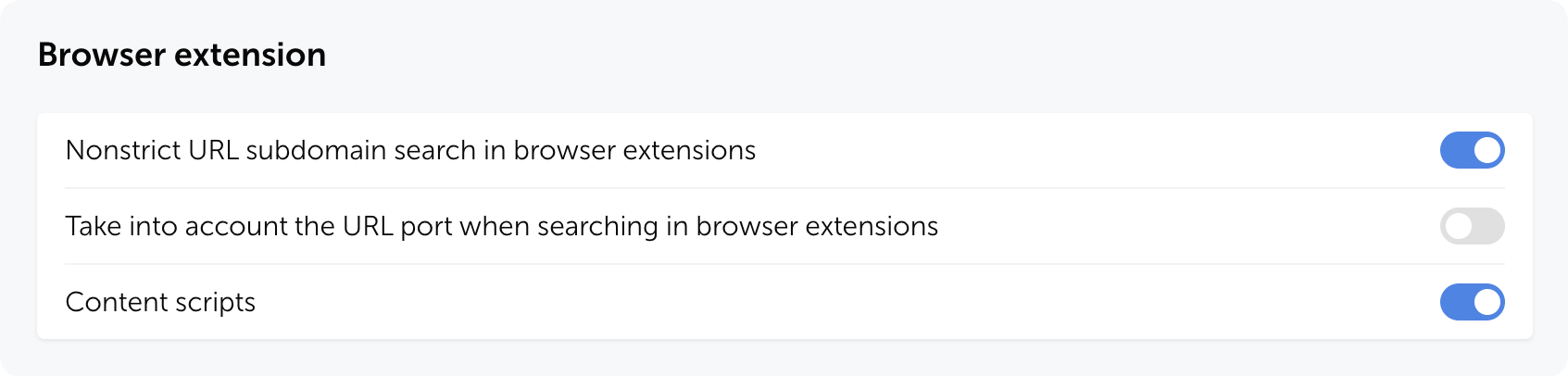
You can disable pop-up autofill suggestions by adjusting the Content scripts setting in the Browser extension section of the system settings (available starting from Passwork 7.1.2).
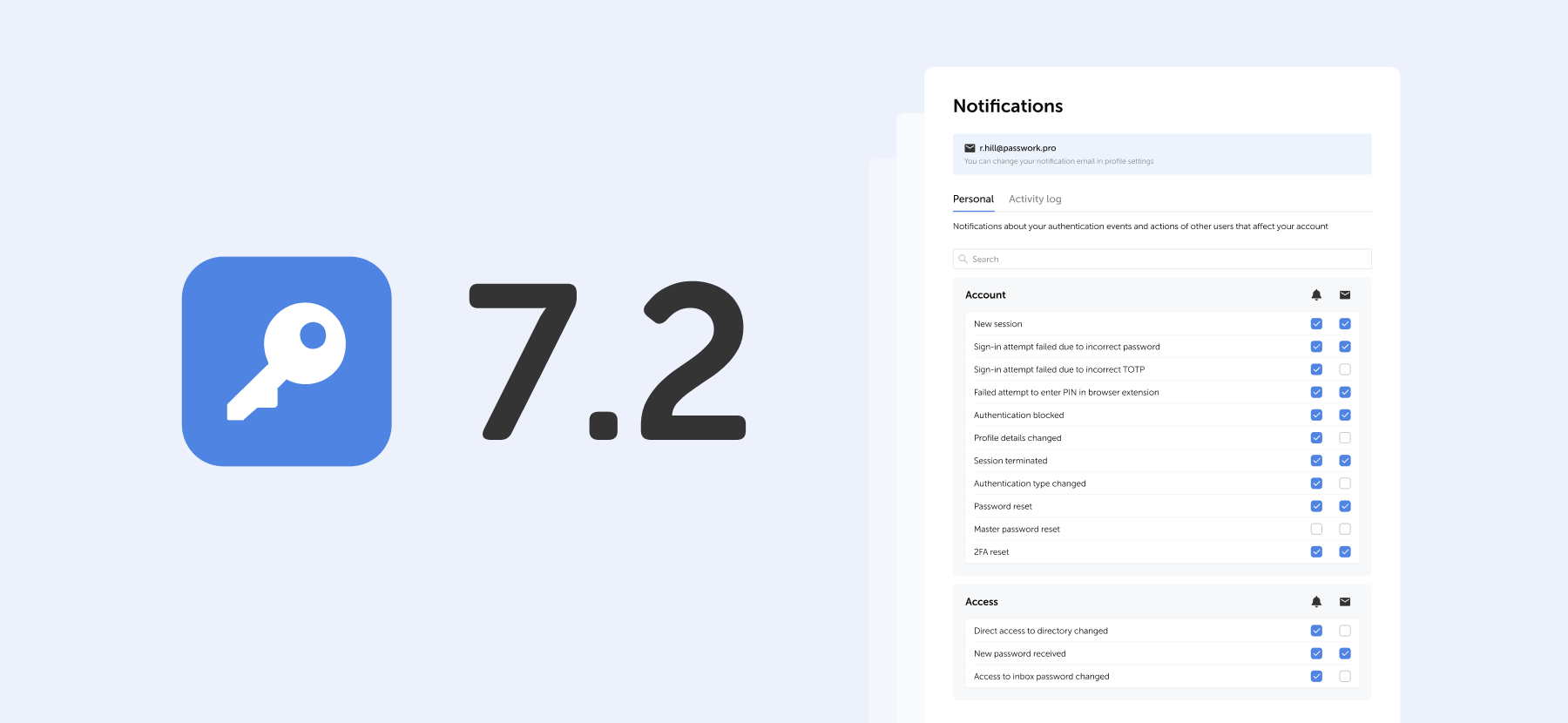
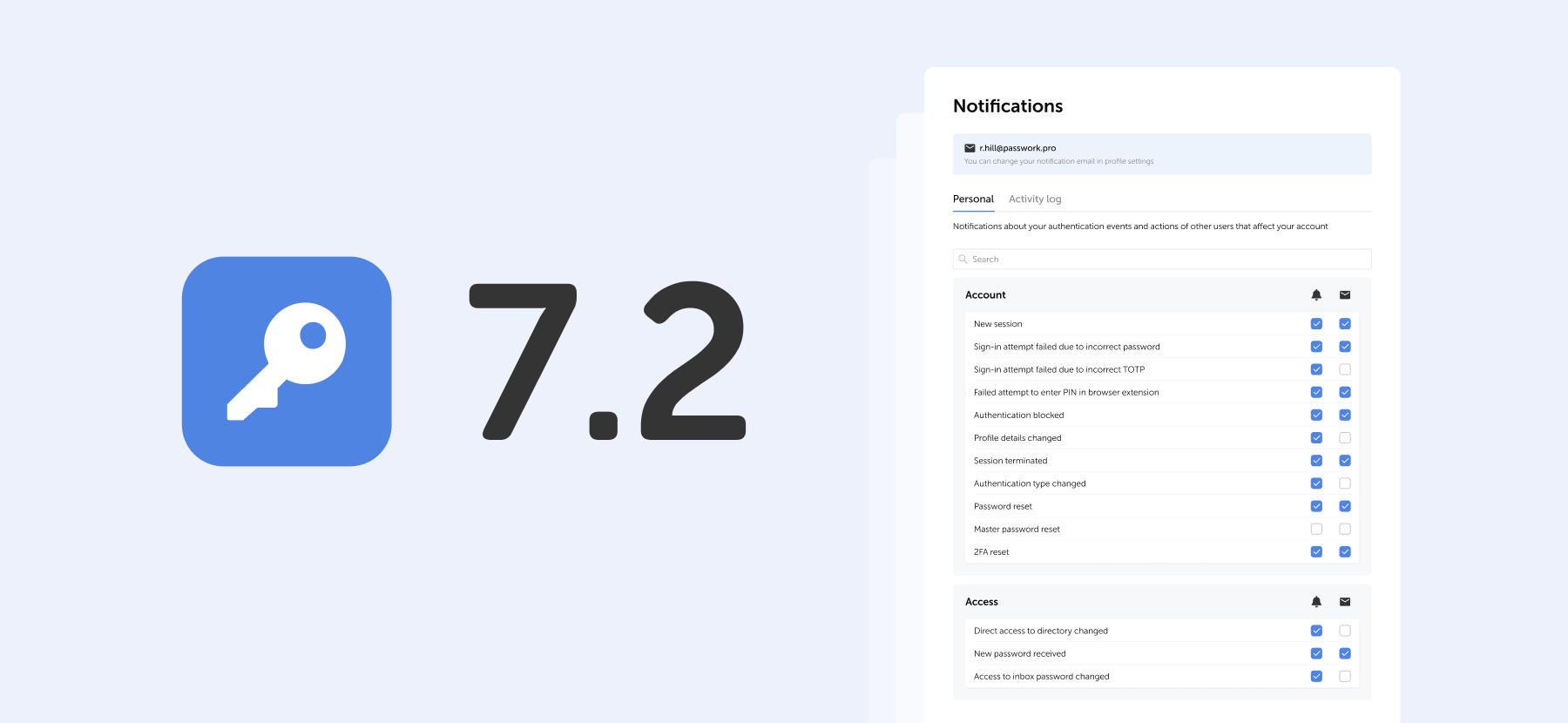
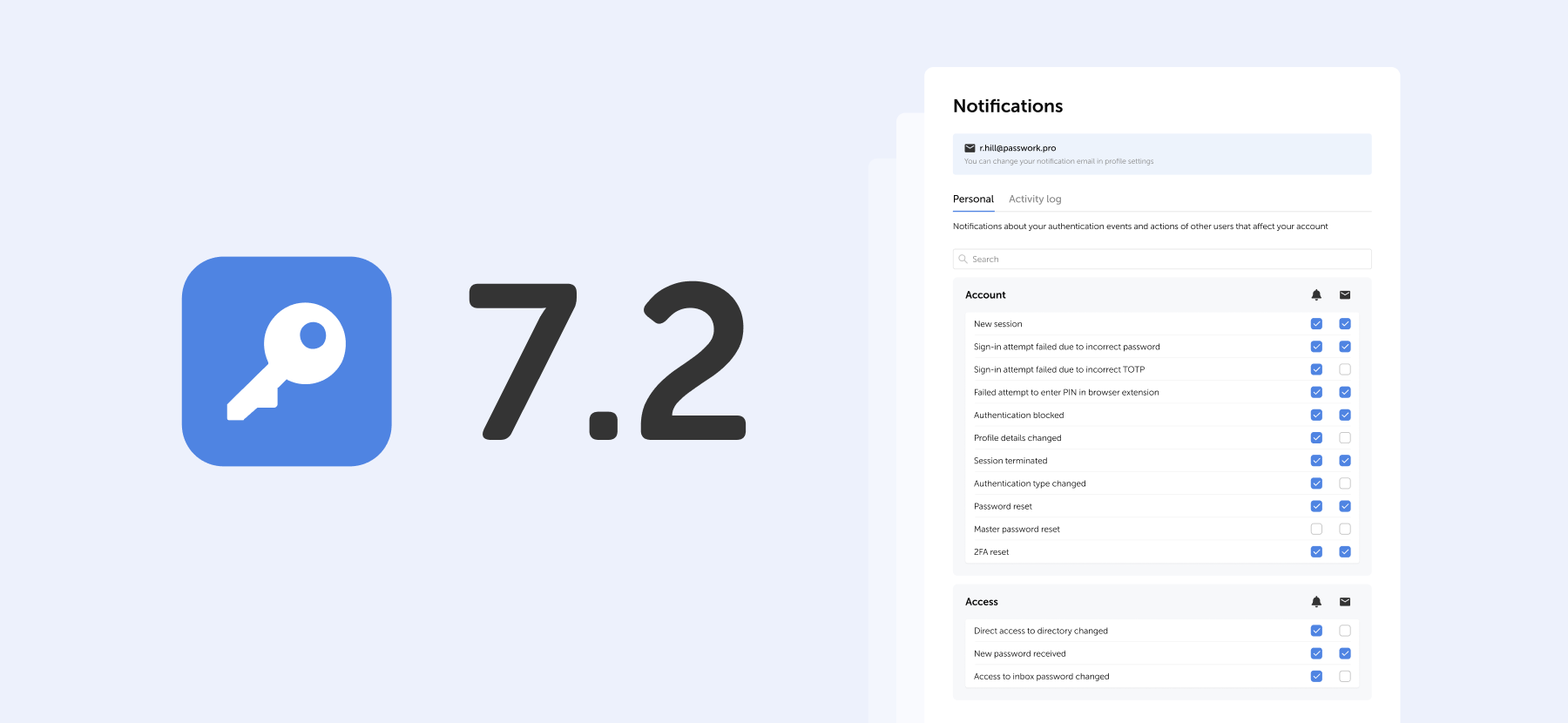
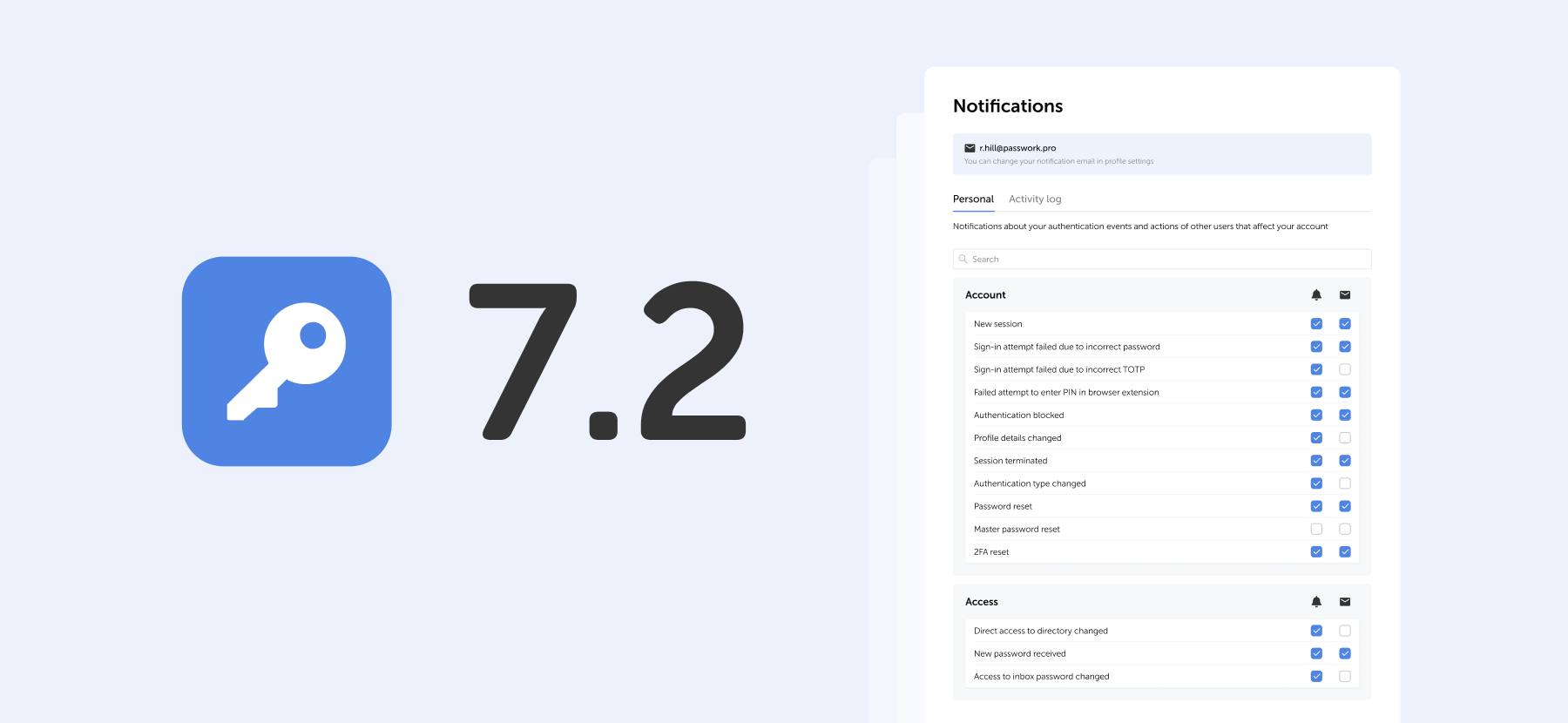
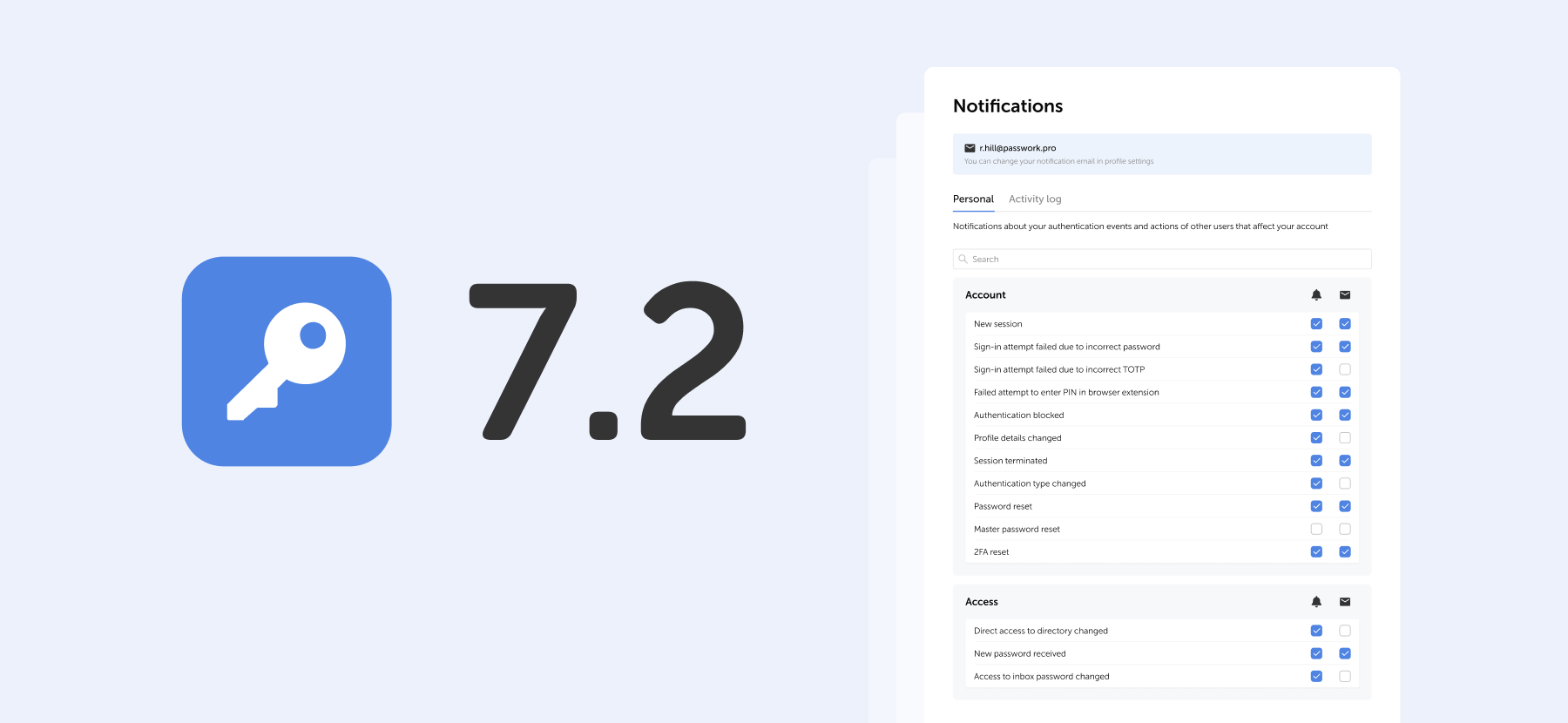
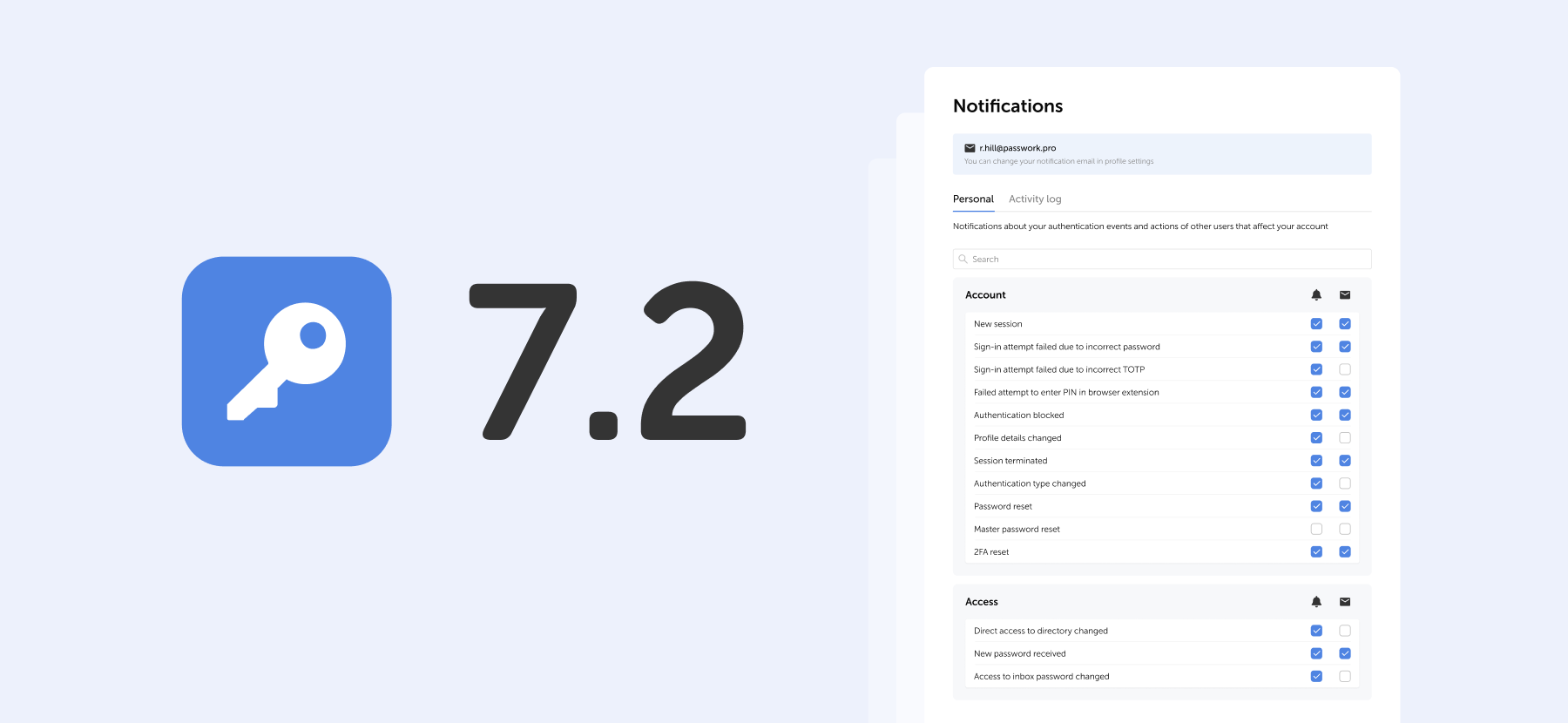
Passwork 7.2 release
The new version introduces customizable notifications with flexible delivery options, enhanced event logging descriptions, expanded CLI functionality, server-side PIN code storage for the browser extension, and the ability to enable client-side encryption during initial Passwork configuration. Notification settings We’ve added a dedicated notification settings section where you can choose notification
 Eirik Salmi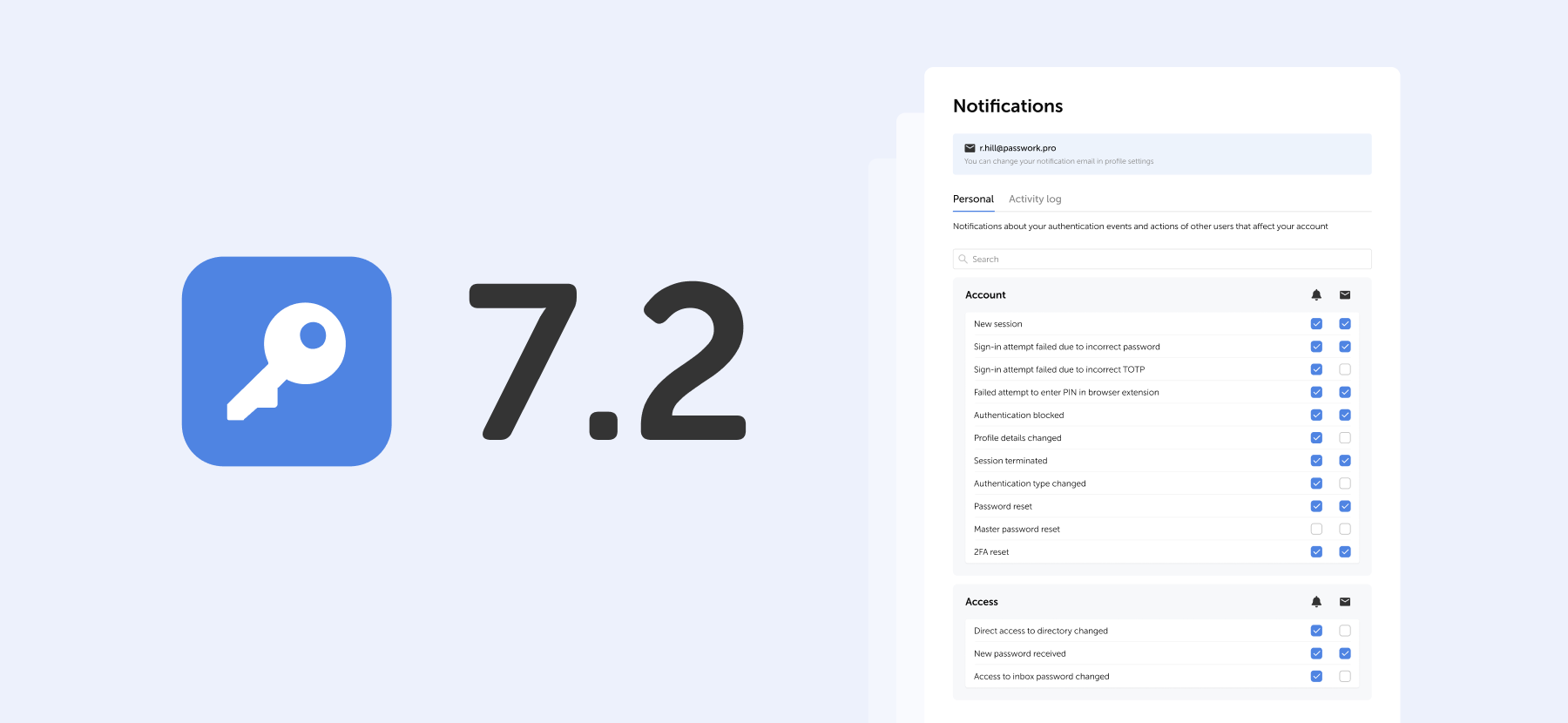
The 2025 small business cybersecurity checklist: A complete guide | Passwork
Passwork’s 2025 cybersecurity checklist, based on the NIST framework, provides actionable steps to prevent data breaches and financial loss.
 Eirik Salmi
Passwork: Secrets management and automation for DevOps
Introduction In corporate environment, the number of passwords, keys, and digital certificates is rapidly increasing, and secrets management is becoming one of the critical tasks for IT teams. Secrets management addresses the complete lifecycle of sensitive data: from secure generation and encrypted storage to automated rotation and audit trails. As
 Eirik Salmi