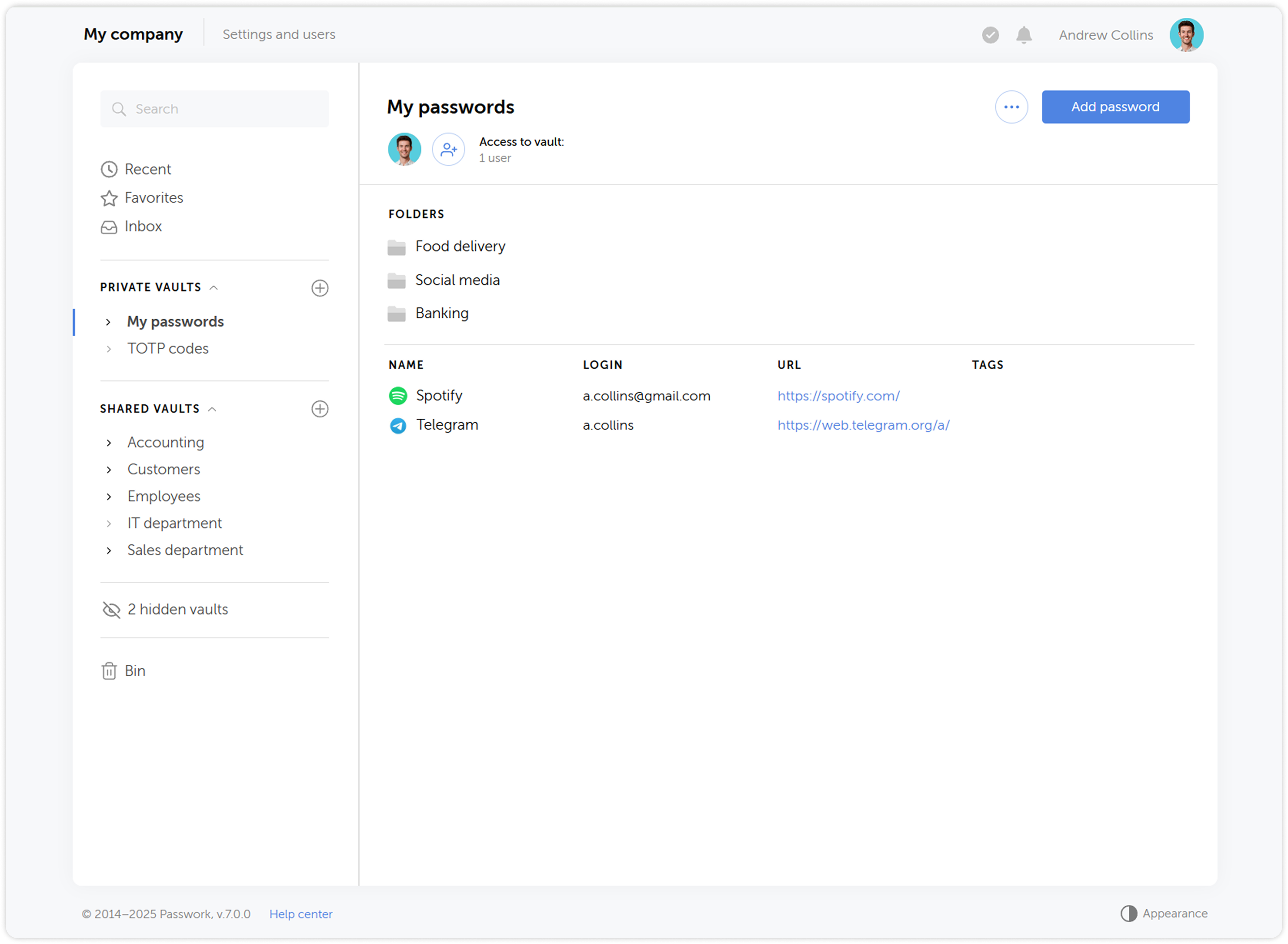
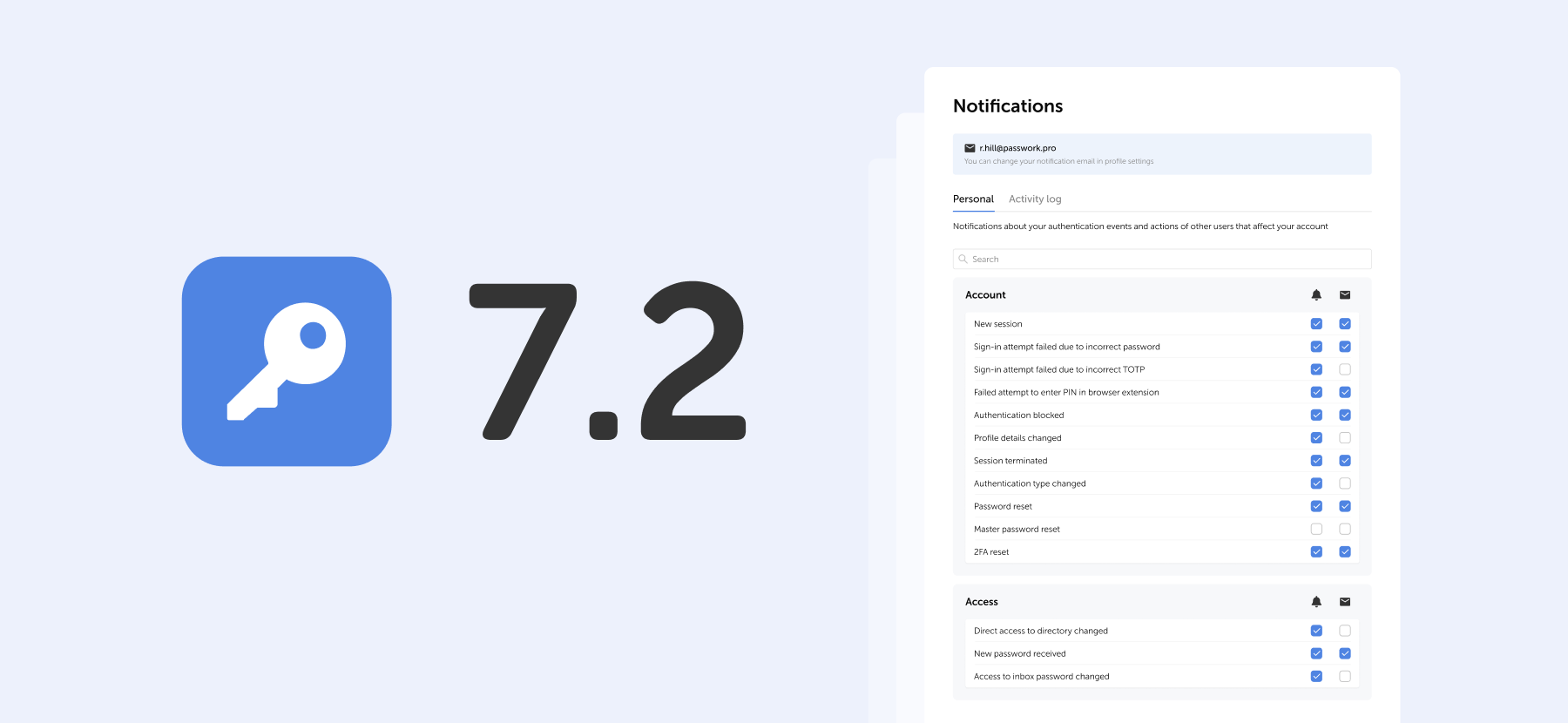
In the new version we’ve enhanced filtering capabilities in Security dashboard and User management, optimized performance with large data volumes, and introduced several interface and localization improvements.
Improvements
Added the option to filter passwords by username and login in Security dashboard
Added the option to open a new tab when navigating to a password or folder from Security dashboard
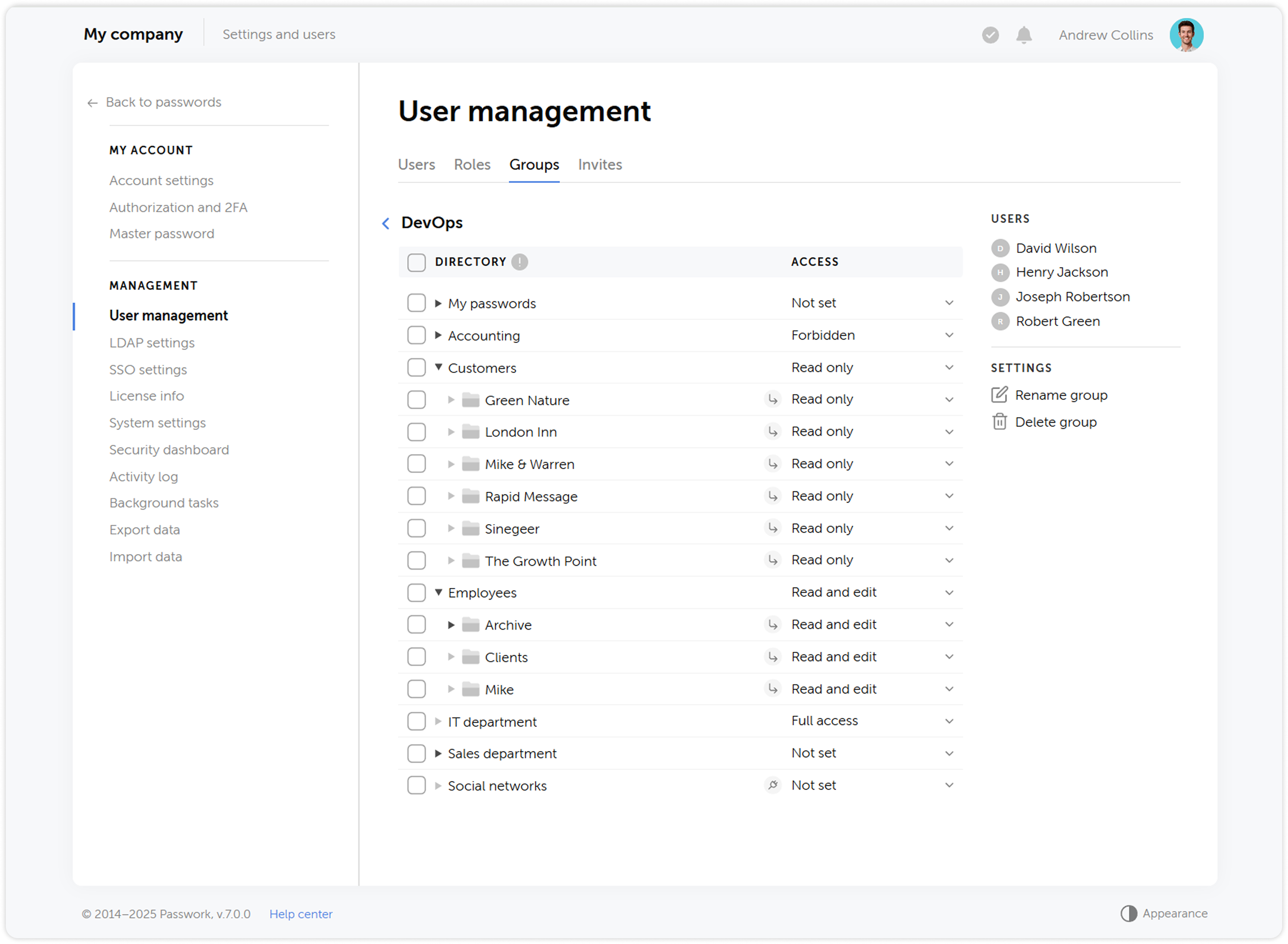
Added the option to select multiple roles when filtering users in User management
Added a progress bar for actions performed in User management
Added support for handling the data export restriction parameter in the web interface
Optimized performance when processing large amounts of data
Bug fixes
Fixed duplication of events in Activity log when viewing recent, favorite, and inbox passwords
Fixed duplication of the Save and Cancel buttons in System and SSO settings under certain scenarios
Fixed pagination issues when viewing password cards in a directory with many items
Fixed an issue where users with viewing rights in User management could not access some user pages
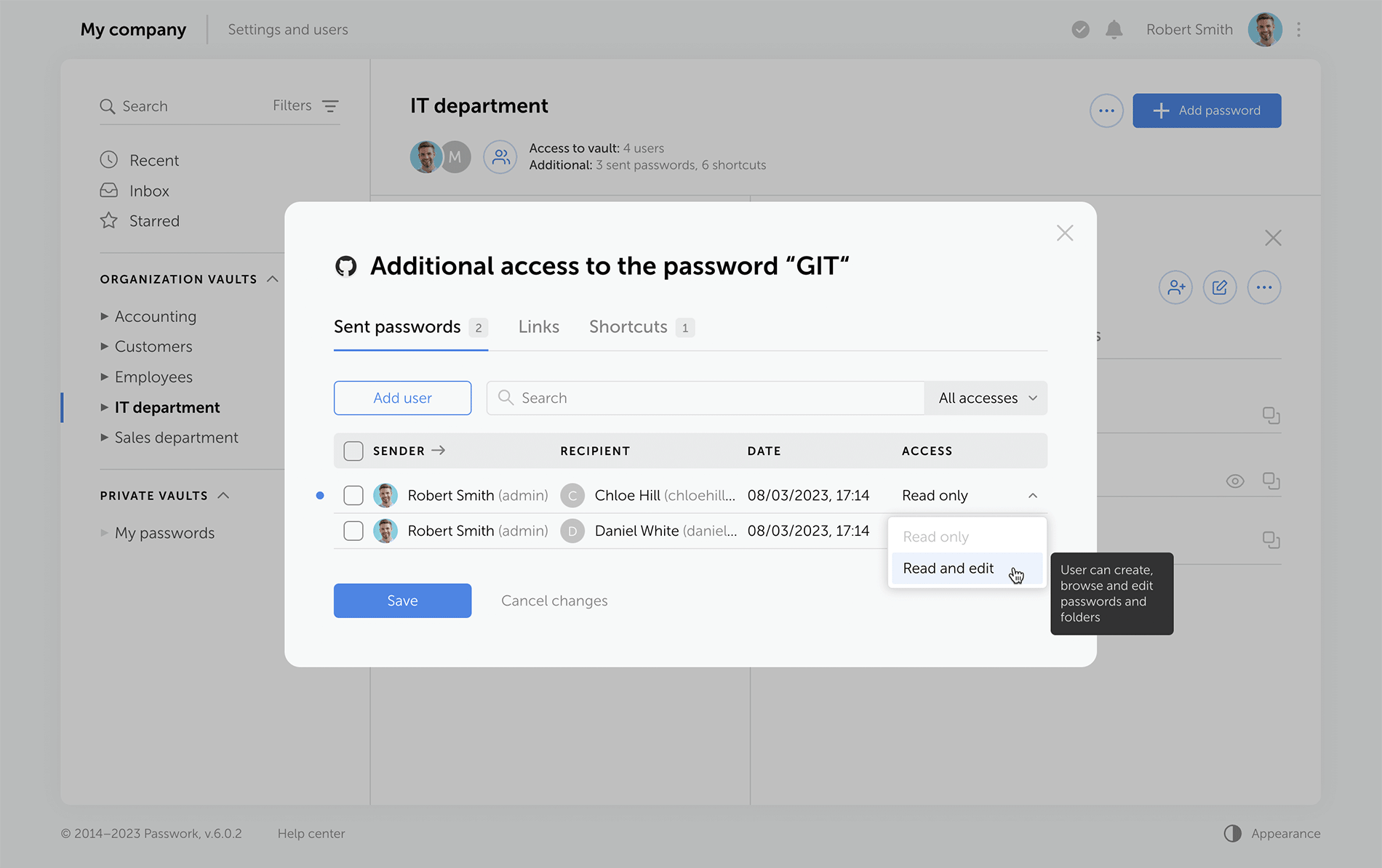
Fixed an issue where the Create shortcut, Create link, and Send buttons were displayed in the additional access window even though users had no permission for these actions
Fixed an issue where the Manage roles option in role settings remained unavailable in certain scenarios
Fixed an issue allowing the Read and edit access to be set for a shared password through the additional access window, even though sharing passwords with that access level was restricted
Fixed an issue preventing the creation of a nested folder with the same name as its parent folder
Fixed an issue where outdated settings could be used when starting background tasks
Fixed an issue with data decryption when configuring SMTP with anonymous authentication
Fixed an issue that occurred when connecting a user to a vault via a group in User management (relevant for the version without client-side encryption)
Fixed incorrect navigation to the target directory when copying a folder via the context menu
Fixed incorrect redirect to the Recents page when selecting Mailer config for the email service in System settings
Fixed an error in the validation of passwords with the underscore special character
Fixed a migration issue from Passwork 6 with invalid IDs
You can find all information about Passwork updates in our release notes
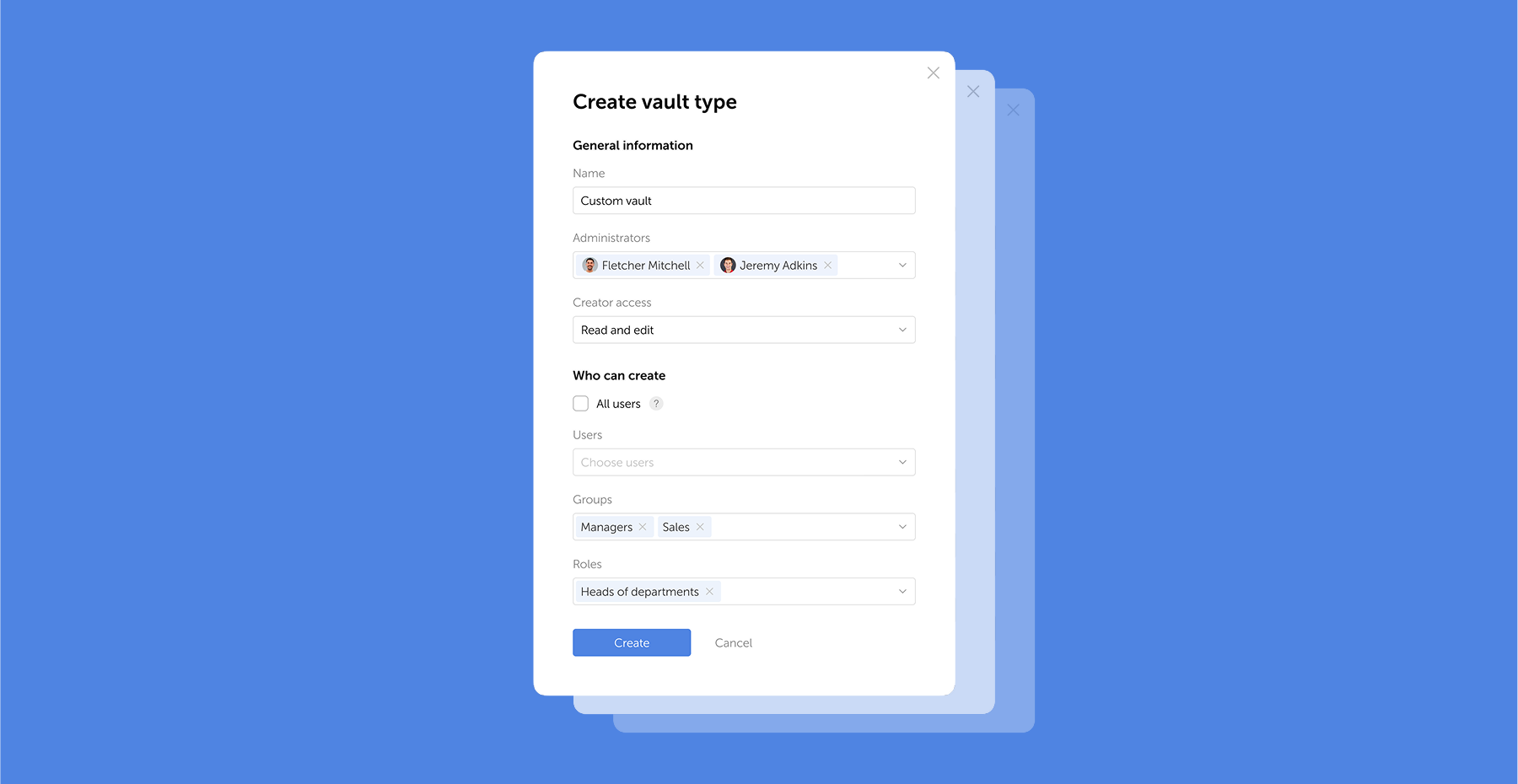
In the new version, we've introduced an option to share passwords with groups of users, implemented support for the OTPAuth encryption algorithm for generating TOTP codes, added internal link support between the 6th and 7th versions of Passwork, and resolved various UI and localization issues.
Group password sharing (only in the version without client-side encryption)
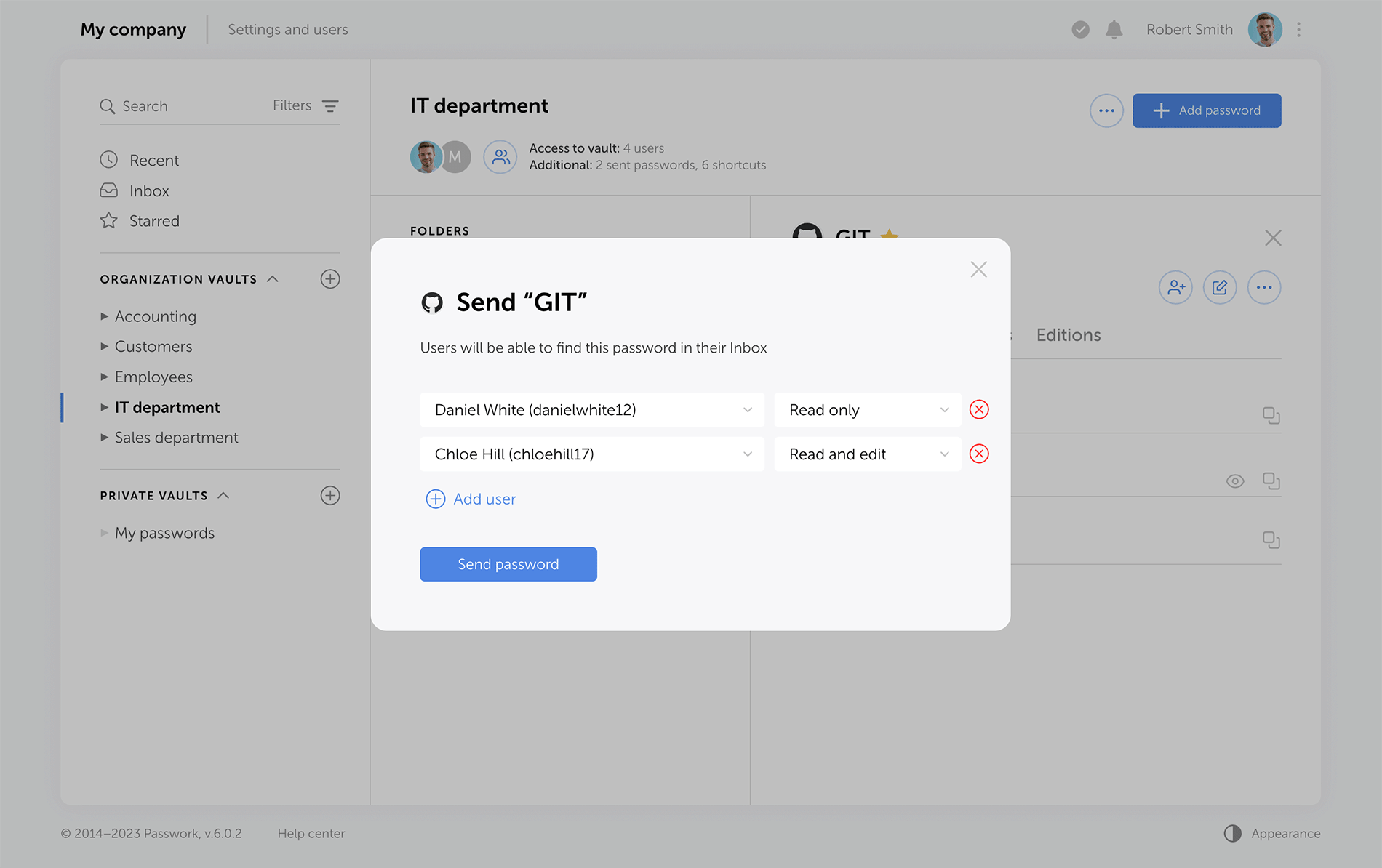
Now you can send passwords to a group of users — a new Groups field has been added to the password-sharing modal window. Password access updates automatically:
When new users are added to a group, they will immediately see the password in their Inbox
When users are removed from a group, the password will disappear from their Inbox
If the same password is shared with a user both directly and through a group, the access level set directly will take precedence
Improvements
Added support for links to vaults, folders, passwords, shortcuts, and other entities between the 6th and 7th versions of Passwork
Added support for the OTPAuth encryption algorithm for generating TOTP codes
Added a Forbidden by role tooltip for settings unavailable to users due to role limitations
Added detailed logging of SSO settings changes
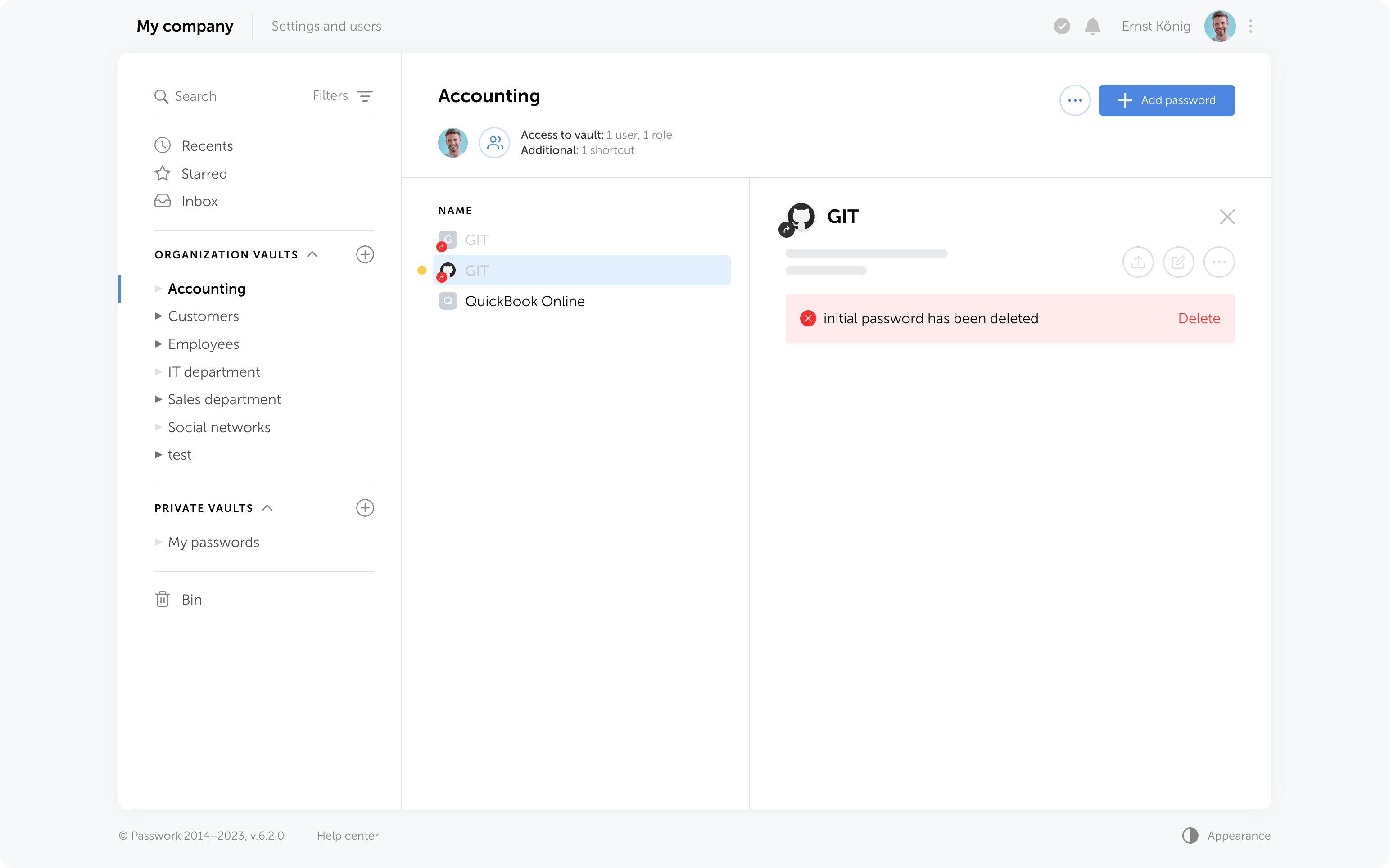
Added an option to view the action history for shortcuts linked to deleted passwords
Added the option to navigate to a shortcut's directory from additional access modal windows, provided users has access to the specified directories
Added an empty state for the data export modal window
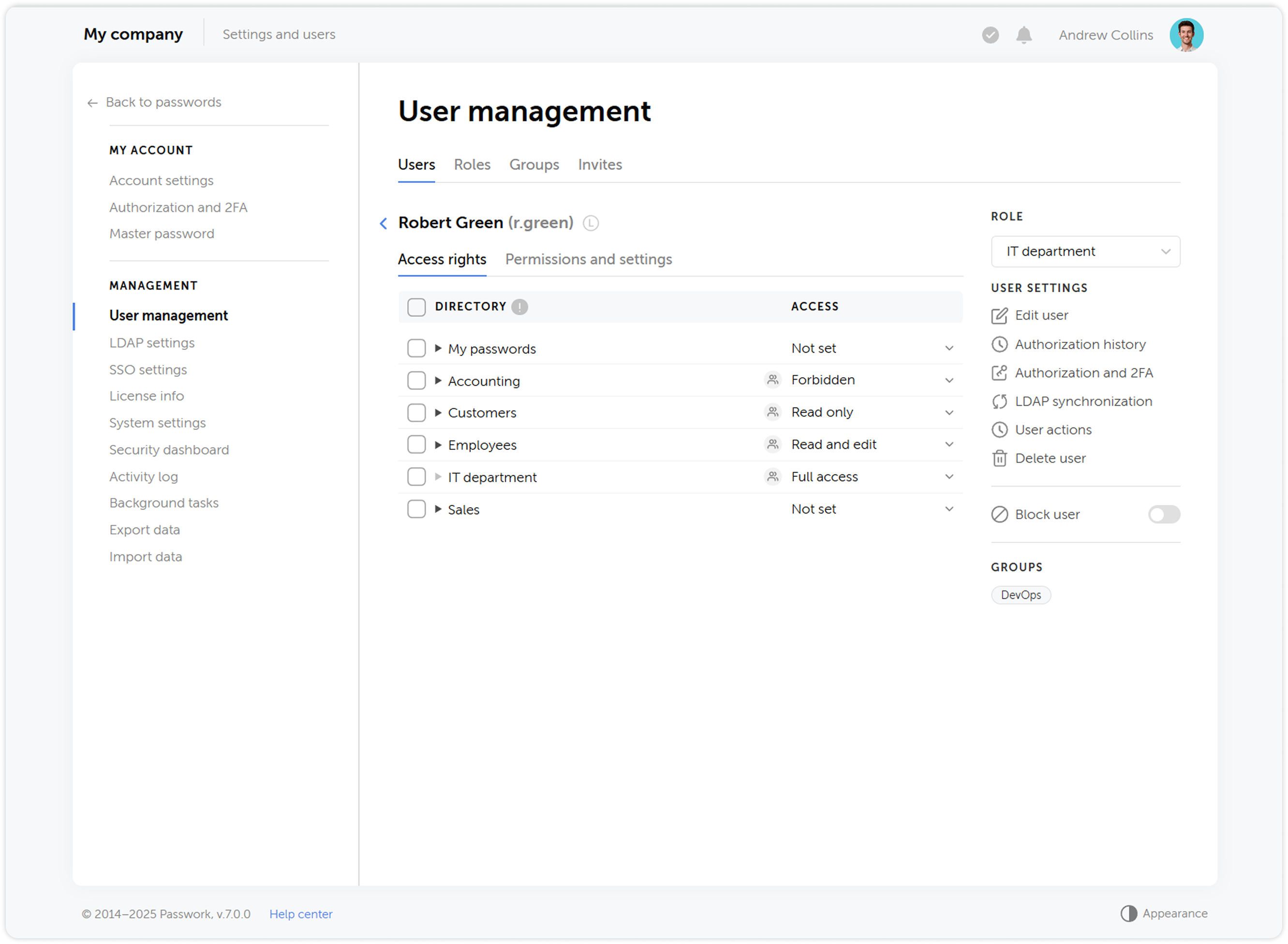
Disabled checkboxes for directories in User management if the user has Full access or lower permissions for them
Updated the appearance of deleted shortcut card
Bug fixes
Fixed an issue where the master password reset button in the Authorization and 2FA modal window did not work correctly when local password authorization was disabled
Fixed an issue where users could see the Assign as owner button when changing another user's role, but attempting to assign ownership resulted in an Access denied message
Fixed an issue where opening a password caused the current directory selection to disappear in the navigation panel
Fixed an issue where the 2FA connected event was logged in Activity log before the 2FA connection was confirmed
Fixed an issue where not all groups and roles were displayed in filters
Fixed an Access denied error when attempting to navigate from a shortcut to the initial password in a vault with Read and edit access level
Fixed an error that occurred when opening the password context menu if the TOTP field contained an OTPAuth URI
Fixed an issue where deleting a password via API or by another user did not trigger a redirect to the Recents page in the web version
Fixed an issue where enabling/disabling the Automatically clear background task history setting caused the task to appear in the scheduler only after refreshing the page
Fixed an issue where a folder continued to display in its original directory after being moved until the expanded directories in the navigation panel were collapsed/expanded
Fixed an issue where creating a new vault caused expanded directories in the navigation panel to collapse
Fixed an issue where not all users were displayed in the user addition window for a vault
Fixed an issue where the cancel button did not clear the DN for finding groups in AD/LDAP field when adding an LDAP server
Fixed an issue where the system notification about resetting the authorization password did not automatically disappear
Fixed an issue with resetting selected roles, groups, and invitations in user management when the search query was empty
Fixed an issue where the group filter was reset after clearing the role filter
Fixed an issue where nested elements in the navigation panel collapsed after creating a new vault
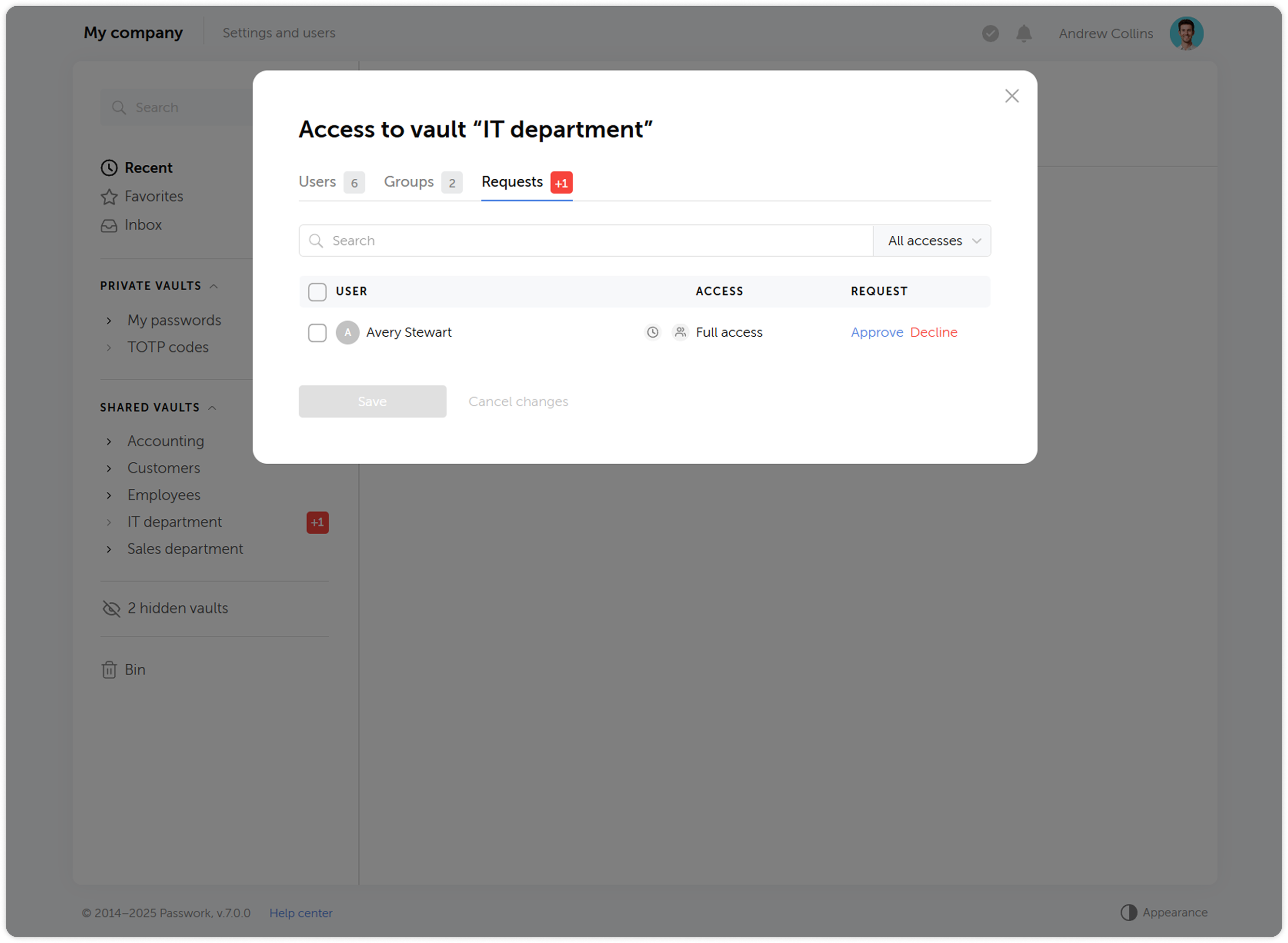
Fixed an issue with incorrect display of some icons on the vault access request tab
Fixed incorrect font in directory names
You can find all information about Passwork updates in our release notes
In the new version, we’ve improved sorting algorithms for vaults, passwords, and shortcuts, extended settings for authorization password policies, and made numerous improvements to the UI and localization.
Improvements
Added new settings Restrict password reuse and Password history length to the authorization password complexity policies
Added an option to navigate to the initial password directory from the Recents and Favorites
Added tooltips for long group, folder, password, and shortcut names
Prevented creation of additional fields with duplicate names or names already used in system fields — identical names with different cases are allowed
Improved filters in User management and Activity log
Improved the UI, dark theme, and localization
Bug fixes
Fixed sorting of vaults, folders, passwords, and shortcuts in Favorites, Inbox, Search, and Bin
Fixed an issue where the SMTP password field sometimes displayed Empty even though a password was set
Fixed an issue where trying to open a password with a lot of characters in the Password field prevented cards from opening and users were redirected to the Recents
Fixed an issue where a prompt to change the local password sometimes appeared after logging in via LDAP
Fixed an issue where the Master password complexity policy settings appeared in role settings when the client-side encryption was disabled
Fixed an issue where some system notifications were not sent to administrators and users with permission to view them
Fixed an issue where manually imported data was reset when returning to data mapping
Fixed incorrect display of access levels in the System settings changed event
Fixed sorting by date in the Bin
You can find all information about Passwork updates in our release notes
In Passwork 7, we improved everything: completely rewrote the code using the latest technologies, implemented a full-fledged API, updated the interface, redesigned groups and roles, abandoned the automatic addition of system administrators to vaults, and made access rights management even more flexible. This will significantly enhance the convenience of administration and password management, as well as greatly accelerate the development of new features.
Updated interface
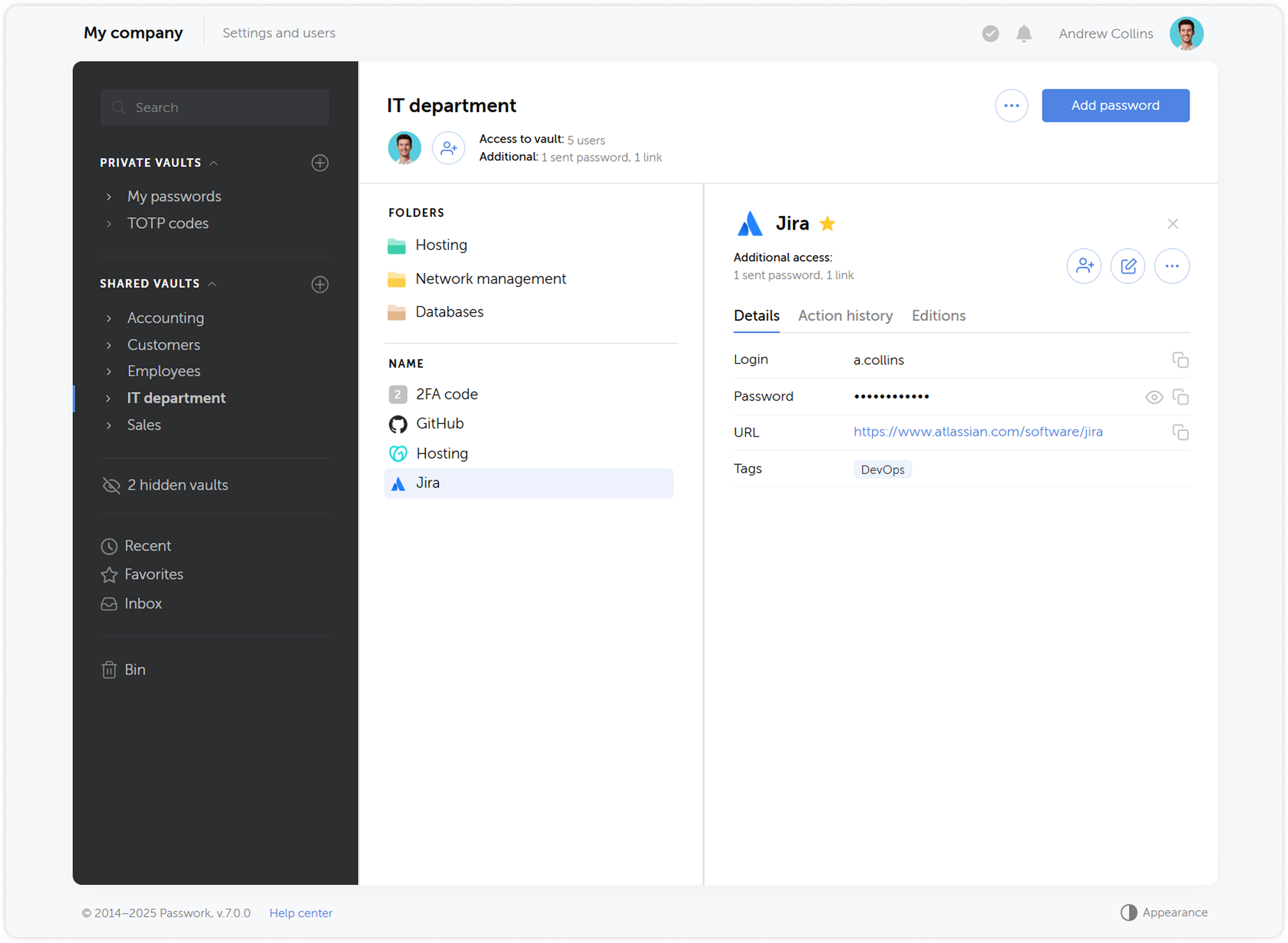
We redesigned the Passwork interface and updated all key sections — took into account many requests and fixed logical and functional errors while preserving the familiar convenience of working with passwords. We also added the ability to customize column widths and move interface elements — each user will be able to adapt it to their needs.
Expanded API functionality
We significantly expanded the API functionality — now it allows full interaction with all Passwork features: from copying passwords to managing users and security settings.
To simplify working with the API, we prepared an official Python connector — a developer library that allows integrating Passwork with applications and scripts in Python, and the Passwork-CLI utility, which enables working with the API from the command line.
Instead of API keys, tokens are now used — a more modern and reliable way to access the system. In addition, API access settings have been moved to the role page.
New backend and frontend
We completely updated the code using more modern methods — this will improve performance and simplify the initial installation of Passwork. Moreover, the new code will become the basis for developing desktop applications and will significantly speed up the introduction of new features.
User roles
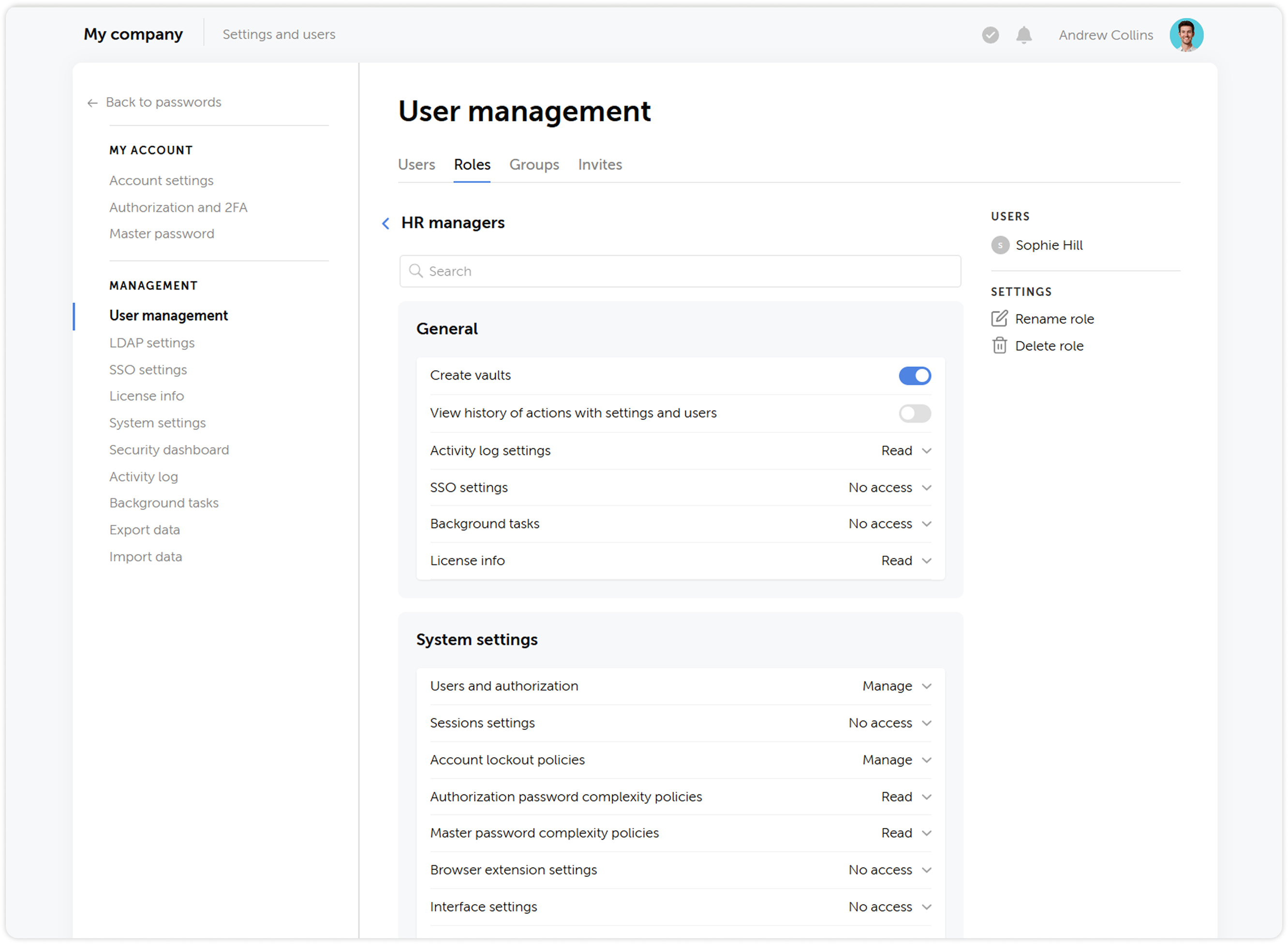
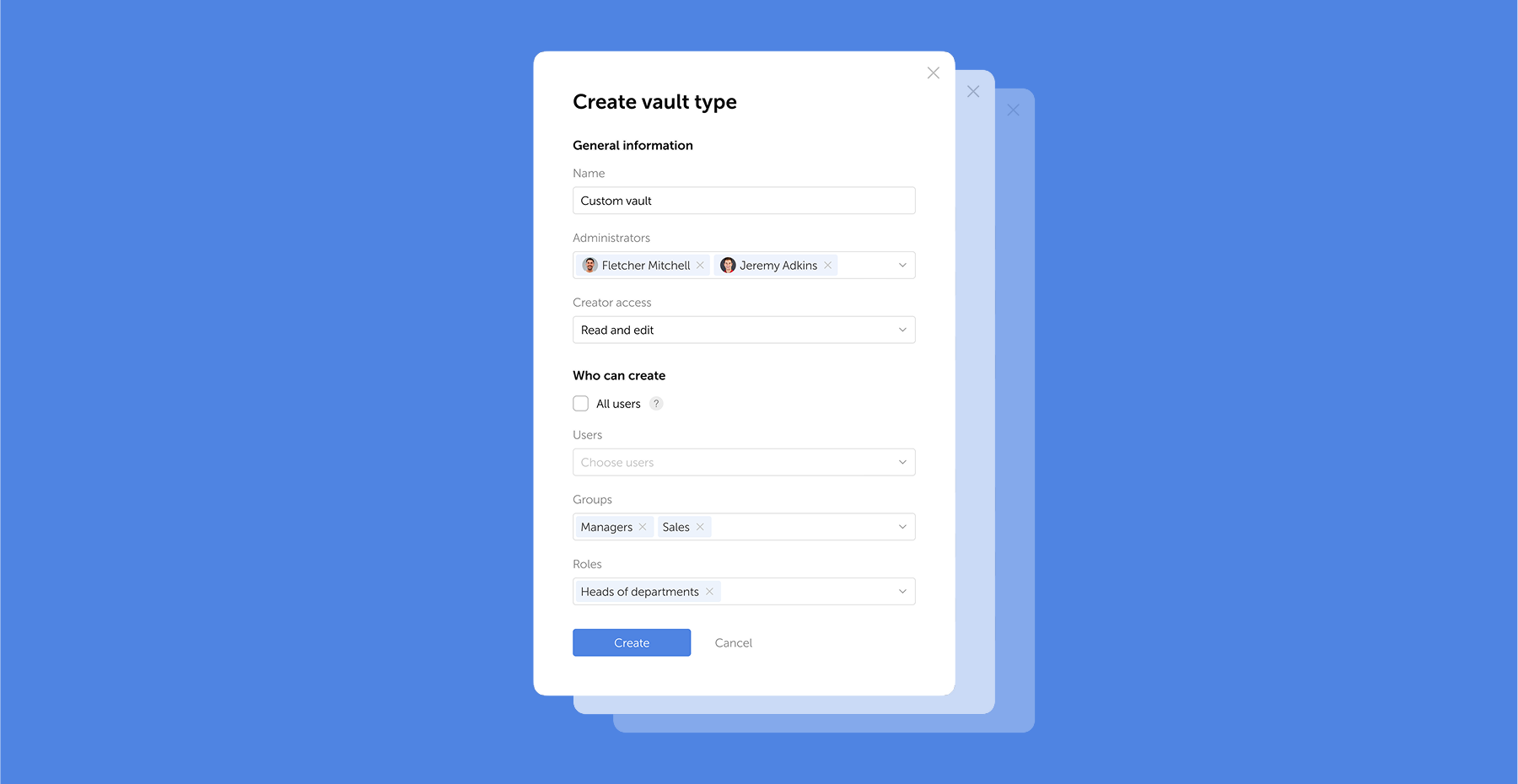
We updated the status system by combining administrative rights and user settings, and renamed them to Roles — now, instead of two standard statuses Administrator and Employee, you can create an unlimited number of roles with individual rights and settings.
User groups
What was called Roles in previous versions has been renamed to Groups, making the user management process more intuitive and closer to common standards, such as those used in Active Directory. Groups allow restricting user access to vaults based on certain privileges.
Updated vault structure
We simplified the vault structure — instead of organization vaults and personal vaults, users will be able to create private vaults. A private vault becomes shared when other users are added to it. At the same time, administrators are no longer automatically added to new vaults.
The updated vault structure ensures reliable encryption and offers new possibilities for password management, making the process more convenient and secure.
Vault access confirmation
When adding users to groups, they will no longer automatically receive access to other users' vaults — access will require confirmation from the vault administrator. Users who gained access to a vault during LDAP synchronization also need to be confirmed. This provides additional control and prevents unauthorized access to vault contents.
Changing access levels
We’ve reworked the access level system and introduced a number of changes to some of them:
Navigation level has been replaced by an ability to view all parent directories of the folder the access level is applied to
Users with the Full access level now can view access levels of other users, manage additional access, view the history of changes within the directory and analyze passwords available to them via Security dashboard
Added the ability to assign administrative rights to users in folders. The Administration access level is inherited by child folders without the ability to change it
History of actions and notifications
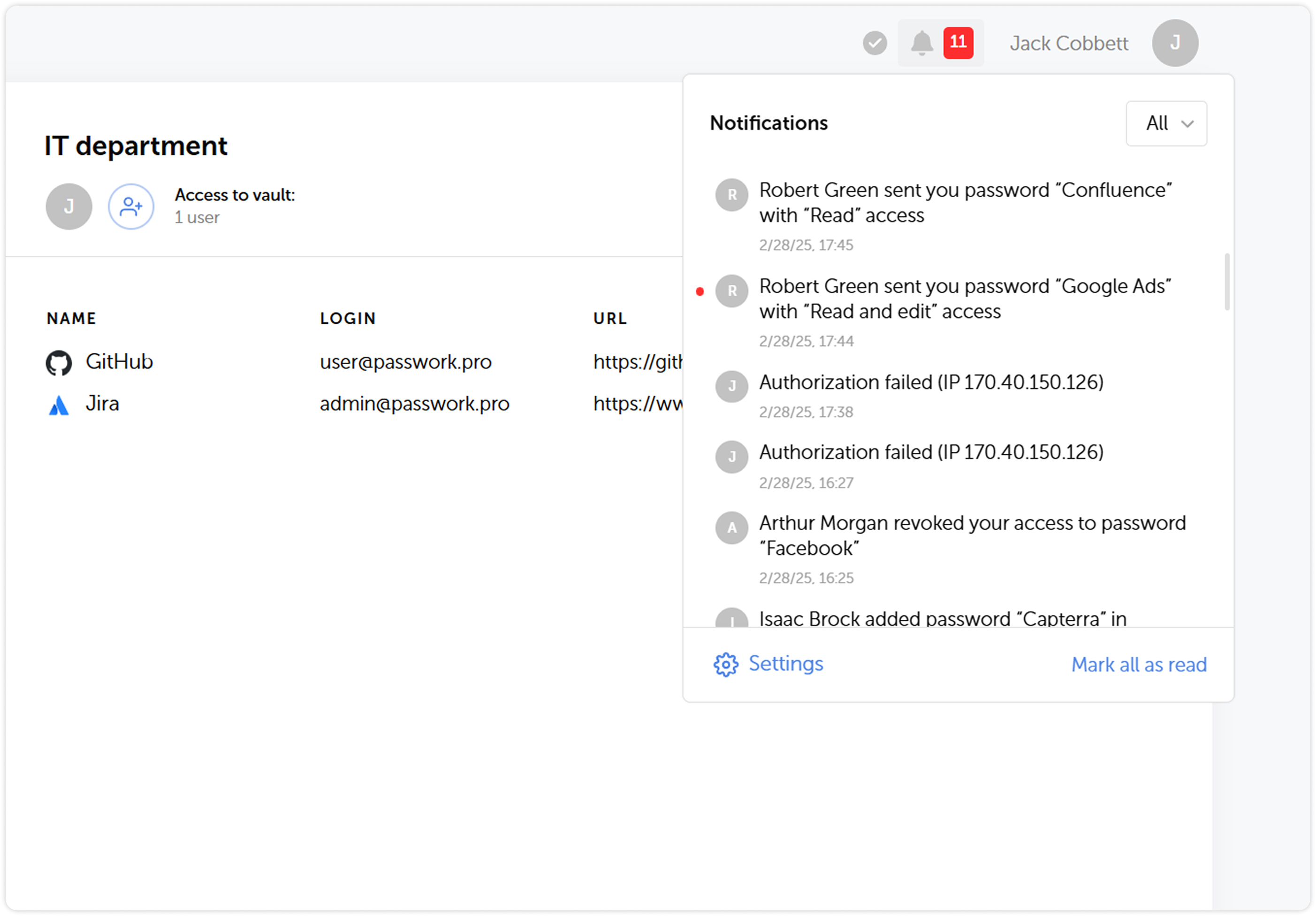
We’ve expanded the list of actions that are logged, updated their descriptions and completely reworked the notification system. Soon after the release we are going to introduce notification settings, which will add flexibility to keeping track of important changes and user actions.
Using shortcuts
In order to enhance security, we’ve made some changes to the way shortcuts work:
It is now impossible to copy shortcuts for passwords which don’t allow shortcut creation
Folders which include shortcuts unavailable to a user will now be copied without them
Adding tags to passwords
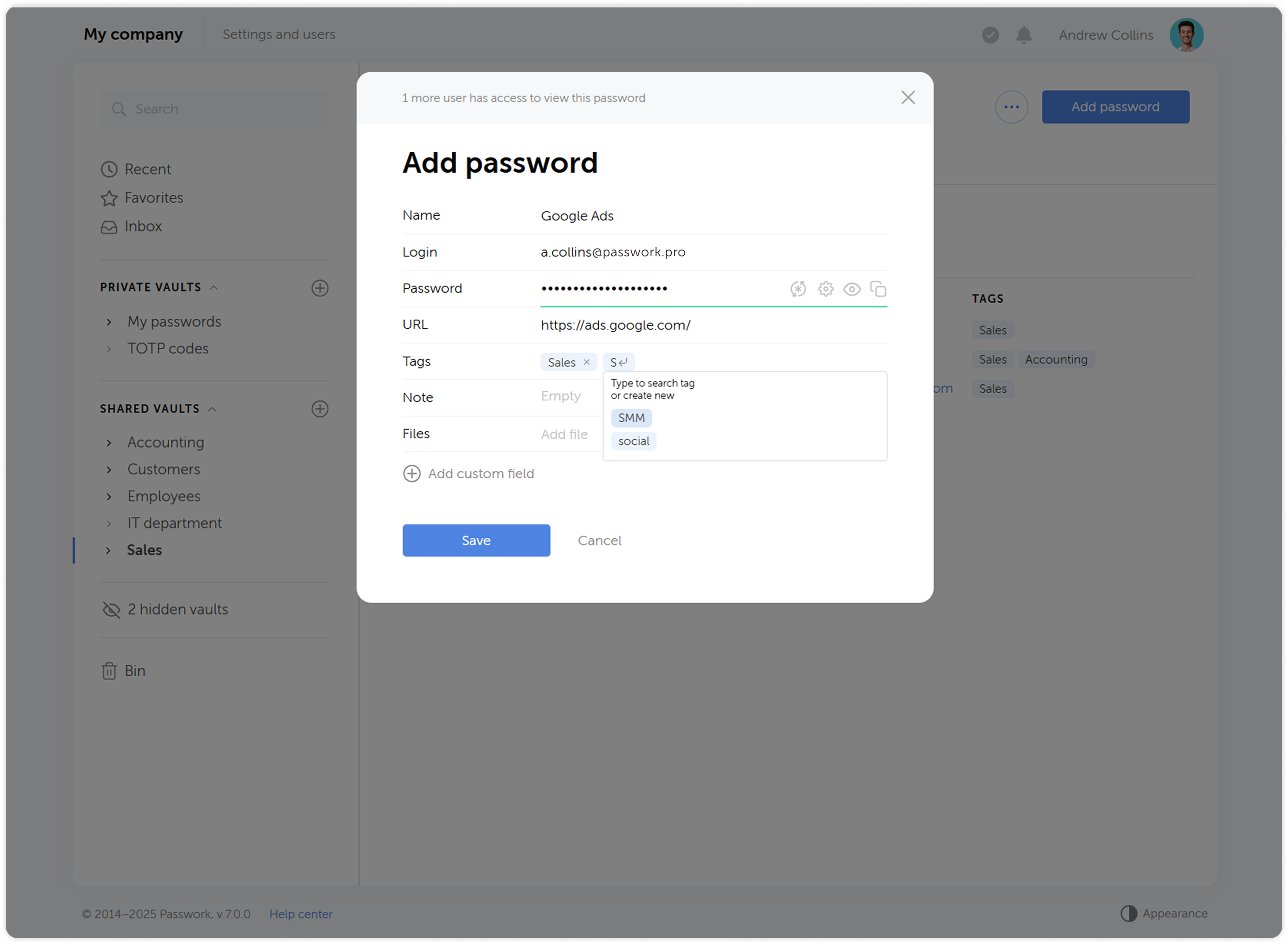
Now when you create or edit a password, you will be able to pick a tag from a list of already created ones. This has an added benefit of preventing creation of tags with the same name (sales ↔ Sales, etc.). When selecting tags, only those available in the user's vaults will be displayed.
Changes to 2FA reset flow
When you reset your authorization password, two-factor authentication now won’t be reset along with it. Users won’t be able to reset 2FA without a successful login, which increases security.
Account locking option
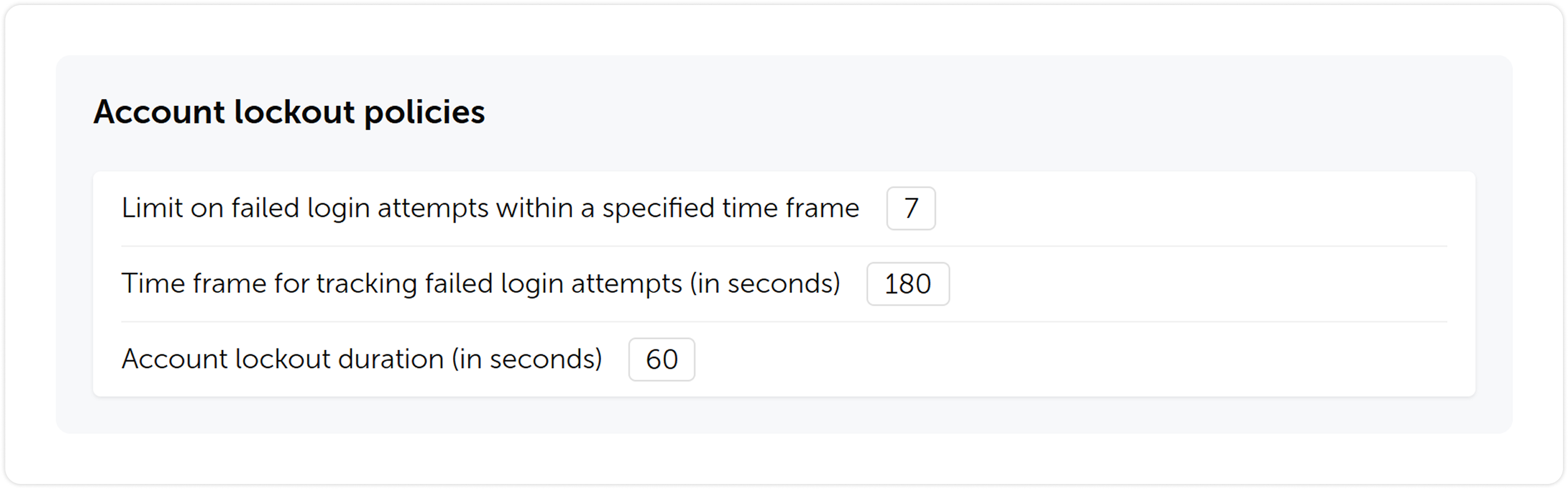
We’ve introduced an account locking feature. You will be able to set a limit on failed login attempts, timeframe for tracking the failed attempts and lockout duration.
Other changes
Tidied settings up by making their structure more clear
Added automatic retrieval of email and name from single sign-on systems (SSO)
Added settings for automatic clearing of sessions, notifications and background tasks
Added the ability to enable a system banner that will be visible to all Passwork users. You can use it for important notifications, alerts or instructions
Added an ability to choose a time zone and date & time format
Updated filters in key sections for faster and simpler search
Upgrading to Passwork 7
To upgrade to version 7.0, you’ll need to update your Passwork to version 6.5, migrate your data, and confirm this in the customer portal. Upgrade instructions can be found here.
We recommend exploring the new features and data migration specifics in a test environment before updating your self-hosted version. For testing, you can deploy Passwork 7 on a separate server — this will allow you to review all the changes in the new version without affecting your current working environment.
Passwork 6.4, we have introduced a number of changes which enhance our browser extension security, make user permissions settings more flexible, and improve the logging of settings related changes:
Mandatory extension PIN code
Logging of all changes related to settings
User access to history of actions with passwords
Automatic updating of LDAP group lists
Mandatory extension PIN code
With the new setting ‘Mandatory PIN code in extension’, administrators can set a mandatory browser extension PIN code for all users, minimizing potential unauthorized access. Once enabled, users who have not yet set a PIN code will be prompted to do so upon their next login to the extension. Users will be able to configure their auto-lock timeout and change the PIN code, but they cannot disable these functions.
The ‘Mandatory PIN code in extension’ setting is located in the ‘API, extension and mobile app’ section of the System settings
Logging of all changes related to settings
Now all changes in the Account settings, User management, LDAP settings, SSO settings, License info, and Background tasks are displayed in the Activity log.
All changes related to settings logged in the Activity log in the Settings and users
History of actions with passwords
The new setting ‘Who can view the history of actions with passwords’ makes it possible for vault administrators to let other users view password history, password editions, and receive notifications related to their changes. Previously, these features were available only to vault administrators.
You can customize this feature in the Vaults section of the System settings
Automatic updating of LDAP group lists
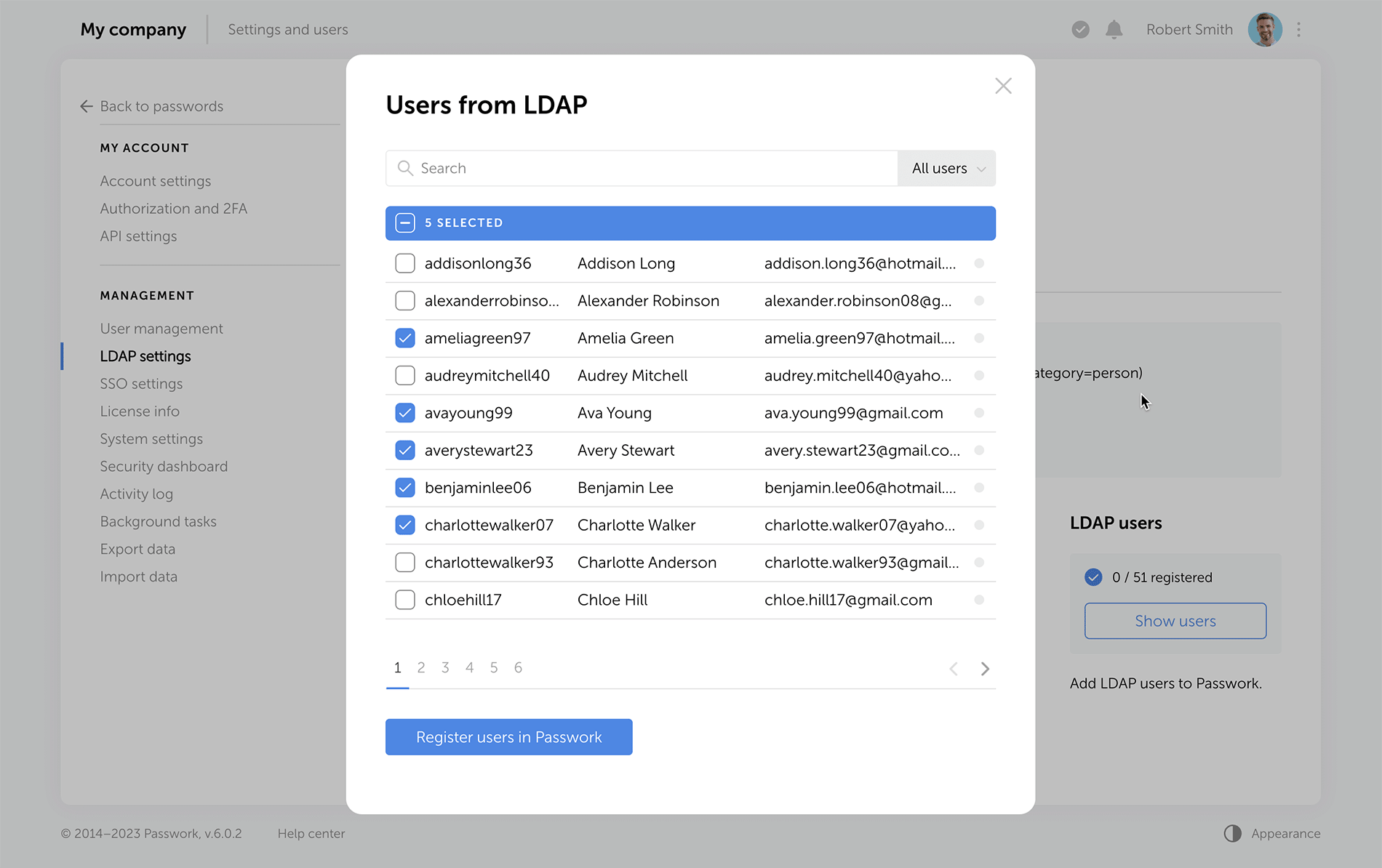
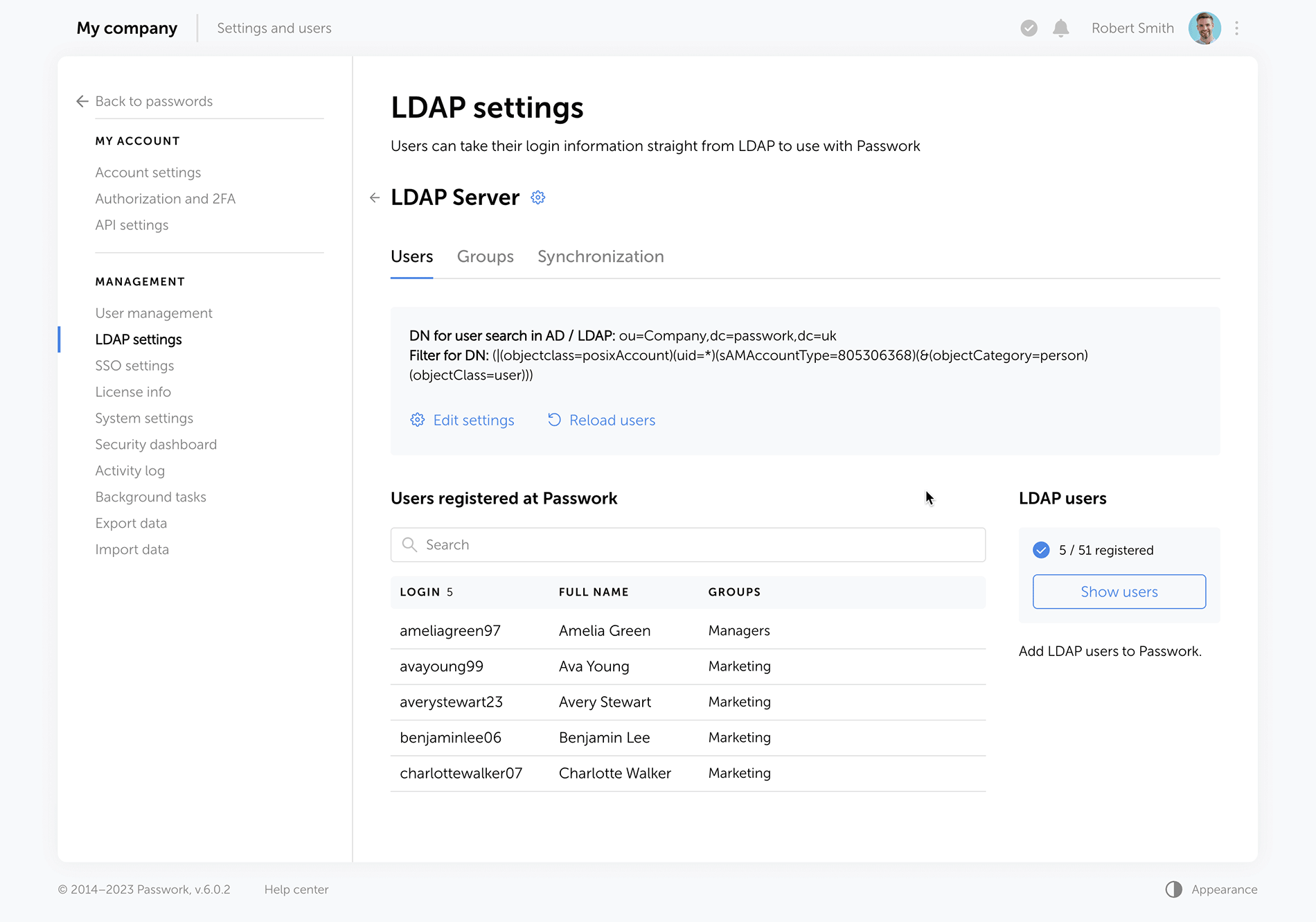
Automatic updating of LDAP group lists can now be configured on the Groups tab in the LDAP settings. The update is performed through background tasks with a selected time interval.
To configure LDAP group list updates, select LDAP server, go to the Groups tab, and click the Edit settings button
Other improvements
Added pop-up notifications when exporting data or moving data to the Bin
Improved display of dropdown lists on the Activity log page
Changed time display format of the ‘Automatic logout when inactive’ and ‘Maximum lifetime of the session when inactive’ settings
Changed the Enabled / Disabled dropdown lists on the System settings and LDAP settings pages with toggles
Increased minimum length of generated passwords to six characters
Bug fixes
Fixed an issue in the Password generator where selected characters were sometimes missing in the generated password
Fixed an issue where local users could not independently recover their account password when an LDAP server was enabled
Fixed an issue where local users could not register in Passwork when an LDAP server was enabled
Fixed an issue which occurred after moving a folder with shortcuts to another vault and shortcuts not being displayed in the new vault
Fixed an issue that occurred when trying to move a shortcut found in search results without opening any vaults right after logging into Passwork
Fixed an issue that occurred when trying to copy a password found in search results without opening any vaults right after logging into Passwork
Fixed an issue that occurred when a password was sent to another user and remained on the recipient's Recents and Starred pages after the initial password was moved to the Bin
Fixed the value in the time field for the ‘API key rotation period (in hours)’ setting which was reset to zero after disabling it
Fixed incorrect event logging in the Activity log after changing folder permissions
Fixed incorrect text notification about assigning access rights to a user through a role
Fixed incorrect tooltip text when hovering over the username of a recently created user
Fixed incorrect display of long invitation titles
Removed the local registration page when the LDAP server is enabled
In Passwork 6.3, we have implemented numerous changes that significantly improve organization management efficiency, provide more flexible user permission settings, and increase security:
Administrative rights
Hidden vaults
Improved private vaults
Improved settings interface
Administrative rights
Available with the Advanced license
Now there is no need to make users administrators in order to grant them specific administrative rights. This option is a response to one of the most frequent requests from our customers.
Administrators can grant only those rights or permissions that are necessary for users to fulfill their duties and flexibly customize access to settings sections and manage Passwork. For instance, you can grant employees the right to create and edit new users, view the history of user activity, track settings changes, while restricting access to organization vaults and System settings.
You can configure additional rights on the Administrative rights tab in User management. There are four settings sections to flexibly customize Passwork for your business:
General In this section, you can grant users access rights to manage all existing and new organization vaults, view the history of actions with settings and users, access license info and upload license keys, view and modify the parameters of SSO settings and Background tasks.
User management In this section, you can grant users access rights to view and modify User management parameters. This includes performing any necessary actions with users and roles, such as creating, deleting, and editing users, changing their authorization type and sending invitations.
System settings In this section of settings, you can grant users the right to view and modify specific groups of System settings.
LDAP settings In this section, you can grant users the right to view and modify LDAP parameters which include adding and deleting servers, registering new users, managing group lists, viewing and configuring synchronization settings.
Activity log The event of changing user administrative rights has been added to the Activity log. All changes are now recorded in the Activity log, that includes the users who initiated such changes as well as each setting that was modified with its previous and current values.
Interface improvements
Users with additional administrative rights are marked with a special icon next to their user status.
Some items remain unavailable until the necessary settings have been activated. When hovering your cursor over such items, a tooltip with information regarding dependent settings will be displayed.
Hidden vaults
In the previous versions of Passwork only organization administrators were able to hide vaults. Also, only organization vaults could be hidden. In this new version, all users can hide any vaults. Hiding makes vaults invisible only to the users who choose to do it and does not affect others.
Hidden vault management is now carried out in a new window, which is available directly from the list of vaults. You can view the list of all available vaults and customize their visibility there.
Private vault improvements
Displaying private vaults in User management Besides hiding private vaults, employees with User management access can now see all vaults which they administer (including private vaults). The new feature which makes it possible to add users to private vaults has also been added to User management.
Logging of events in private vaults Private vault administrators can view all events related to their vaults in the Activity log.
Other changes
Fixed an issue which prevented users from changing their temporary master password
Fixed an issue which prevented users from setting the minimum length for authorization and master passwords
Fixed an issue in User management which made administrator self-deletion possible
In Passwork 6.2 we have introduced a range of features aimed at enhancing your security and convenience:
Bin
Protection against accidental removal of vault
Protection against 2FA brute force
Accelerated synchronization with LDAP
Improved API settings
Bug fixes in role management
Bin
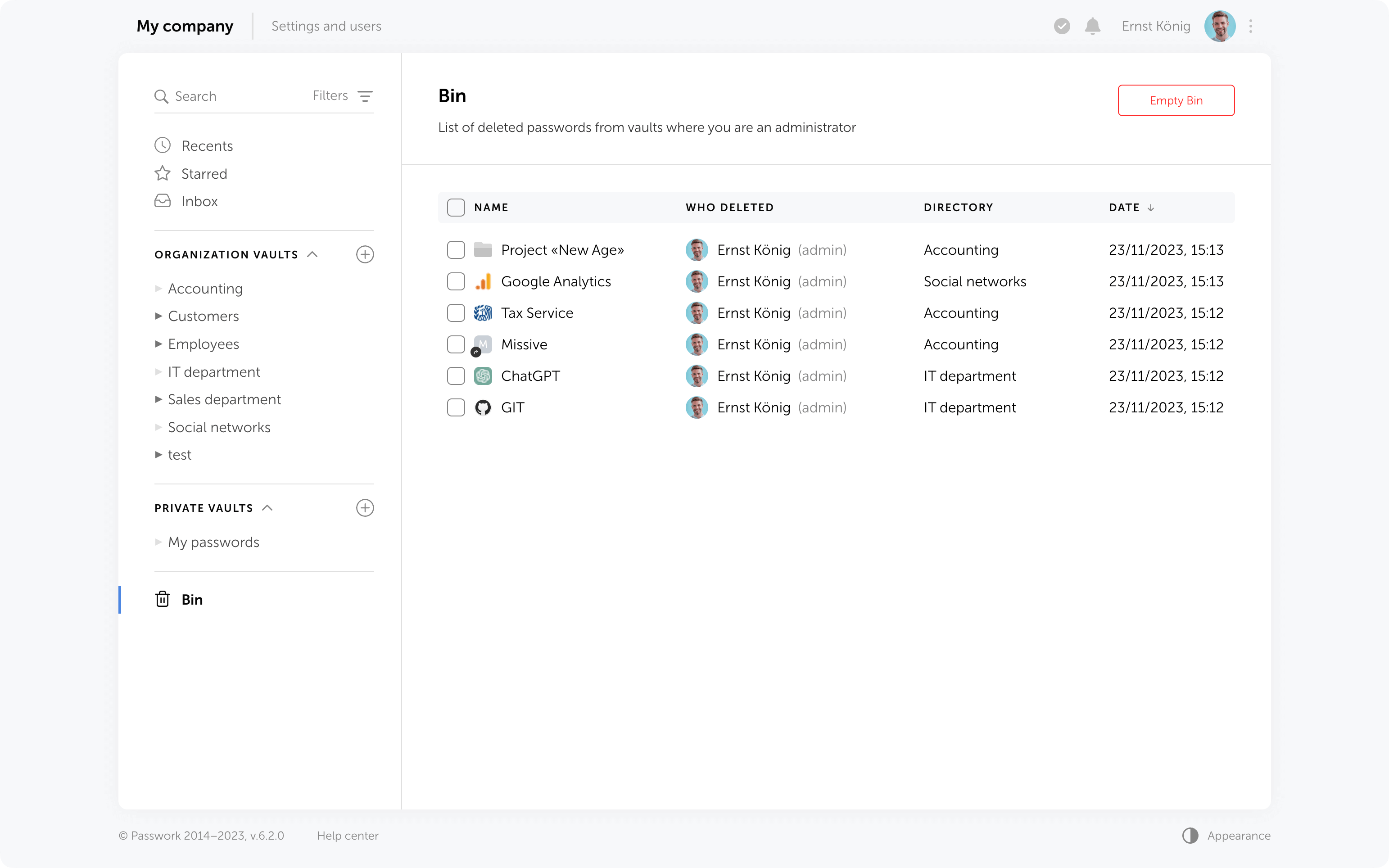
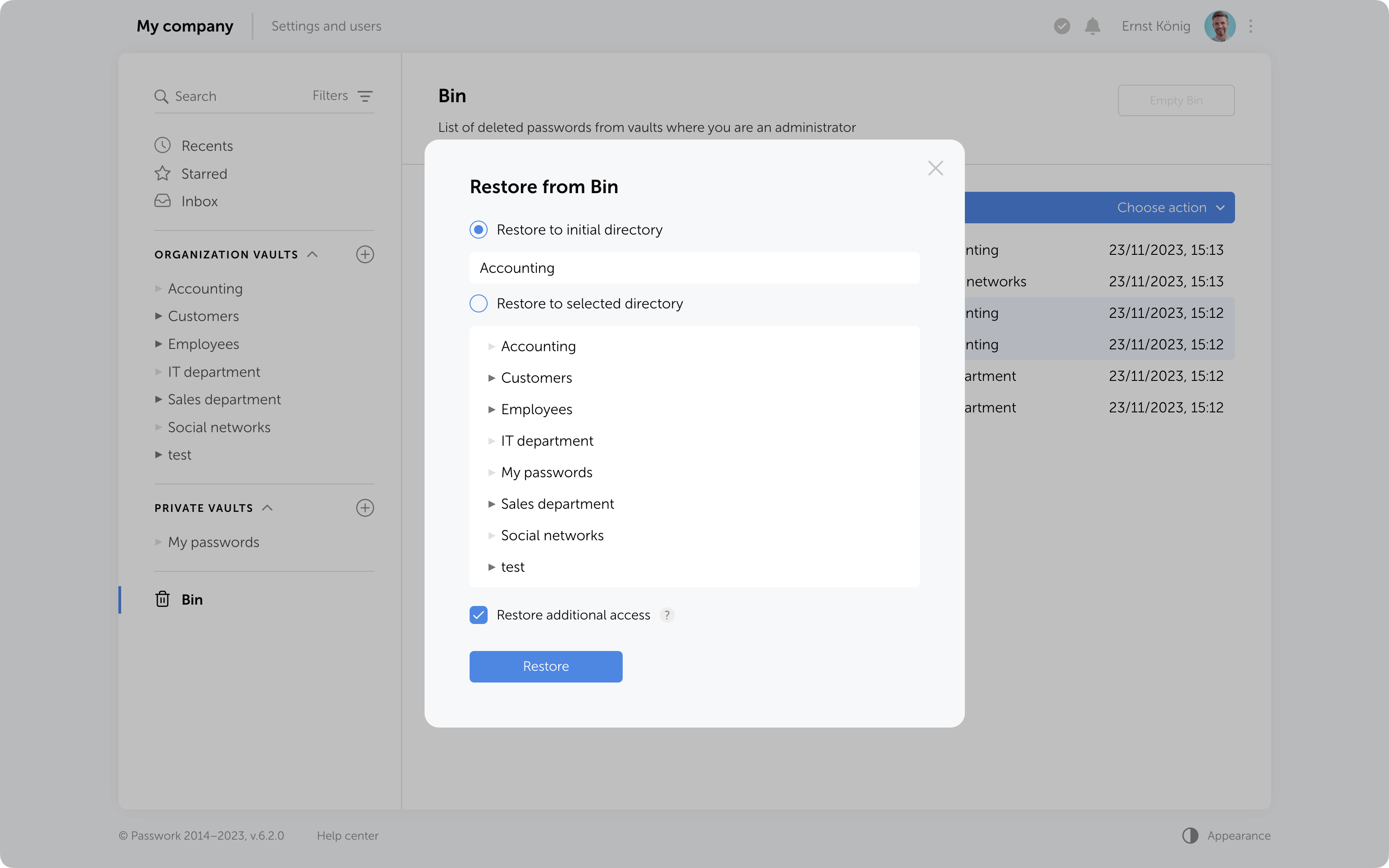
Now, when deleting folders and passwords, they will be moved to the Bin. If needed, they can be restored while preserving previously set access permissions. Vaults are deleted without being moved to the Bin — they can only be restored from a backup.
Who can view deleted passwords and folders in the Bin?
Inside the bin users can see the deleted items from those vaults in which they are administrators. For instance, an employee who is not an administrator of organization vaults will only see the deleted passwords and folders from his personal vaults when opening the Bin.
In addition to object names, the Bin also displays the usernames of people who deleted data. You can also see the initial directory name and the deletion date.
Object restoration
Objects from the Bin can be restored to their initial directory if it has not been deleted or moved. Alternatively, you can choose any other directory where you have edit and higher access levels.
When restoring deleted folders to their initial directories, user and role access levels will also be restored exactly as they were previously manually set in these folders. Other access permissions will be set based on the current permissions in the initial directory.
When restoring folders to a directory different from the initial, access levels will always depend on the current permissions in the selected directory.
Additional access to deleted passwords
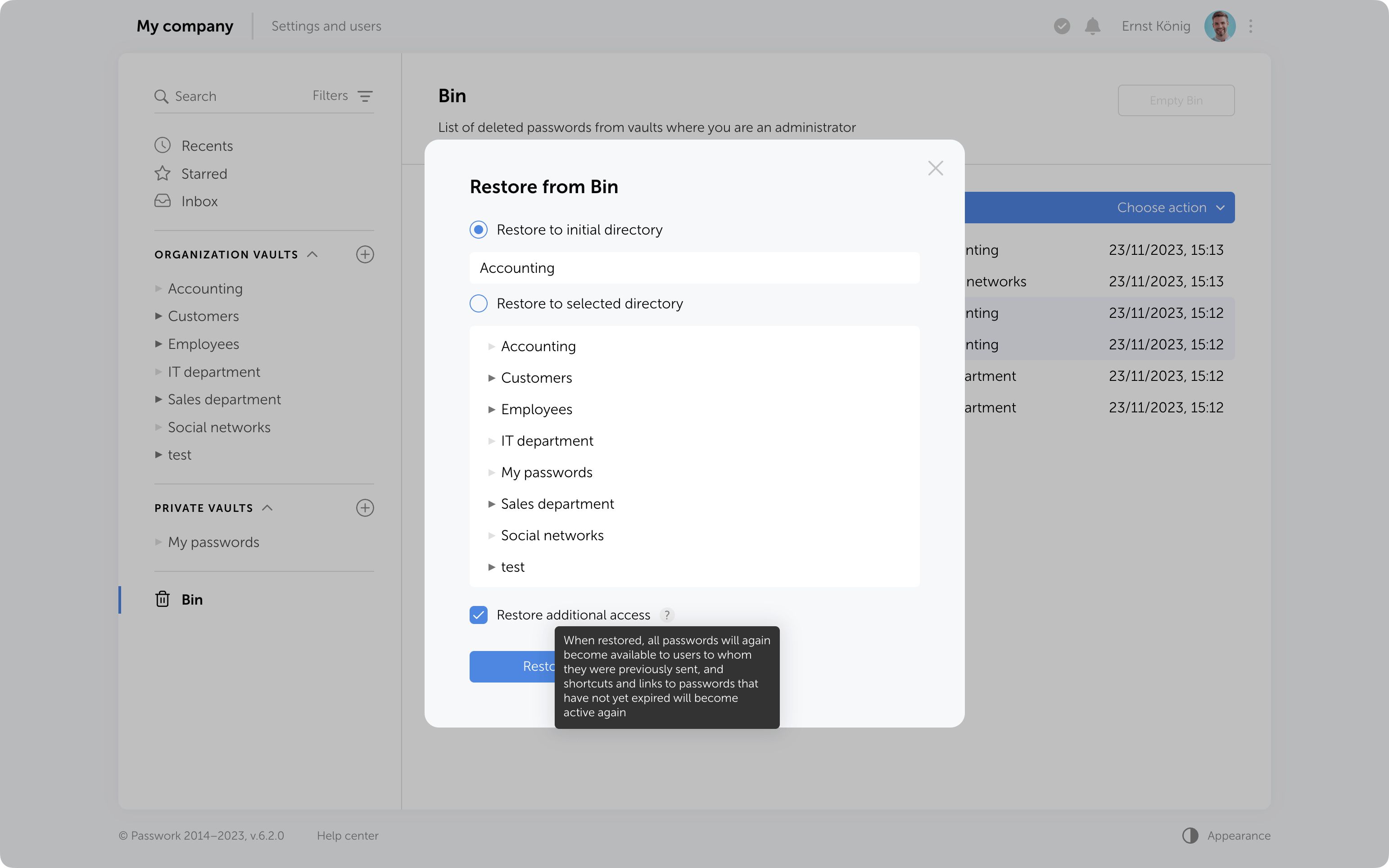
If passwords have been shared with users, moving them to the Bin will remove them from the “Inbox” section, and any shortcuts or links to these passwords will become nonfunctional.
Restoring additional access
When restoring from the Bin, it is possible to regain additional access levels to passwords. Passwords that were shared with users will reappear in their “Inbox” section, access to passwords through shortcuts will be restored, and links that have not expired will become functional again.
Bin cleanup
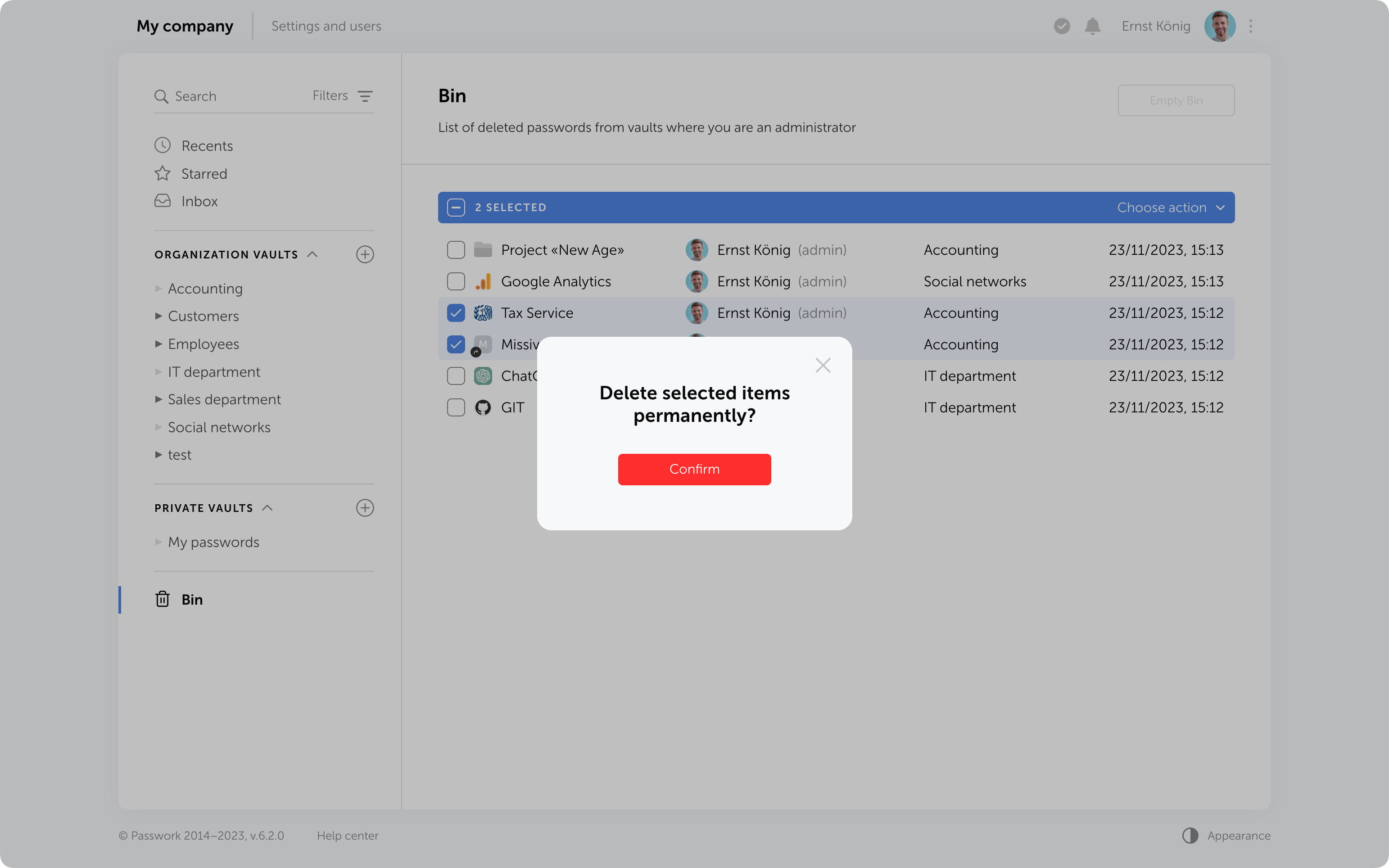
You can delete selected items from the Bin or use the "Empty Bin" button to remove all items contained inside.
It's important to note that in the Bin you only see the items which were deleted from the vaults where you are an administrator. Objects from other vaults are not visible, and clearing the Bin will not affect them.
In future, the option to configure automatic Bin cleanup will be added.
Protection against accidental removal of vault
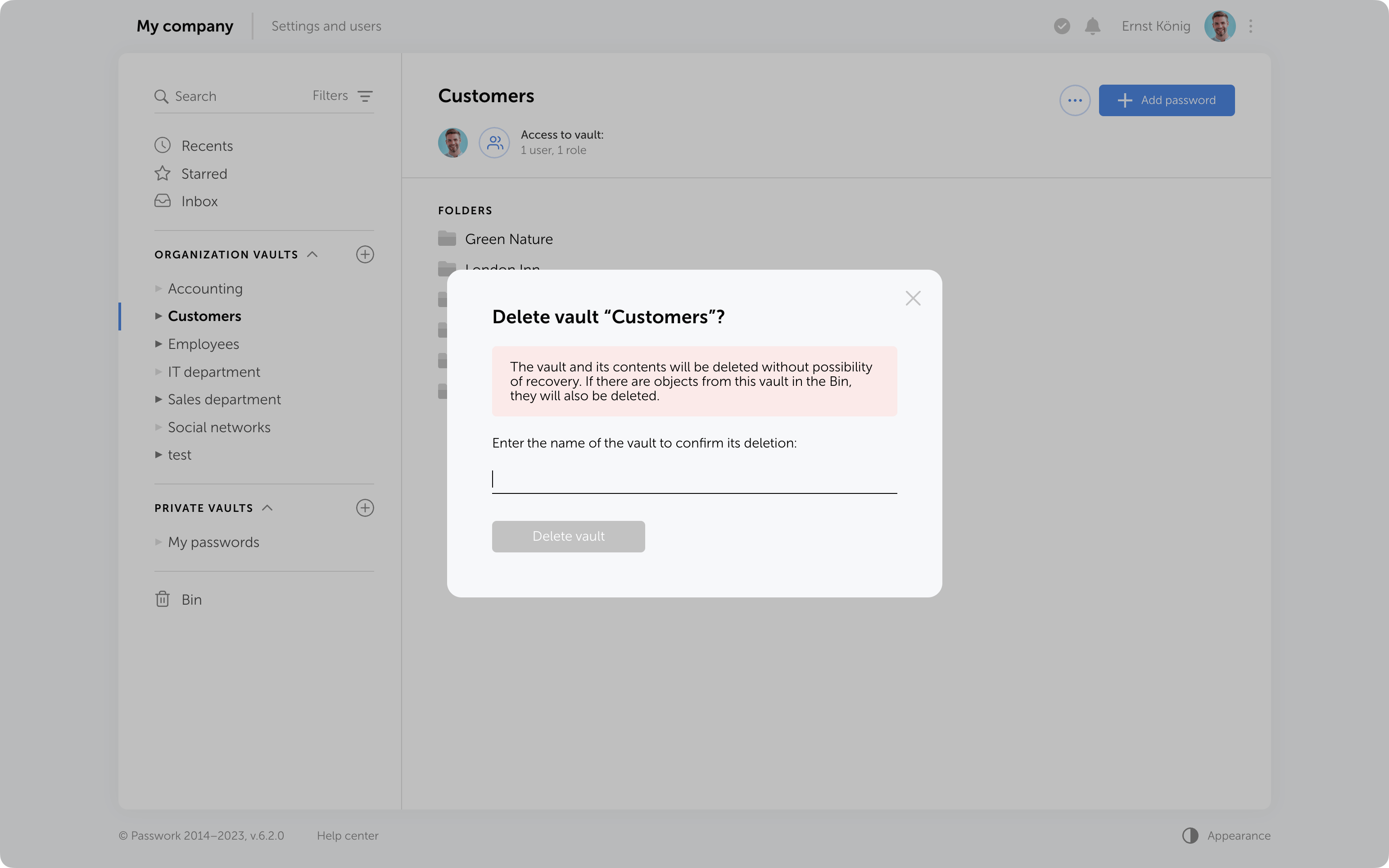
To confirm the deletion of a vault, you now need to enter its name. It will be permanently deleted along with all the data inside. Additionally, if there are passwords or folders from this vault in the Bin, they will also be removed.
Protection against 2FA brute force
Protection against 2FA brute-force attacks has been added. After several incorrect attempts to enter the 2FA code, the user will be temporarily locked. The number of attempts, input intervals, and the lockout time are set in the config.ini file.
Other changes
LDAP synchronization has been accelerated
Descriptions of parameters and minimum allowable values for API token expiration time and API refresh token expiration time have been added to the API settings section
Automatic assignment of "Navigation" to parent folders in role management has been fixed
The issue when a vault administrator could not add roles to a vault and manage its permissions has been fixed
The issue with showing additional access rights to passwords when moved to another vault has been fixed
This latest update demonstrates our focus on refining user experience and enhancing collaborative password management.
No longer will you need to create password copies in various vaults — we've introduced shortcuts. With these handy labels, you can easily organize access to passwords from different directories.
The new enhanced settings provide administrators with more control over configurations and user rights, and all changes require approvals, preventing any unintentional actions.
LDAP user management has now become simpler with its cleaner interface and background data updates.
In addition to that, Passwork 6.0 brings new notifications and interface improvements. All these enhancements contribute to a more comfortable user experience while ensuring the security of passwords and sensitive data.
Shortcuts
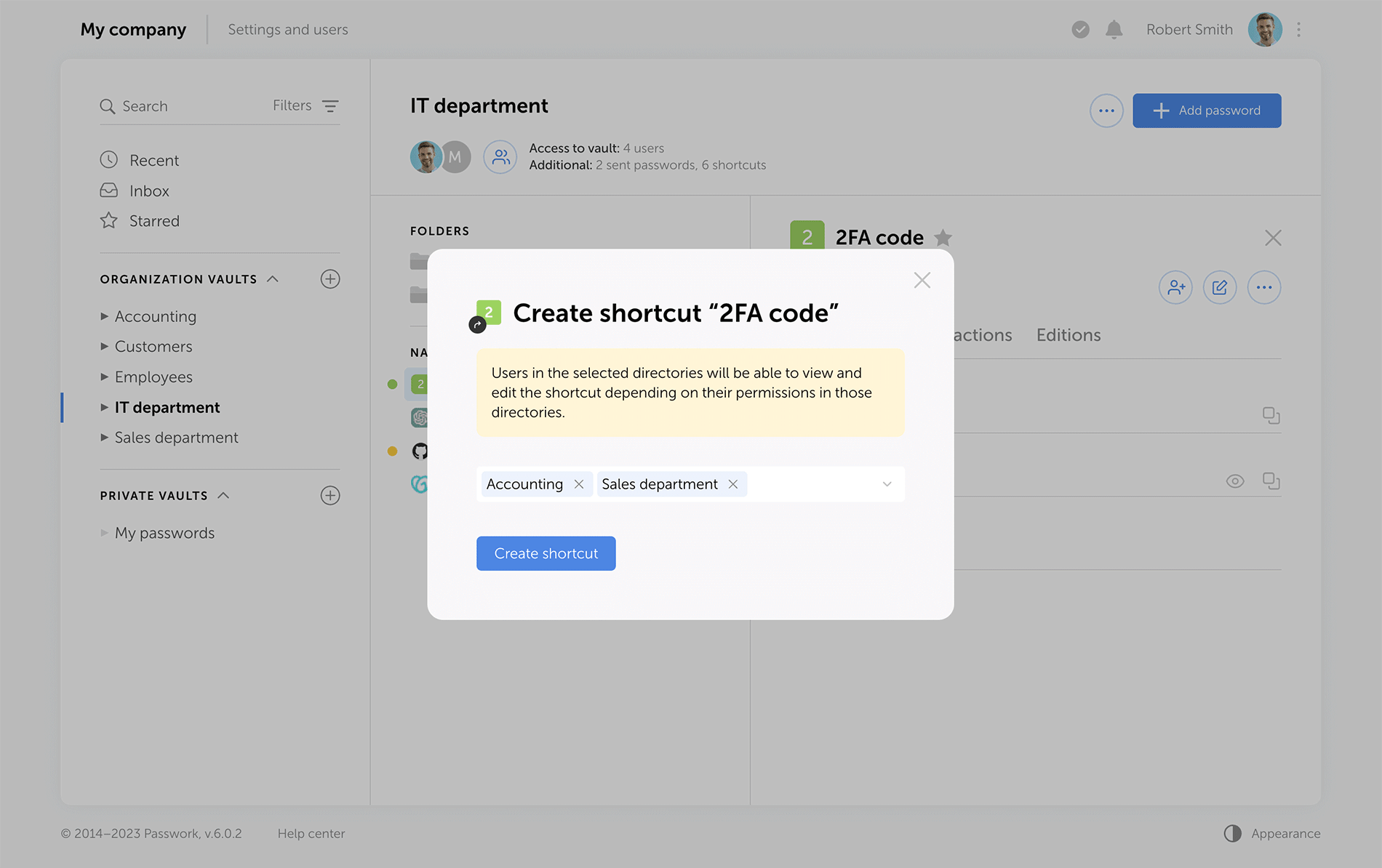
Shortcuts are a new way to share passwords, enhancing collaboration flexibility. There's no need for creating password duplicates in different vaults — instead, create multiple shortcuts in required directories. All changes to original passwords are reflected in shortcuts, keeping your team up to date. Users can view or edit data via shortcuts according to their access rights.
Choose the directories where you would like to create shortcutsView the complete list of shortcuts to passwords created in a specific vault
Sending passwords without granting partial access to vaults
Previous versions of Passwork encrypt passwords at the vault level. This type of encryption gives users partial access to vaults even when a single password is shared with them. Now, when users access passwords via their "Inbox" or a shortcut, they receive keys to specific passwords, but not their vaults.
Administrators can clearly see who has vault access rights, and who can only work with specific passwords.
Send passwords to users with necessary access rightsView the complete list of all passwords that were sent from a specific vault
LDAP
The LDAP interface is now cleaner and more intuitive, with a reimagined user management logic. Adding new LDAP users is simpler and safer, especially with the client-side encryption enabled.
Previously, admins had to add an employee and provide a master password. Now, users set their master passwords upon the first login, and admins confirm them afterwards.
The "Users" tab shows registered users, and there is a separate window for adding new ones. LDAP user data updates take place in the background, allowing admins to navigate elsewhere without waiting for data refresh.
View your LDAP user list and add users to PassworkSet up your LDAP integration in the updated interface
Passwork now provides more detailed security group information. The groups that are linked to roles are marked with special tags, and the groups which were not loaded from LDAP during the last update are marked as "Deleted", alerting admins to adjust the search settings or remove such groups. Also, you can now see the members of each security group.
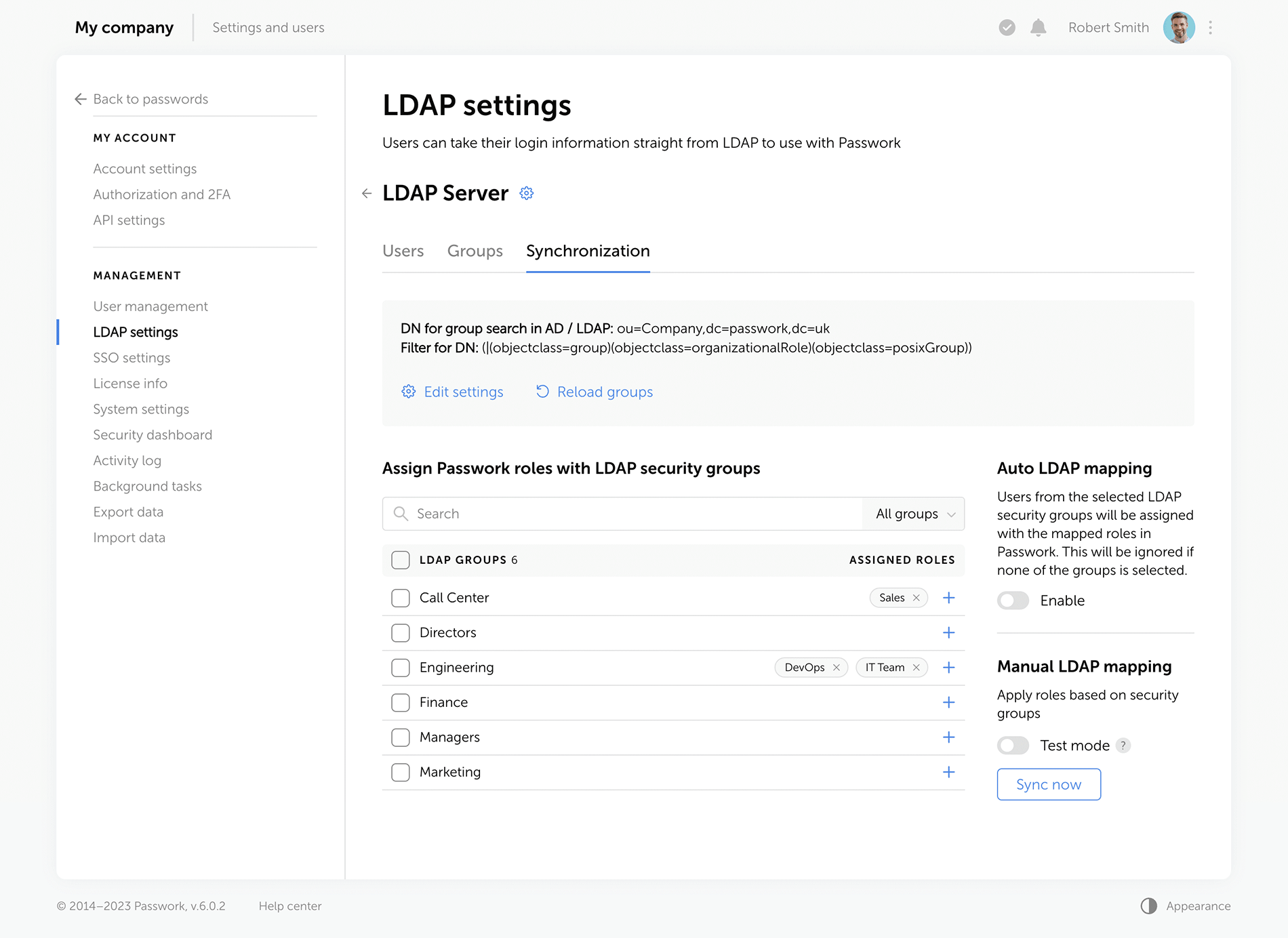
Map your LDAP groups with Passwork roles and set up their automatic synchronization
Improved settings
We've redesigned all settings sections for a unified visual style and enhanced functionality, reimagined the logics of some settings.
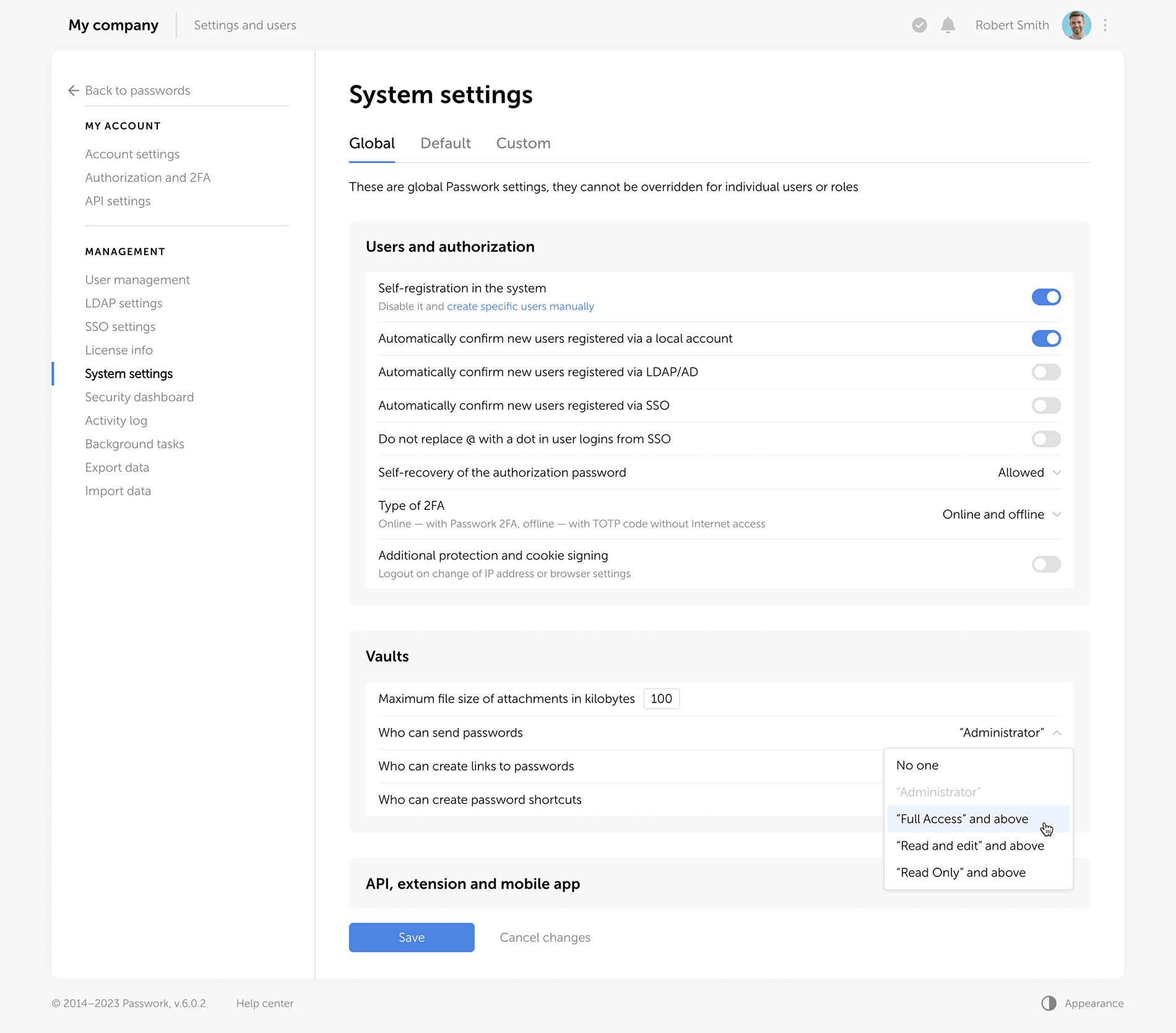
Rights for links, tags, and password sharing Previously, these settings were applied individually to each user. Now, they are applied to everyone with a certain level of vault access. For example, anyone with the “Edit” access rights or higher can create hyperlinks to passwords. These parameters are located in the system settings under the “Global” tab.
Change confirmation We've added “Save” and “Cancel changes” buttons in system settings. Now, any changes to settings must be confirmed — this helps to prevent accidental actions.
Custom auto-logout time Users can now set these parameters individually, and admins specify the maximum inactivity time period before automatic logout.
Language selection In the new version of Passwork, admins can allow employees to choose their interface language.
Choose the required access level which will make it possible to send passwords, create links and shortcuts
Interface enhancements
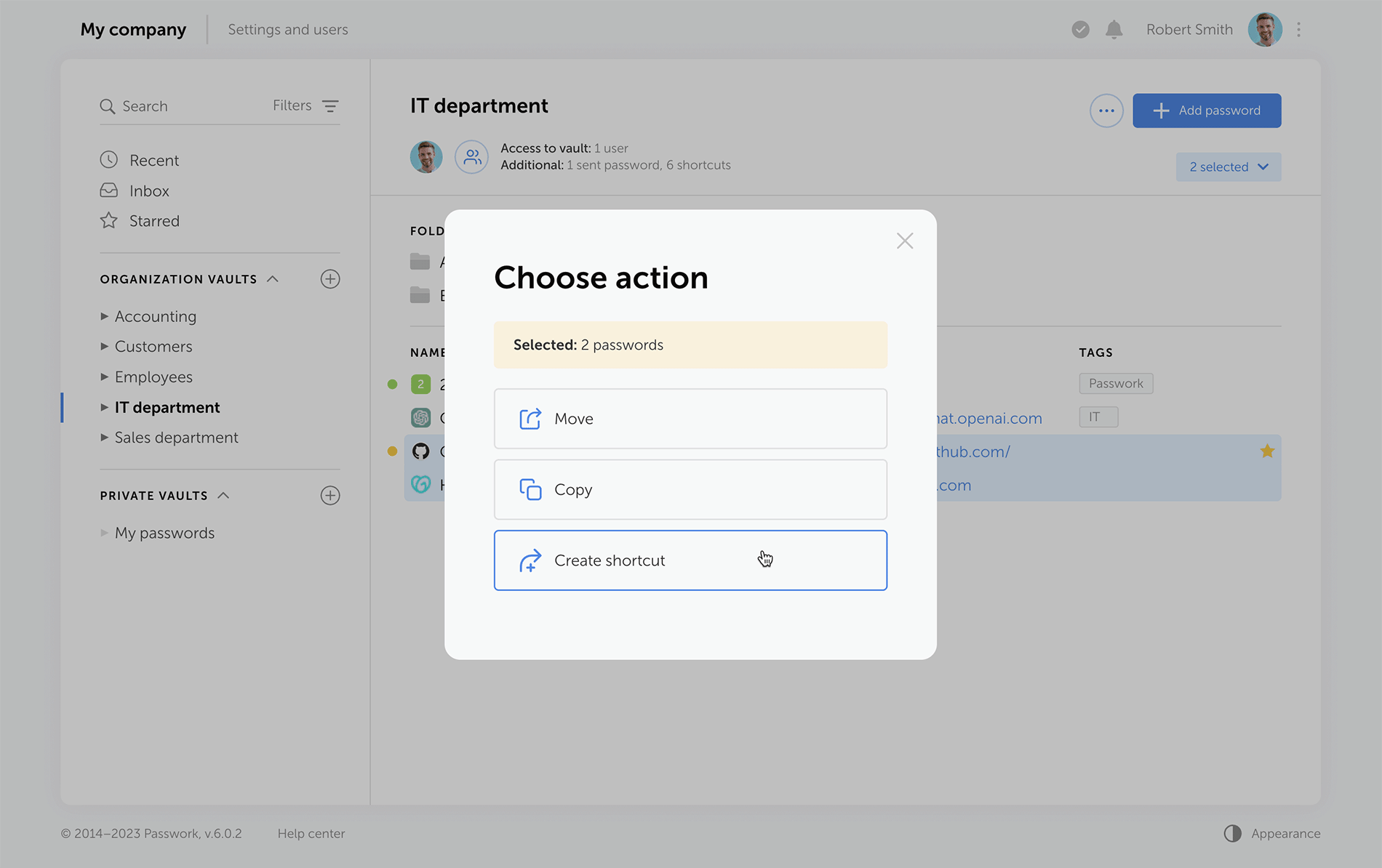
Improved drag and drop Now, when dragging and dropping passwords and folders into desired directories, Passwork displays selectable actions — move, copy, or create a shortcut.
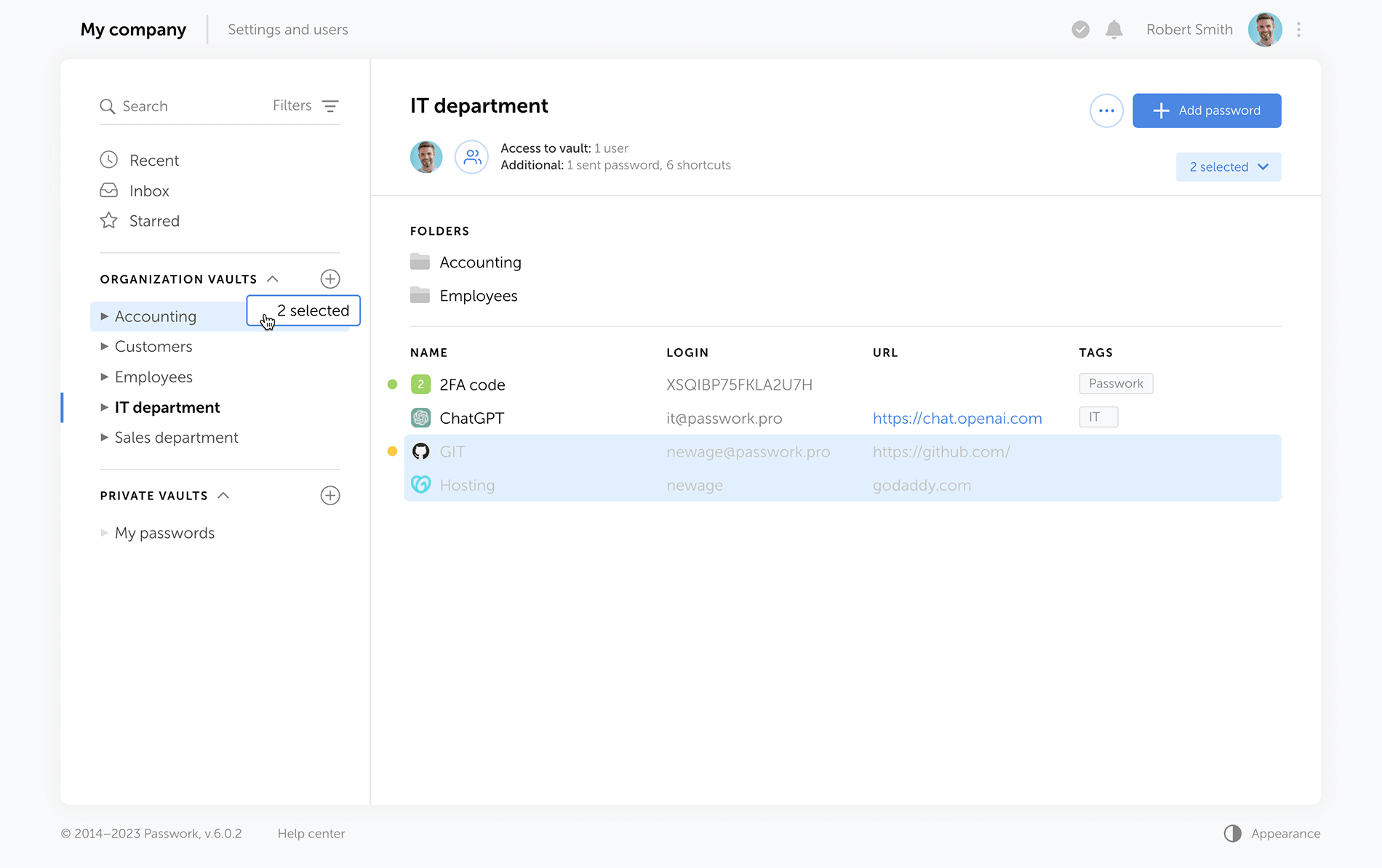
Select folders and passwords, then drag and drop them to the required directoryChoose actions for the selected objects: move, copy, create shortcuts
Other improvements
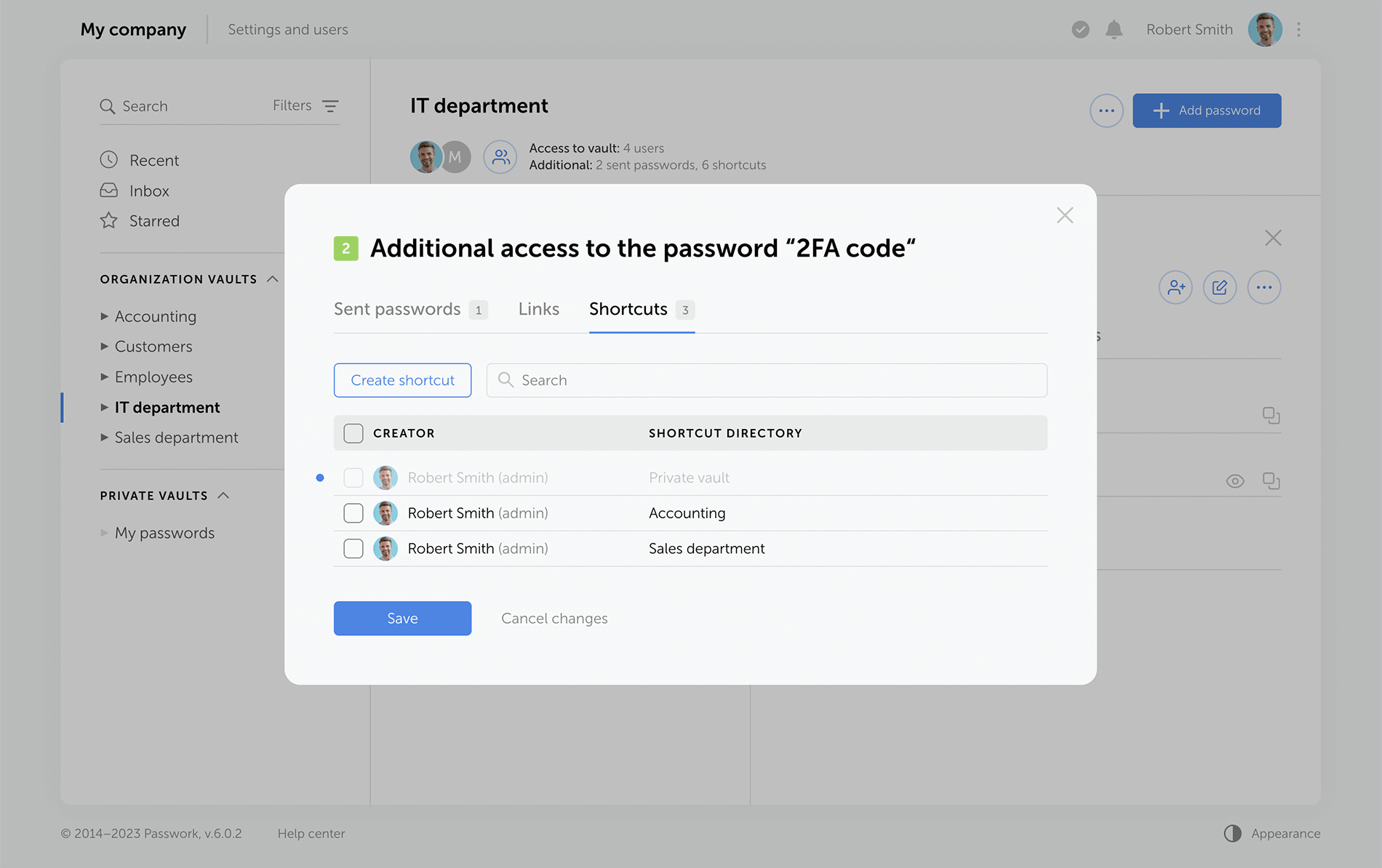
Separate windows for access to the vault and additional access Vault access info is now split into two easy-to-read windows. One window shows users who has access to a specific vault, and the other displays alternative ways passwords from this vault can be accessed — shortcuts, hyperlinks, or shared passwords.
Redesigned password action buttons On the password panel, we've added the "Edit" button and grouped together all actions for additional password access via shortcuts, links, or direct user sharing.
Additional fields for password import and export Passwork 6.0 supports the use of custom fields, that means you can transfer not only login and password but also additional information stored within password cards.
New notifications Administrators will receive notifications about new unconfirmed users, and employees will be notified of new passwords in the "Incoming" section.
A new mechanism for handling tasks allows you to run them in the background. For example, you can run an LDAP synchronization task and still work in Passwork. Your synchronization task will run in the background.
You can see scheduled and completed tasks on the “Tasks” page. Here you can also find the configuration instructions for your operating system.
Display a favicon in the password list
The Passwork interface has become even more user friendly and convenient. If a password has a URL, a website icon will be displayed next to its name.
Automatic favicon loading can be set up by administrators on the “Company settings” page. In this case background tasks should be set up.
Other changes
Automatic session termination in the mobile app and Passwork extension when API key is changed
Removed white background in the dark theme when loading pages
Fixed bug displaying the results of an outdated search query
Improved validation of TOTP keys
Fixed empty messages in Syslog
Added login validation with UTF-8 encoding
Added automatic LDAP host swap :\\ → ://
Fixed errors in LDAP code related to the migration to PHP 8
The new version of Passwork now runs on PHP 8. Previous versions of PHP are no longer supported.
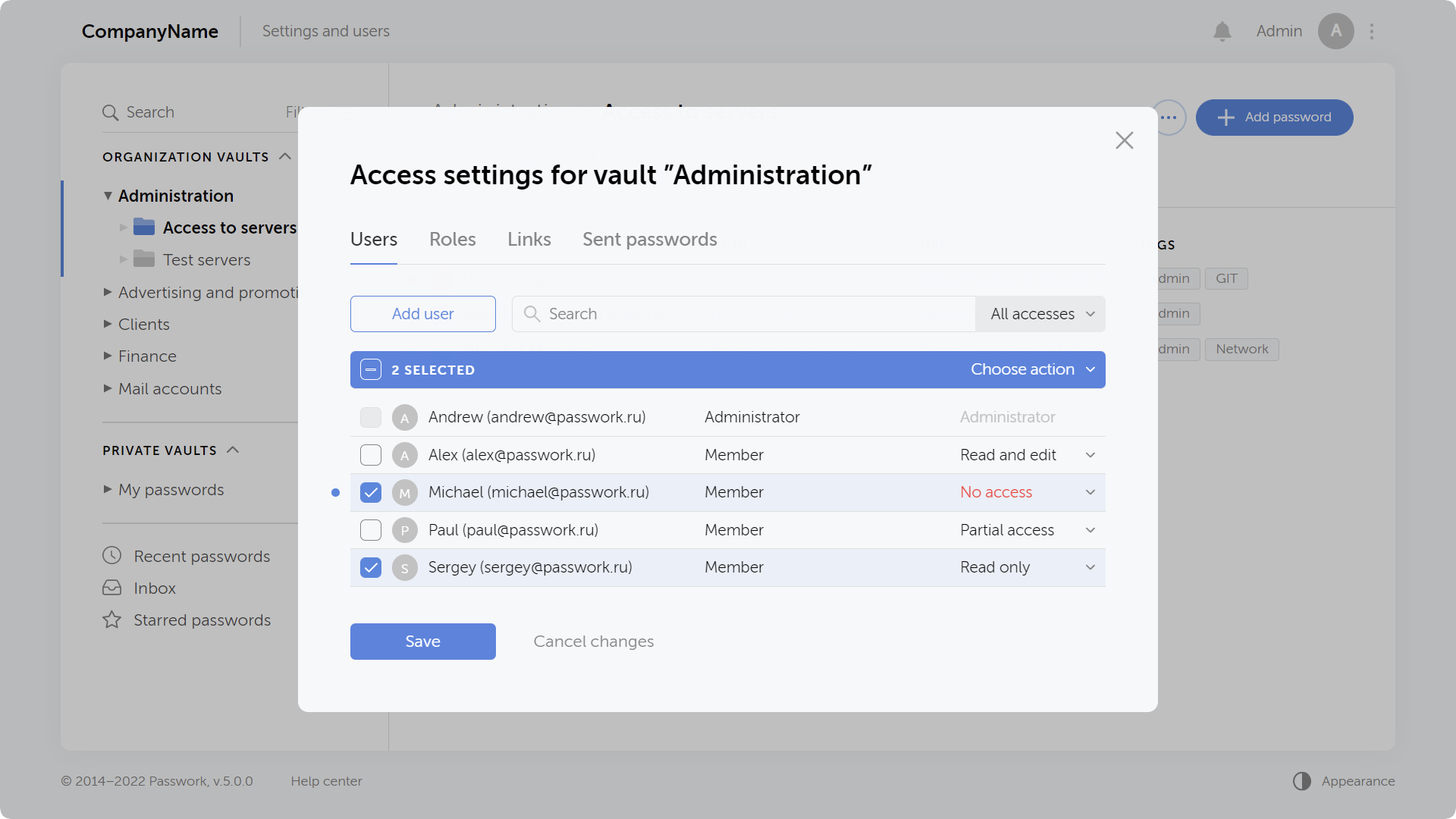
New access rights window
The window with access settings for vaults and folders has been completely redesigned. All users and roles having access to a vault or folder are now collected here as well as links and sent passwords.
The rights can now be edited on each tab by selecting multiple objects at once. All modified and deleted objects are marked by an indicator until you save changes. Search filters allow you to display all objects with a certain access right.
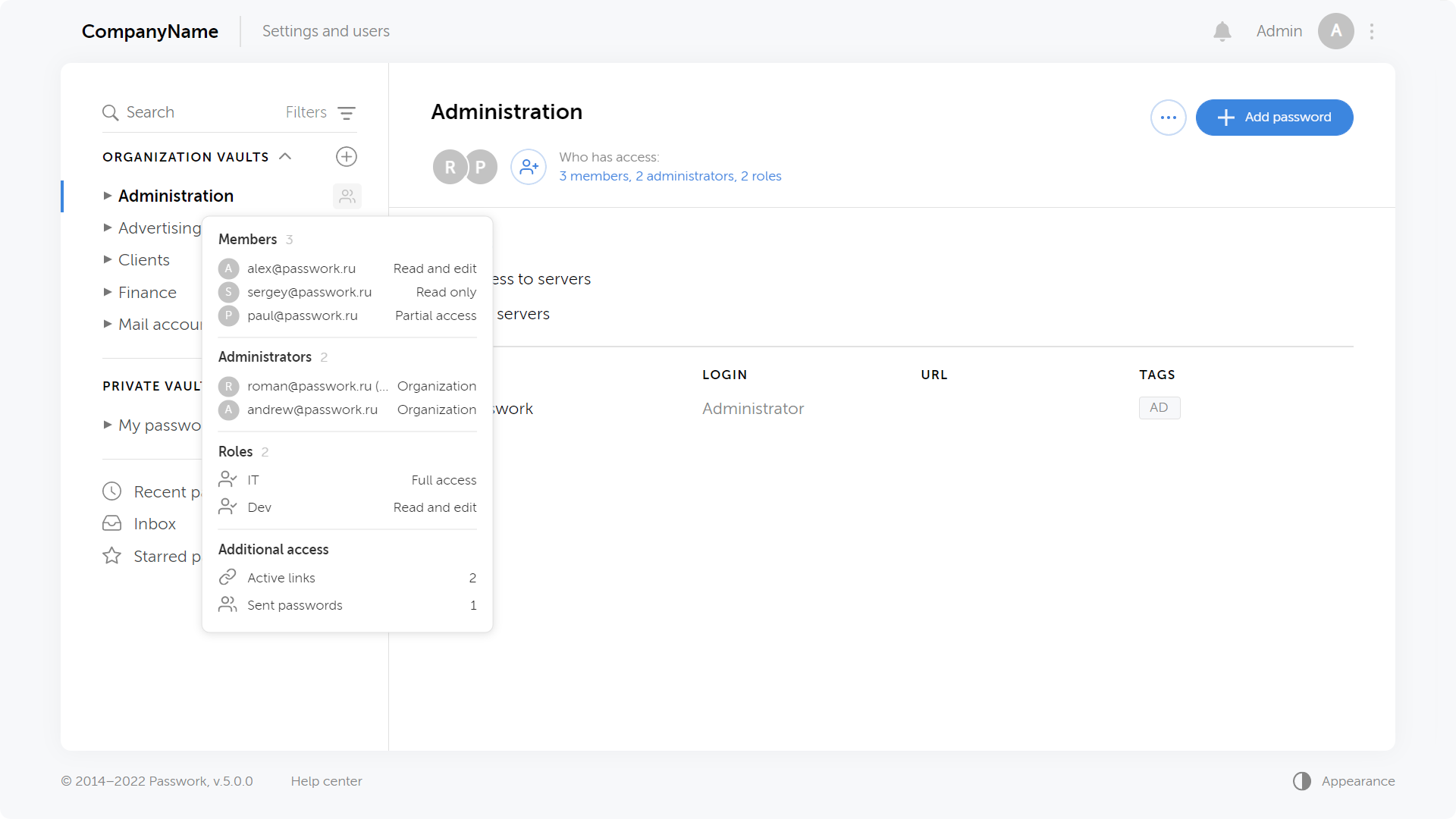
Ability to quickly view who accessed vaults and folders
When hovering over an icon next to the name of a vault or folder you can see some brief information about the number of users, roles, links and sent passwords.
Clicking on a list opens up the window for access rights management inside a given vault or folder.
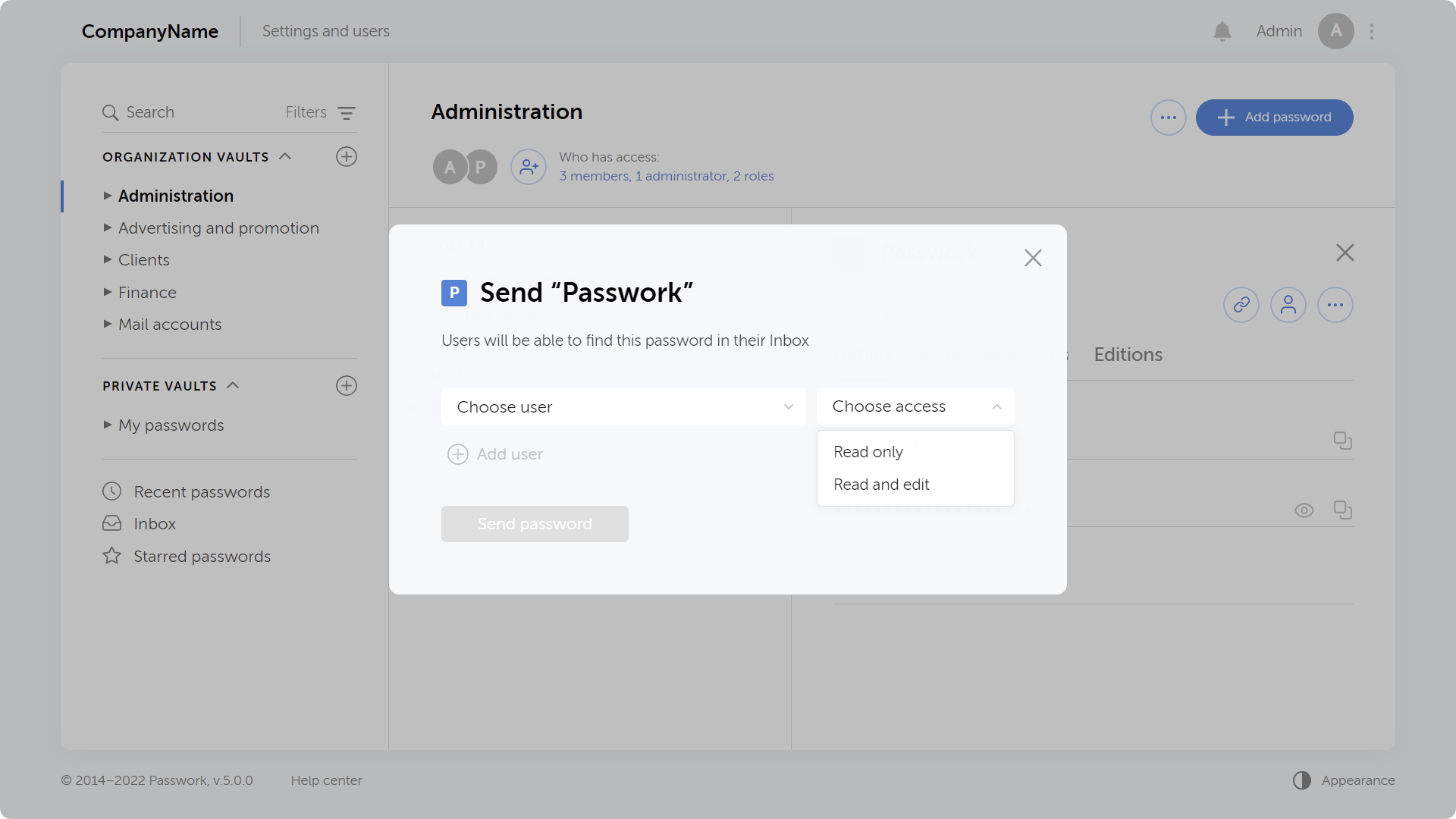
Granting access to individual passwords without adding users to a vault
In previous versions of Passwork, it was possible to send a password copy to users. In the new version, users will see the original password in the Inbox, which will be updated when the original vault changes.
That means you can now give access directly to a password without adding users to a vault or folder.
You can send a password and enable users to edit it, then when a user changes this password, it will be updated for you as well.
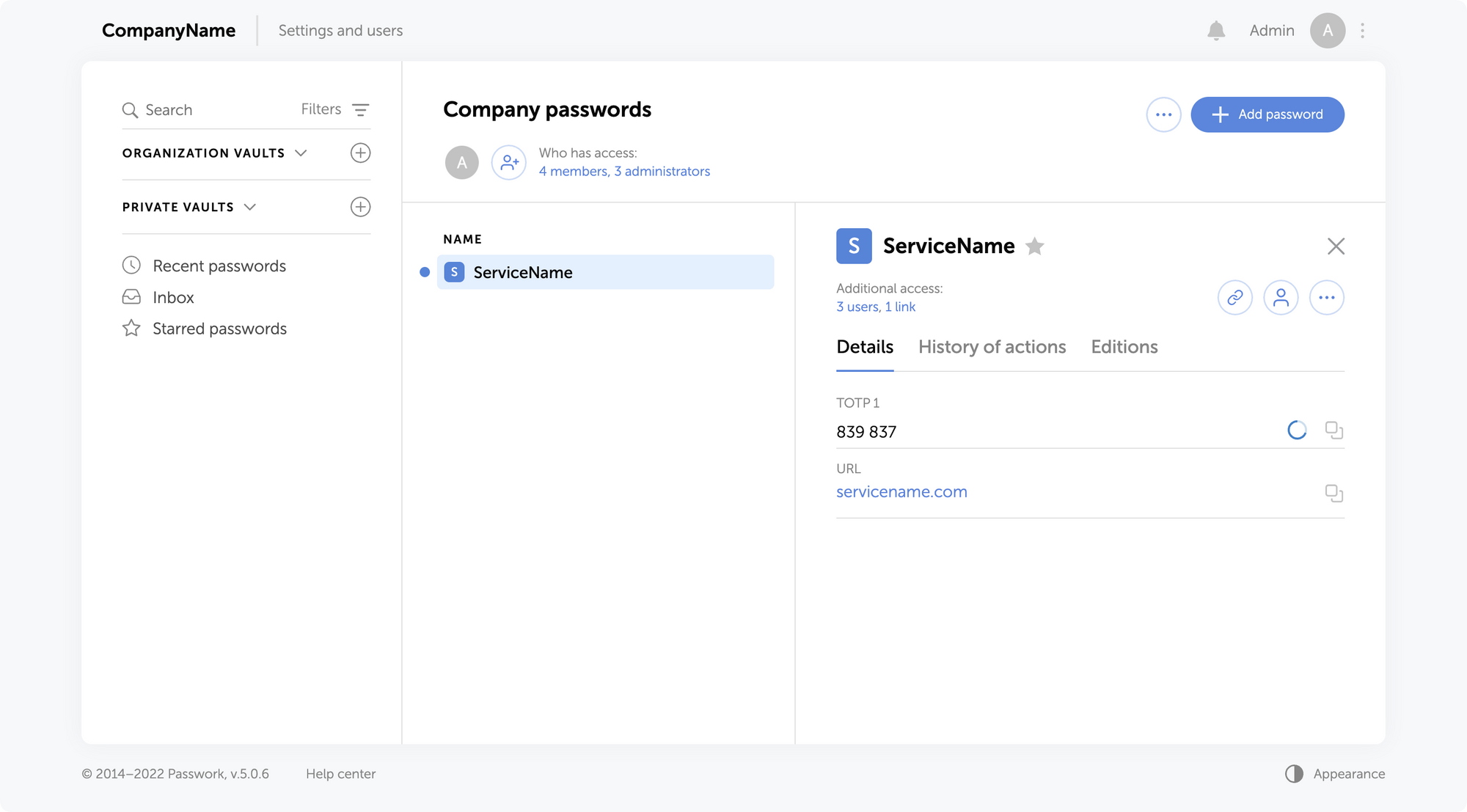
Ability to add TOTP keys and then generate 2FA codes
When adding and editing a password, you can add a TOTP field and enter a secret code to generate 2FA codes. The generated code is updated every 30 seconds.
The "Password" field is now optional, so you can keep 2FA codes separate from main passwords.
Adding TOTP keys and generating 2FA codes is available in the web version, browser extension, and mobile app.
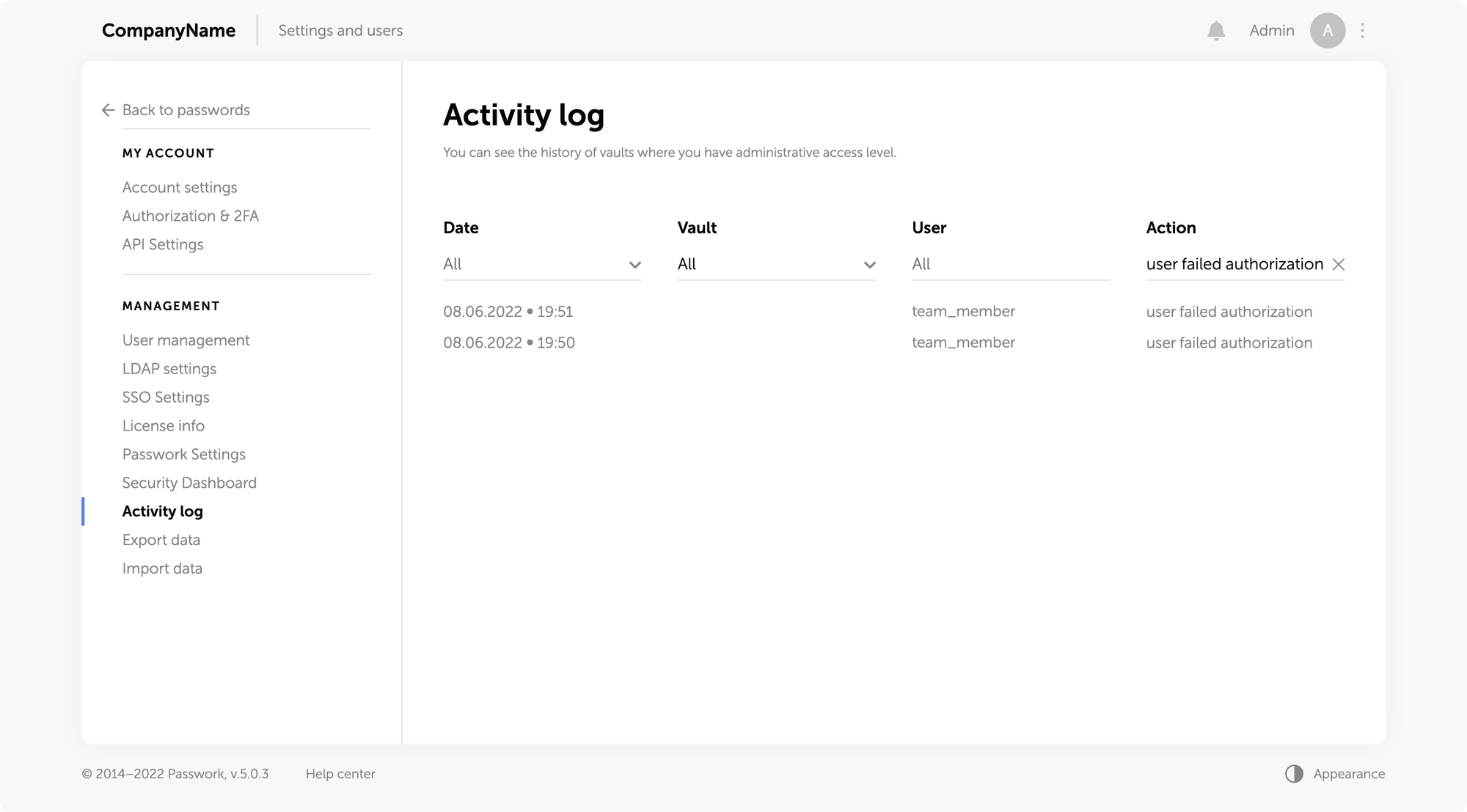
Failed login attempts are now displayed in the action history
The action history displays all failed user authorization attempts. This allows you to better track unauthorized access attempts and the actions of blocked users.
You can see all failed login attempts on the Activity Log page by enabling a filter in the Action column.
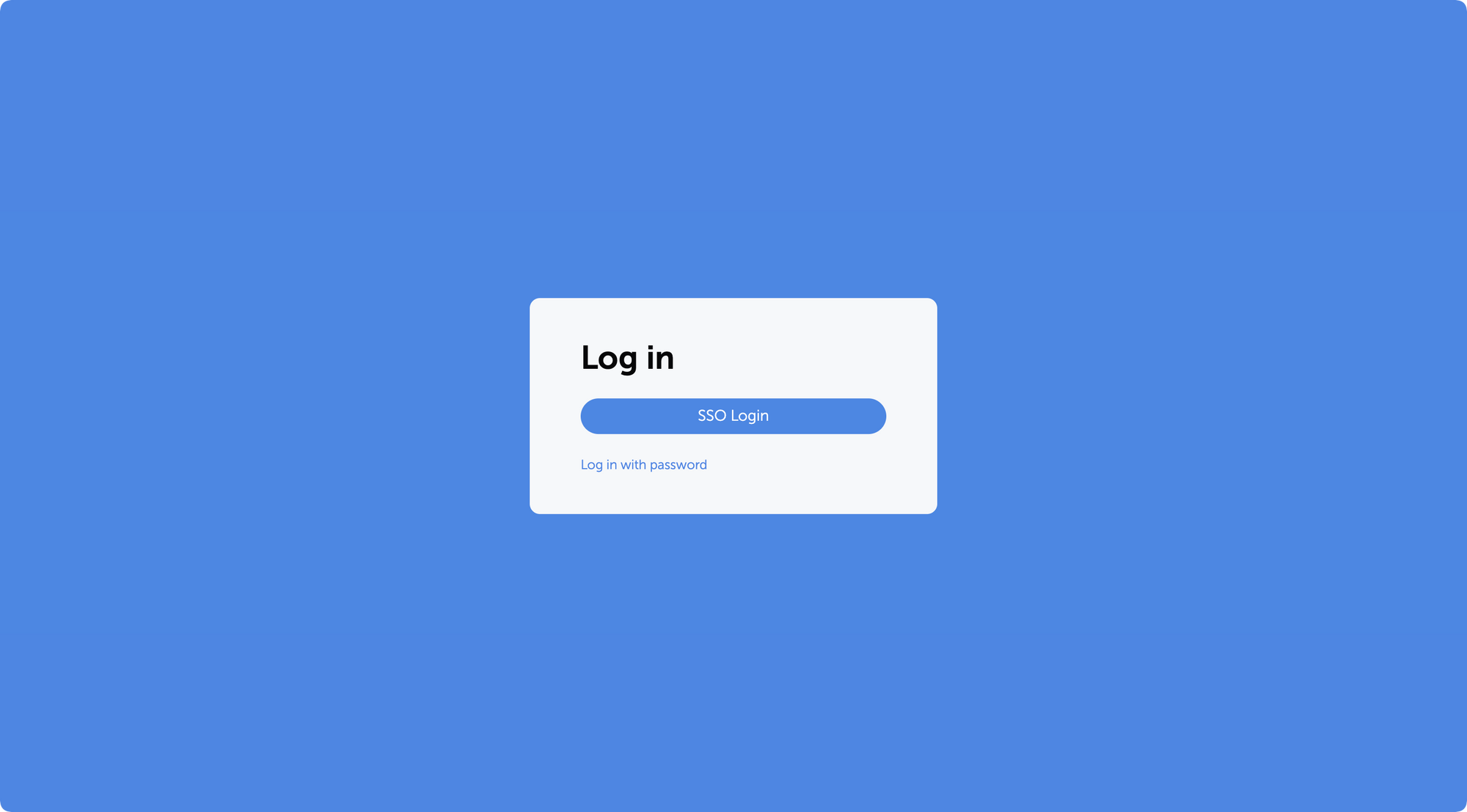
Ability to enable priority authorization using SSO
The new version of Passwork now allows you to enable SSO priority authorization for all users. You can enable it in the "SSO settings" section.
With this option enabled, only the "Sign in via SSO" button is displayed on the authorization page, the login and password fields appear only when switching to the standard authorization.
Optimized work with a large number of users
Passwork has been tested and optimized for 20,000+ users.
Improved LDAP integration
Test mode for LDAP roles and groups linking
Saving LDAP logs to a CSV file
Updating user attributes during synchronization with LDAP directory
Mobile app update
Passwork 5 support
Ability to copy passwords on long press
New home screen view with separating by type of vault


 Eirik Salmi
 Eirik Salmi
 Eirik Salmi