
Every time you connect to a Wi-Fi network, send a message through an encrypted app, or access your bank account online, you're relying on encryption to keep your data safe. At the heart of this digital security infrastructure stands the Advanced Encryption Standard (AES) — the encryption algorithm trusted by everyone from individual users to intelligence agencies protecting classified information.
AES is a symmetric-key encryption algorithm that transforms readable data (plaintext) into an unreadable format (ciphertext) using a secret key. Since its adoption by the National Institute of Standards and Technology (NIST) in 2001, AES has become the global standard for data encryption, trusted by governments, financial institutions, and technology companies worldwide.
This guide will walk you through everything you need to know about AES: from its fundamental principles to advanced implementation strategies, regulatory compliance, and its resilience against emerging quantum computing threats.
What is the Advanced Encryption Standard (AES)?
The Advanced Encryption Standard (AES) is a symmetric-key block cipher that encrypts data in fixed-size blocks of 128 bits using keys of 128, 192, or 256 bits. Originally known as the Rijndael cipher, AES was developed by Belgian cryptographers Vincent Rijmen and Joan Daemen and selected by NIST in 2001 to replace the aging Data Encryption Standard (DES).
Unlike asymmetric encryption algorithms such as RSA, which use different keys for encryption and decryption, AES uses the same secret key for both operations. This symmetric approach makes AES exceptionally fast and efficient, particularly for encrypting large volumes of data.
The U.S. National Security Agency (NSA) approved AES-256 for protecting information classified as TOP SECRET, cementing its status as a military-grade encryption standard. Today, AES is mandated by the Federal Information Processing Standard (FIPS 197) and has been adopted globally as the de facto encryption standard for both commercial and government applications.
From DES to AES: A brief history
By the mid-1990s, the Data Encryption Standard (DES), which had served as the primary encryption standard since 1977, was showing its age. With a key length of only 56 bits, DES had become vulnerable to brute-force attacks as computing power increased. In 1997, NIST launched a public competition to select a new encryption standard that would be secure, efficient, and flexible enough to meet the needs of the 21st century.
The AES competition attracted 15 submissions from cryptographers around the world. After three years of rigorous analysis, testing, and public scrutiny, the Rijndael cipher emerged as the winner. NIST officially adopted AES as a federal standard in November 2001, and it was published as FIPS 197 in December of that year.
The selection of Rijndael was based on its superior combination of security, performance, and versatility. Unlike many competing algorithms, Rijndael could efficiently operate on various hardware platforms — from high-performance servers to resource-constrained embedded systems — while maintaining strong cryptographic properties.
How AES encryption works?

AES operates as a substitution-permutation network, performing multiple rounds of transformations on the data. The number of rounds depends on the key size: 10 rounds for AES-128, 12 rounds for AES-192, and 14 rounds for AES-256.
Before encryption begins, the algorithm expands the original key into a series of round keys through a process called key expansion. Each round then applies four distinct operations to scramble the data:
- SubBytes: This step provides non-linear substitution by replacing each byte in the data block with a corresponding value from a fixed substitution table called the S-box. This operation is crucial for AES's resistance to cryptanalysis, as it introduces confusion into the encryption process.
- ShiftRows: The bytes in each row of the data matrix are cyclically shifted by different offsets. The first row remains unchanged, the second row shifts one position to the left, the third row shifts two positions, and the fourth row shifts three positions. This operation provides diffusion by spreading the data across the entire block.
- MixColumns: Each column of the data matrix is transformed using a mathematical operation in the Galois Field GF(2^8). This step combines the bytes within each column, ensuring that changes to a single input byte affect multiple output bytes. The MixColumns operation is skipped in the final round.
- AddRoundKey: The round key is combined with the data block using a bitwise XOR operation. This step incorporates the secret key material into the encrypted data, ensuring that without the correct key, the ciphertext cannot be decrypted.
After all rounds are complete, the output is the encrypted ciphertext. Decryption reverses this process using inverse operations in the opposite order.
AES key sizes: 128, 192, or 256 Bits?
AES supports three key lengths, each offering different levels of security and performance characteristics:
- AES-128 uses a 128-bit key and performs 10 encryption rounds. It provides 128 bits of security, which translates to 2^128 possible key combinations — approximately 340 undecillion possibilities. For context, testing one billion keys per second would require billions of years to exhaust all possibilities. AES-128 is suitable for most commercial applications and offers the best performance of the three variants.
- AES-192 uses a 192-bit key and performs 12 rounds. While less commonly implemented than AES-128 or AES-256, it offers an intermediate security level for organizations that want additional protection without the performance overhead of AES-256.
- AES-256 uses a 256-bit key and performs 14 rounds. Often referred to as "military-grade encryption," AES-256 is approved by the NSA for protecting TOP SECRET information. The 256-bit key space provides 2^256 possible combinations, making it computationally infeasible to break through brute-force attacks, even with future advances in computing technology.
For most applications, AES-128 provides more than adequate security. However, organizations handling highly sensitive data, operating in regulated industries, or concerned about long-term data protection often choose AES-256. The performance difference between AES-128 and AES-256 is minimal on modern hardware, particularly on processors with AES-NI (AES New Instructions) hardware acceleration.
Understanding AES modes of operation
While AES encrypts data in 128-bit blocks, real-world applications typically need to encrypt data that's much larger than a single block. Modes of operation define how AES processes multiple blocks of data and how it handles data that doesn't fit evenly into 128-bit blocks.
- ECB (Electronic Codebook) is the simplest mode, encrypting each block independently with the same key. However, ECB has a critical weakness: identical plaintext blocks produce identical ciphertext blocks, revealing patterns in the encrypted data. ECB should never be used for encrypting anything beyond single blocks of random data.
- CBC (Cipher Block Chaining) addresses ECB's weakness by XORing each plaintext block with the previous ciphertext block before encryption. This creates a chain effect where each block depends on all previous blocks. CBC requires an initialization vector (IV) — a random value used to encrypt the first block. While CBC is widely used and secure when implemented correctly, it cannot be parallelized and is vulnerable to padding oracle attacks if not properly implemented.
- GCM (Galois/Counter Mode) is the recommended mode for most modern applications. GCM combines the counter mode of encryption with Galois field multiplication to provide both confidentiality and authentication. Unlike CBC, GCM can be parallelized for better performance and produces an authentication tag that verifies data integrity. This authenticated encryption approach protects against tampering and certain types of attacks that can compromise CBC implementations.
- CTR (Counter Mode) turns AES into a stream cipher by encrypting a counter value and XORing the result with the plaintext. CTR mode is parallelizable and doesn't require padding, making it efficient for high-performance applications. However, CTR alone doesn't provide authentication, so it's often combined with a separate authentication mechanism.
For new implementations, security experts recommend using AES-GCM. Its combination of encryption and authentication in a single operation, along with its performance characteristics, makes it the preferred choice for protocols like TLS 1.3, IPsec, and modern VPN implementations.
Why AES remains the global standard

More than two decades after its adoption, AES continues to dominate the encryption landscape for several compelling reasons:
- Unbroken Security: Despite extensive cryptanalysis by researchers worldwide, no practical attack has been found that can break properly implemented AES encryption. The best known attacks against AES-256 are theoretical and require computational resources far beyond anything currently available.
- Exceptional Performance: AES is designed for efficiency on both hardware and software implementations. Modern processors include dedicated AES-NI instructions that accelerate AES operations by up to 10 times compared to software-only implementations. The hardware encryption market, which includes AES-accelerated processors, is projected to grow from $359.5 million in 2025 to $698.7 million by 2032.
- Widespread Adoption: According to a 2025 survey, 46.2% of U.S. Managed Service Providers favor AES as their primary encryption method. This widespread adoption creates a virtuous cycle: more implementations lead to better-tested code, more hardware support, and increased interoperability.
- Regulatory Compliance: AES is mandated or recommended by numerous regulatory frameworks, including FIPS 197, GDPR, HIPAA, and PCI DSS. This regulatory acceptance makes AES the safe choice for organizations operating in regulated industries.
Real-world applications of AES
AES encryption protects data across virtually every digital domain:
- Network Security: AES secures internet communications through HTTPS (using TLS/SSL protocols), protects VPN connections, and encrypts Wi-Fi networks through WPA2 and WPA3 standards. Every time you see a padlock icon in your browser, AES is likely protecting your data in transit.
- Data Storage: Operating systems use AES for full-disk encryption (BitLocker on Windows, FileVault on macOS, LUKS on Linux). Cloud storage providers encrypt data at rest using AES-256, with the cloud encryption market holding a 69% share in 2024.
- Mobile Devices: Smartphones use AES to encrypt stored data, secure messaging applications, and protect mobile payment transactions. The encryption happens transparently in the background, with dedicated hardware accelerators ensuring minimal impact on battery life.
- Financial Services: Banks and payment processors rely on AES to protect financial transactions, secure ATM communications, and encrypt sensitive customer data. The Payment Card Industry Data Security Standard (PCI DSS) specifically requires strong encryption for cardholder data.
- Healthcare: Medical institutions use AES-256 to protect electronic Protected Health Information (ePHI) as required by HIPAA regulations. The 2025 HIPAA updates mandate encryption for ePHI, with AES as the de facto standard and requirements for Hardware Security Modules (HSMs) for key management.
- Password Managers: Modern password managers like Passwork rely on AES-256 encryption to protect your stored credentials, ensuring that even if someone gains access to your password vault file, they cannot read its contents without your master password.
- Government and Military: AES-256 is approved for protecting classified information up to the TOP SECRET level, making it the encryption standard for government communications, military operations, and intelligence agencies.
AES and regulatory compliance
For organizations operating in regulated industries, AES encryption is often a compliance requirement:
- FIPS 197 is the official NIST standard that defines AES. Organizations working with the U.S. federal government must use FIPS 197-validated cryptographic modules, ensuring that their AES implementations meet rigorous security standards.
- GDPR requires organizations to implement "appropriate technical and organizational measures" to protect personal data. While GDPR doesn't mandate specific encryption algorithms, AES-256 is widely recognized as meeting the regulation's requirements for strong encryption.
- HIPAA mandates encryption for electronic Protected Health Information (ePHI). The 2025 HIPAA updates specifically require encryption both in transit and at rest, with AES-256 recommended as the standard and HSMs required for secure key management.
- PCI DSS requires merchants and service providers to encrypt cardholder data during transmission and storage. AES is explicitly mentioned as an acceptable encryption algorithm for meeting PCI DSS
The future of AES: Quantum computing and beyond
The emergence of quantum computing has raised questions about the future of encryption. Quantum computers leverage quantum mechanical phenomena to perform certain calculations exponentially faster than classical computers. Shor's algorithm, running on a sufficiently powerful quantum computer, could break RSA and other asymmetric encryption schemes that rely on the difficulty of factoring large numbers.
However, symmetric encryption algorithms like AES are significantly more resistant to quantum attacks. The primary quantum threat to AES comes from Grover's algorithm, which can search through possible keys faster than classical brute-force attacks. Grover's algorithm effectively halves the security level of symmetric encryption — meaning AES-256 would provide 128 bits of security against quantum attacks, and AES-128 would provide 64 bits.
This is why security experts recommend AES-256 for data that needs long-term protection. Even in a post-quantum world, AES-256 will remain secure, providing the equivalent of 128-bit security — still far beyond the reach of any conceivable quantum computer.
In August 2024, NIST released the first three finalized Post-Quantum Cryptography (PQC) standards: FIPS 203, 204, and 205. These standards focus on quantum-resistant asymmetric algorithms for key exchange and digital signatures. The recommended approach for the quantum era is hybrid encryption: using post-quantum algorithms to securely exchange keys, then using AES to encrypt the actual data.
Frequently Asked Questions

Is AES encryption breakable?
No practical attack exists that can break properly implemented AES encryption. The best known attacks are theoretical and require resources far beyond current capabilities. AES-256, in particular, is considered computationally infeasible to break through brute-force methods.
How long would it take to crack AES-256?
Using current technology, a brute-force attack on AES-256 would require testing 2^256 possible keys. Even if you could test one trillion keys per second, it would take longer than the age of the universe to try all possibilities.
What is the difference between AES and RSA?
AES is a symmetric encryption algorithm that uses the same key for encryption and decryption, making it fast and efficient for encrypting large amounts of data. RSA is an asymmetric algorithm that uses different keys for encryption and decryption, making it suitable for secure key exchange and digital signatures but much slower than AES.
Can quantum computers break AES?
Quantum computers pose less threat to AES than to asymmetric algorithms like RSA. While Grover's algorithm can speed up brute-force attacks, it only halves the effective key length. AES-256 remains secure even against quantum attacks, providing 128 bits of effective security.
What is the best AES mode to use?
For most modern applications, AES-GCM is the recommended mode. It provides both encryption and authentication, can be parallelized for better performance, and is the standard mode used in TLS 1.3 and other modern protocols.
Is AES-128 still secure in 2025?
Yes, AES-128 remains secure for most applications. It provides 128 bits of security, which is computationally infeasible to break with current or foreseeable technology. However, organizations handling highly sensitive data or concerned about long-term protection often choose AES-256.
Conclusion
The Advanced Encryption Standard has proven to be one of the most successful cryptographic standards in history. More than two decades after its adoption, AES remains unbroken, widely implemented, and continues to protect the vast majority of encrypted data worldwide.
As we move into an era of quantum computing and increasingly sophisticated cyber threats, AES-256 stands ready to continue its role as the workhorse of data encryption. Its combination of strong security, excellent performance, and regulatory acceptance ensures that AES will remain the encryption standard of choice for years to come.
Whether you're a developer implementing encryption in your applications, a business leader ensuring compliance, or simply someone who wants to understand how your data is protected, AES represents the gold standard in modern cryptography. By using strong encryption, maintaining secure key management practices, and staying informed about emerging threats, you can leverage AES to protect your most sensitive data in an increasingly connected world.
Ready to take control of your credentials? Start your free Passwork trial and explore practical ways to protect your business.
The 2025 small business cybersecurity checklist: A complete guide | Passwork
Passwork’s 2025 cybersecurity checklist, based on the NIST framework, provides actionable steps to prevent data breaches and financial loss.
 Eirik Salmi
HIPAA requirements for password management
Introduction In the complex ecosystem of modern healthcare, patient data is essential for secure management. In 2024, the U.S. healthcare sector experienced over 700 large-scale data breaches, marking the third consecutive year with such a high volume of incidents. This surge compromised over 275 million patient records, a significant
 Ana Moore
Passwork 7.1: Vault types
Vault types Passwork 7.1 introduces a robust vault types architecture, providing enterprise-grade access control for enhanced security and management. Vault types address a key challenge for administrators: controlling data access and delegating vault management across large organizations. Previously, the choice was limited to two types. Now, you can create
 Eirik Salmi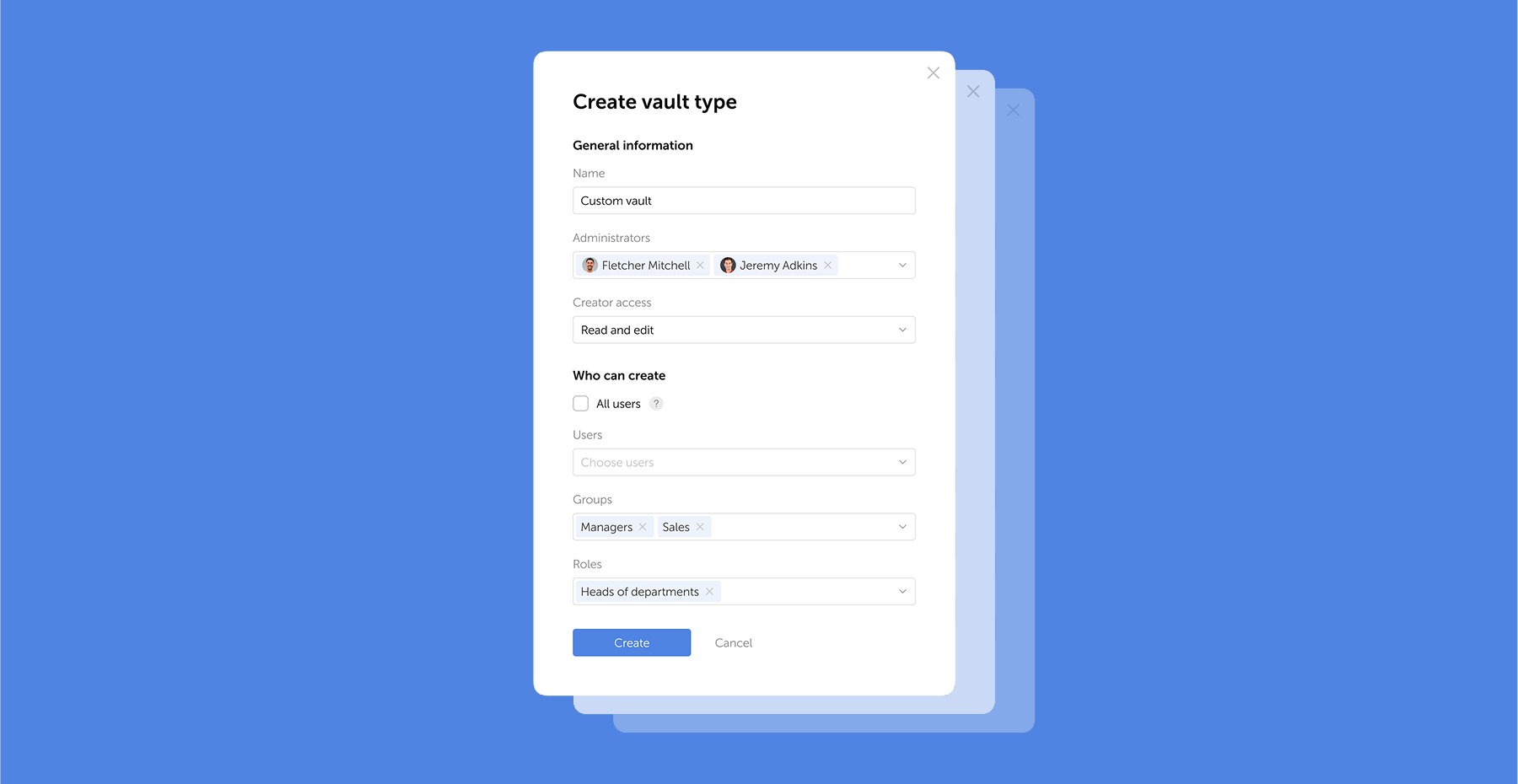
Guide to Advanced Encryption Standard (AES)
Passwork 7.2.4 update is available in the Customer portal.
- Fixed an issue in the Security dashboard where the threat warning about a password being viewed via an expired link disappeared after deleting that link: the threat warning now persists until the password is changed
- Fixed an issue where after setting up 2FA, authentication apps (e.g., Google Authenticator) displayed incorrect text instead of the user's login
- Fixed PIN logic in the browser extension: now when a PIN is deleted or after three failed attempts, only the current session is reset
- Fixed an issue where the Enter key was incorrectly handled in the "Background task history retention period" field
- Fixed an issue where a folder would only open after double-clicking on its name
- Fixed an issue where email notifications could be sent to blocked and unconfirmed users when vault access was changed
- Fixed an issue where the directory filter reset button did not work in the Activity log
- Minor improvements to UI and localization
You can find all information about Passwork updates in our release notes
Passwork: Secrets management and automation for DevOps
Introduction In corporate environment, the number of passwords, keys, and digital certificates is rapidly increasing, and secrets management is becoming one of the critical tasks for IT teams. Secrets management addresses the complete lifecycle of sensitive data: from secure generation and encrypted storage to automated rotation and audit trails. As
 Eirik Salmi
The 2025 small business cybersecurity checklist: A complete guide | Passwork
Passwork’s 2025 cybersecurity checklist, based on the NIST framework, provides actionable steps to prevent data breaches and financial loss.
 Eirik Salmi
Passwork 7.1: Vault types
Vault types Passwork 7.1 introduces a robust vault types architecture, providing enterprise-grade access control for enhanced security and management. Vault types address a key challenge for administrators: controlling data access and delegating vault management across large organizations. Previously, the choice was limited to two types. Now, you can create
 Eirik Salmi
Passwork 7.2.4 release
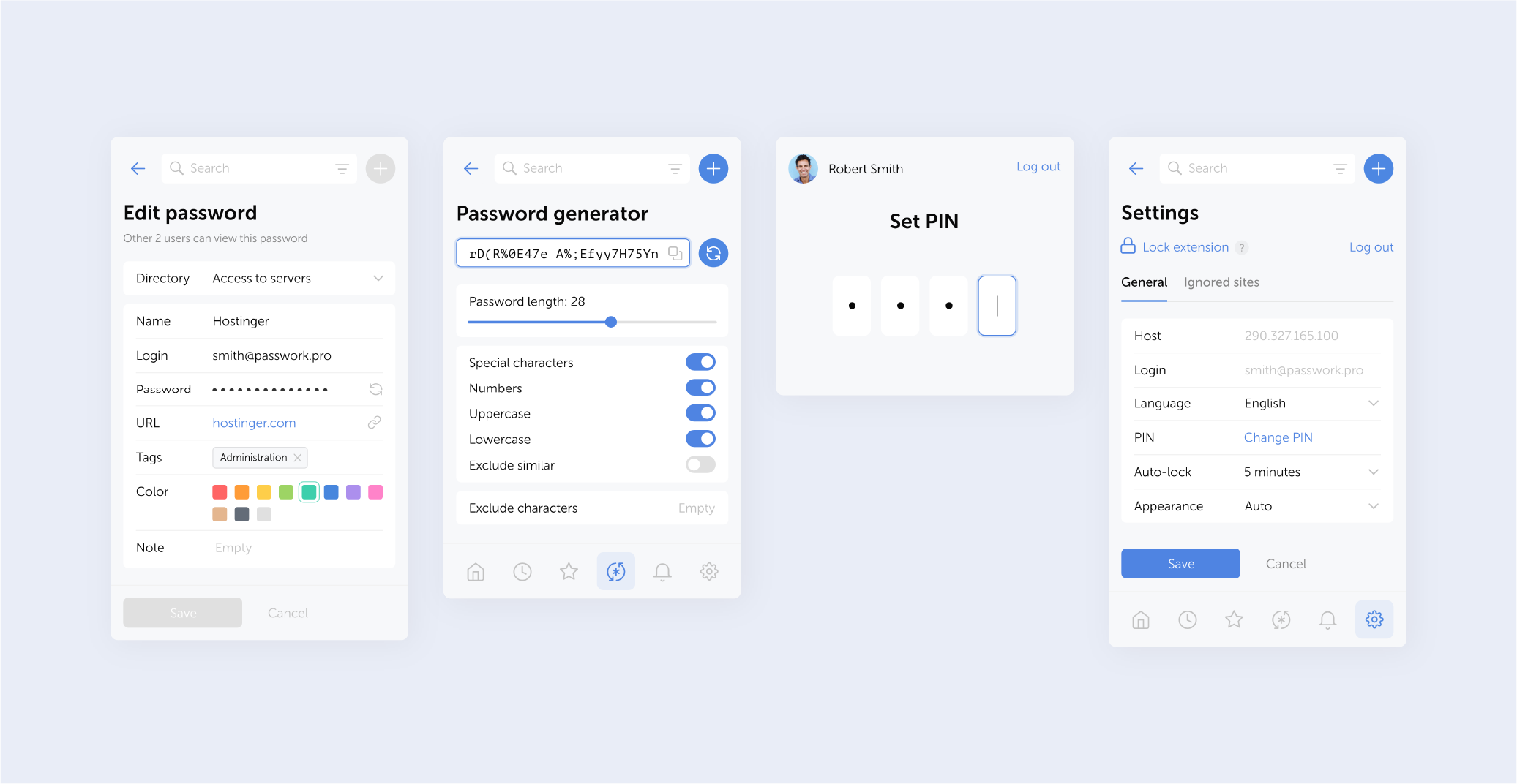
The browser extension is available for Google Chrome, Microsoft Edge, Mozilla Firefox, and Safari.
- Improved autofill: now you can autofill login forms directly from the extension's main screen when only one password is found for a website
- Added a time unit indicator (minutes) to the auto-lock settings field
- Removed the prompt to set up a PIN code in the extension when it is not mandatory
- Fixed session timeout issue
You can find all information about Passwork updates in our release notes
Further reading
The 2025 small business cybersecurity checklist: A complete guide | Passwork
Passwork’s 2025 cybersecurity checklist, based on the NIST framework, provides actionable steps to prevent data breaches and financial loss.
 Eirik Salmi
Passwork: Secrets management and automation for DevOps
Introduction In corporate environment, the number of passwords, keys, and digital certificates is rapidly increasing, and secrets management is becoming one of the critical tasks for IT teams. Secrets management addresses the complete lifecycle of sensitive data: from secure generation and encrypted storage to automated rotation and audit trails. As
 Eirik Salmi
Passwork 7.2 release
The new version introduces customizable notifications with flexible delivery options, enhanced event logging descriptions, expanded CLI functionality, server-side PIN code storage for the browser extension, and the ability to enable client-side encryption during initial Passwork configuration. Notification settings We’ve added a dedicated notification settings section where you can choose notification
 Eirik Salmi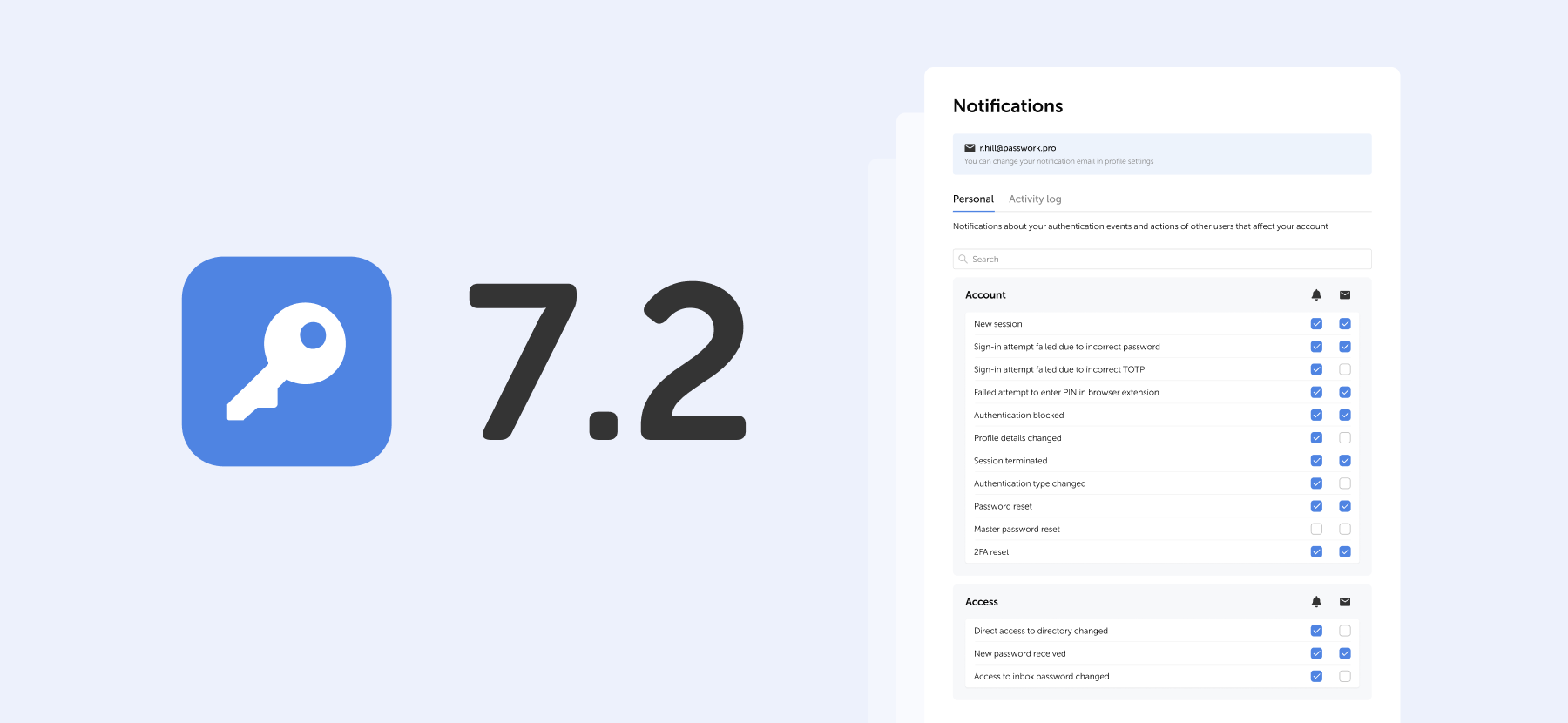
Browser extension 2.0.29 release
Passwork 7.2.3 update is available in the Customer portal.
- Improved search functionality: password names are now indexed with case sensitivity and numbers
- Extended the display period for passwords and shortcuts in Recents from 30 to 90 days
- Fixed an issue where deleted passwords and folders from subfolders could appear in the Bin of vault administrators with group-based access, even if they didn't have access to those subfolders (these items could not be restored or deleted)
- Fixed issues with password editions migration
We recommend running password reindexing after updating Passwork. Go to System settings → Search → Reindex all passwords.
You can find all information about Passwork updates in our release notes
Further reading
Passwork 7.2.1 and 7.2.2 releases
In the new releases, we’ve added the capability to display a company logo in the Passwork interface, improved event display in the Activity log and Notifications settings, and fixed several UI issues. Improvements * Added the capability to display a company logo in the upper left corner of the interface:
 Eirik Salmi
Passwork: Secrets management and automation for DevOps
Introduction In corporate environment, the number of passwords, keys, and digital certificates is rapidly increasing, and secrets management is becoming one of the critical tasks for IT teams. Secrets management addresses the complete lifecycle of sensitive data: from secure generation and encrypted storage to automated rotation and audit trails. As
 Eirik Salmi
The 2025 small business cybersecurity checklist: A complete guide | Passwork
Passwork’s 2025 cybersecurity checklist, based on the NIST framework, provides actionable steps to prevent data breaches and financial loss.
 Eirik Salmi
Passwork 7.2.3 release
In the new releases, we’ve added the capability to display a company logo in the Passwork interface, improved event display in the Activity log and Notifications settings, and fixed several UI issues.
Improvements
- Added the capability to display a company logo in the upper left corner of the interface: specify the image path in the APP_LOGO_PATH parameter of the configuration file (recommended format and size: PNG, 200×80 px)
- Improved event display in Activity log and Notification settings: now only relevant events are shown depending on the encryption type
- Added automatic logout from the mobile app and browser extension when a user's master password is changed: previously, changing the master password could cause errors in the app and extension
- Changed the behavior of the "Reset filter" button in filter modal windows: the window now remains open after reset
- Added icons for system events in the Activity log
- Improved event descriptions in the Activity log
Bug fixes
- Fixed an issue where multiple tags could display as a single element in the password details window in Security dashboard
- Fixed an issue where some toggles in the "Role-based user management" section remained active when necessary permissions were missing
- Fixed an issue where the “Set as owner” button could be unavailable (non-client-side encryption version)
- Minor fixes to UI and localization
You can find all information about Passwork updates in our release notes
Python connector 0.1.5: Automated secrets management
The new Python connector version 0.1.5 expands CLI utility capabilities. We’ve added commands that solve critical tasks for DevOps engineers and developers — secure retrieval and updating of secrets in automated pipelines. What this solves Hardcoded secrets, API keys, tokens, and database credentials create security vulnerabilities and operational bottlenecks.
 Eirik Salmi
The 2025 small business cybersecurity checklist: A complete guide | Passwork
Passwork’s 2025 cybersecurity checklist, based on the NIST framework, provides actionable steps to prevent data breaches and financial loss.
 Eirik Salmi
Passwork: Secrets management and automation for DevOps
Introduction In corporate environment, the number of passwords, keys, and digital certificates is rapidly increasing, and secrets management is becoming one of the critical tasks for IT teams. Secrets management addresses the complete lifecycle of sensitive data: from secure generation and encrypted storage to automated rotation and audit trails. As
 Eirik Salmi
Passwork 7.2.1 and 7.2.2 releases

The new Python connector version 0.1.5 expands CLI utility capabilities. We've added commands that solve critical tasks for DevOps engineers and developers — secure retrieval and updating of secrets in automated pipelines.
What this solves
Hardcoded secrets, API keys, tokens, and database credentials create security vulnerabilities and operational bottlenecks. Manual secret management introduces delays and human error into deployment pipelines. The new get and update commands in passwork-cli fully automate secrets management. Passwork functions as your single source of truth (SSOT): secrets stay centralized, secure, and fully automated.
How the new commands work
- get — retrieves data from Passwork
- update — updates data in Passwork
Both commands support all field types: passwords, tokens, API keys, and custom fields.
Get: Retrieving data from entries
The get command extracts any field value from an entry and fits perfectly into automation scripts.
Retrieving specific fields
Use the --field flag to extract login, URL, or values from any custom field.
# Get API access token from custom field 'API_TOKEN'
export API_TOKEN=$(passwork-cli get --password-id "..." --field API_TOKEN)
Generating TOTP codes
If you store two-factor authentication secrets in Passwork, passwork-cli generates the current code directly in your terminal. Use the --totp-code flag.
# Get TOTP code for VPN connection
VPN_TOTP=$(passwork-cli get --password-id "..." --totp-code "VPN_SECRET")
Update: Modifying secrets
The update command changes data in Passwork and automates secret rotation.
Updating custom fields
The --custom-<field_name> flag updates values in custom fields.
# Update API key in entry
passwork-cli update --password-id "..." --custom-API_KEY "new-generated-key"
Bulk updates
Now you can modify multiple fields with a single command.
# Update password and tags simultaneously
passwork-cli update \
  --password-id "..." \
  --password "NewComplexP@ssw0rd" \
  --tags "production,rotated,automated"
Client-side encryption support
Both get and update commands fully support Passwork's client-side encryption mode. When using get, all encrypted fields are automatically decrypted using the master key. When executing update, data is first encrypted on your side and only then sent to the server.
Useful links
- Get command documentation
- Update command documentation
- Python connector (GitHub)
- Integration examples (GitHub)
You can find all information about Passwork updates in our release notes
Further reading
Passwork: Secrets management and automation for DevOps
Table of contents * Introduction * What is secrets management * Why secrets management matters * Passwork: More than a password manager * Automation tools * How we automate password rotation * Security: Zero Knowledge and encryption * Authorization and tokens * Conclusions Introduction In corporate environment, the number of passwords, keys, and digital certificates is rapidly increasing, and
 Eirik Salmi
The 2025 small business cybersecurity checklist: A complete guide | Passwork
Passwork’s 2025 cybersecurity checklist, based on the NIST framework, provides actionable steps to prevent data breaches and financial loss.
 Eirik Salmi
Passwork 7.2 release
The new version introduces customizable notifications with flexible delivery options, enhanced event logging descriptions, expanded CLI functionality, server-side PIN code storage for the browser extension, and the ability to enable client-side encryption during initial Passwork configuration. Notification settings We’ve added a dedicated notification settings section where you can choose notification
 Eirik Salmi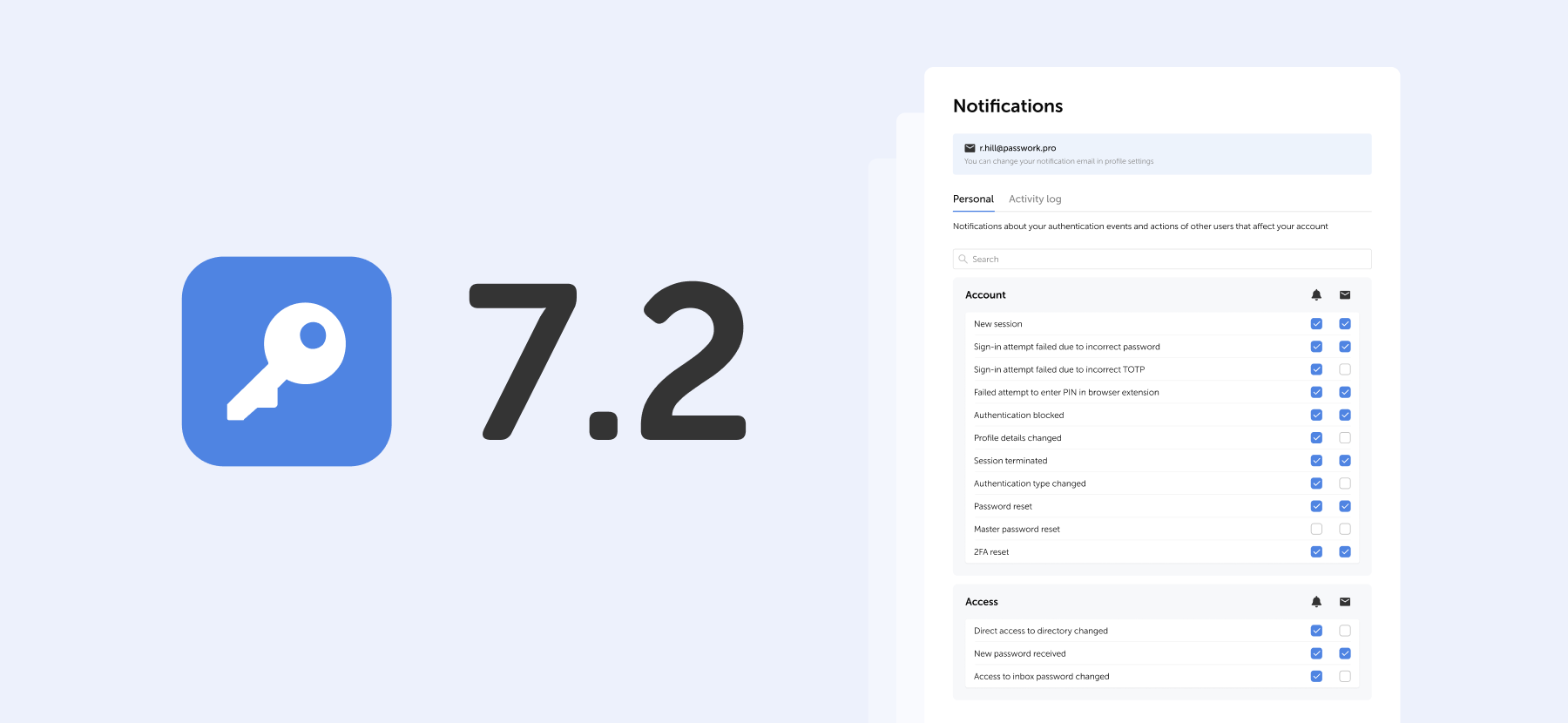
Python connector 0.1.5: Automated secrets management
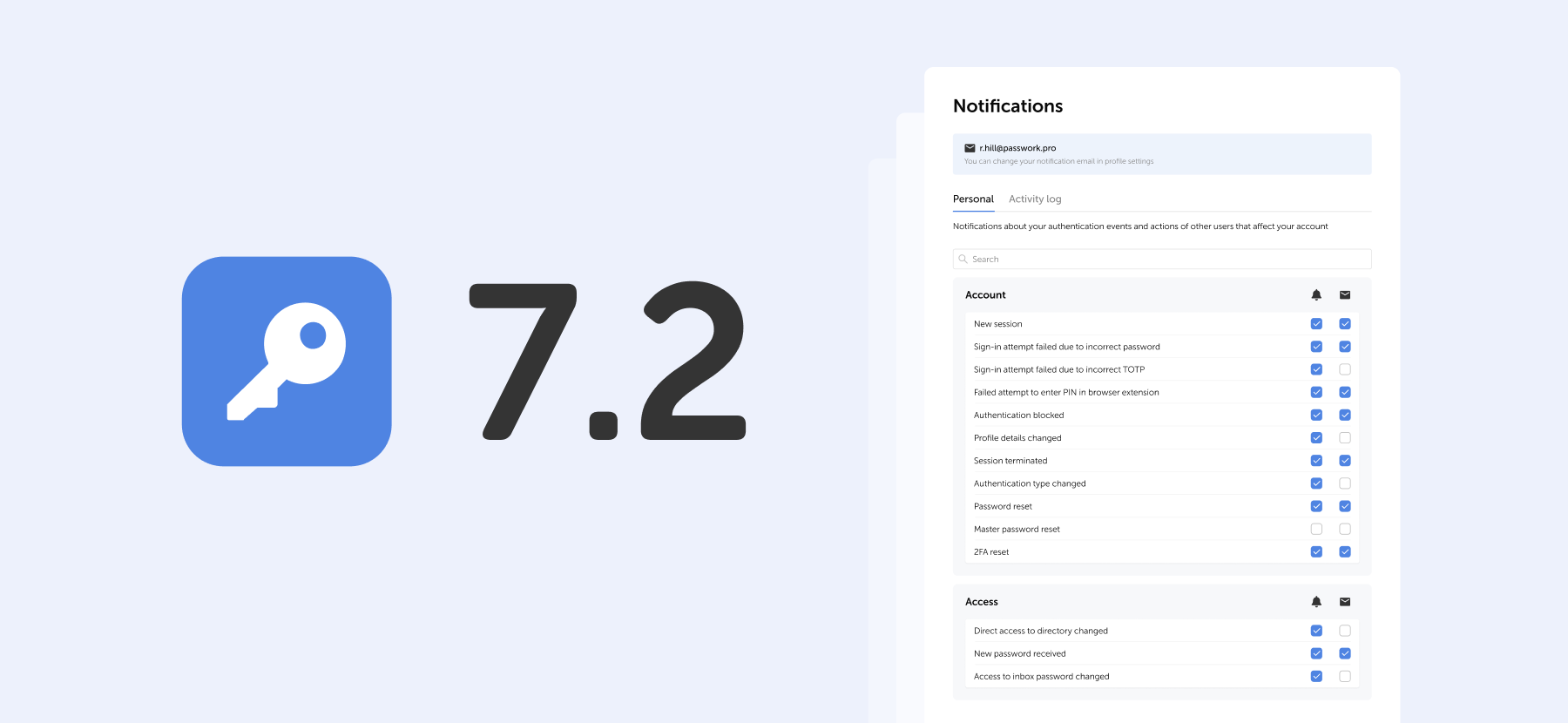
The new version introduces customizable notifications with flexible delivery options, enhanced event logging descriptions, expanded CLI functionality, server-side PIN code storage for the browser extension, and the ability to enable client-side encryption during initial Passwork configuration.
Notification settings
We've added a dedicated notification settings section where you can choose notification types and delivery methods: in-app or via email.

Access notification settings in the Notifications section under Account in the settings menu.
Notification settings include two tabs:
- Personal — notifications about your authentication events and actions of other users that affect your account
- Activity log — notifications about selected events from the activity log. Notifications for events related to vaults, passwords, and tags are available for vaults with "Read" access level or higher.
You can change your notification email in the Profile and interface settings
Notification delivery methods
For each event, you can independently choose how to receive notifications or disable them entirely.
Use the checkboxes in the two columns to the right of the event name:
- Bell icon — in-app notifications in Passwork interface
- Envelope icon — email notifications to your specified address

Select the desired checkboxes. Settings apply independently for each event type.
PIN in browser extension
The extension PIN is now stored on the server as a cryptographic hash. In the role settings, you can set a maximum user inactivity period, after which the extension will request the PIN to be re-entered, narrowing the window of potential attack and protecting against unauthorized access to an already open session.
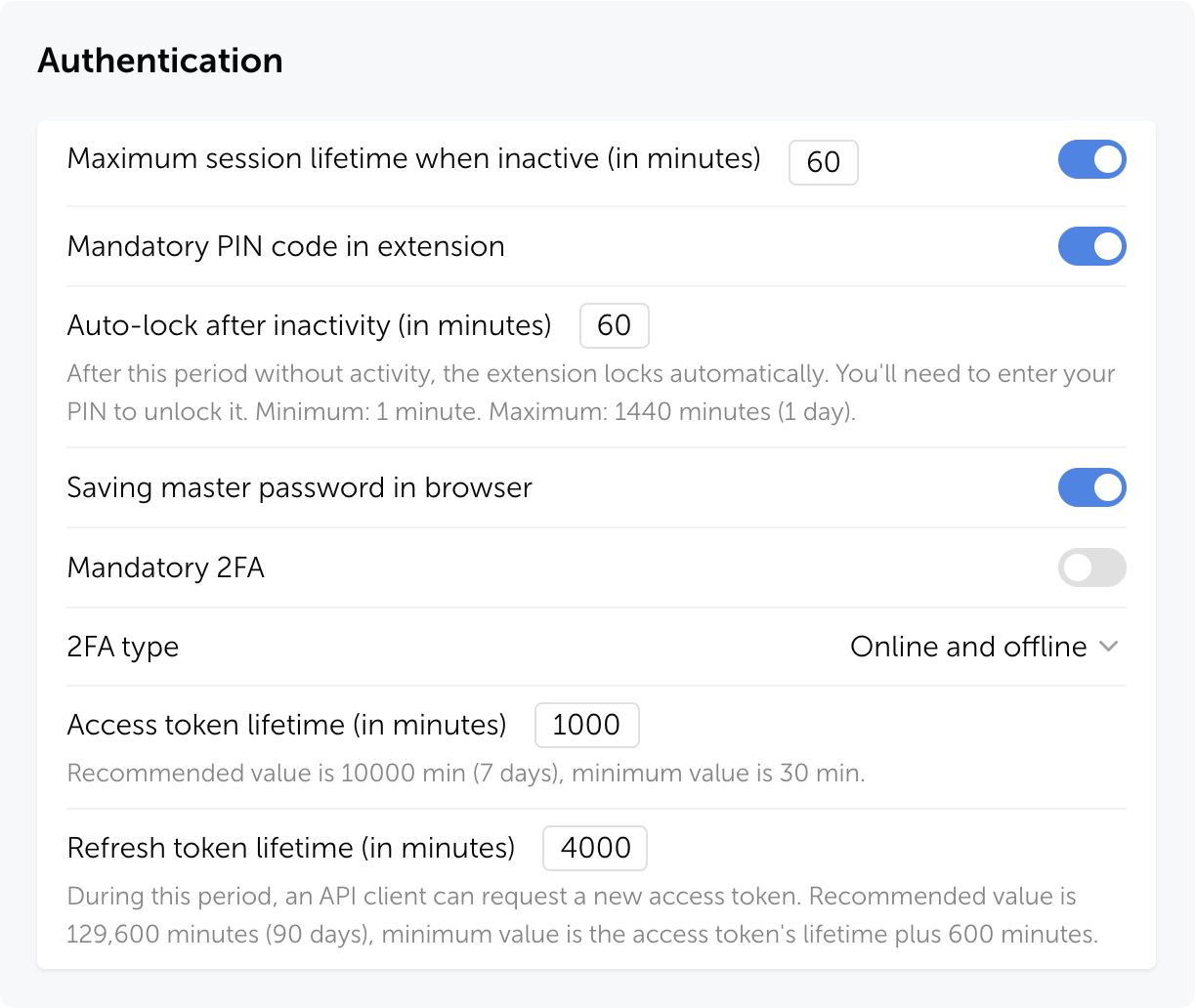
How it works
Actions on first extension login:
- User authenticates in the extension
- If PIN is mandatory for the user's role — a prompt to create one appears
- If PIN is optional — the user can enable it voluntarily for additional protection
After successful login, a temporary access session begins — the user works with the extension without re-entering the PIN. Session duration depends on role settings and personal preferences. The PIN is requested again if the user hasn't performed any actions in the extension during the set time period.
If PIN is mandatory for the user's role, it cannot be disabled
Security
Even if someone gains access to a user's session token, they cannot open passwords in the extension without the PIN.
Passwork automatically terminates all sessions when:
- PIN code is reset
- Three failed entry attempts occur
- Mandatory PIN code is enabled for the user's role
- User's role is changed to one where PIN code is mandatory
All PIN code actions are recorded in the Activity log
Zero knowledge mode
Added an option to enable client-side encryption (Zero knowledge mode) in the setup wizard during initial Passwork configuration. Previously, this required running a separate script or editing the configuration file.

Zero knowledge mode encrypts all data on the client side, making decryption impossible even if the server is compromised. Each user has their own master password that is never transmitted to the server.
Learn more about Zero knowledge mode in our documentation
Improvements
- Added a confirmation modal window for changing role to Owner and restricted the ability to assign this role to users
- Added pagination and change indicators in the hidden vaults modal window
- Added error information and update and get commands to the CLI utility (details in documentation)
- Added the ability to retrieve current TOTP codes via CLI: the command now returns a one-time code instead of the original key
- Improved security dashboard analysis: entries with an empty Password field no longer fall into the Weak category and are not evaluated for complexity
- Added an option to limit link validity to one day
- Improved display of long names and logins in User management
- Improved display of inactive items in dropdown menus
- Improved event descriptions in Activity log
- Improved data import with large numbers of folders
- Improved localization
Bug fixes
- Fixed an issue where folders were not created during CSV import, causing passwords to import directly to the root directory
- Fixed automatic launch of background tasks for loading groups, users, and LDAP sync when saving changes on the Groups and Synchronization tabs, and when starting manual sync in LDAP settings
- Fixed display of pagination items when changing the sidebar width
- Fixed an issue where pagination in User management could stop working after using the search bar
- Fixed import window freezing when uploading files with large amounts of data and when importing vaults containing only folders
- Fixed an issue in export where not all passwords could be exported after selecting all directories with the checkbox
- Fixed an issue when bulk deleting large numbers of folders from the Bin
- Fixed issues when moving columns: overlapping and extending beyond the visible area
- Fixed filtering by invite creator: now it is possible to sequentially select different users without resetting the filter
- Fixed an issue where checkboxes in access modals were not reset after canceling changes
- Fixed an issue where a vault connection request appeared when connecting a user without access (version with client-side encryption)
- Fixed an issue where copy and move folder to another vault options were unavailable if folder access was granted through a group without access to the root directory
- Fixed an issue where the Move option remained available for folders in directories with "Full access" rights
- Fixed an issue where the active tab reset to Users after refreshing the User management page
- Fixed an issue in JSON import with structure preservation where passwords from folders could move to the root directory
- Fixed KeePass XML import issues when the <UUID> tag is missing and custom fields transfer incorrectly
- Fixed an issue where the first password edition was not saved after migration from version 6.x.x
- Fixed an issue where attachments stopped downloading from links after preparing for migration in version 5.4.2, with the problem persisting after updating to version 7.x.x
- Fixed an issue where links in the access window stopped displaying for some vaults and passwords after updating to version 7.x.x
- Fixed an issue in migration from version 6.x.x where user IDs displayed instead of user names in notifications
- Fixed user manual links: they now open in a new tab and lead to correct pages
- Fixed an issue where favicon failed to display correctly when changing the URL to a site with an unavailable favicon
- Fixed an issue where selected items remained highlighted after copying folders by drag-and-drop
- Fixed the display of the default role in user creation and confirmation windows
- Fixed an issue where the TOTP code would only update after reopening the password card when the key was changed
Other changes
- Changed default values for "Access to vault actions" section in Vaults settings
- Hidden the "Password sent to group" item from the actions filter in Activity log (version with client-side encryption)
- Hidden the Edit menu item in the password send window for users without the appropriate access rights
- Hidden the "Connect mobile device" menu item for users who have mobile app usage restricted by their role settings
Important: Passwork requires MongoDB version 7.0 or higher. Earlier versions are not supported and may cause compatibility issues.
You can find all information about Passwork updates in our release notes.
Further reading
Passwork 7.1: Vault types
Table of contents * What are vault types * Basic vault types * Advantages of vault types * Managing vault types * Migration from previous versions * Frequently asked questions * Basic use cases * Conclusion: Data control and efficiency Vault types Passwork 7.1 introduces a robust vault types architecture, providing enterprise-grade access control for enhanced security
 Eirik Salmi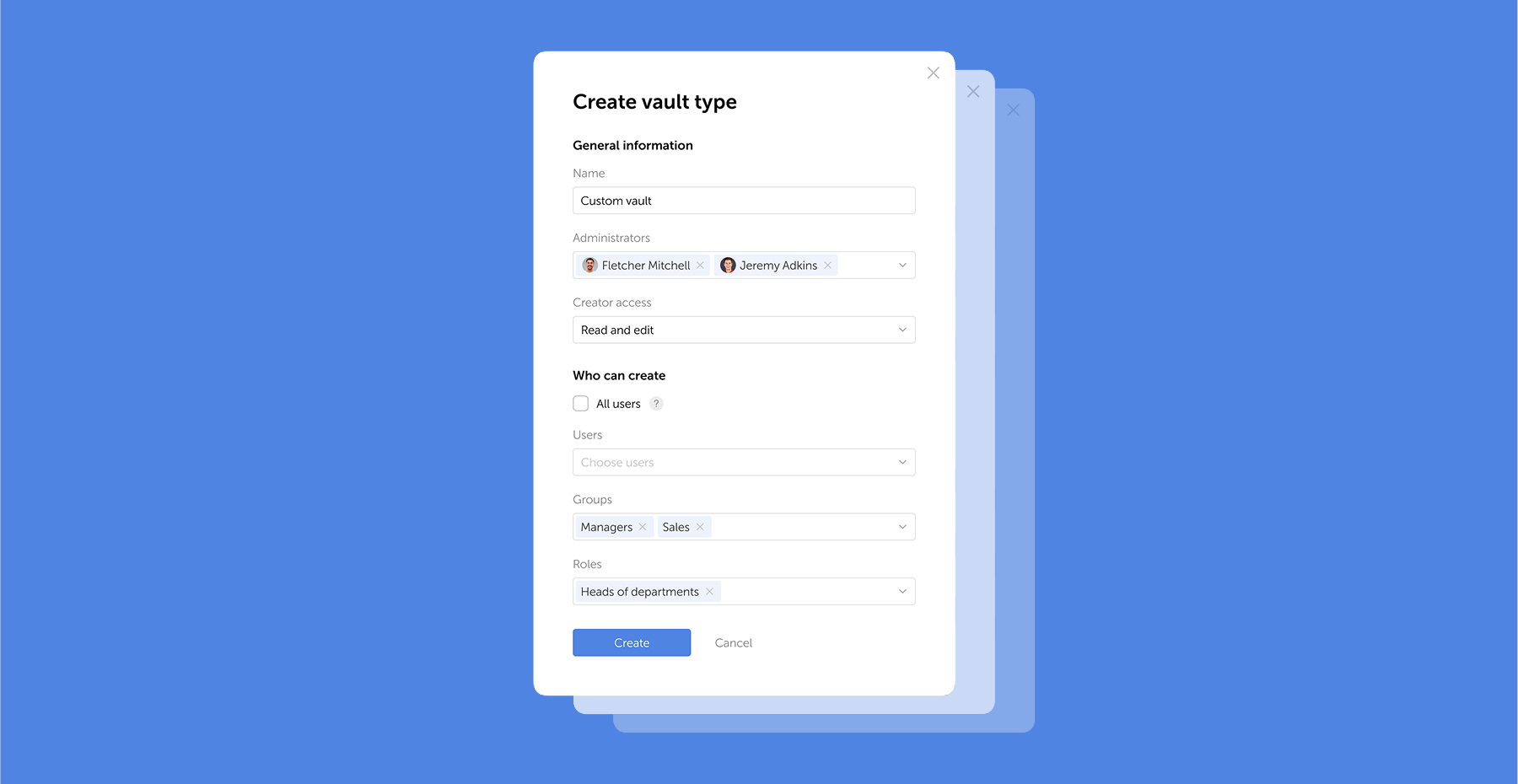
The 2025 small business cybersecurity checklist: A complete guide | Passwork
Passwork’s 2025 cybersecurity checklist, based on the NIST framework, provides actionable steps to prevent data breaches and financial loss.
 Eirik Salmi
Passwork: Secrets management and automation for DevOps
Table of contents * Introduction * What is secrets management * Why secrets management matters * Passwork: More than a password manager * Automation tools * How we automate password rotation * Security: Zero Knowledge and encryption * Authorization and tokens * Conclusions Introduction In corporate environment, the number of passwords, keys, and digital certificates is rapidly increasing, and
 Eirik Salmi
Passwork 7.2 release
60% of small businesses that suffer a cyberattack shut down within six months. That is a reality documented by the U.S. Securities and Exchange Commission.
Small and medium-sized businesses have become prime targets for cybercriminals. The reason? These organizations hold valuable customer data, financial records, and intellectual property, yet they often lack the dedicated security teams and enterprise-grade defenses of larger corporations.
But here's the good news: you don't need a Fortune 500 budget to build robust defenses. What you need is a systematic approach, starting with the fundamentals and building from there.
This guide provides a comprehensive, step-by-step cybersecurity checklist based on the National Institute of Standards and Technology (NIST) framework — the same standard used by government agencies and major corporations. We'll walk you through everything from securing passwords and training employees to creating an incident response plan, with a focus on practical solutions that actually work.
Quick takeaways
The 7 most critical actions to protect your business:
- Enable multi-factor authentication (MFA) on all business accounts and systems
- Train your team quarterly on phishing recognition and security best practices
- Implement the 3-2-1 backup rule and test your backups monthly
- Create an incident response plan before you need it
- Conduct a risk assessment to identify your most valuable assets and biggest vulnerabilities
- Deploy a password manager to eliminate weak and reused passwords across your organization
- Keep all software patched and updated with automatic updates wherever possible
SMB cybersecurity: 2025 snapshot
SMBs are prime targets
46% of all cyber breaches impact businesses with fewer than 1,000 employees, and 43% of SMBs faced at least one cyber attack in the past 12 months (October 2025). These statistics represent real businesses, many of which never recovered.
Cybercriminals target small businesses because they’re often the path of least resistance. These organizations have valuable data but typically lack dedicated security staff, making them an attractive target with a high probability of success.
Financial impact
The average cost of a data breach for a small business ranges from $120,000 to $1.24 million, according to research from Verizon. IBM's 2025 Cost of a Data Breach Report places the global average even higher at $4.44 million.
But the financial damage extends beyond immediate costs. Factor in lost business, damaged reputation, legal fees, regulatory fines, and the operational disruption of recovering from an attack, and the true cost becomes existential for many small businesses.

Top threats in 2025
Ransomware: Ransomware remains the most damaging attack type for small and medium-sized businesses. In 2025, 88% of all SMB breaches involved ransomware attacks, significantly exceeding the 39% rate seen in larger enterprises. 47% of small businesses (with annual revenue under $10 million) were hit by ransomware in the last year, with 75% of SMBs stating they could not continue operating if successfully attacked.
Phishing and social engineering: Deceptive emails and messages designed to trick employees into revealing credentials or transferring money. 95% of breaches involve human error, making this the most common attack vector.
Business Email Compromise (BEC): Sophisticated scams where attackers impersonate executives or vendors to authorize fraudulent wire transfers. The FBI reported BEC losses of $2.77 billion in 2024 across 21,442 complaints.
NIST cybersecurity framework
Rather than approaching security in an ad hoc manner, this guide follows the National Institute of Standards and Technology (NIST) Cybersecurity Framework — a structured, systematic approach used by organizations worldwide.
The framework consists of six core functions:
- GOVERN: Establish policies, assign responsibilities, and understand your risk landscape
- IDENTIFY: Know what assets you need to protect and where your vulnerabilities lie
- PROTECT: Implement safeguards to ensure delivery of critical services
- DETECT: Develop capabilities to identify cybersecurity events quickly
- RESPOND: Take action when a security incident is detected
- RECOVER: Restore capabilities and services impaired by an incident
This systematic approach ensures you're not just implementing random security measures, but building a comprehensive defense strategy that addresses all aspects of cybersecurity.
GOVERN: Establish your cybersecurity foundation
Step 1. Create a cybersecurity policy
A cybersecurity policy is your organization's rulebook for security. It defines acceptable behavior, establishes standards, and sets clear expectations for everyone in your company.
Your policy should cover:
- Acceptable use: What employees can and cannot do with company devices, networks, and data. This includes guidelines on personal use of company equipment, prohibited websites, and acceptable software installations.
- Password policy: Requirements for password strength, uniqueness, and management. Specify that employees must use unique passwords for each account, never share credentials, and store passwords only in approved password managers.
- Data handling: How to classify, store, share, and dispose of different types of company and customer data. Define what constitutes confidential information and how it should be protected.
- Incident reporting: Clear procedures for reporting suspected security incidents, including who to contact and what information to provide.
You don't need a 50-page document. A clear, concise 3-5 page policy that employees actually read and understand is far more valuable than a comprehensive document that sits unread in a shared drive.
Step 2. Conduct a risk assessment
A risk assessment helps you identify your most valuable assets and your biggest vulnerabilities so you can prioritize your security investments.
Start by asking:
- What data would be most damaging if stolen or destroyed? (Customer records, financial data, intellectual property, employee information)
- Which systems are critical to daily operations? (Email, CRM, payment processing, file servers)
- What are our biggest vulnerabilities? (Outdated software, lack of MFA, untrained employees, poor backup procedures)
- What would be the business impact of various incidents? (Ransomware, data breach, extended downtime)
The FCC's Small Biz Cyber Planner provides a free, guided assessment tool specifically designed for small businesses. It takes about 30 minutes and generates a customized action plan.
Step 3. Address compliance requirements
Depending on your industry and location, you may have legal obligations for data protection:
- GDPR (General Data Protection Regulation): If you handle data of EU residents, you must comply with strict data protection and privacy requirements, including breach notification within 72 hours.
- HIPAA (Health Insurance Portability and Accountability Act): Healthcare providers and their business associates must protect patient health information with specific technical, physical, and administrative safeguards.
- PCI DSS (Payment Card Industry Data Security Standard): If you accept credit card payments, you must comply with PCI DSS requirements for protecting cardholder data.
- SOX (Sarbanes-Oxley Act): Publicly traded companies must implement controls to ensure the accuracy and security of financial data, including IT systems that store or process financial information.
Non-compliance is a business risk. GDPR fines can reach €20 million or 4% of annual global turnover, whichever is higher. HIPAA violations can result in penalties up to $1.5 million per violation category per year.
Step 4. Consider cyber insurance
Cyber insurance can help cover the costs of a breach, including forensic investigation, legal fees, customer notification, credit monitoring services, and business interruption losses.
However, insurance isn't a substitute for good security practices. Insurers increasingly require evidence of basic security controls, like MFA, employee training, and regular backups before issuing coverage. Premiums have also risen significantly, with some businesses seeing increases of 50-100% in recent years.
Before purchasing, understand exactly what's covered and what's excluded. Many policies don't cover ransomware payments or have significant limitations on business interruption coverage.
IDENTIFY: Know what you need to protect
Step 5. Inventory your hardware and software
Create and maintain an inventory of all devices and applications connected to your network:
- Hardware: Computers, laptops, servers, mobile devices, routers, switches, printers, IoT devices
- Software: Operating systems, business applications, cloud services, browser extensions
Include details like device owner, operating system version, software version, and last update date. This inventory serves multiple purposes: identifying outdated or unsupported systems, tracking devices when employees leave, and understanding your attack surface.
Many endpoint management tools can automate this inventory process. For smaller businesses, a simple spreadsheet updated quarterly may suffice.
Step 6. Classify your data
Not all data requires the same level of protection. Classify your data into categories to prioritize security efforts:
- Public: Information intended for public consumption (marketing materials, published content)
- Internal: Information for internal use that wouldn't cause significant harm if disclosed (internal memos, general business documents)
- Confidential: Sensitive information that could cause significant harm if disclosed (customer data, financial records, employee information, trade secrets, intellectual property)
- Restricted: Highly sensitive information subject to regulatory requirements (payment card data, health records, personally identifiable information)
Once classified, implement appropriate controls for each category. Confidential and restricted data should be encrypted, access should be limited to those with a business need, and handling procedures should be clearly documented.
PROTECT: Implement your core defenses
Step 7. Secure your passwords
Weak and compromised credentials are the leading cause of data breaches. 86% of breaches involved stolen or compromised credentials, according to Verizon's 2024 Data Breach Investigations Report.
The problem is simple: humans are terrible at creating and remembering strong, unique passwords. The average person has 100+ online accounts but uses the same handful of passwords across many of them. When one site is breached, attackers use those credentials to access other accounts — a technique called credential stuffing.
The solution: Password managers
A password manager is the single most impactful security tool you can deploy. It generates strong, unique passwords for every account, stores them in an encrypted vault, and automatically fills them when needed.
For businesses, a password manager like Passwork provides:
- Centralized password management: Store all company credentials in a secure, encrypted vault accessible only to authorized team members.
- Password generation: Create cryptographically strong passwords of 15+ characters with mixed case, numbers, and symbols — passwords that are virtually impossible to crack through brute force.
- Secure sharing: Share credentials with team members without exposing the actual password. When an employee leaves, revoke access instantly without changing dozens of passwords.
- Security dashboard: Identify weak, reused, or compromised passwords across your organization. Passwork's Security Dashboard provides visibility into your password hygiene and helps prioritize remediation efforts.
- Audit trail: Track who accessed which credentials and when, providing accountability and helping investigate potential security incidents.
Even with a password manager, establish minimum standards:
- Minimum 15 characters (longer is always better)
- Unique for every account (never reuse passwords)
- Randomly generated (no dictionary words, personal information, or predictable patterns)
- Stored only in the password manager (never in browsers, spreadsheets, or sticky notes)
Step 8. Enforce Multi-Factor Authentication (MFA)
Multi-factor authentication requires two or more verification methods to access an account: something you know (password), something you have (phone or security key), or something you are (fingerprint or face).
Enable MFA immediately on:
- Email accounts (your email is the key to resetting all other passwords)
- Financial and banking systems
- Cloud storage and file sharing
- Administrative and privileged accounts
- Any system containing sensitive data
MFA is extraordinarily effective. Microsoft research shows that MFA can prevent 99.9% of account compromise attacks. Even if an attacker steals a password through phishing or a data breach, they still can't access the account without the second factor.
Step 9. Train your employees
Technology alone cannot protect your business. 95% of breaches involve human error — an employee clicking a phishing link, falling for a social engineering scam, or misconfiguring a system.
Training program structure:
- Onboarding training: All new employees should complete security awareness training within their first week. Cover the basics: password security, phishing recognition, physical security, acceptable use policy, and incident reporting.
- Annual refresher training: Security threats evolve. Conduct comprehensive refresher training at least annually to cover new threats, reinforce fundamentals, and update employees on policy changes.
- Phishing simulations: Send simulated phishing emails quarterly to test employee awareness and identify individuals who need additional training. This provides measurable data on your organization's security posture and keeps security top-of-mind.
- Targeted training: When employees fall for simulated phishing or make security mistakes, provide immediate, constructive training rather than punishment. The goal is learning, not blame.
Key topics to cover:
- Phishing recognition: How to identify suspicious emails, including checking sender addresses, hovering over links before clicking, watching for urgency and fear tactics, and verifying requests through alternative channels.
- Social engineering: Tactics attackers use to manipulate people into divulging information or taking actions, including pretexting, baiting, and tailgating.
- Password security: The importance of unique passwords, using the company password manager, never sharing credentials, and reporting suspected compromises.
- Physical security: Locking screens when away from desks, securing mobile devices, proper disposal of sensitive documents, and challenging unknown individuals in the office.
- Incident reporting: How to report suspected security incidents, who to contact, and the importance of reporting quickly even if unsure.
Make training engaging and relevant. Use real-world examples, keep sessions short (15-20 minutes), and relate threats to scenarios employees actually encounter.
Step 10. Secure your network
Your network is the foundation of your digital infrastructure. Securing it prevents unauthorized access and protects data in transit.
Firewall: A firewall acts as a barrier between your internal network and the internet, blocking unauthorized access while allowing legitimate traffic. Modern firewalls provide additional features like intrusion prevention, application control, and threat intelligence integration.
Ensure your firewall is:
- Properly configured with rules that follow the principle of least privilege
- Regularly updated with the latest firmware
- Monitored for suspicious activity
Wi-Fi security: Wireless networks are convenient but create additional security risks.
- Use WPA3 encryption (or WPA2 if WPA3 isn't available)
- Change the default administrator password on your router
- Disable WPS (Wi-Fi Protected Setup)
- Hide your SSID if appropriate for your environment
- Create a separate guest network isolated from your business network
VPN (Virtual Private Network): With remote work now standard, VPNs are essential. A VPN encrypts all internet traffic between remote employees and your business network, protecting sensitive data from interception.
Require all remote employees to use the company VPN when accessing business systems or handling sensitive data. Choose a reputable business VPN provider with strong encryption (AES-256), a no-logs policy, and support for modern protocols like WireGuard or OpenVPN.
Step 11. Protect your endpoints
Endpoints (computers, laptops, mobile devices) are where employees interact with your systems and data. They're also common entry points for malware and other threats.
Antivirus and Endpoint Detection and Response (EDR): Traditional antivirus is no longer sufficient. Modern threats require more sophisticated detection capabilities.
EDR solutions go beyond signature-based detection to identify suspicious behavior, contain threats automatically, and provide detailed forensics for investigation. While enterprise EDR can be expensive, several vendors now offer affordable solutions designed for small businesses.
At minimum, ensure every device has:
- Modern antivirus/anti-malware software
- Real-time scanning enabled
- Automatic updates configured
- Regular full system scans scheduled
Patch management: 60% of breaches involve unpatched vulnerabilities. Attackers actively scan for systems running outdated software with known vulnerabilities.
Implement a patch management process:
- Enable automatic updates for operating systems and applications wherever possible
- Prioritize critical security patches (apply within 48 hours of release)
- Test patches in a non-production environment if possible, but don't let testing delay critical security updates
- Maintain an inventory of all software to track patch status
- Pay special attention to internet-facing systems and applications
Mobile Device Management (MDM): If employees use mobile devices for work, implement MDM to enforce security policies, encrypt data, enable remote wipe capabilities, and ensure devices stay updated.
Step 12. Back up your data
The 3-2-1 Backup Rule:
- 3 copies of your data (the original plus two backups)
- 2 different media types (e.g., local disk and cloud storage)
- 1 copy offsite (protected from physical disasters like fire or flood)
What to back up:
- All business-critical data and databases
- Email systems and archives
- Financial records and customer data
- Configuration files and system images
- Intellectual property and work product
Backup frequency:
- Critical systems: Daily or continuous
- Important data: Daily
- Less critical data: Weekly
Retention period: Keep multiple versions spanning at least 30 days. This protects against ransomware that remains dormant before activating, ensuring you have clean backups from before the infection.
Immutable backups: Configure backups to be immutable (cannot be modified or deleted) for a specified period. This prevents ransomware from encrypting your backups along with your production data.
Test your backups: Untested backups are just expensive storage. Conduct restoration tests quarterly to verify:
- Backups are completing successfully
- Data can be restored within acceptable timeframes
- Restored data is complete and usable
- Restoration procedures are documented and understood
Step 13. Control access to data
Not everyone needs access to everything. The Principle of Least Privilege states that users should have only the minimum access necessary to perform their job functions.
Role-Based Access Control (RBAC): Define roles based on job functions and assign permissions to roles rather than individuals. When someone changes positions, you simply change their role assignment rather than adjusting dozens of individual permissions.
Through Passwork's role-based permission system, administrators can define exactly who has access to which credentials, implement the principle of least privilege at the password level, and enforce separation of duties.
Regular access reviews: Conduct quarterly reviews of who has access to what. Remove access for departed employees immediately, adjust access for employees who changed roles, and revoke unnecessary permissions.
Privileged account management: Administrative accounts have extensive system access and are prime targets for attackers.
- Limit the number of users with administrative privileges
- Use separate accounts for administrative tasks (never use admin accounts for daily work)
- Require MFA for all privileged accounts
- Log and monitor all privileged account activity
- Implement just-in-time access that grants elevated privileges only when needed and automatically revokes them after a specified period
When an employee changes roles or leaves the company, Passwork makes it possible to instantly revoke access to all relevant credentials without the need to change dozens of passwords across multiple systems. Audit logs track every credential access, providing the accountability and visibility required for compliance and security investigations.
Shared account elimination: Eliminate shared accounts wherever possible. Every user should have their own credentials for accountability and audit purposes. When shared accounts are unavoidable (legacy systems), use a password manager like Passwork to control access and maintain an audit trail of who accessed the credentials and when.
Passwork provides centralized control over credential access across the organization. Through Passwork's role-based permission system, administrators can define exactly who has access to which credentials, implement the principle of least privilege at the password level, and enforce separation of duties through Vault types.
DETECT: Monitor for suspicious activity
Assume that determined attackers will eventually find a way in. Your goal is to detect and respond before they can cause significant damage.
Step 14. Monitor your systems
Implement logging and monitoring for:
- Failed login attempts: Multiple failed logins may indicate a brute-force attack or compromised credentials.
- Unusual access patterns: Logins from unexpected locations, access to unusual resources, or activity outside normal business hours.
- System changes: New user accounts, permission changes, software installations, or configuration modifications.
- Network traffic anomalies: Unusual outbound traffic, connections to suspicious IP addresses, or large data transfers.
For small businesses without dedicated security staff, consider:
- Security Information and Event Management (SIEM): Cloud-based SIEM solutions designed for SMBs can aggregate logs, identify anomalies, and alert you to potential incidents. Many offer affordable pricing tiers for small businesses.
- Managed Detection and Response (MDR): Outsource monitoring to a security provider who watches your systems 24/7 and alerts you to threats. This provides enterprise-grade detection capabilities at a fraction of the cost of building an internal security operations center.
Step 15. Implement intrusion detection (For advanced SMBs)
As your business grows and your security maturity increases, consider deploying Intrusion Detection Systems (IDS) or Intrusion Prevention Systems (IPS).
These systems monitor network traffic for malicious activity and known attack patterns. IDS alerts you to threats, while IPS can automatically block malicious traffic.
For most small businesses, this is a secondary priority after implementing the fundamental controls outlined above. Focus first on the basics before investing in more advanced detection capabilities.
RESPOND: Plan for a security incident
Having a plan in place before an incident occurs dramatically reduces response time, limits damage, and improves recovery outcomes. Yet 47% of SMBs lack an incident response plan.
Step 16. Create an Incident Response (IR) plan
An incident response plan is your playbook for handling security incidents. It defines roles, establishes procedures, and ensures everyone knows what to do when an incident occurs.
The 6-step incident response lifecycle:
1. Preparation
- Develop and document your IR plan
- Assemble your IR team and define roles
- Establish communication procedures
- Prepare tools and resources needed for response
- Conduct training and tabletop exercises
2. Detection and analysis
- Identify potential security incidents through monitoring, alerts, or user reports
- Determine if an actual incident has occurred
- Assess the scope, severity, and type of incident
- Document all findings and actions taken
3. Containment
- Short-term containment: Immediately isolate affected systems to prevent spread (disconnect from network, disable compromised accounts)
- Long-term containment: Implement temporary fixes to allow systems to continue operating while preparing for recovery
- Preserve evidence for investigation and potential legal action
4. Eradication
- Remove the threat from your environment (delete malware, close vulnerabilities, remove unauthorized access)
- Identify and address the root cause
- Ensure the threat is completely eliminated before proceeding to recovery
5. Recovery
- Restore systems and data from clean backups
- Verify systems are functioning normally
- Monitor closely for signs of persistent threats
- Gradually return systems to production
6. Lessons learned
- Conduct a post-incident review within two weeks
- Document what happened, what worked, and what didn't
- Update your IR plan based on lessons learned
- Implement improvements to prevent similar incidents

Key components of your IR plan:
Incident classification: Define severity levels (Low, Medium, High, Critical) with clear criteria and corresponding response procedures.
Contact information: Maintain an updated list of internal team members, external partners (IT support, legal counsel, cyber insurance provider, law enforcement), and key vendors.
Communication procedures: Who communicates what to whom? How do you notify customers of a breach? What's your media response strategy?
Legal and regulatory requirements: Understand breach notification requirements for your jurisdiction and industry. Many regulations require notification within specific timeframes (GDPR: 72 hours, many U.S. state laws: 30-60 days).
Evidence preservation: Document procedures for preserving evidence for investigation and potential legal action.
RECOVER: Ensure business continuity
Step 17. Develop a Business Continuity Plan (BCP)
While your incident response plan focuses on the technical response to a security incident, your business continuity plan addresses how your business will continue operating.
Your BCP should address:
- Critical business functions: Identify which business functions are essential and must continue during an incident (e.g., customer service, order processing, payroll).
- Recovery Time Objectives (RTO): How quickly must each system or function be restored? Different systems have different priorities.
- Recovery Point Objectives (RPO): How much data loss is acceptable? This determines your backup frequency.
- Alternative procedures: How will you perform critical functions if primary systems are unavailable? This might include manual processes, alternative systems, or temporary workarounds.
- Communication plan: How will you communicate with employees, customers, vendors, and partners during an extended outage?
- Succession planning: Who makes decisions if key personnel are unavailable?
Step 18. Test your recovery procedures
Plans that aren't tested are just documents. Conduct regular tests of your recovery procedures:
- Tabletop exercises: Gather your team and walk through incident scenarios. Discuss how you would respond, identify gaps in your plan, and clarify roles and responsibilities. Conduct these exercises at least annually.
- Technical tests: Actually restore systems from backups, fail over to alternative systems, and verify that recovery procedures work as documented. Test quarterly for critical systems.
- Full-scale simulations: For mature organizations, conduct realistic simulations that test your entire response and recovery capability. These are resource-intensive but provide invaluable insights.
Document the results of all tests, identify areas for improvement, and update your plans accordingly.
Frequently Asked Questions
How much should a small business spend on cybersecurity?
Industry guidelines suggest allocating 3-10% of your IT budget to cybersecurity, with the percentage increasing based on your risk profile and industry. For a small business with a $50,000 annual IT budget, this translates to $1,500-$5,000 per year.
However, don't let budget constraints prevent you from implementing basic security. The fundamental controls — password manager, MFA, employee training, and backups — cost less than $5,000 annually for most small businesses and provide the majority of risk reduction.
What is the most common cyber attack on small businesses?
Phishing is the most common attack vector, involved in 85% of breaches according to Cyber security breaches survey 2025. Phishing attacks trick employees into revealing credentials, downloading malware, or transferring money.
Ransomware is the most damaging attack type for small businesses, with attacks increasing 68% in 2024. The average ransomware payment demanded from small businesses is $200,000, though many organizations pay significantly more when downtime costs are included.
Do I need cyber insurance?
Cyber insurance can be valuable, but it's not a substitute for good security practices. Insurance helps cover costs after a breach, but it doesn't prevent the operational disruption, reputational damage, and customer trust issues that come with an incident.
Consider cyber insurance if:
- You handle sensitive customer data
- You're in a high-risk industry (healthcare, finance, retail)
- You have significant revenue that would be impacted by downtime
- You want to transfer some financial risk
Before purchasing, implement basic security controls. Many insurers now require evidence of MFA, employee training, and regular backups before issuing coverage.
What is the NIST Cybersecurity Framework?
The NIST Cybersecurity Framework is a voluntary framework developed by the National Institute of Standards and Technology to help organizations manage cybersecurity risk. It provides a common language and systematic approach to cybersecurity through six core functions: Govern, Identify, Protect, Detect, Respond, and Recover.
The framework is flexible and scalable, making it appropriate for organizations of all sizes, from small businesses to large enterprises and government agencies.
How often should we conduct security training?
At minimum, conduct comprehensive security awareness training annually for all employees. However, best practice includes:
- Initial training during onboarding (within first week)
- Annual comprehensive refresher training
- Quarterly phishing simulations
- Immediate targeted training when employees fail simulations or make security mistakes
- Ad-hoc training when new threats emerge
Security awareness is not a one-time event—it's an ongoing process. Regular reinforcement keeps security top-of-mind and helps employees recognize evolving threats.
What should we do if we're hit by ransomware?
If you suspect a ransomware infection:
- Immediately isolate affected systems from the network
- Do not pay the ransom (payment doesn't guarantee data recovery and funds criminal activity)
- Activate your incident response plan
- Contact law enforcement (FBI, local authorities)
- Notify your cyber insurance provider if you have coverage
- Engage cybersecurity experts to contain the threat and investigate
- Restore from clean backups once the threat is eradicated
This is why having tested backups and an incident response plan is critical — they provide options other than paying the ransom.
How do we know if our current security is adequate?
Conduct a security assessment using the NIST Cybersecurity Framework or the CIS Critical Security Controls as a benchmark. Ask:
- Do we have a password manager and is MFA enabled on all critical systems?
- Do we conduct regular security training and phishing simulations?
- Do we have tested backups following the 3-2-1 rule?
- Do we have an incident response plan?
- Are all systems patched and up-to-date?
- Do we monitor systems for suspicious activity?
- Have we conducted a risk assessment in the past year?
If you answered "no" to any of these questions, you have gaps to address. Consider engaging a third-party security assessor for an objective evaluation of your security posture.
Conclusion
Cybersecurity can feel overwhelming, especially for small businesses without dedicated IT security staff. But the reality is that you don't need enterprise-grade tools or a massive budget to significantly reduce your risk.
What you need is a systematic approach: start with the fundamentals, build from there, and continuously improve. The NIST Cybersecurity Framework provides that structure, guiding you through governance, identification, protection, detection, response, and recovery.
The threats are real, and the statistics are sobering. But so is the opportunity. By implementing the controls outlined in this checklist, you'll be far ahead of most small businesses, and far less attractive to attackers who seek the path of least resistance.
Cybersecurity is an ongoing process of assessment, implementation, monitoring, and improvement. Start today with the highest-impact, lowest-cost controls: deploy a password manager, enable MFA, train your team, and implement robust backups.
Ready to take the first and most critical step? Secure your company's passwords today with a free trial of Passwork.
Further reading
Passwork 7.1: Vault types
Table of contents * What are vault types * Basic vault types * Advantages of vault types * Managing vault types * Migration from previous versions * Frequently asked questions * Basic use cases * Conclusion: Data control and efficiency Vault types Passwork 7.1 introduces a robust vault types architecture, providing enterprise-grade access control for enhanced security
 Eirik Salmi
Passwork: Secrets management and automation for DevOps
Table of contents * Introduction * What is secrets management * Why secrets management matters * Passwork: More than a password manager * Automation tools * How we automate password rotation * Security: Zero Knowledge and encryption * Authorization and tokens * Conclusions Introduction In corporate environment, the number of passwords, keys, and digital certificates is rapidly increasing, and
 Eirik Salmi
GDPR password security: Guide to effective staff training
Learn proven strategies to train employees for GDPR password security compliance. Reduce breach risks with practical training methods.
 Ana Moore
Small business cybersecurity checklist for 2025

Introduction
In corporate environment, the number of passwords, keys, and digital certificates is rapidly increasing, and secrets management is becoming one of the critical tasks for IT teams.
Secrets management addresses the complete lifecycle of sensitive data: from secure generation and encrypted storage to automated rotation and audit trails. As organizations adopt cloud infrastructure, microservices, and DevOps practices, the challenge intensifies — applications need seamless access to credentials while maintaining zero-trust security principles.
IT departments and DevOps teams face situations where there are too many secrets that become difficult to structure, control, and protect. In real-world projects, these secrets scatter across config files, environment variables, deployment scripts, and occasionally surface in public repositories.
What is secrets management
Secrets management is a cybersecurity best practice and set of tools for securely storing, managing, accessing, and rotating digital authentication credentials used by non-human identities such as applications, services, servers, and automated workloads.
Such secrets include passwords, passphrases, SSH, API and encryption keys, access tokens, digital certificates, and any other credentials that enable secure access to infrastructure.
Why secrets management matters
Protecting confidential information is a key priority for any business. Secrets require strict control at every stage of their lifecycle. That's just a few benefits of proper secrets management:
- Centralized storage. All passwords, keys, and tokens are stored in a single protected repository, preventing them from ending up in open docs, scripts, or source code, reducing the risk of leaks and unauthorized access.
- Flexible access management. The system allows individualized determination of who can access which secrets, whether individual employees, groups, or service accounts. This helps implement the principle of least privilege and reduces potential attack vectors.
- Complete control and operational transparency. Every request is logged: you can track who, when, and what actions were performed. Auditing facilitates regulatory compliance and makes security processes maximally transparent.
- Automated rotation. Passwords and keys are regularly updated automatically, on schedule or when threats are detected. This saves IT resources and reduces the likelihood of using outdated or compromised data.
- Integration with infrastructure and DevOps. Access to secrets is provided through API, CLI, SDK, and plugins, simplifying system integration with CI/CD pipelines, cloud platforms, containers, and databases.
- Rapid incident response. A centralized approach allows quick revocation or replacement of vulnerable secrets, minimizing incident consequences and preventing threat propagation within the company.
Without a unified solution, secrets often "wander" through configuration files and source code, complicating their updates and increasing compromise risks. Corporate password managers solve this task, but not all of them support the necessary automation for modern DevOps processes.
Passwork: More than a password manager
Passwork started as a corporate password manager — a simple and convenient tool for storing credentials. But modern IT teams need more: automation, integration, and programmatic access to secrets.
With Passwork 7, the platform evolved beyond traditional password storage into a full-fledged secrets management system.
API-first architecture
Passwork is built on API-first principles. This means that every function available in the UI is available through REST API.
The API provides programmatic access to all system functions: password management, vaults, folders, users, roles, tags, file attachments, and event logs. This enables you to automate access provisioning and revocation, update passwords programmatically, integrate Passwork into CI/CD pipelines, and export logs for analysis.
Two products in one
In other words, Passwork now combines two full-fledged products:
- Password manager — intuitive interface for secure credential storage and team collaboration.
- Secrets management system — programmatic access through REST API, Python connector, CLI, and Docker container for workflow automation.
Automation tools
Python connector
Passwork's official Python connector eliminates the complexity of working with low-level API calls and cryptography. Manage secrets through simple methods—no manual HTTP request handling or data transformations required.
Usage example:
from passwork_client import PassworkClient

client = PassworkClient(host="https://passwork.example.com")
client.set_tokens("ACCESS_TOKEN", "REFRESH_TOKEN")  # pass tokens
client.set_master_key("MASTER_KEY")  # master key for decryption

# create vault and password
vault_id = client.create_vault(vault_name="DevOps", type_id="vault_id_type")
password_data = {
    "Name": "Database PROD",
    "vaultId": vault_id,
    "title": "DB prod",
    "login": "admin",
    "password": "secure-password",
    "url": "https://db.example.com"
}
password_id = client.create_item(password_data)

# retrieve and use password
secret = client.get_item(password_id)
print(secret['password'])
Key features:
- Simple methods like
create_item(),get_item(),create_vault()handle all operations; no manual HTTP requests needed - Client-side cryptography — master key never leaves your environment
- Connector automatically saves, restores, and refreshes tokens
- Universal
call()method enables access to any API endpoint, even those without dedicated methods
The Python connector accelerates automation and integration without unnecessary complexity.
CLI utility
For shell script and CI/CD automation, Passwork CLI provides a universal tool with two operating modes:
- exec — extracts secrets, creates environment variables, and runs your process. Passwords are never saved and are only available during execution.
- api — calls any Passwork API method and returns JSON responses.
Key features:
- Passwords injected as environment variables
- Secrets automatically loaded in CI/CD pipelines
- Temporary variables enable service account operations
- Native integration with Ansible, Terraform, Jenkins, and similar tools
Usage examples
Retrieve a password and execute a command:
# Export environment variables
export PASSWORK_HOST="https://passwork.example.com"
export PASSWORK_TOKEN="your_token"
export PASSWORK_MASTER_KEY="your_master_key"

# Retrieve password by ID and run MySQL client
passwork-cli exec --password-id "db_password_id" mysql -u admin -h localhost -p $DB_PASSWORD database_name
Running script with multiple secrets:
passwork-cli exec \
  --password-id "db123,api456,storage789" \
  deploy.sh --db-pass=$DATABASE_PASSWORD --api-key=$API_KEY --storage-key=$STORAGE_KEY
Getting vault list through API:
passwork-cli api --method GET --endpoint "v1/vaults"The CLI supports tag and folder filtering, custom fields, token refresh, and flexible configuration for diverse automation scenarios.
Docker container
For CI/CD integration, the official passwork/passwork-cli Docker image enables quick CLI launches in isolated environments.
Launch example:
docker run -it --rm \
  -e PASSWORK_HOST="https://passwork.example.com" \
  -e PASSWORK_TOKEN="your_access_token" \
  -e PASSWORK_MASTER_KEY="your_master_key" \
  passwork-cli exec --password-id "db_password_id" mysql -h db_host -u admin -p $DB_PASSWORD db_name
Key features:
- Ready for GitLab, Bitbucket Pipelines, and docker-compose workflows
- Secrets easily passed between containers
How we automate password rotation
Regular password changes are a fundamental security requirement, but manual rotation introduces risk and wastes time. Passwork enables complete automation through the Python connector.
Rotation workflow:
- Retrieve current password from Passwork (
get_item) - Generate new secure password
- Change password in target system (e.g.,
ALTER USERfor databases) - Update record in Passwork (
update_item) - Notify team of completion
Example implementation:
from passwork_client import PassworkClient
import secrets
import psycopg2

def rotate_db_password(passwork_host, accessToken, refreshToken, master_key, password_id, db_params):
    client = PassworkClient(passwork_host)
    client.set_tokens(accessToken, refreshToken)
    client.set_master_key(master_key)

    secret = client.get_item(password_id)
    current_password = secret['password']
    new_password = secrets.token_urlsafe(32)

    conn = psycopg2.connect(
        dbname=db_params['db'],
        user=db_params['user'],
        password=current_password,
        host=db_params['host']
    )

    with conn.cursor() as cur:
        cur.execute(f"ALTER USER {db_params['user']} WITH PASSWORD '{new_password}'")
    conn.commit()

    client.update_item(password_id, {"password": new_password})
    print("Password successfully rotated and updated in Passwork")
Benefits:
- Fully automated rotation eliminates manual actions and human error
- New password immediately available to the entire team—no delays or communication gaps
Security: Zero knowledge and encryption
Passwork implements Zero knowledge architecture: the server never accesses secrets in plain text. Even administrators with full infrastructure access cannot read your data.
- Server-side encryption — All secrets stored encrypted on the server. Suitable for internal networks and standard security requirements.
- Client-side encryption (CSE) — Secrets encrypted on the client before transmission; only ciphertext reaches the server. Master key derived from user's master password. Essential for cloud deployments or strict compliance requirements.
Choosing your model:
- Cloud deployment or strict compliance → Enable CSE
- Internal network with standard requirements → Server-side encryption sufficient
Authorization and tokens
Passwork API uses a token pair: accessToken and refreshToken.
- Access token — Short-lived credential for API requests
- Refresh token — Enables automatic access token renewal without re-authorization
The Python connector handles token refresh automatically, ensuring stable integrations without manual intervention.
Security best practices:
- Create dedicated service accounts — Assign minimal permissions, grant access only to required vaults and folders
- Rotate tokens regularly — Set expiration policies and refresh credentials on schedule
- Secure token storage — Use environment variables or dedicated secret vaults (never hardcode)
- Enforce HTTPS — Always use encrypted connections for API communication
Conclusions
Passwork has evolved from a password manager into a comprehensive secrets management platform. The open API, Python connector, CLI, and Docker image enable seamless integration into any workflow while centralizing secrets with granular access control.
- For administrators: Reliable storage with built-in automation capabilities.
- For developers and DevOps: Production-ready API and tools for secure secrets handling.
Passwork consolidates what typically requires multiple solutions into a single system with unified management. This reduces operational overhead, simplifies rotation workflows, and provides IT and development teams with transparent security controls.
As a secrets management platform, Passwork delivers protected, scalable infrastructure that adapts to your organization's needs.
See how Passwork automates credential lifecycle management in your infrastructure. Get free demo with full API access.
Further reading
Passwork 7.1: Vault types
Table of contents * What are vault types * Basic vault types * Advantages of vault types * Managing vault types * Migration from previous versions * Conclusion: Data control and efficiency Vault types Passwork 7.1 introduces a robust vault types architecture, providing enterprise-grade access control for enhanced security and management. Vault types address a
 Eirik Salmi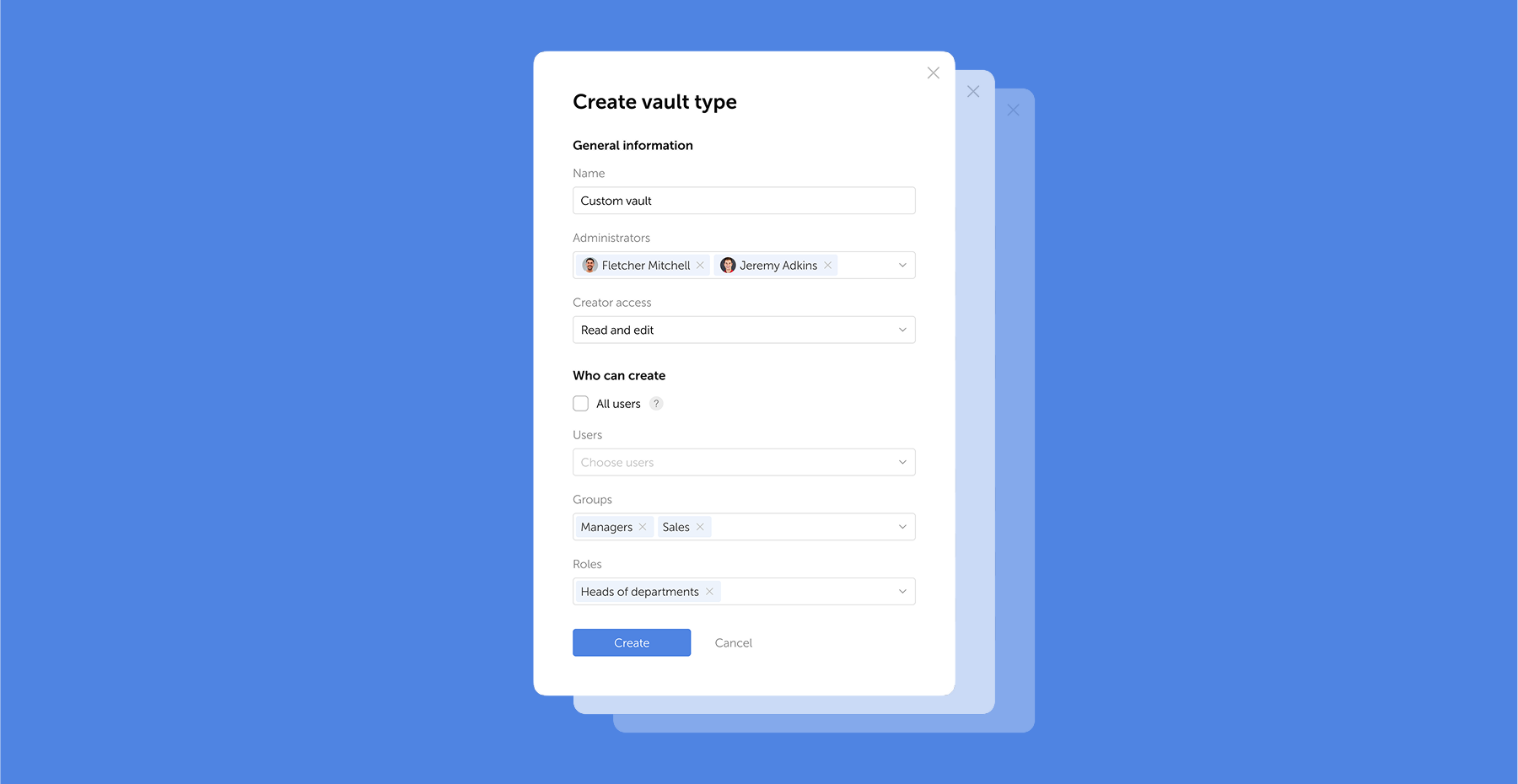
GDPR password security: Guide to effective staff training
Learn proven strategies to train employees for GDPR password security compliance. Reduce breach risks with practical training methods.
 Ana Moore
HIPAA requirements for password management
Table of contents * Introduction * How HIPAA works * Cybersecurity and clinical efficiency * HIPAA and password management * How to train staff to meet HIPAA standards * How Passwork supports HIPAA compliance * Sustainable HIPAA compliance Introduction In the complex ecosystem of modern healthcare, patient data is essential for secure management. In 2024, the U.
 Ana Moore
Passwork: Secrets management and automation for DevOps
In the new version, we've improved the migration process from older versions of Passwork, enhanced descriptions in the Activity log, and made minor fixes to the UI and localization.
Improvements
- Added a restriction that blocks users from changing their own authorization type
- Improved migration to Passwork 7 for versions earlier than 5.3
- Improved descriptions for certain events in the Activity log
Bug fixes
- Fixed an issue where it was impossible to move a folder to the Bin via drag-and-drop if the "Access level required to copy folders and passwords" setting was set to "Action forbidden"
- Fixed duplicate "Save settings" button in Vault settings
- Fixed the display of parameter change indicators in Vault settings and User management in Safari browser
- Fixed incorrect redirect to Recents after successful extension authorization
You can find all information about Passwork updates in our release notes
Further reading
Passwork 7.1: Vault types
Table of contents * What are vault types * Basic vault types * Advantages of vault types * Managing vault types * Migration from previous versions * Conclusion: Data control and efficiency Vault types Passwork 7.1 introduces a robust vault types architecture, providing enterprise-grade access control for enhanced security and management. Vault types address a
 Eirik Salmi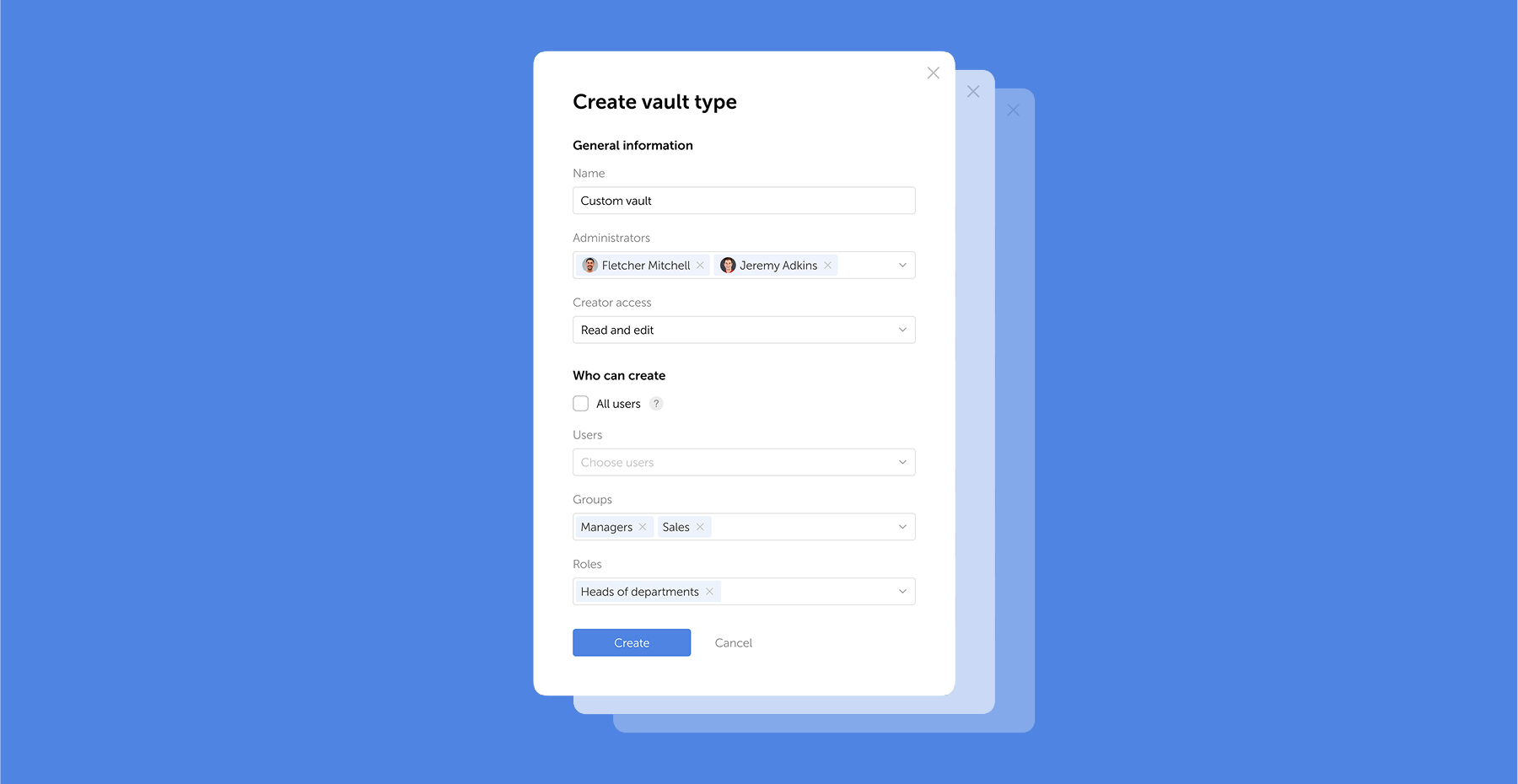
Browser extension 2.0.26 release
Version 2.0.27 * Further improved clickjacking protection: added blocking of clicks on hidden elements and checking for element overlap and CSS transformations * Fixed an issue when following a link from a notification to a deleted vault or password * Fixed an issue that could cause the extension to log out
 Eirik Salmi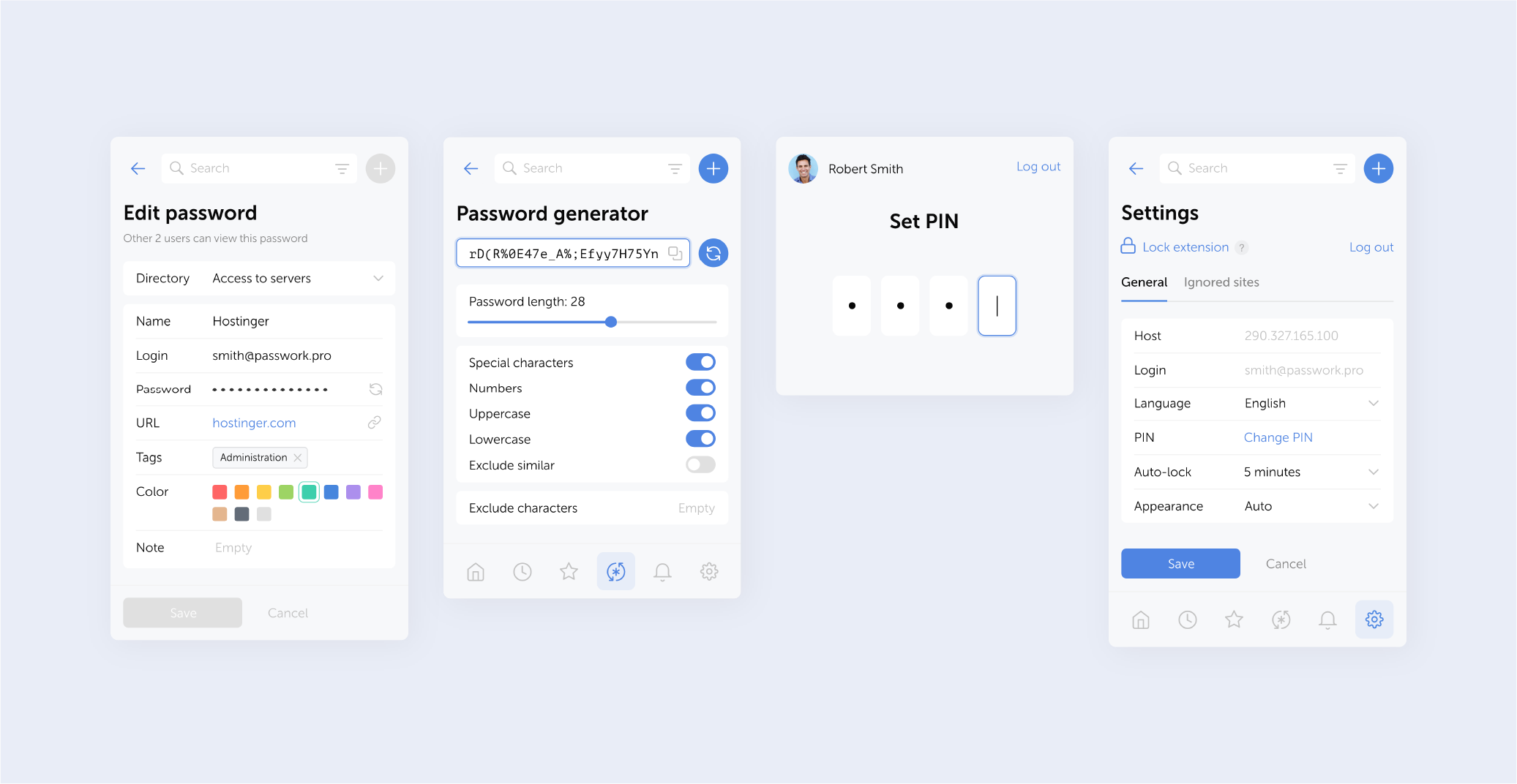
GDPR password security: Guide to effective staff training
Learn proven strategies to train employees for GDPR password security compliance. Reduce breach risks with practical training methods.
 Ana Moore
Passwork 7.1.4 release
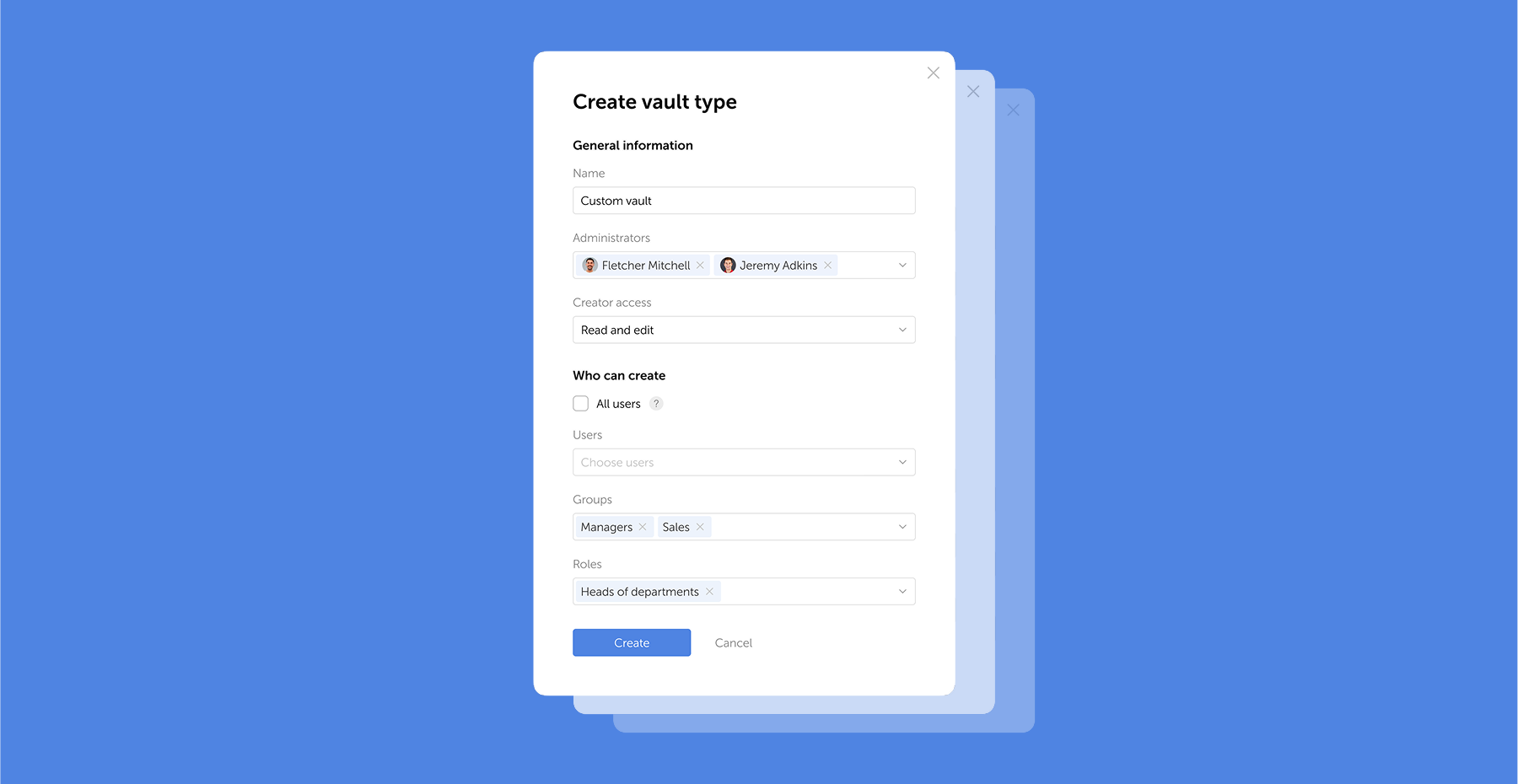
Vault types
Passwork 7.1 introduces a robust vault types architecture, providing enterprise-grade access control for enhanced security and management. Vault types address a key challenge for administrators: controlling data access and delegating vault management across large organizations. Previously, the choice was limited to two types. Now, you can create custom vault types tailored to any task or organizational structure.
For each department or project, you can create a dedicated vault type, assign specific administrators, choose creator permissions, and define who can create vaults of this type.
For example, you can create separate vaults for IT department, finance, HR, or temporary project teams. Administrators assigned to a specific vault type will be automatically added to all new vaults of this type, ensuring constant control and transparency.
What are vault types
Vault types allow administrators to establish vault templates with predefined access management settings. For each vault type, you can designate specific administrators, configure vault creator permissions, and set rules or restrictions for creating new vaults.
You can organize vaults by department, project, or access level, ensuring that permissions are assigned accurately
When a vault is created, administrators specified in the vault type settings are automatically granted access. These administrators cannot be removed or demoted, ensuring that key personnel — such as department heads or IT administrators — always retain control over critical data.
Basic vault types
Passwork has two basic vault types: User vaults and Company vaults — they cannot be deleted or renamed:
- User vaults: By default, these are accessible only to their creators and are categorized as either private or shared. A private vault becomes shared when the owner of this vault grants access to other users.
- Company vaults: These vaults are available to both the creator and corporate administrators, who are automatically assigned access. Corporate administrators cannot be removed or demoted, ensuring continuous oversight and control.
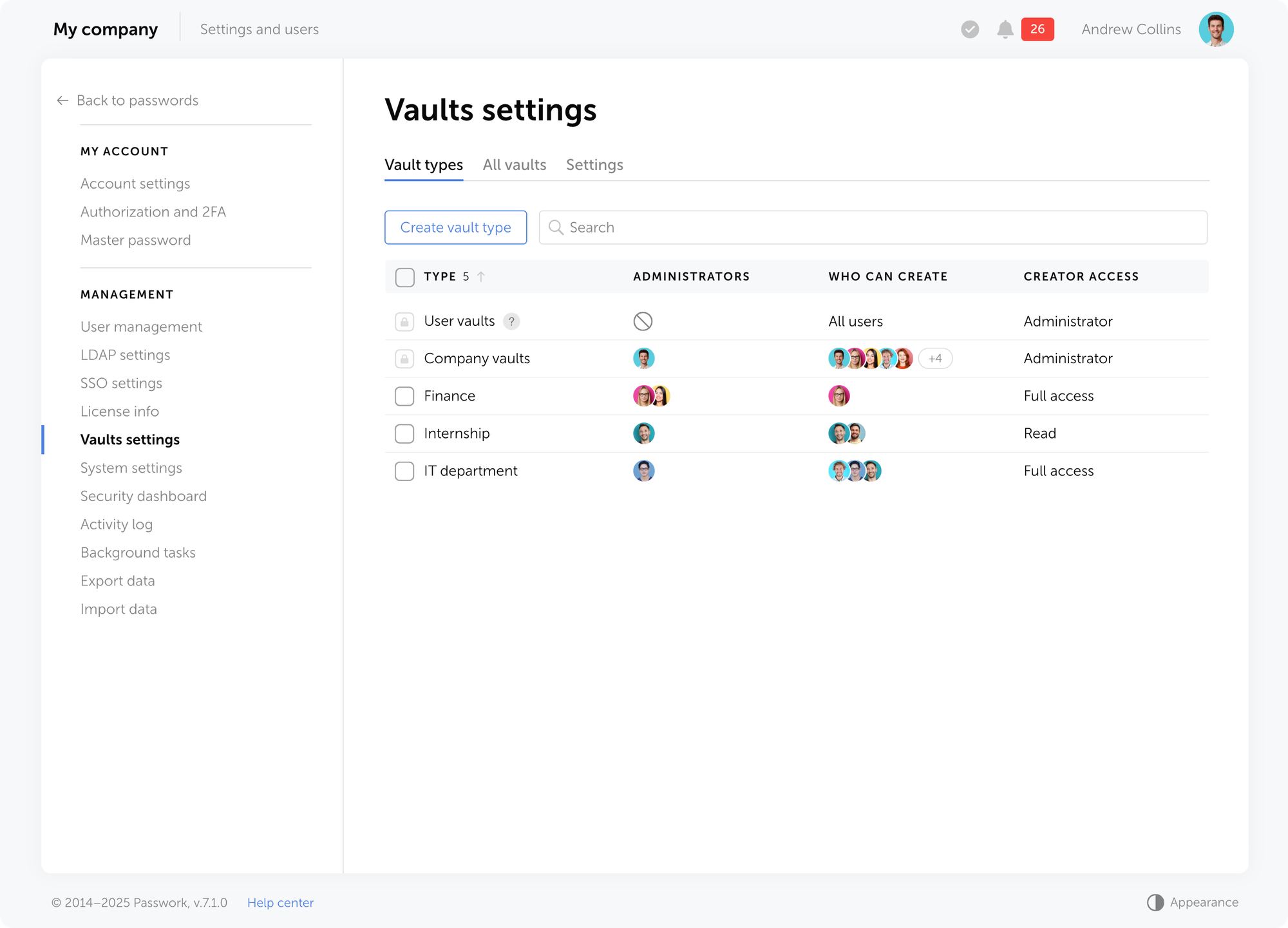
Besides basic types, you can create unlimited custom vault types.
Advantages of vault types
Vault types empower Passwork administrators to control who can create vaults, automatically assign administrators who cannot be removed, and effectively manage creator permissions.
- Constant control: New vaults of a specific type automatically include non-removable administrators, ensuring continuous access to critical data and consistent security standards across all vaults of the same type.
- Permission flexibility: You can allow users to create vaults while restricting certain actions, such as prohibiting them from inviting other users.
- Delegation: Vault types enable granular permission distribution — for example, the IT director can manage IT vaults, while the sales director oversees sales department vaults.
- Audit and analysis: Easily view all vaults in the system, along with their types and associated users, and quickly adjust vault types as needed.
- Streamlined vault creation: No need to configure permissions from scratch each time.
Vaults of all types support a multi-level, folder-based structure, allowing administrators to create hierarchies with nested elements
Managing vault types
On the Vault settings page, you can manage all vault types, view their list, and configure action access permissions. Access to this section is controlled by individual role permissions, ensuring that only authorized users can modify critical settings.
Creating vault types
You can choose from basic vault types or create your own custom types. To set up a custom vault type, click Create vault type.
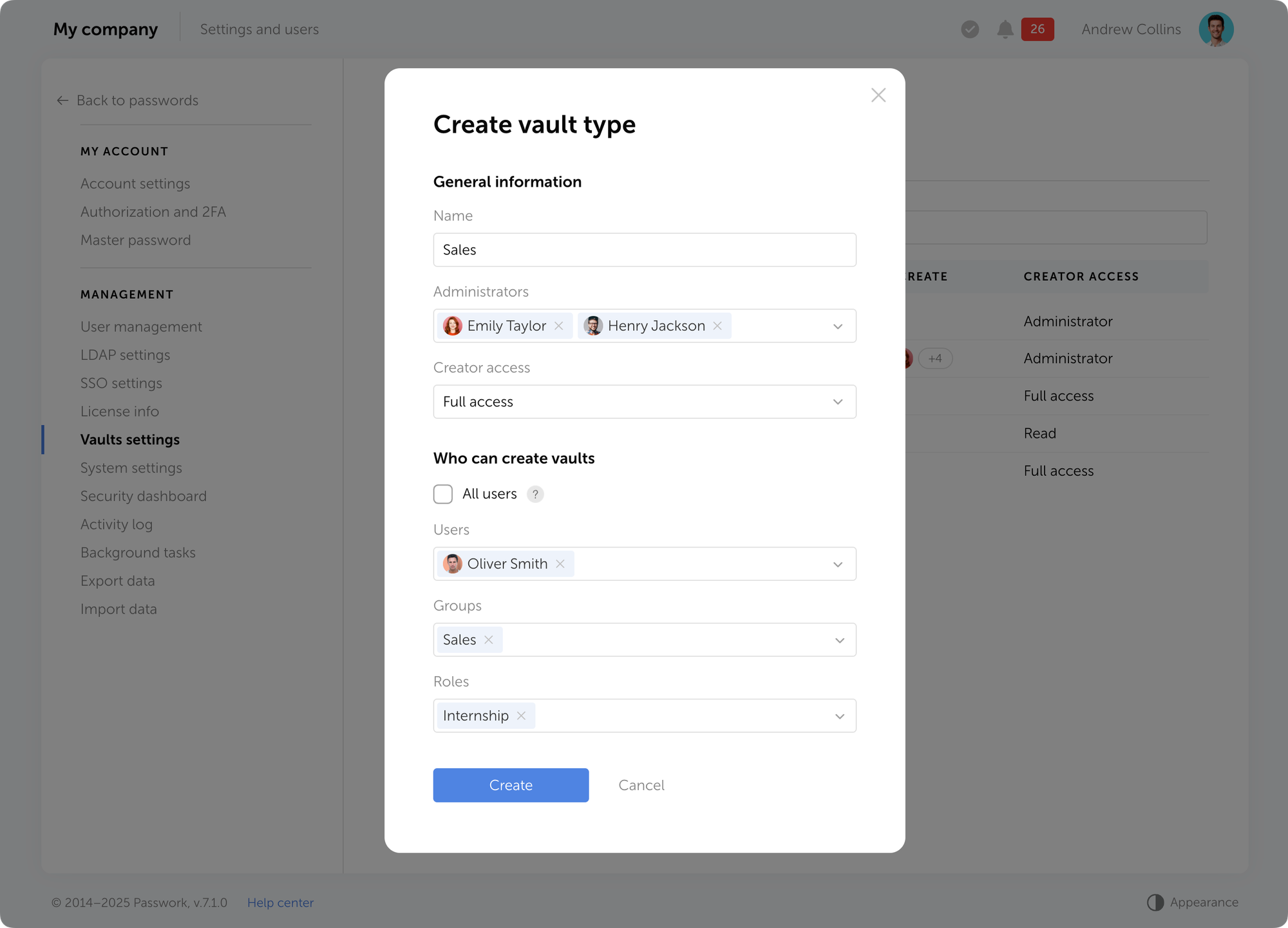
The vault type creation window offers the following options:
- Name — specify the vault type name.
- Administrators — select users who will be automatically added to all vaults of this type with Administrator permissions.
- Creator access — define the access level granted to users who create vaults of this type. For example, you can allow employees to create vaults without permitting them to invite other users.
- Who can create vaults — determine who is allowed to create vaults of this type: specific users, groups, roles, or all users.
Editing vault types
Users with access to the Vault types tab can modify vault types by renaming them, adding or removing administrators, and updating vault creation permissions. To edit a vault type, select it from the list of all types and adjust the necessary fields.
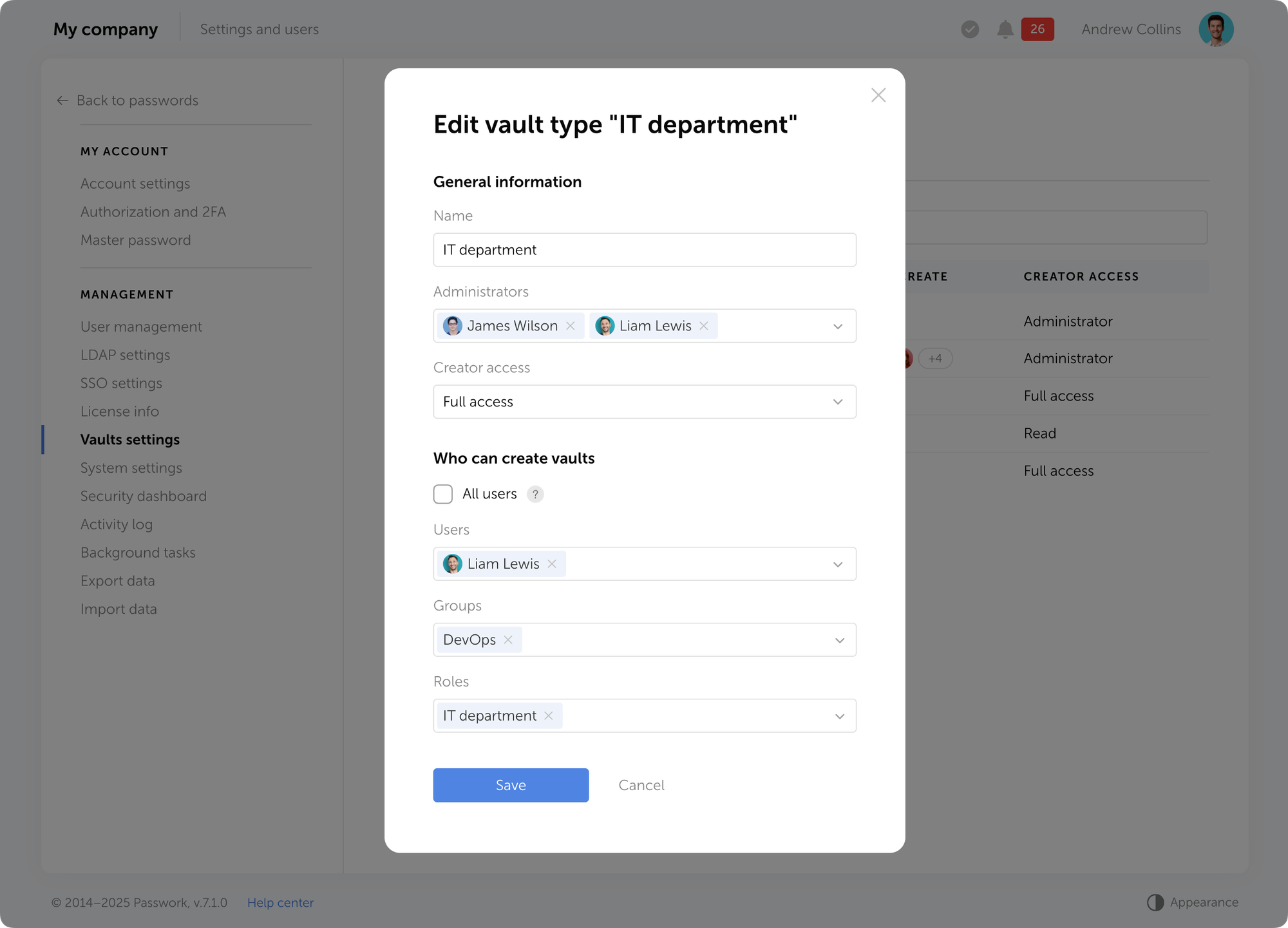
If a user is added as an administrator to an existing vault type, you must confirm the request to grant them access to the corresponding vaults.
Important: When you remove an administrator from a vault type, they keep their access to all existing vaults of that type. However, you can then remove them from individual vaults or change their permissions.
Deleting vault types
To delete a vault type, select one or more types on the Vault types tab and click Delete in the dropdown menu at the top of the list.
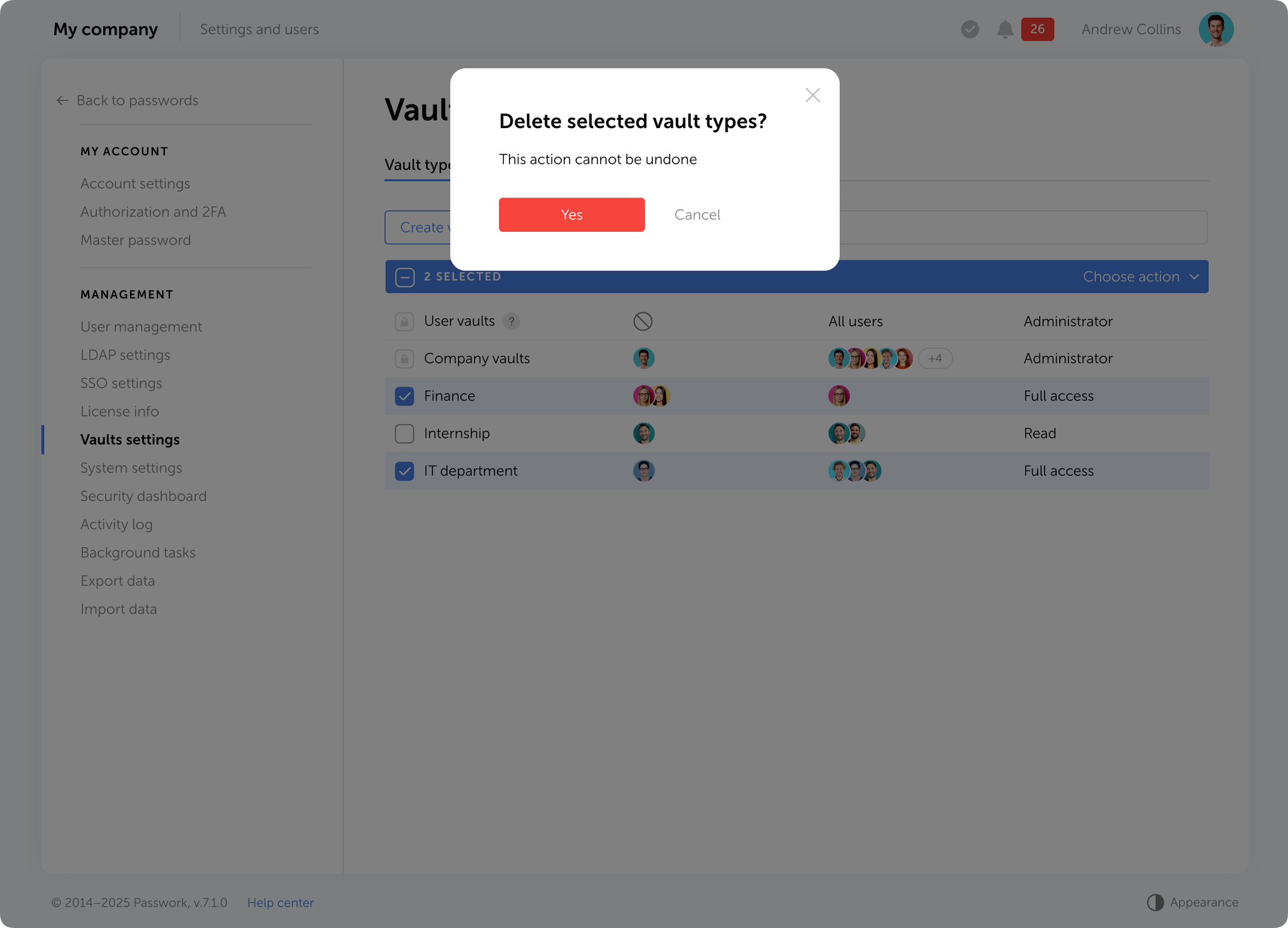
Important: Vault type cannot be deleted if there is at least one existing vault of that type.
Audit and vault type change
On the All vaults tab, you can view all vaults along with their types, user lists, and administrators. Additionally, you can quickly change a vault’s type — for example, when a department is reorganized or a new project is created.
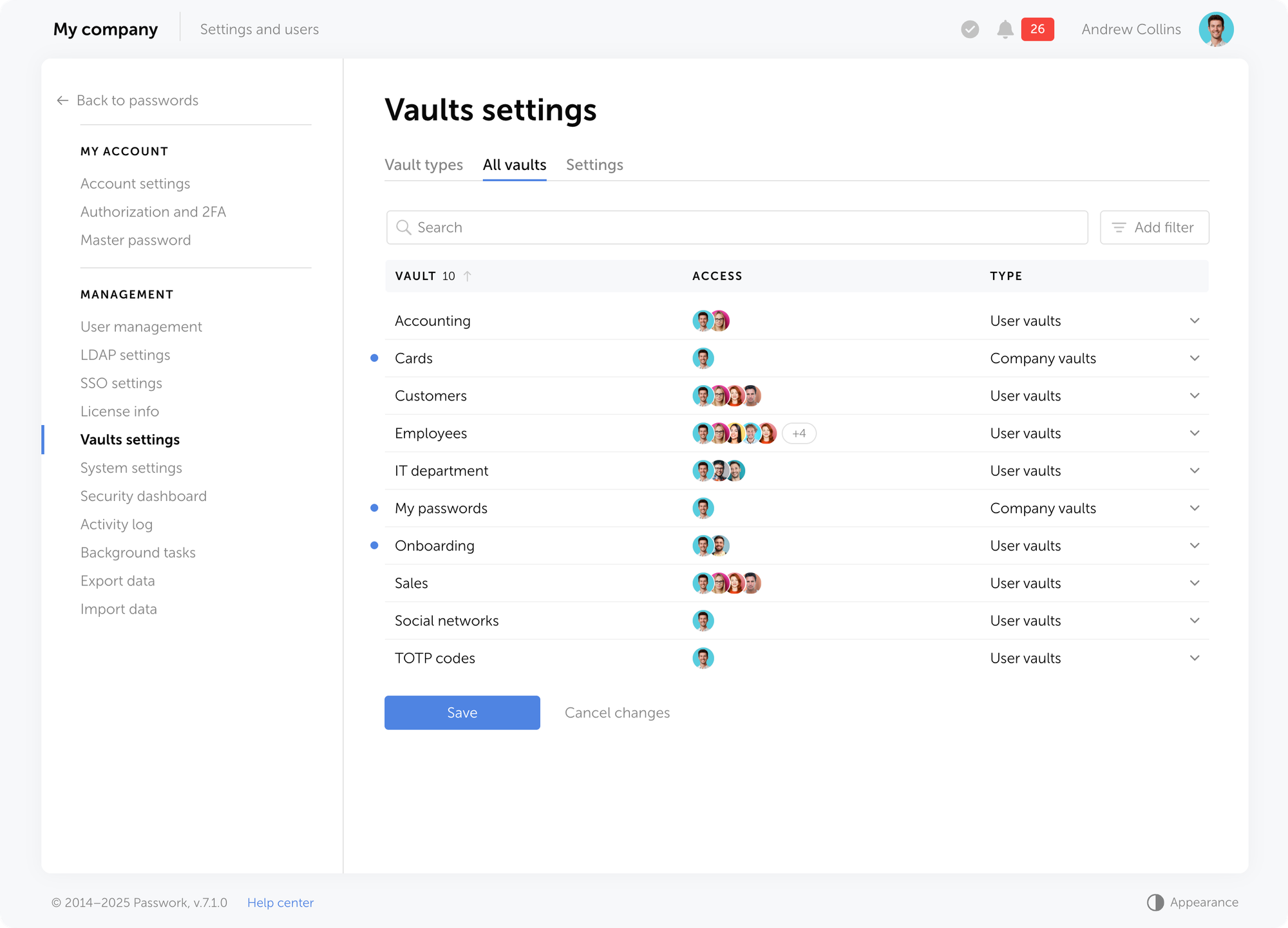
You have the option to filter vaults by type or display only those to which you have access.
Settings
The Settings tab makes it possible to define the minimum required access level for performing specific actions within directories, as well as set the maximum file size for attachments linked to passwords.
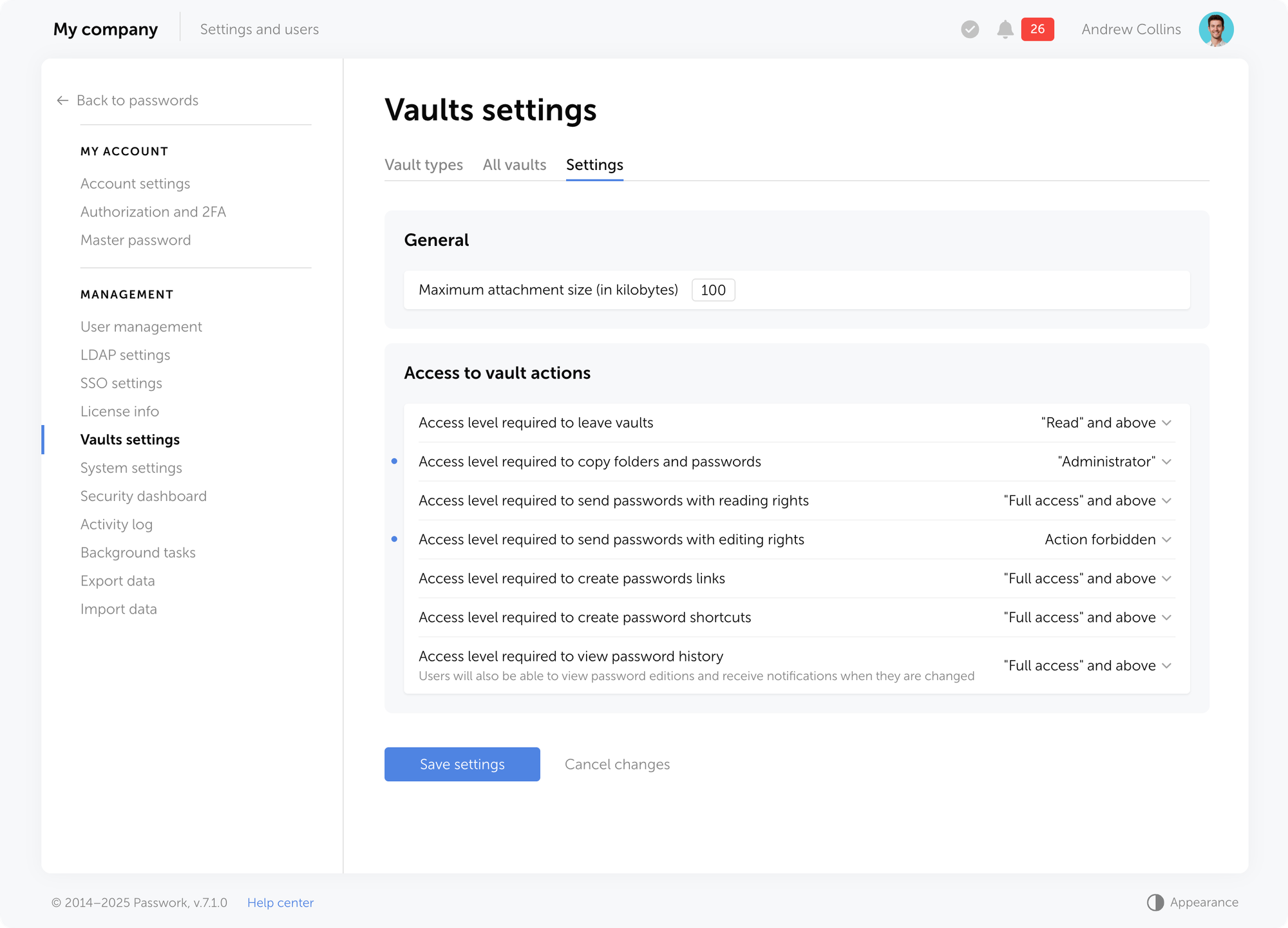
Migration from previous versions
When migrating from previous versions, you can assign a vault type to imported vaults in the vault import window, provided you choose the option to import to the root directory.
When upgrading from Passwork 6 to version 7, the system automatically converts existing vaults:
- Private vaults remain private and receive the User vaults type. Your permissions and access rights remain unchanged.
- Shared vaults also receive the User vaults type. All users and their permissions are preserved.
- Organization vaults are converted to company vault type. Administrators are restored and become non-removable, with the access structure preserved.
Frequently asked questions
- What's the difference between vault types and regular vaults? Regular vaults are containers for storing passwords. Vault types are rules and templates that define how vaults of a specific type are created and managed.
- Is it mandatory to use vault types? No, using custom vault types is not mandatory. You'll always have access to basic types: private vaults for personal passwords and shared vaults for passwords users share independently.
For complex corporate structures and access policies, we recommend creating custom vault types — this ensures the necessary level of control and compliance with security requirements
- How do corporate administrators differ from regular ones? Corporate administrators are users who automatically receive administrator rights in all vaults of a specific type. Assigning corporate administrators ensures permanent control over critical data.
Key features: administrators are added to vaults automatically upon creation, they cannot be removed or have their access level downgraded, and changes to the vault type apply to all vaults of that type.
- Can I change administrators in an existing type? Yes, you can modify the list of administrators in the vault type settings. When adding a new user, the system automatically creates requests to add the new administrator to all existing vaults of that type.
To remove a user from corporate administrators, delete them from the vault type's administrator list and, if necessary, from all vaults of that type. As long as an administrator is specified in the vault type, they cannot be removed from individual vaults.
- How do I restrict who can create vaults of a specific type? When creating or editing a vault type, go to Who can create vaults and choose one of the options: All users — any user can create a vault of this type, or limited access — only selected users, roles, or groups.
- Can I change the type of an existing vault? Yes, you can change an existing vault's type, but only if you have administrator rights in that vault. When changing the type, corporate administrators of the new type are automatically added to the vault, new access rules are applied, and user connection requests are created.
- Why can't I remove certain administrators from a vault? If you cannot remove administrators from a vault, they are corporate administrators. Corporate administrators can only be removed by changing the corresponding vault type setting (requires administrator rights).
Basic use cases
Prohibit private vaults creation
Task: Prevent employees from creating private vaults.
Solution: In Vault settings, open the User vaults type. In Who can create vaults, remove all users or leave only those who need to retain this right.
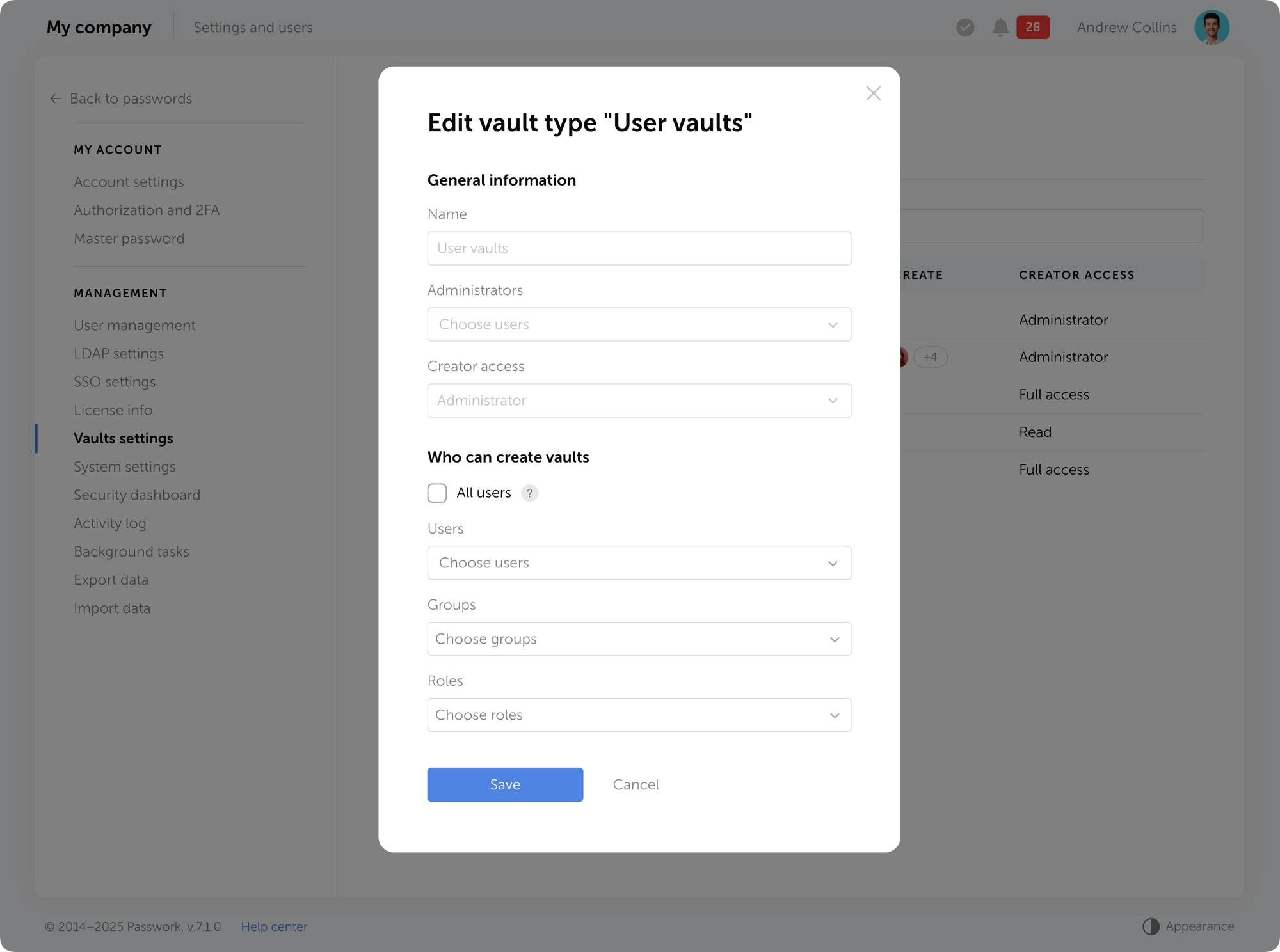
Vaults with mandatory administrators
Task: All vaults created by users must include corporate administrators.
Solution: In Vault settings, create one or more new vault types. In the Administrators section, add the required users (corporate administrators) — they will automatically be added to all vaults of this type with rights that cannot be changed or revoked. Prohibit creation of other vault types.
Private vaults creation without user invitation rights
Task: Allow users to create their own vaults but prohibit inviting other users.
Solution: In Vault settings, create a new type with Full access level for the creator—this level prohibits adding other users.
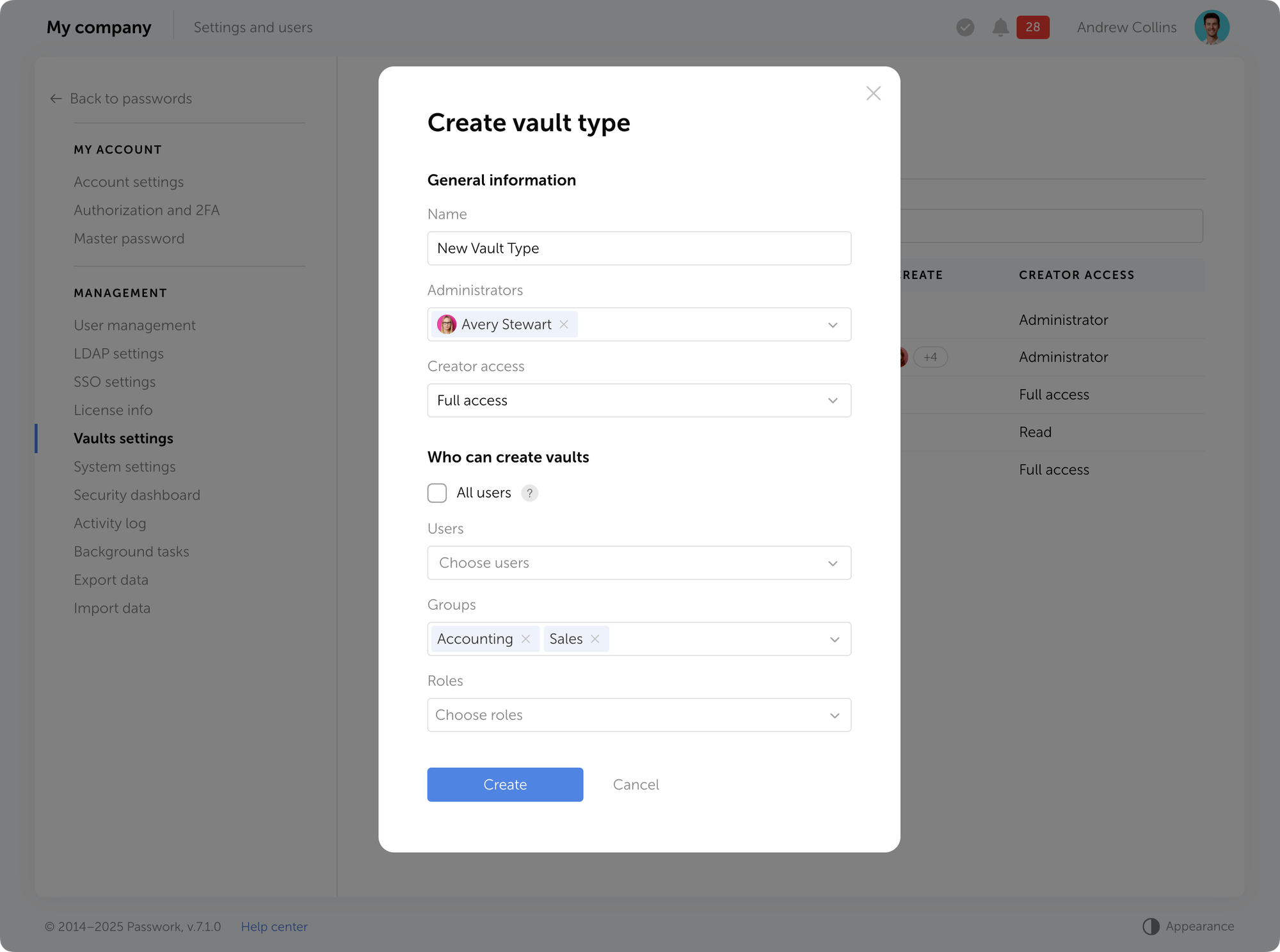
Delegating administrative responsibilities
Task: Configure the system so different departments or projects have their own administrators.
Solution: In Vault settings, create separate types for each department and add corresponding roles.
Limit vault management
Task: Prevent administrators from viewing the list of all vaults, managing vault types, and access level settings.
Solution: In role settings, open the Administrator role. In the Vaults section, disable the necessary permissions — you can restrict access to the section with the list of all vaults or to the entire Vault settings page.
Conclusion: Data control and efficiency
Vault types address a key challenge for growing companies: controlling data access without overwhelming the IT department. Administrators automatically gain access to new vaults of their type, while department heads can manage data independently. Passwork scales with your organization, ensuring data remains secure, processes are automated, and employees can work efficiently.
Ready to take the first step? Try Passwork with a free demo and explore practical ways to protect your business.
Further reading
Incident response planning: Preparedness vs. reality
Discover key insights from Passwork webinar on incident response planning. Why teamwork and tools drive real cybersecurity resilience.
 Turpal Makh
GDPR password security: Guide to effective staff training
Learn proven strategies to train employees for GDPR password security compliance. Reduce breach risks with practical training methods.
 Ana Moore
Passwork 7: Security verified by HackerOne
Passwork has successfully completed the penetration testing, carried out by HackerOne — the world’s largest platform for coordinating bug bounty programs and security assessments. This independent evaluation confirmed Passwork’s highest level of data protection and strong resilience against modern cyber threats. What the pentest covered Security architecture and data
 Eirik Salmi
Passwork 7.1: Vault types
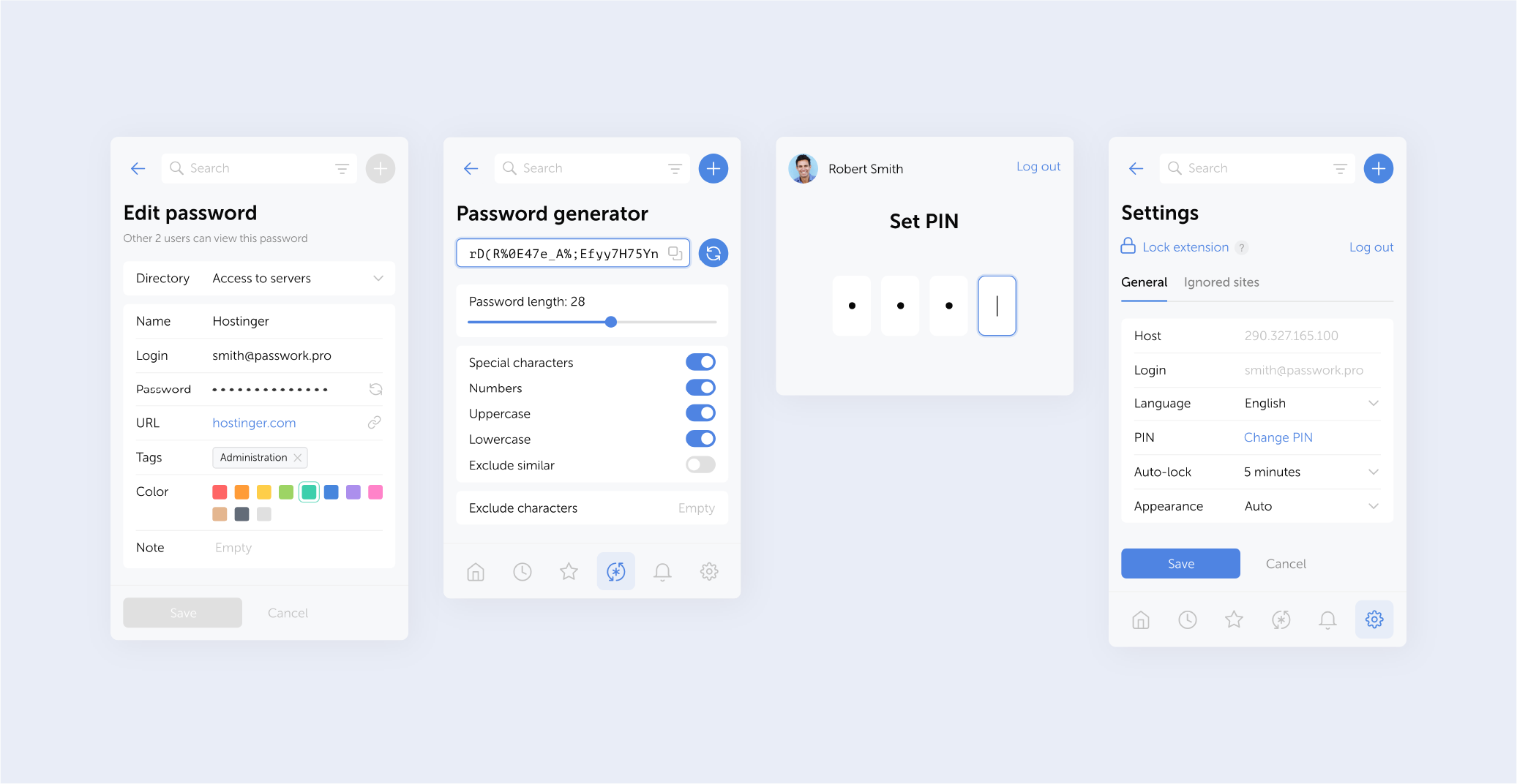
Version 2.0.27
- Further improved clickjacking protection: added blocking of clicks on hidden elements and checking for element overlap and CSS transformations
- Fixed an issue when following a link from a notification to a deleted vault or password
- Fixed an issue that could cause the extension to log out
Changes in versions 2.0.25 and 2.0.26
- In version 2.0.25, pop-up window offering autofill was disabled to test the extension’s resistance to clickjacking attacks. Warnings about suspicious elements on webpages were also added.
- In version 2.0.26, autofill pop-ups are available again, and you can now disable them for the entire organization. The extension automatically detects and blocks most common clickjacking methods.
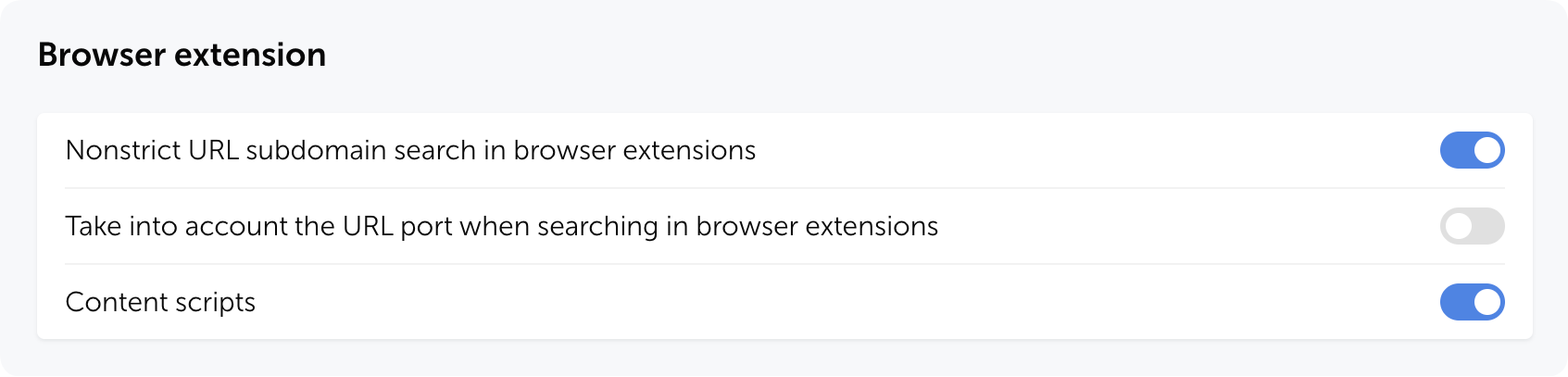
You can disable pop-up autofill suggestions by adjusting the Content scripts setting in the Browser extension section of the system settings (available starting from Passwork 7.1.2).
Passwork 7.2 release
The new version introduces customizable notifications with flexible delivery options, enhanced event logging descriptions, expanded CLI functionality, server-side PIN code storage for the browser extension, and the ability to enable client-side encryption during initial Passwork configuration. Notification settings We’ve added a dedicated notification settings section where you can choose notification
 Eirik Salmi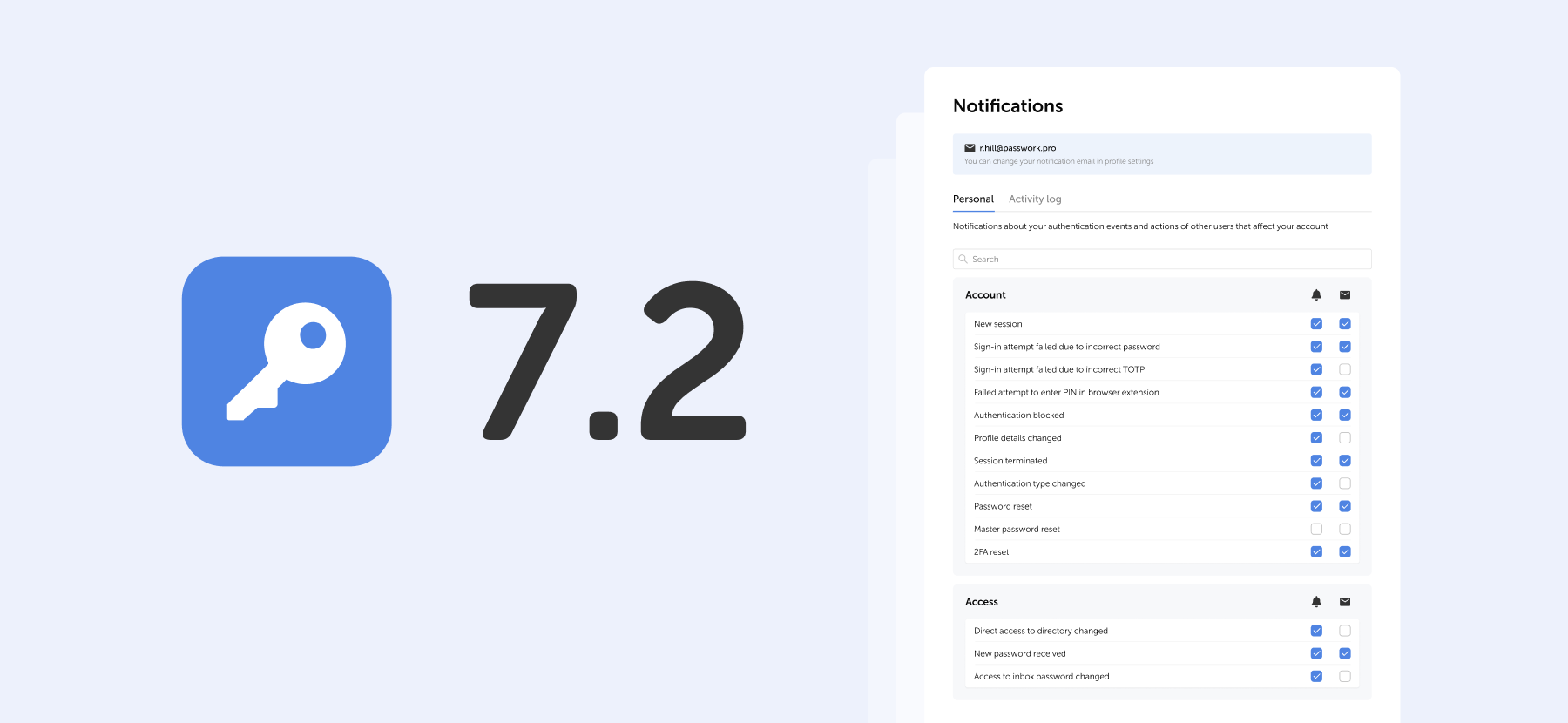
The 2025 small business cybersecurity checklist: A complete guide | Passwork
Passwork’s 2025 cybersecurity checklist, based on the NIST framework, provides actionable steps to prevent data breaches and financial loss.
 Eirik Salmi
Passwork: Secrets management and automation for DevOps
Introduction In corporate environment, the number of passwords, keys, and digital certificates is rapidly increasing, and secrets management is becoming one of the critical tasks for IT teams. Secrets management addresses the complete lifecycle of sensitive data: from secure generation and encrypted storage to automated rotation and audit trails. As
 Eirik Salmi
Browser extension 2.0.26 release
Passwork 7.1.3 update is available in the Customer portal.
- Fixed an issue where a user's access level in vaults remained unchanged after the user was added as an administrator for that vault type
You can find all information about Passwork updates in our technical documentation.
Passwork 7.2 release
The new version introduces customizable notifications with flexible delivery options, enhanced event logging descriptions, expanded CLI functionality, server-side PIN code storage for the browser extension, and the ability to enable client-side encryption during initial Passwork configuration. Notification settings We’ve added a dedicated notification settings section where you can choose notification
 Eirik Salmi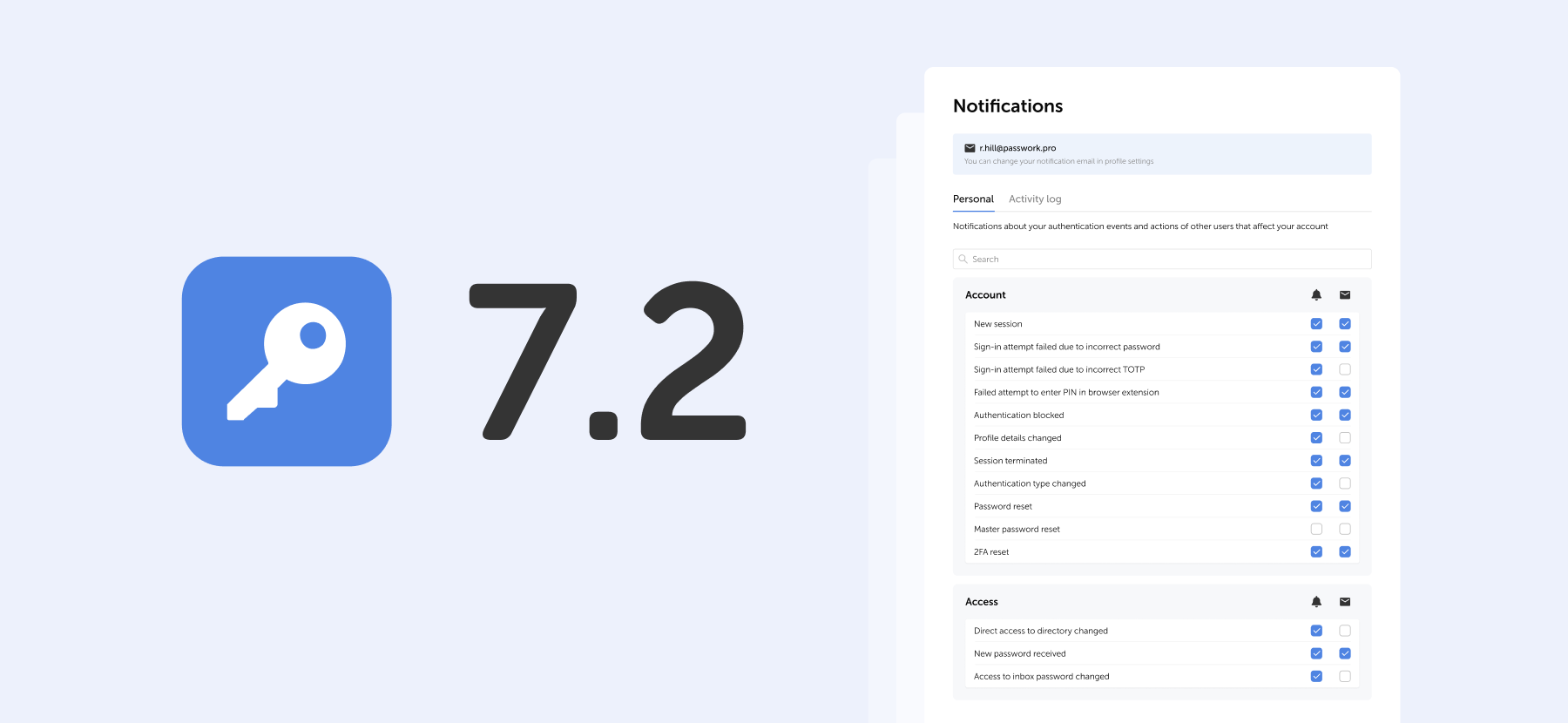
Passwork: Secrets management and automation for DevOps
Introduction In corporate environment, the number of passwords, keys, and digital certificates is rapidly increasing, and secrets management is becoming one of the critical tasks for IT teams. Secrets management addresses the complete lifecycle of sensitive data: from secure generation and encrypted storage to automated rotation and audit trails. As
 Eirik Salmi
Python connector 0.1.5: Automated secrets management
The new Python connector version 0.1.5 expands CLI utility capabilities. We’ve added commands that solve critical tasks for DevOps engineers and developers — secure retrieval and updating of secrets in automated pipelines. What this solves Hardcoded secrets, API keys, tokens, and database credentials create security vulnerabilities and operational bottlenecks.
 Eirik Salmi