In Passwork 7, we improved everything: completely rewrote the code using the latest technologies, implemented a full-fledged API, updated the interface, redesigned groups and roles, abandoned the automatic addition of system administrators to vaults, and made access rights management even more flexible. This will significantly enhance the convenience of administration and password management, as well as greatly accelerate the development of new features.
Updated interface
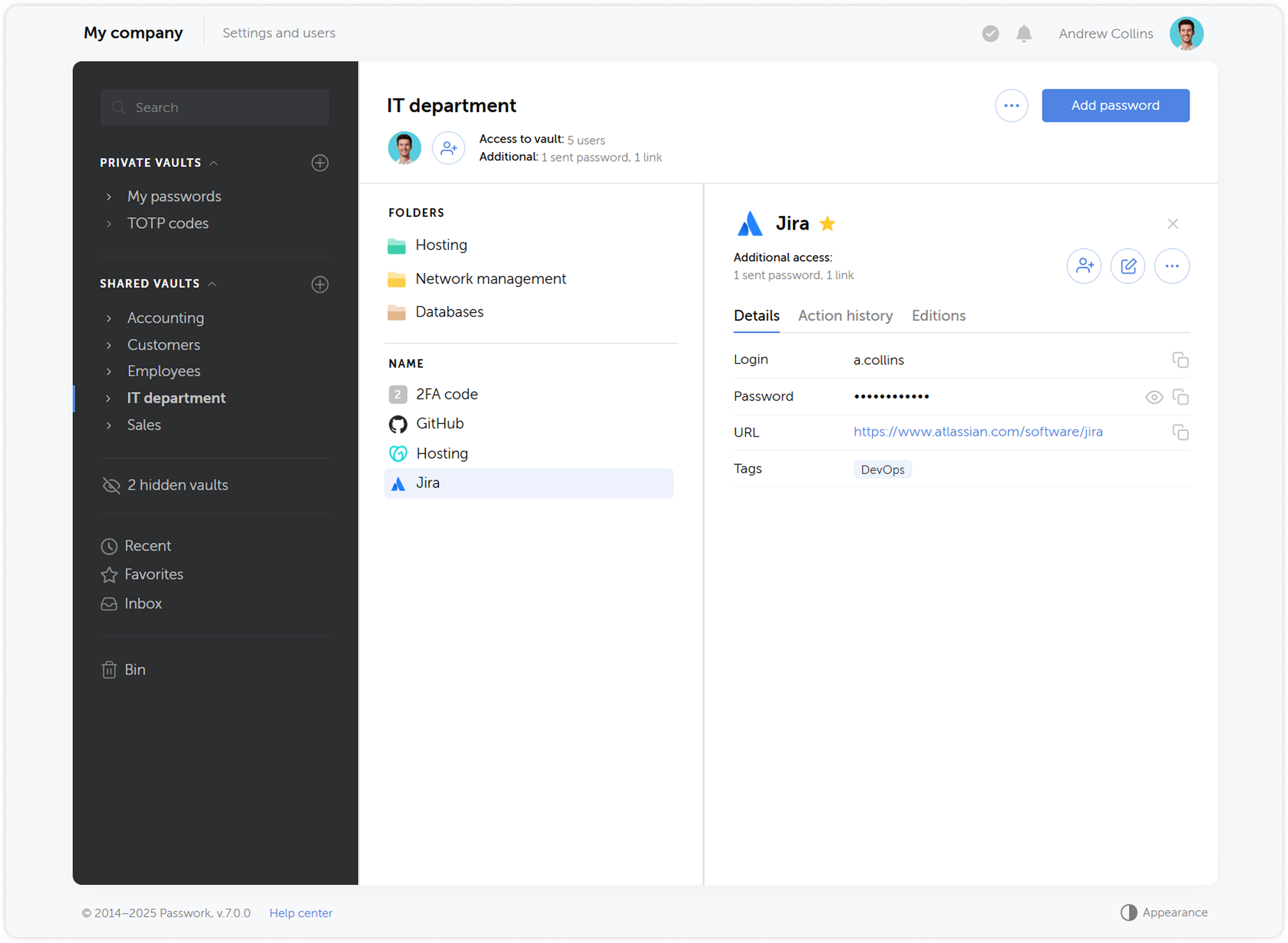
We redesigned the Passwork interface and updated all key sections — took into account many requests and fixed logical and functional errors while preserving the familiar convenience of working with passwords. We also added the ability to customize column widths and move interface elements — each user will be able to adapt it to their needs.
Expanded API functionality
We significantly expanded the API functionality — now it allows full interaction with all Passwork features: from copying passwords to managing users and security settings.
To simplify working with the API, we prepared an official Python connector — a developer library that allows integrating Passwork with applications and scripts in Python, and the Passwork-CLI utility, which enables working with the API from the command line.
Instead of API keys, tokens are now used — a more modern and reliable way to access the system. In addition, API access settings have been moved to the role page.
New backend and frontend
We completely updated the code using more modern methods — this will improve performance and simplify the initial installation of Passwork. Moreover, the new code will become the basis for developing desktop applications and will significantly speed up the introduction of new features.
User roles
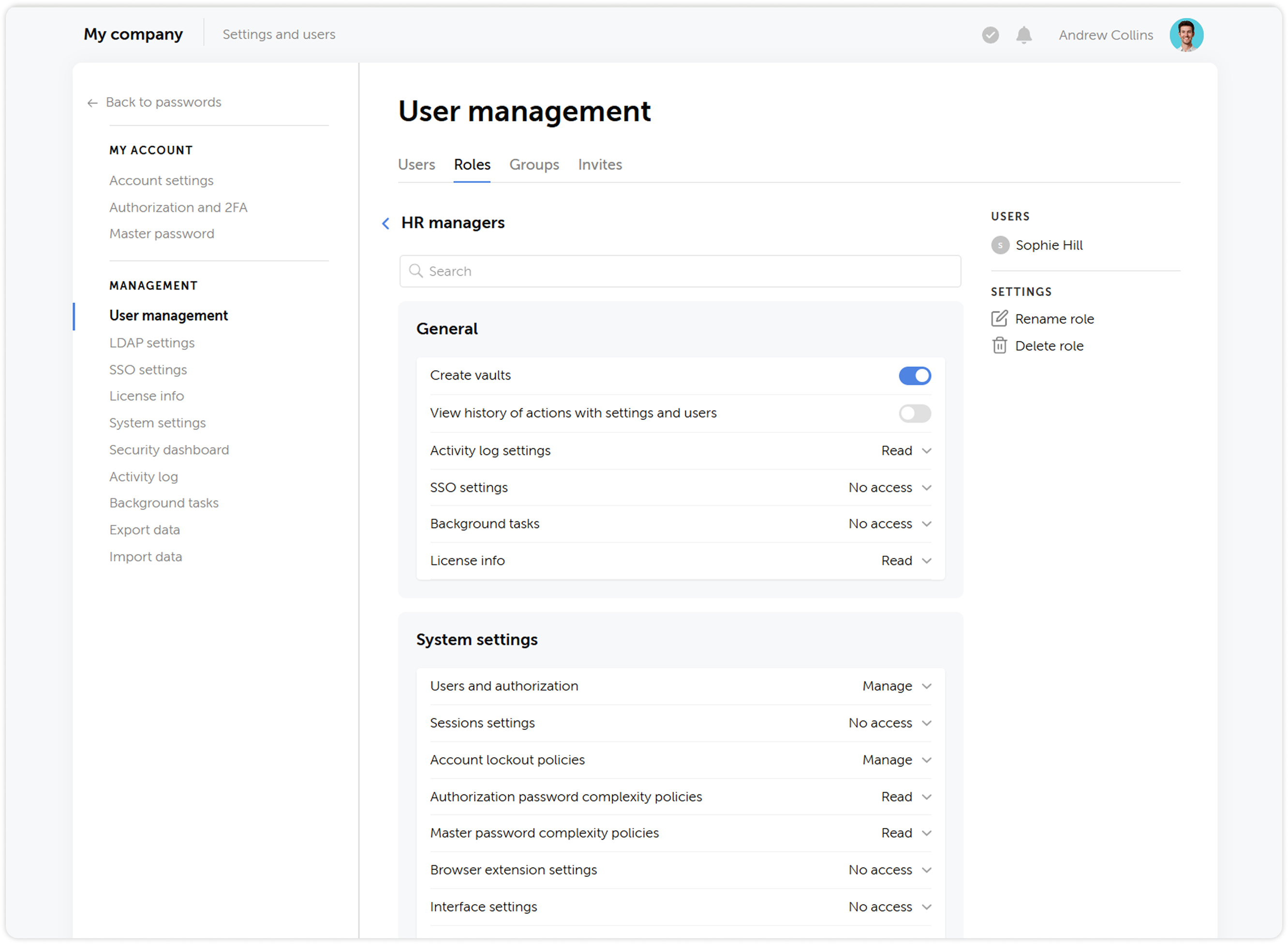
We updated the status system by combining administrative rights and user settings, and renamed them to Roles — now, instead of two standard statuses Administrator and Employee, you can create an unlimited number of roles with individual rights and settings.
User groups
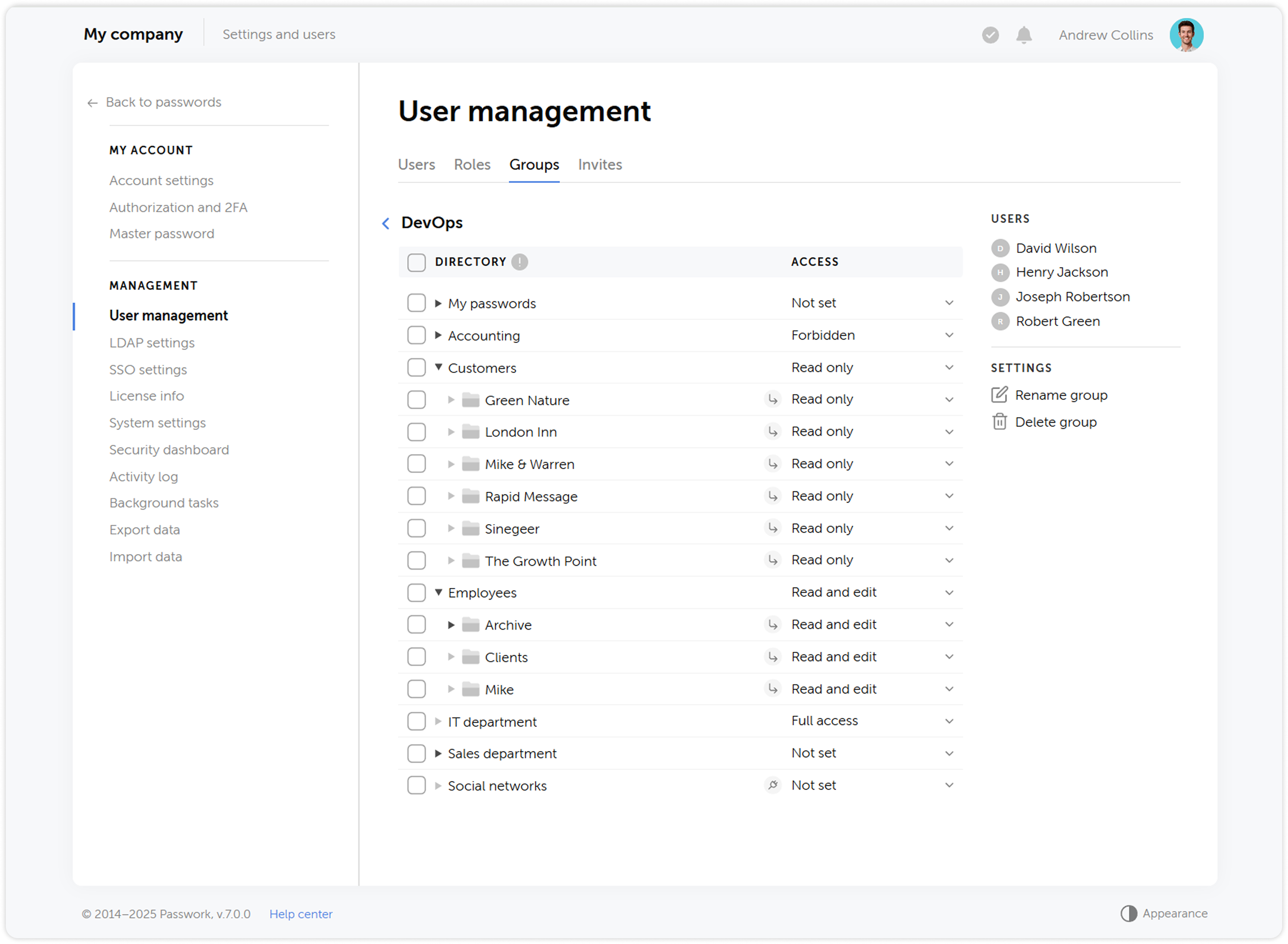
What was called Roles in previous versions has been renamed to Groups, making the user management process more intuitive and closer to common standards, such as those used in Active Directory. Groups allow restricting user access to vaults based on certain privileges.
Updated vault structure
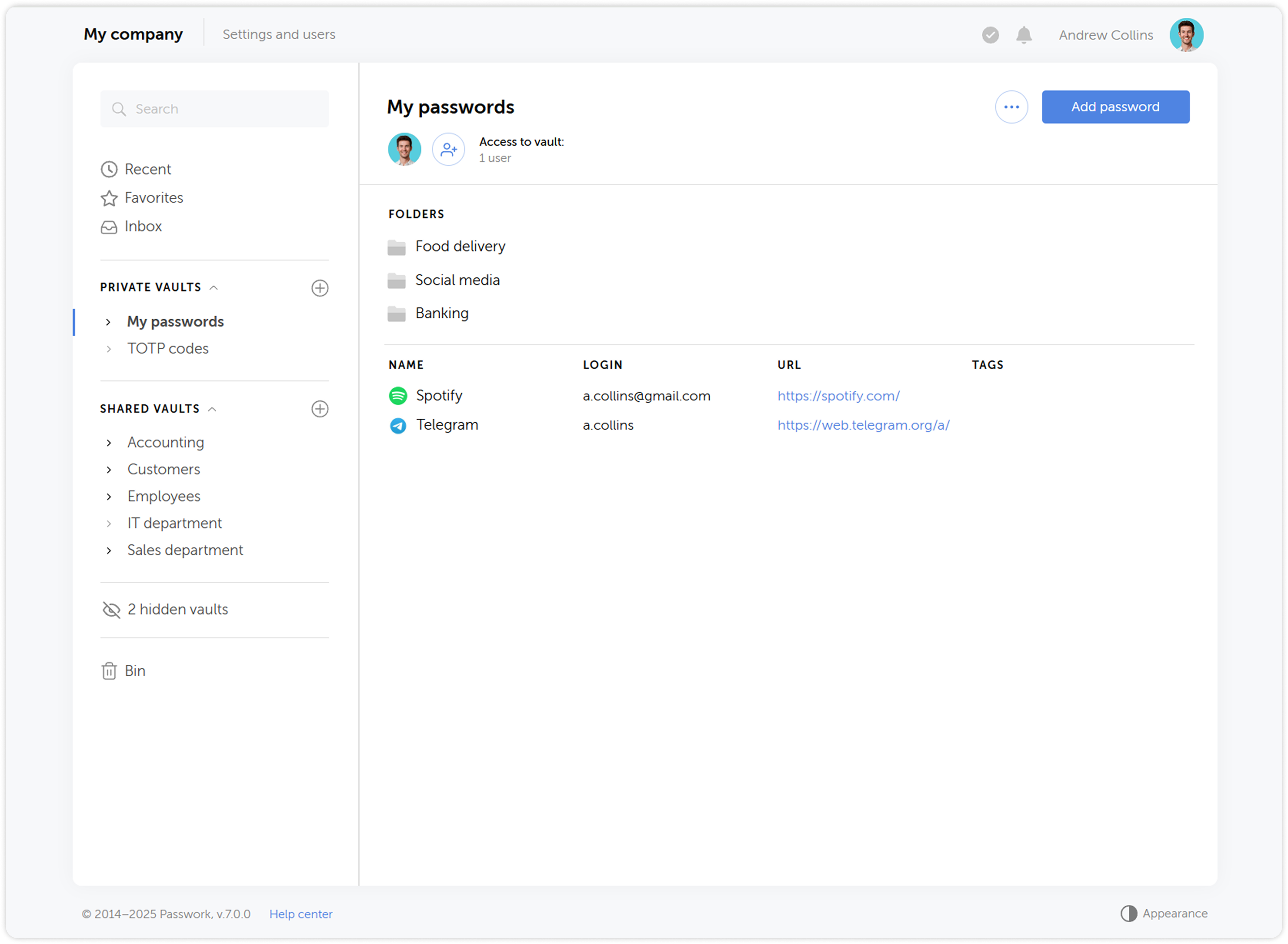
We simplified the vault structure — instead of organization vaults and personal vaults, users will be able to create private vaults. A private vault becomes shared when other users are added to it. At the same time, administrators are no longer automatically added to new vaults.
The updated vault structure ensures reliable encryption and offers new possibilities for password management, making the process more convenient and secure.
Vault access confirmation
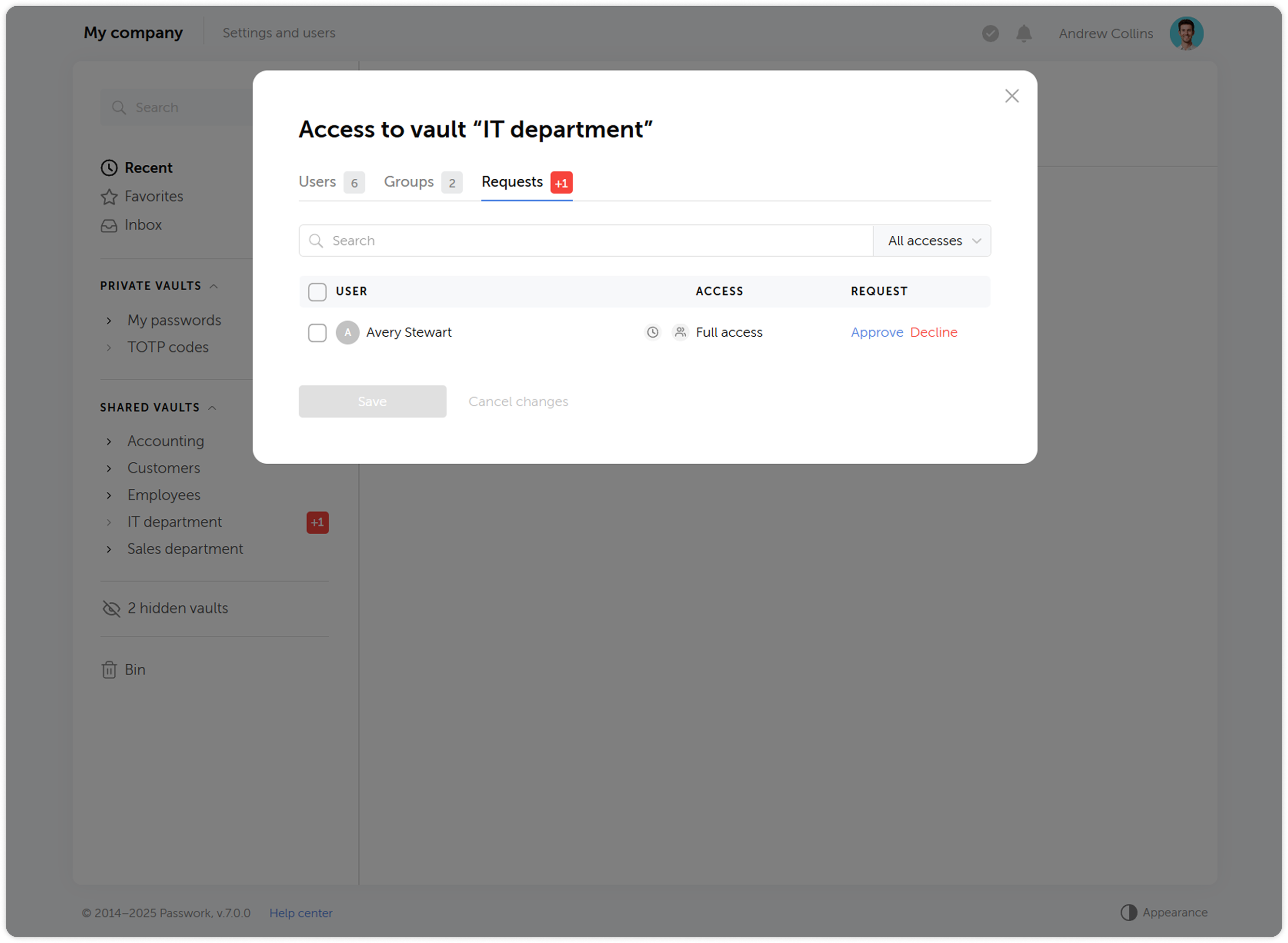
When adding users to groups, they will no longer automatically receive access to other users' vaults — access will require confirmation from the vault administrator. Users who gained access to a vault during LDAP synchronization also need to be confirmed. This provides additional control and prevents unauthorized access to vault contents.
Changing access levels
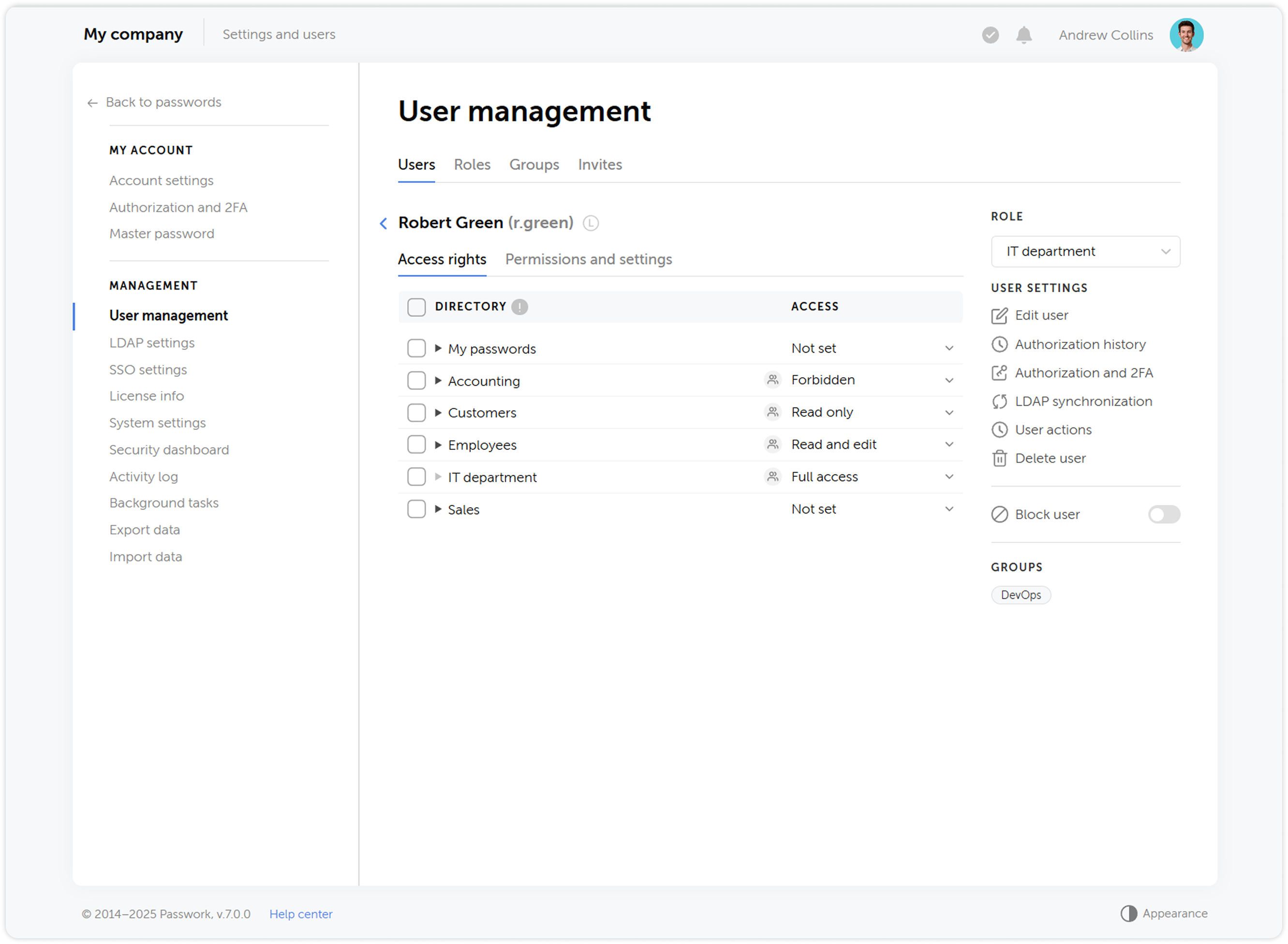
We’ve reworked the access level system and introduced a number of changes to some of them:
- Navigation level has been replaced by an ability to view all parent directories of the folder the access level is applied to
- Users with the Full access level now can view access levels of other users, manage additional access, view the history of changes within the directory and analyze passwords available to them via Security dashboard
- Added the ability to assign administrative rights to users in folders. The Administration access level is inherited by child folders without the ability to change it
History of actions and notifications
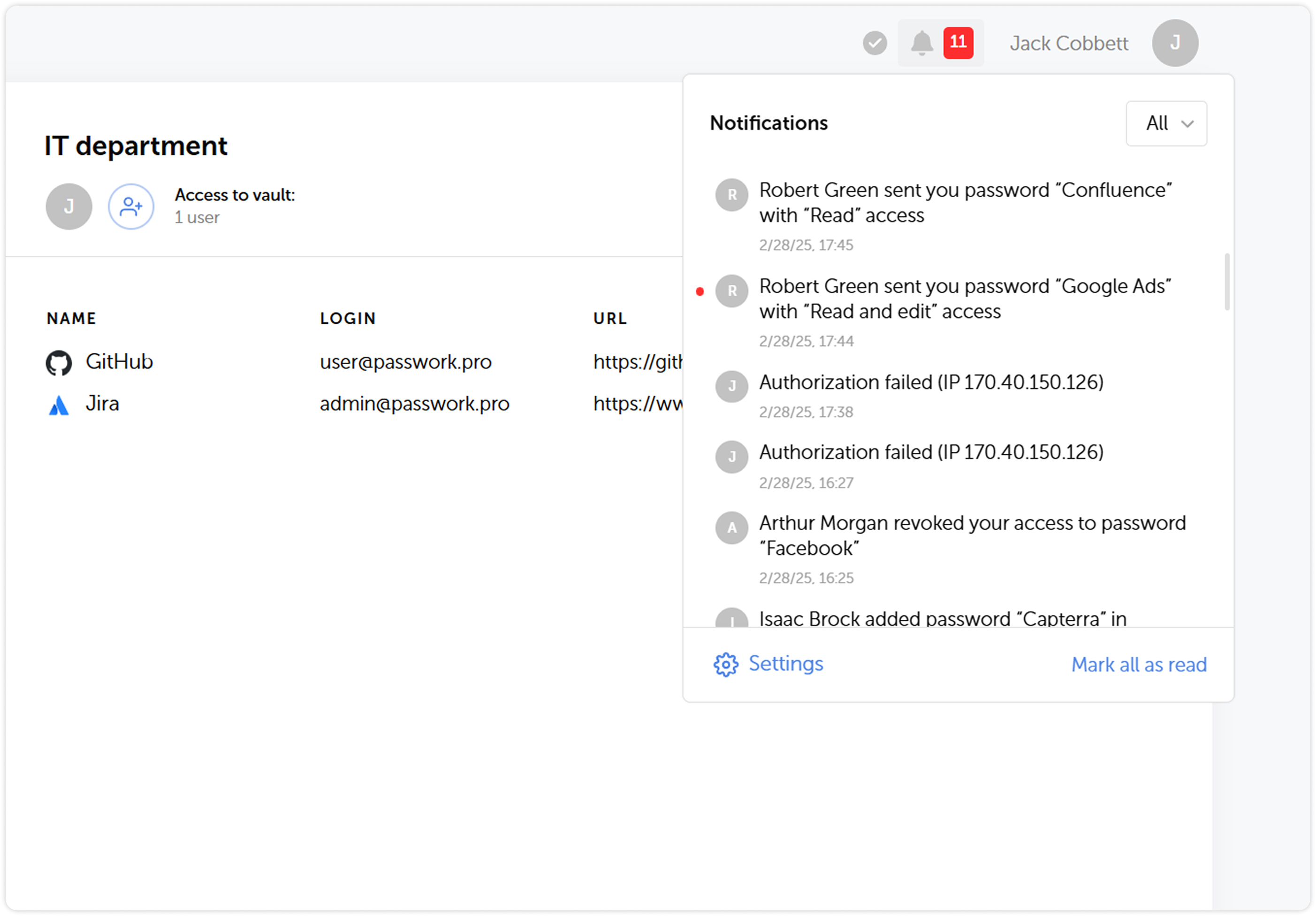
We’ve expanded the list of actions that are logged, updated their descriptions and completely reworked the notification system. Soon after the release we are going to introduce notification settings, which will add flexibility to keeping track of important changes and user actions.
Using shortcuts
In order to enhance security, we’ve made some changes to the way shortcuts work:
- It is now impossible to copy shortcuts for passwords which don’t allow shortcut creation
- Folders which include shortcuts unavailable to a user will now be copied without them
Adding tags to passwords
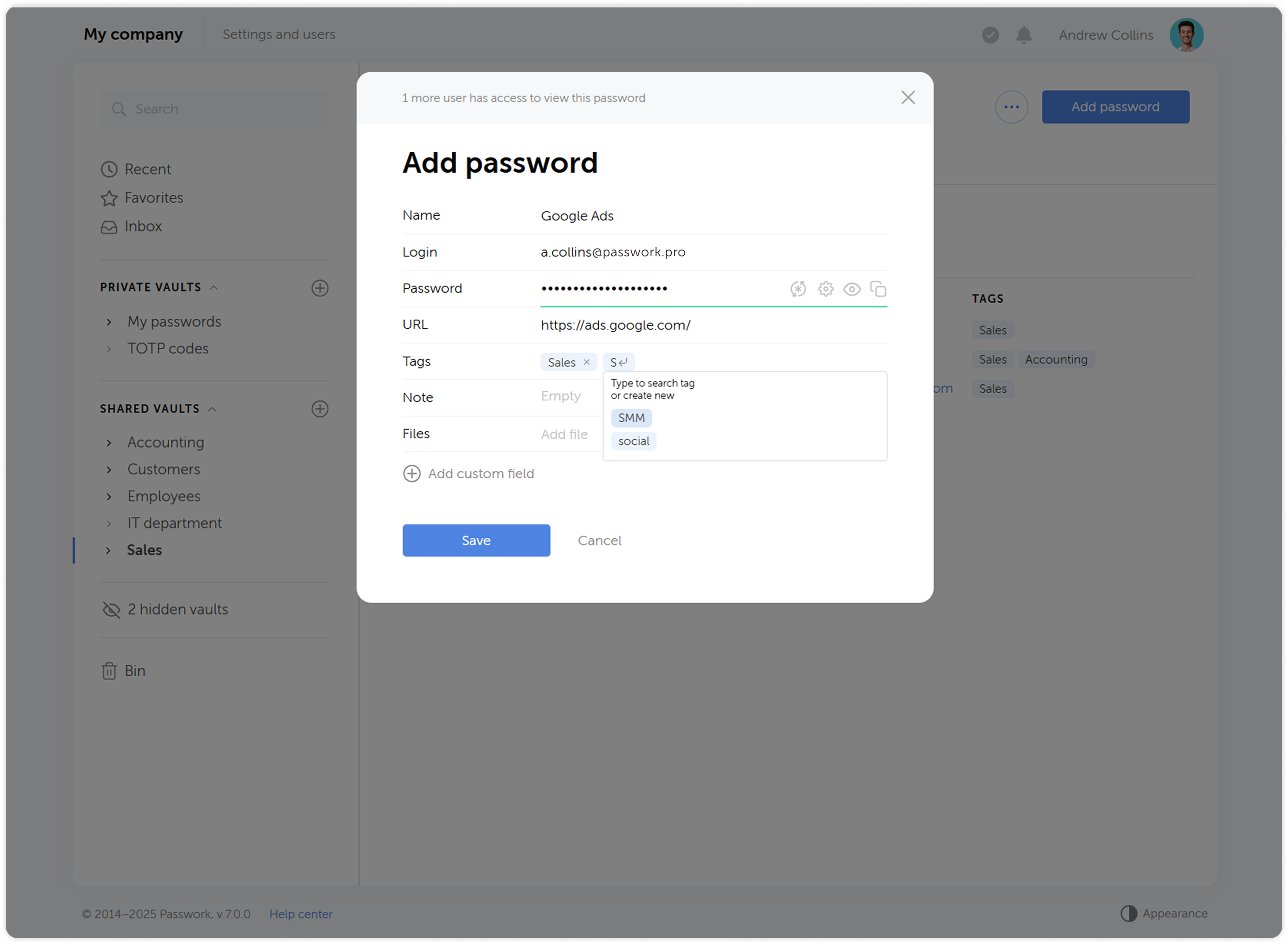
Now when you create or edit a password, you will be able to pick a tag from a list of already created ones. This has an added benefit of preventing creation of tags with the same name (sales ↔ Sales, etc.). When selecting tags, only those available in the user's vaults will be displayed.
Changes to 2FA reset flow
When you reset your authorization password, two-factor authentication now won’t be reset along with it. Users won’t be able to reset 2FA without a successful login, which increases security.
Account locking option
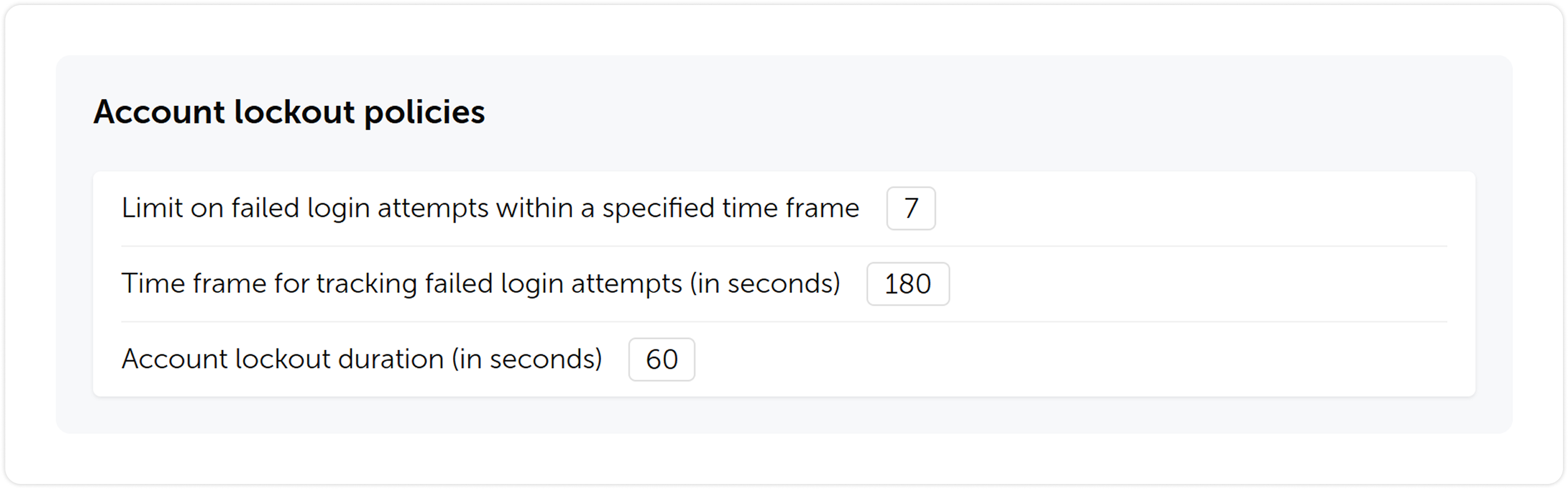
We’ve introduced an account locking feature. You will be able to set a limit on failed login attempts, timeframe for tracking the failed attempts and lockout duration.
Other changes
- Tidied settings up by making their structure more clear
- Added automatic retrieval of email and name from single sign-on systems (SSO)
- Added settings for automatic clearing of sessions, notifications and background tasks
- Added the ability to enable a system banner that will be visible to all Passwork users. You can use it for important notifications, alerts or instructions
- Added an ability to choose a time zone and date & time format
- Updated filters in key sections for faster and simpler search
Upgrading to Passwork 7
To upgrade to version 7.0, you’ll need to update your Passwork to version 6.5, migrate your data, and confirm this in the customer portal. Upgrade instructions can be found here.
 Eirik Salmi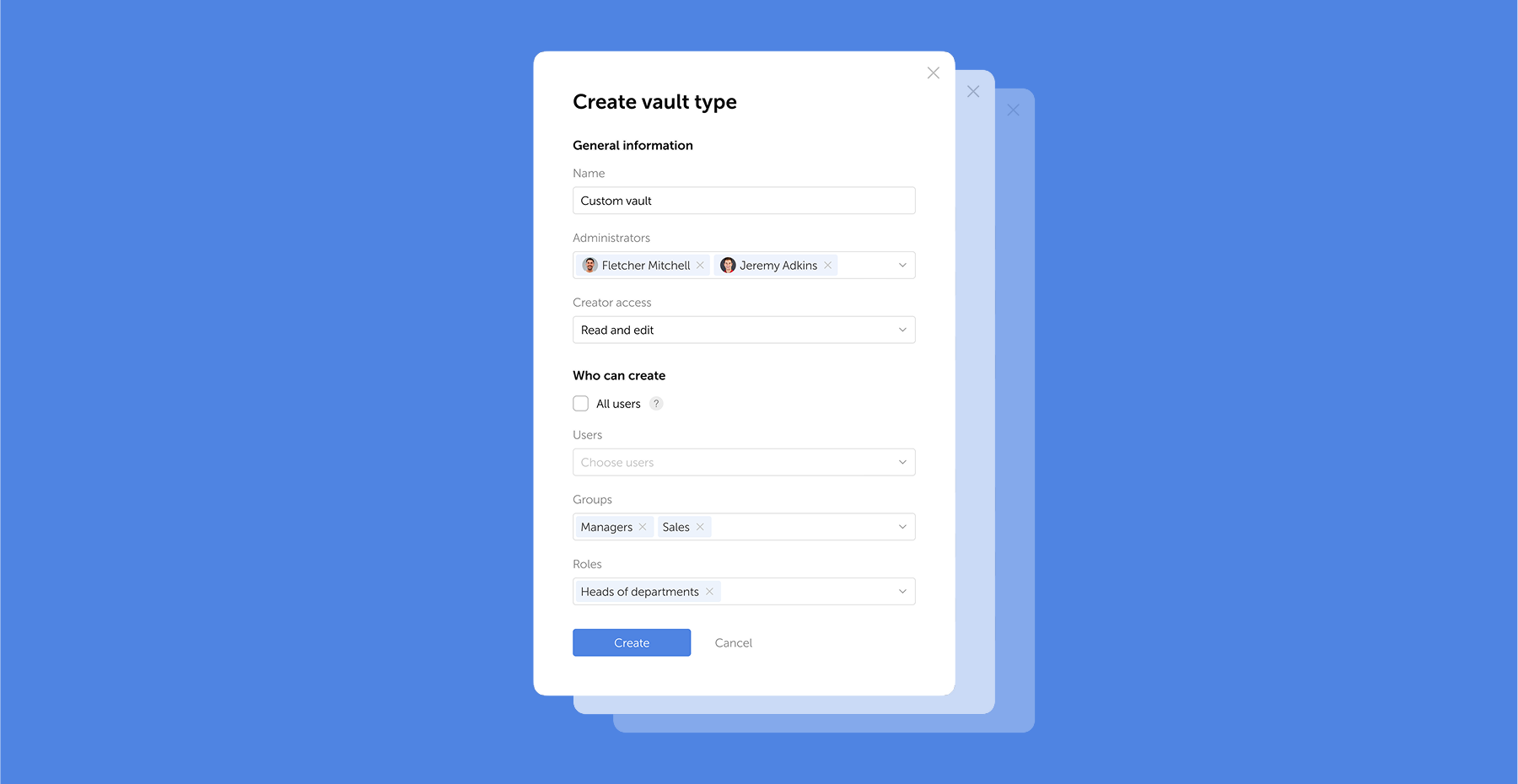
 Eirik Salmi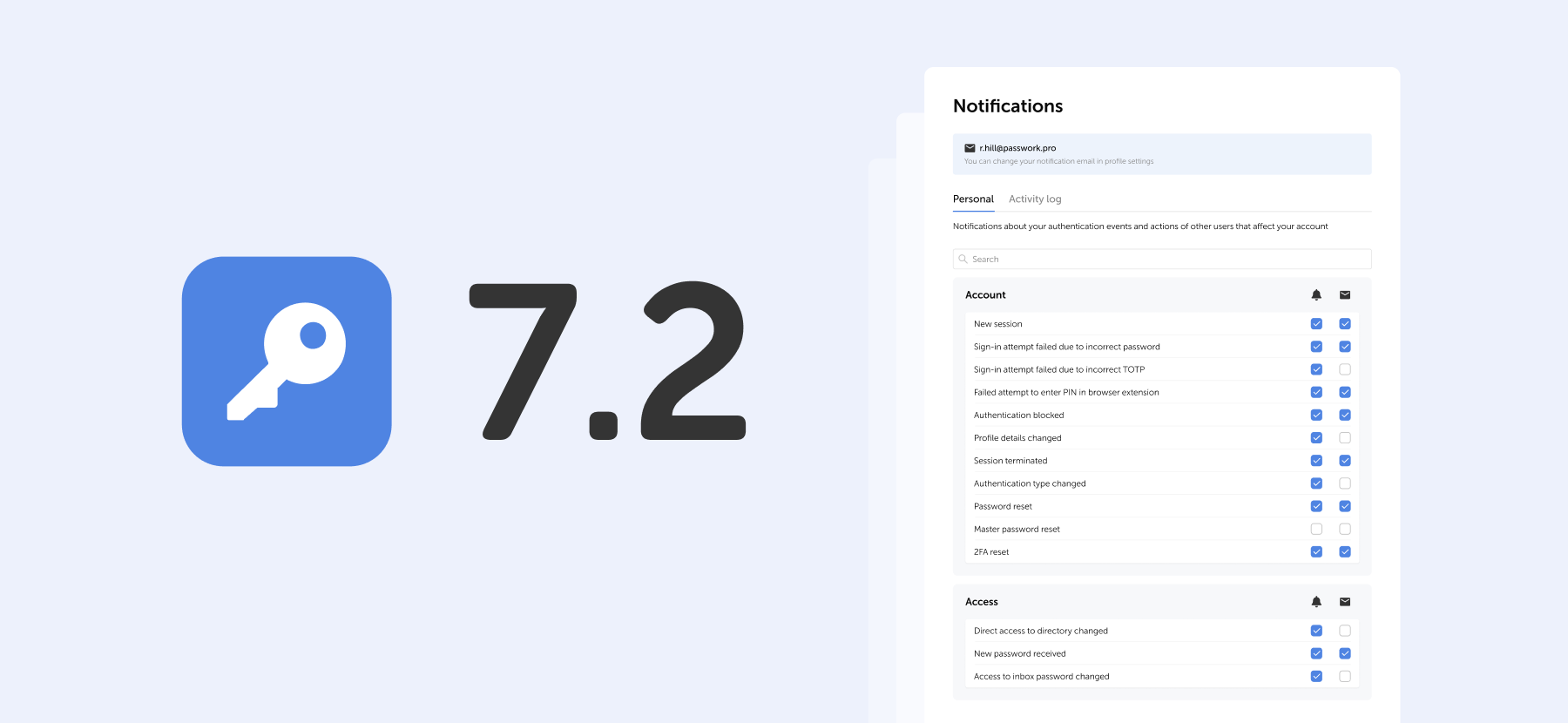
 Eirik Salmi