
The new releases introduce the Passwork desktop app support and add several improvements and bug fixes to the Authentication settings.
Changes
- Added support for the desktop app: it can now be downloaded from the Settings and users menu
- Added the option to manually lock Authentication settings to prevent unauthorized changes
- Changed the unlock method for the "Connect mobile device" modal: it now requires password, passkey, or SSO verification each time the window is opened
- Fixed an issue where unlocking Authentication settings via SSO didn't work when the SSO server and Passwork had different domains
- Fixed an issue where users with LDAP authentication couldn't see the password field when unlocking the Authentication settings
You can find all information about Passwork updates in our release notes
Introducing Passwork Desktop app
Passwork is now available as a full-featured desktop app for Windows, macOS, and Linux. The desktop app delivers complete password management functionality: manage credentials, access vaults, collaborate with your team, all with the native performance and convenience of a desktop environment.
 Eirik Salmi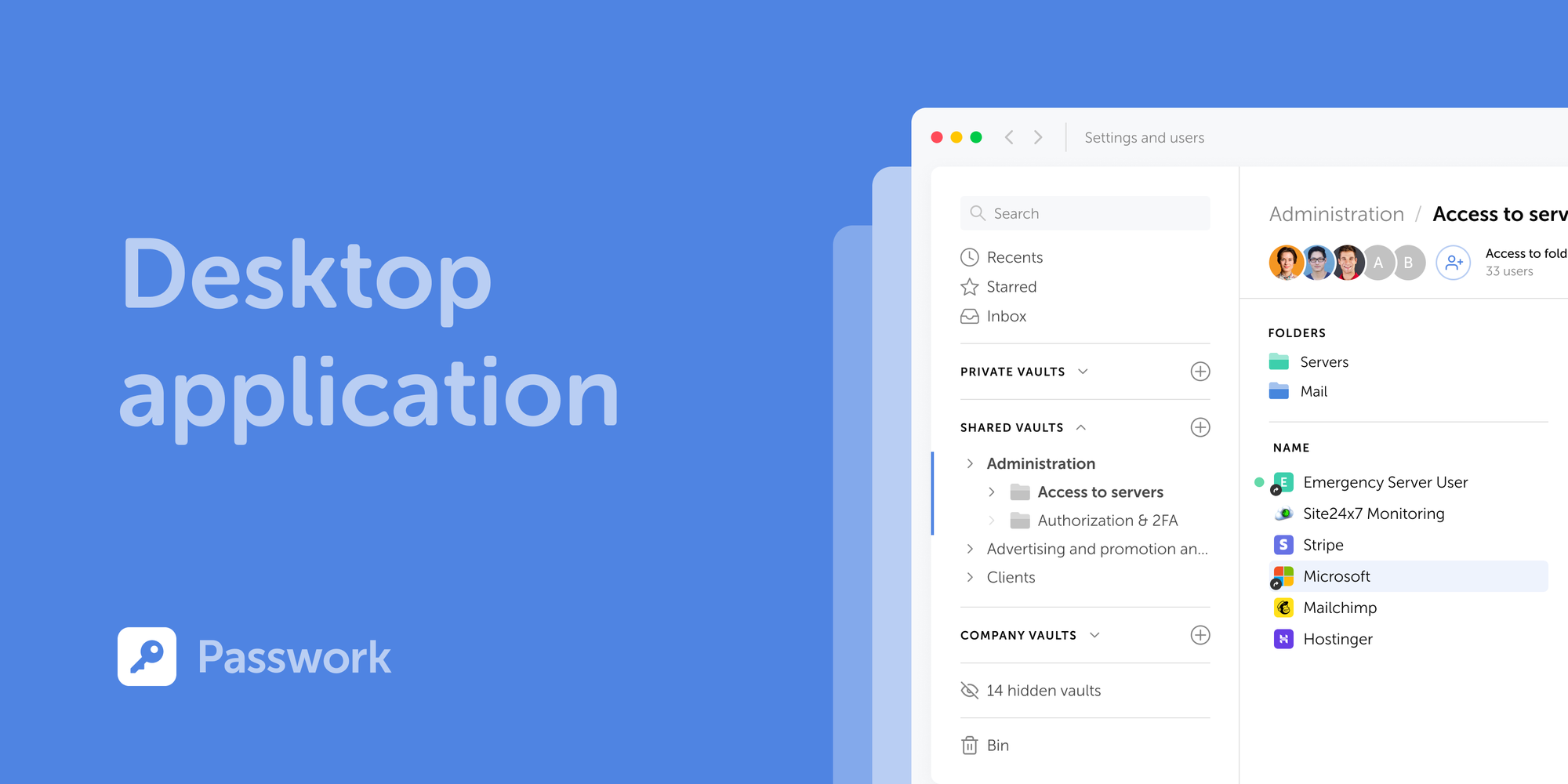
Passwork wins Best Customer Support 2026 by Software Advice
We’re excited to share that Passwork’s customer support has been recognized as the best in the Password Managers category by Software Advice.
 Mike Shikun
The 2025 small business cybersecurity checklist: A complete guide | Passwork
Passwork’s 2025 cybersecurity checklist, based on the NIST framework, provides actionable steps to prevent data breaches and financial loss.
 Eirik Salmi