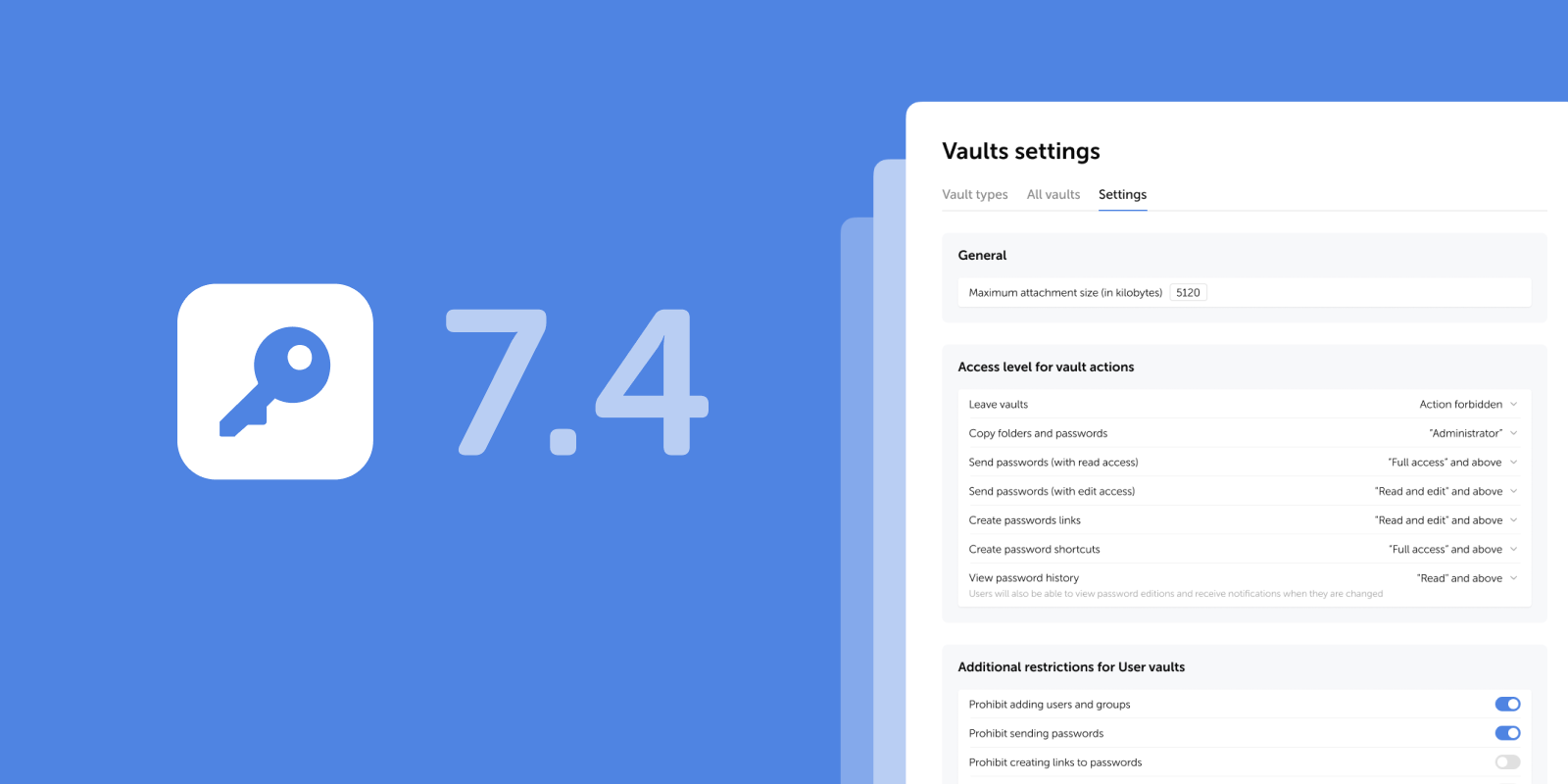
The new releases introduce restrictive settings for User vaults (including the option to block adding new users and groups), smooth appearance switching, and other improvements and fixes.
Restrictions for User vaults
We've added a new block of additional restrictive settings for User vaults in the Vaults settings, allowing administrators to centrally permit or restrict the following actions for all user vaults (private and shared):
- Adding users and groups
- Sending passwords
- Creating password links
- Creating password shortcuts
The restrictions do not apply to Company vaults and are automatically enforced on all existing and new User vaults.
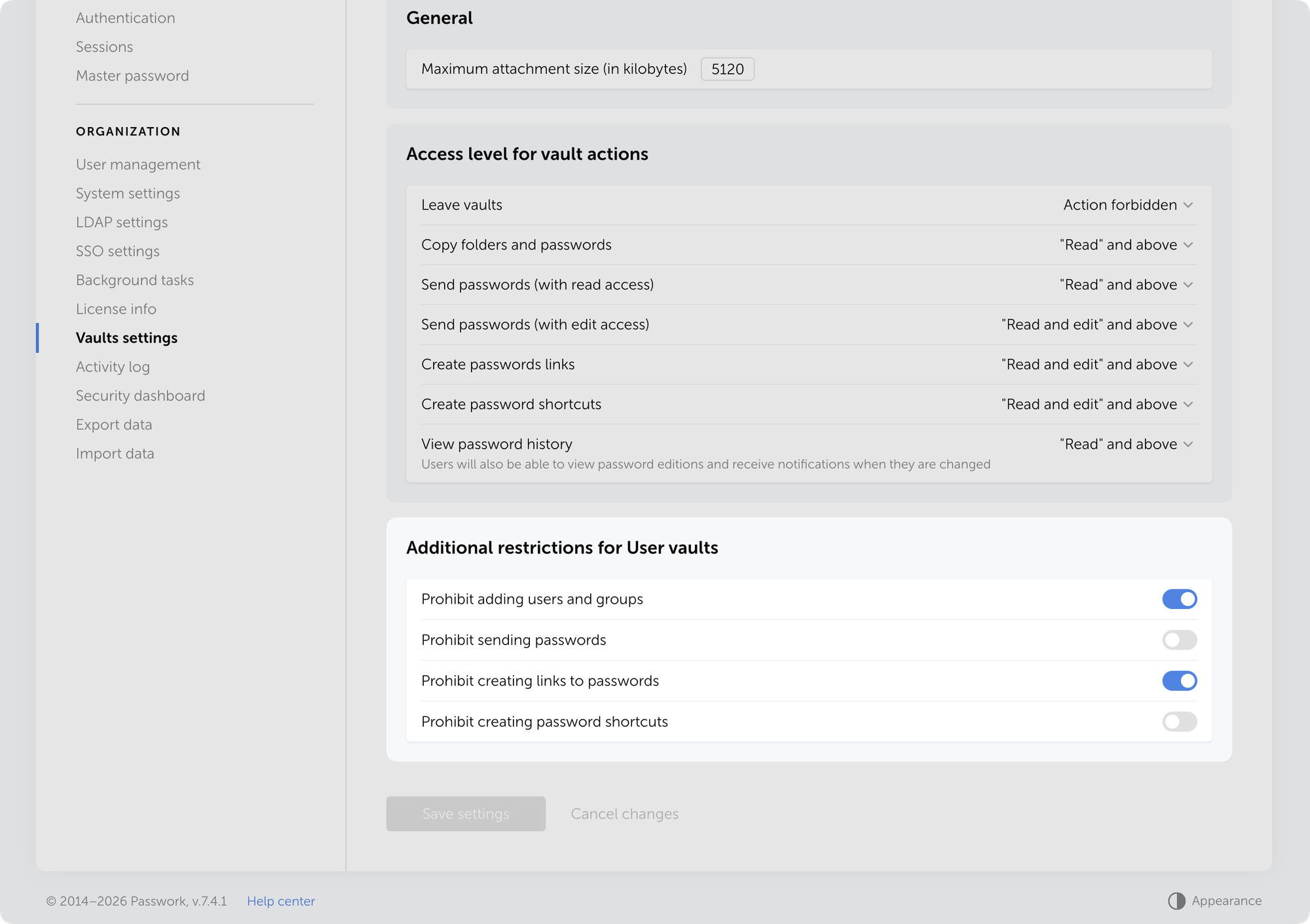
Additional restriction settings for user vaults are located in Settings and users → Vaults settings → Settings tab.
New restrictions solve three security problems:
- Lower breach risk — Blocking link creation and password sending from User vaults prevents accidental or intentional data leaks outside the organization.
- Centralized policy management — Administrators control actions at the platform level rather than relying on employee discipline.
- Stronger control over data distribution — Prevent unmonitored password sharing through personal vaults. Critical for organizations with strict security requirements.
Use cases
Three common cases where additional restrictions for User vaults resolve specific security challenges:
Prohibiting password sharing from Personal vaults
- Problem: Employees store corporate passwords in personal vaults and share them directly with colleagues, bypassing company vaults.
- Solution: Enable all four restrictions. Employees can store passwords in personal vaults but cannot share them — sharing requires Company vaults with controlled access.
Prohibiting link creation for external contractors
- Problem: Employees create temporary password links from personal vaults and send them to external contractors, creating leak risks.
- Solution: Enable "Prohibit creating password links." Links can only be created from Company vaults, where administrators control expiration time and access rights.
Preventing corporate password duplication
- Problem: Employees copy passwords from Company vaults to their personal ones, create shortcuts, and then share them with colleagues. As a result, the same credentials are stored in multiple locations, and when a password is changed in the Company vault, outdated copies remain in personal storage.
- Solution: Enable the restrictions "Prohibit creating password shortcuts" and "Prohibit adding users and groups." This will force employees to work directly with Company vaults, where passwords are always up to date, and the administrator controls their lifecycle and change history.
Other changes
- Added visual indicators informing users about the mandatory email confirmation in order to receive notifications
- Added dynamic list loading for the user filter in the Security dashboard
- Added smooth transition when switching appearance
- Added automatic setting of the Read value in the Access field when sending a password to another user
- Fixed an issue where users couldn't confirm their email addresses when the master password wasn't saved in the browser
- Fixed an issue where, after resetting access in User management, an incorrect access level was displayed until the page was reloaded
- Fixed an issue where the list of inbox passwords wasn't displayed correctly after enabling the "Search only in Inbox" checkbox with an empty search query
- Fixed an issue where XML files from KeePass could not be imported if they contained folders with names consisting only of digits
- Made minor UI and localization improvements
 Ana Moore
 Eirik Salmi
 Eirik Salmi