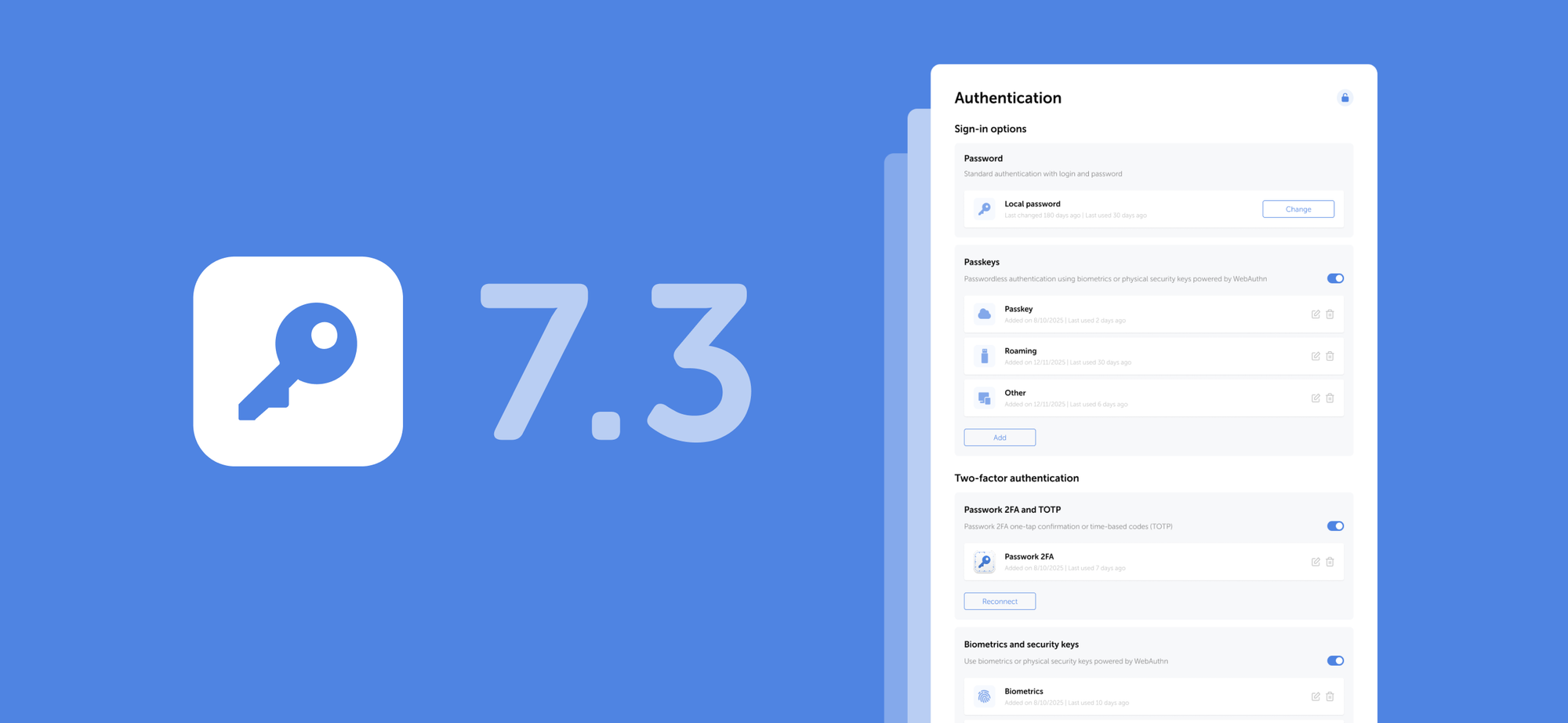
The new version introduces biometric and passkey authentication, the option to add multiple URLs for a single password, email address verification for users, email-based authentication, and numerous other improvements and fixes.
Biometric authentication and passkeys
We've added support for biometric authentication, passkeys, and security keys based on the WebAuthn standard. You can now sign in to Passwork using your fingerprint, Face ID, PIN code, or a hardware security key (YubiKey and similar devices).
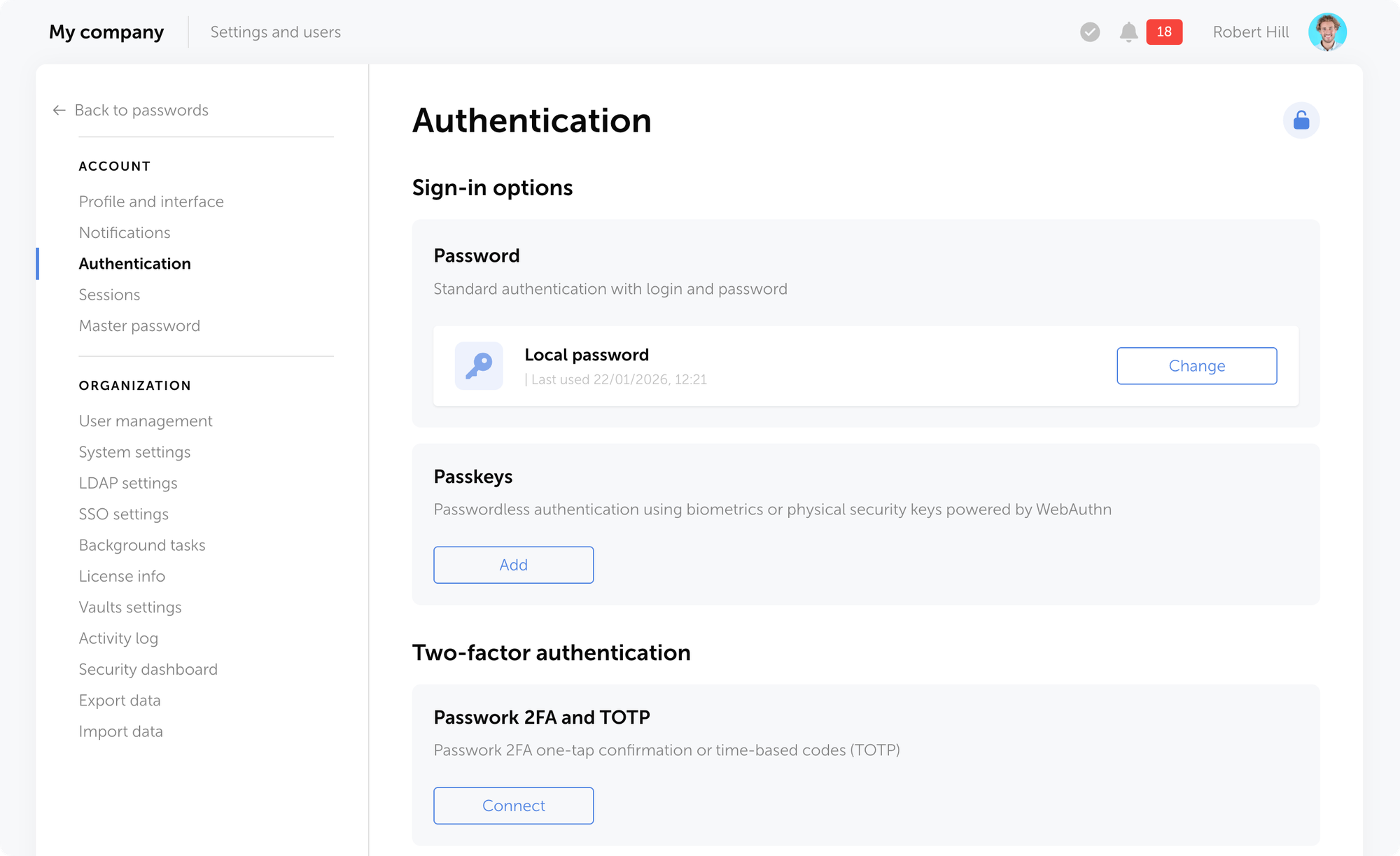
On the Authentication settings page, you can add new sign-in methods, manage existing ones, change your password, or enable passwordless authentication through biometrics or hardware security keys.
The new role setting Use passkey instead of password allows users to authenticate with a passkey instead of their local or domain password.
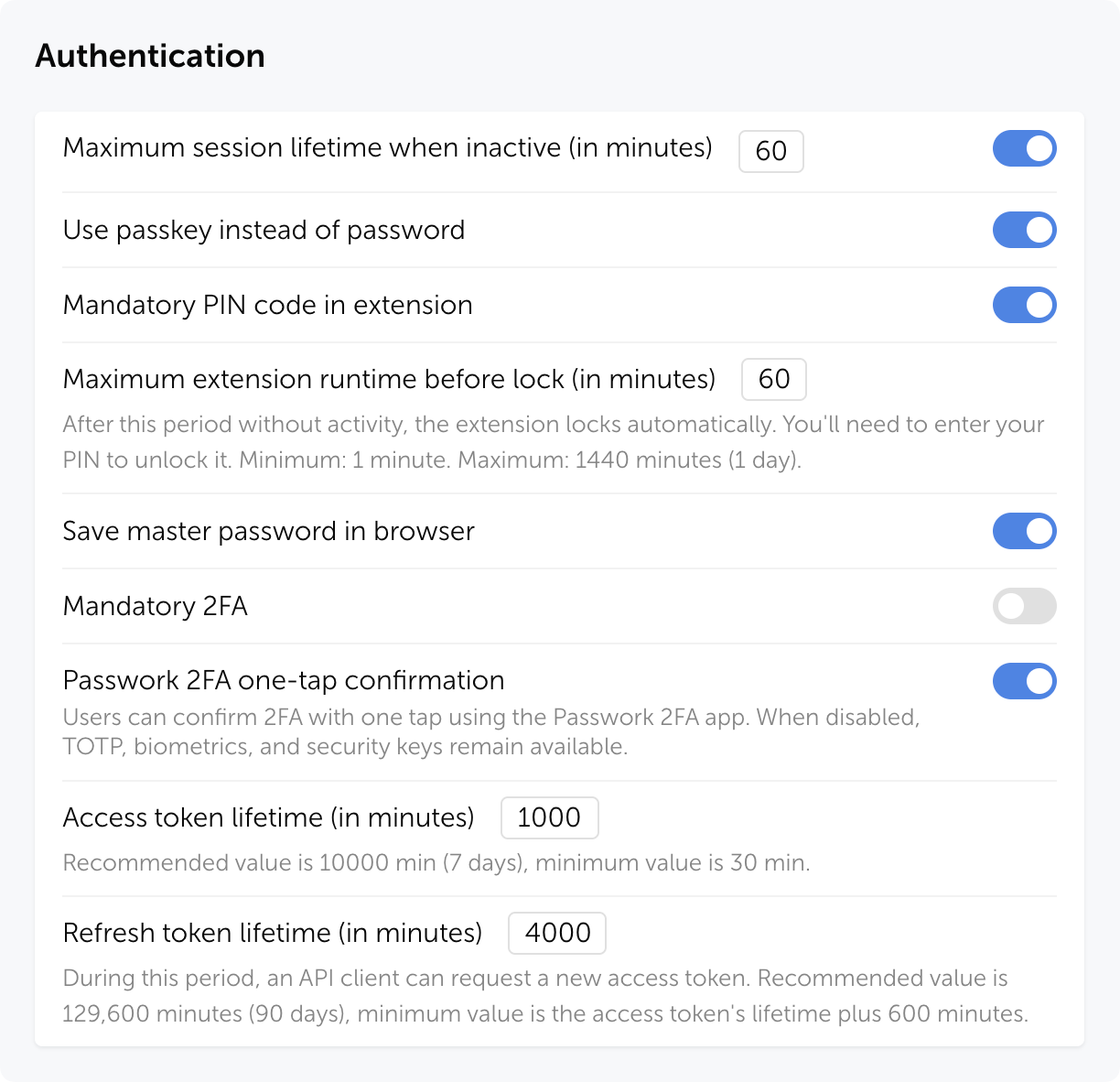
You can reset a passkey for an individual user on their page in the User management section through the Authentication modal window.
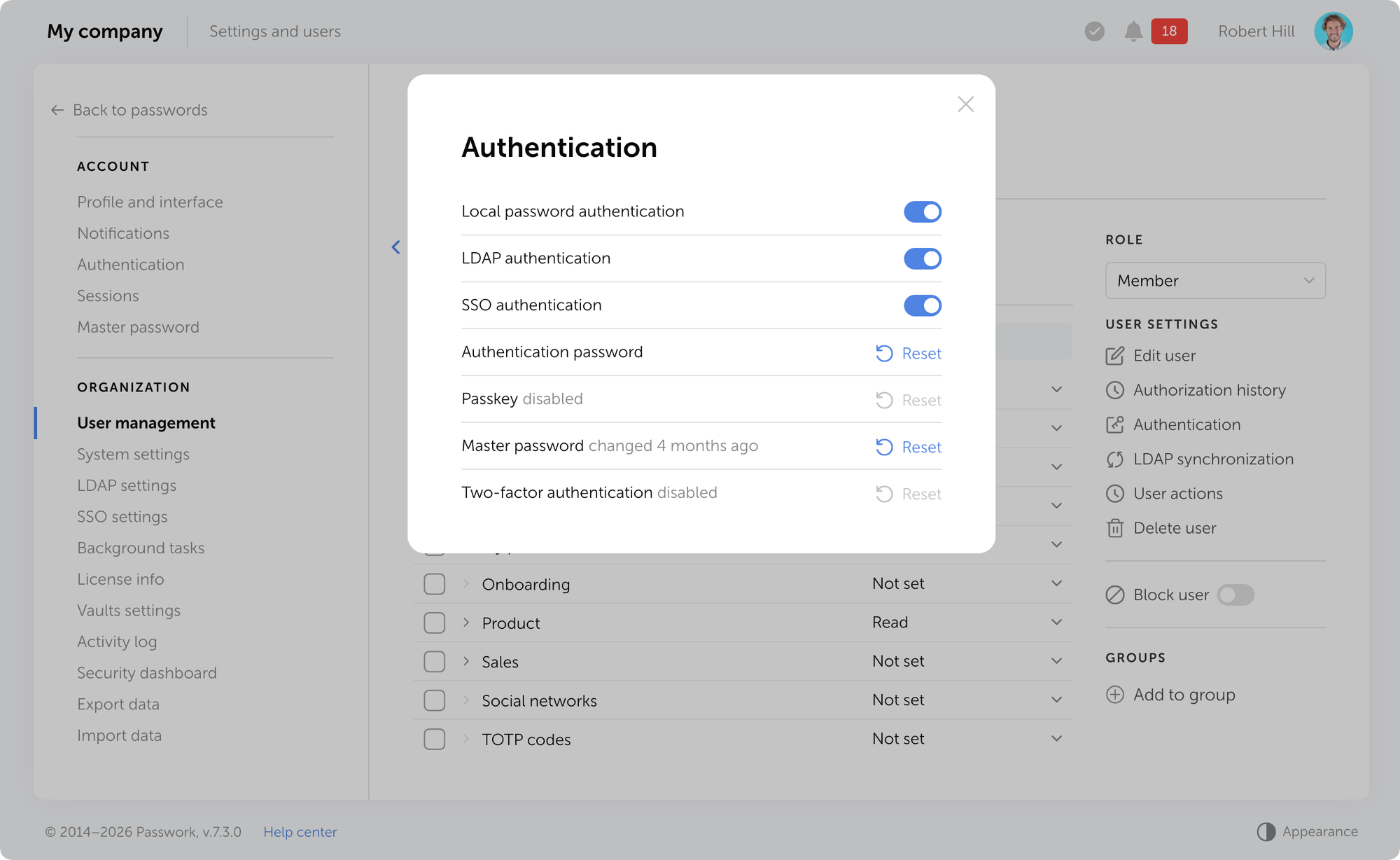
Learn more about authentication methods in our user manual.
Multiple URLs per entry
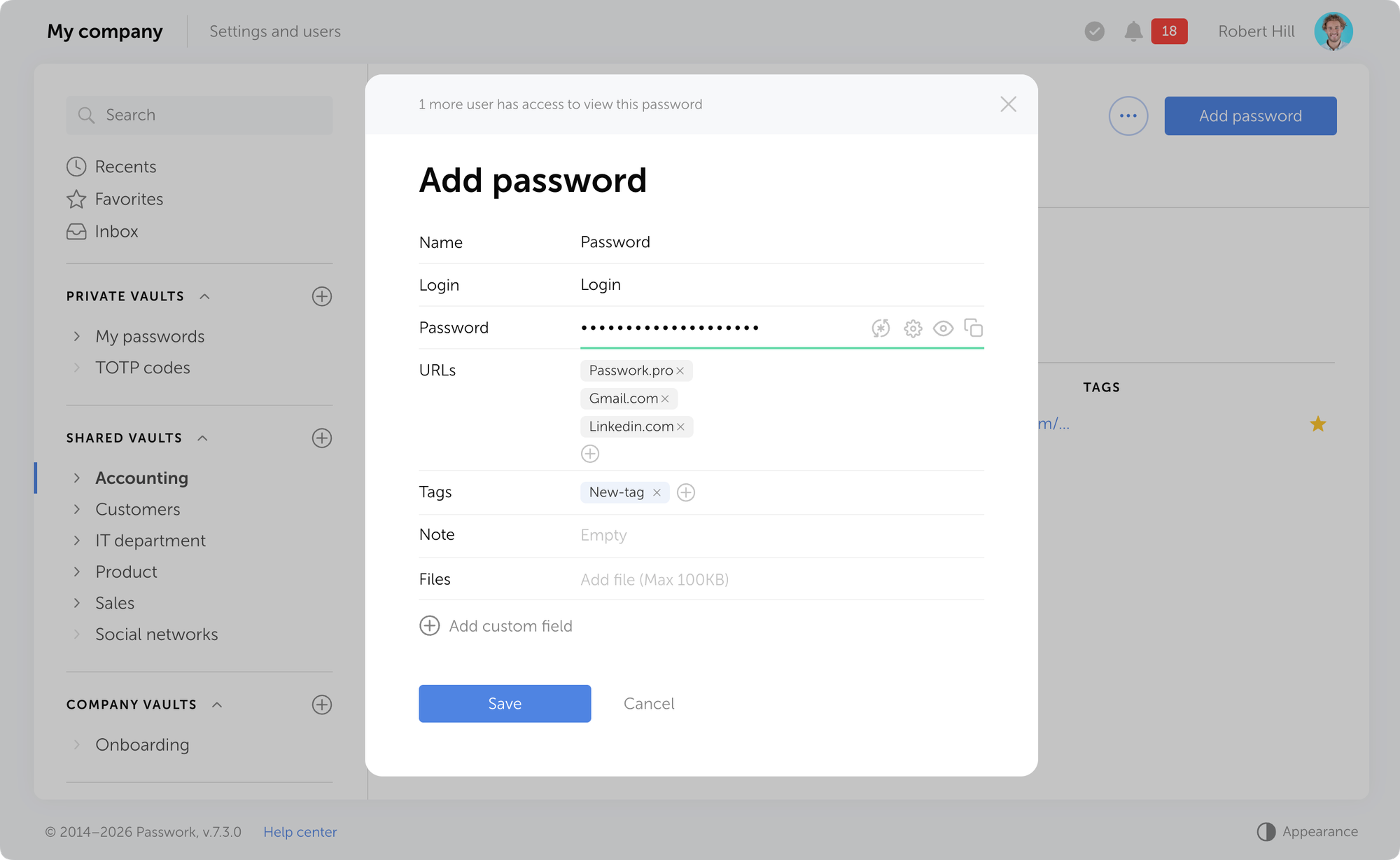
You can now add multiple URLs to a single entry. This is useful when one account is used to access different addresses: test and production environments, regional versions of a website, or related company services. The browser extension will automatically suggest filling in credentials on any of the specified URLs.
Email verification
Passwork now supports mandatory email verification for users. When a user adds or changes their email address, Passwork sends a verification email with a confirmation link.
You can enable mandatory email confirmation in System settings → Registration → Mandatory email confirmation.
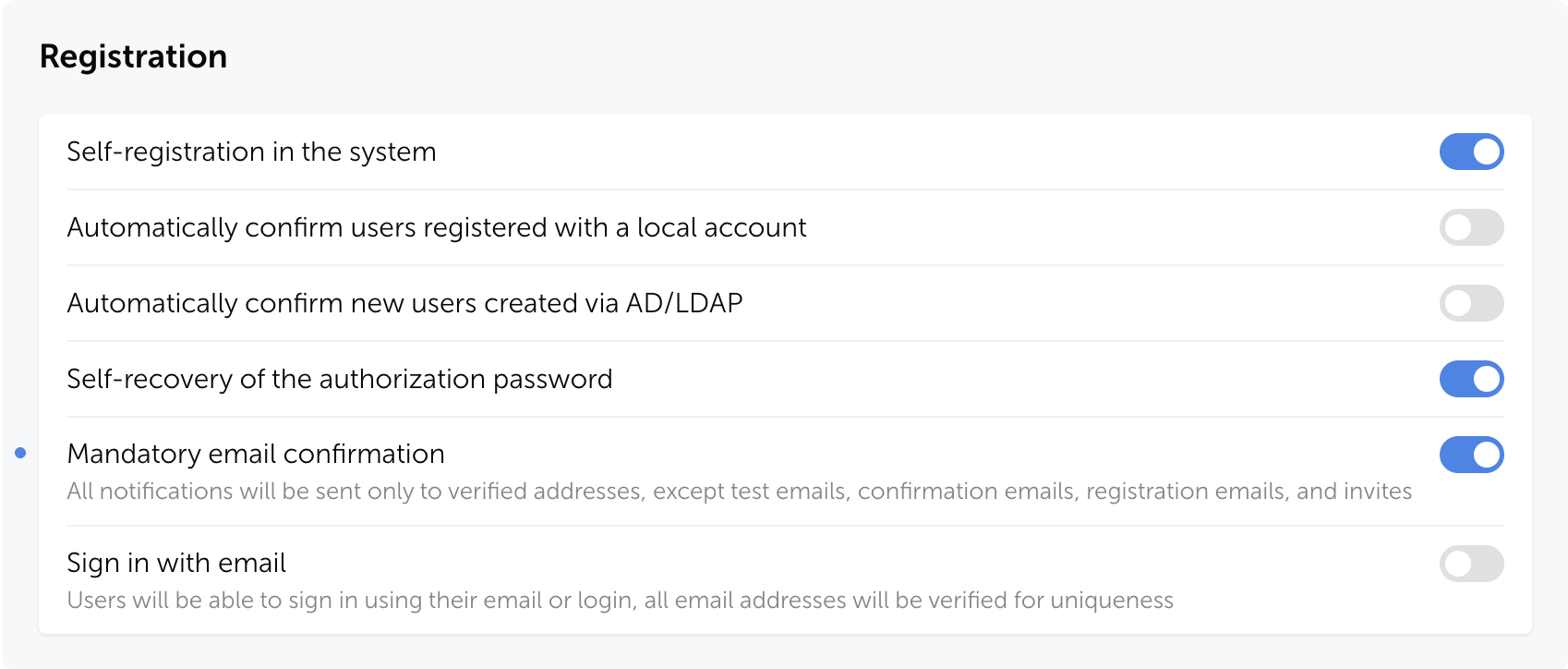
Without email verification, invalid addresses can appear in the system. This can create problems: notifications don't reach users, password reset fails, and security risks emerge. Email confirmation ensures that messages are delivered only to legitimate recipients.
Email-based authentication
We've added the ability to sign in to Passwork using a verified email address instead of a login to simplify authentication and reduce login errors. After enabling this setting, username-based sign-in remains available, and all email addresses will be checked for uniqueness in the system.
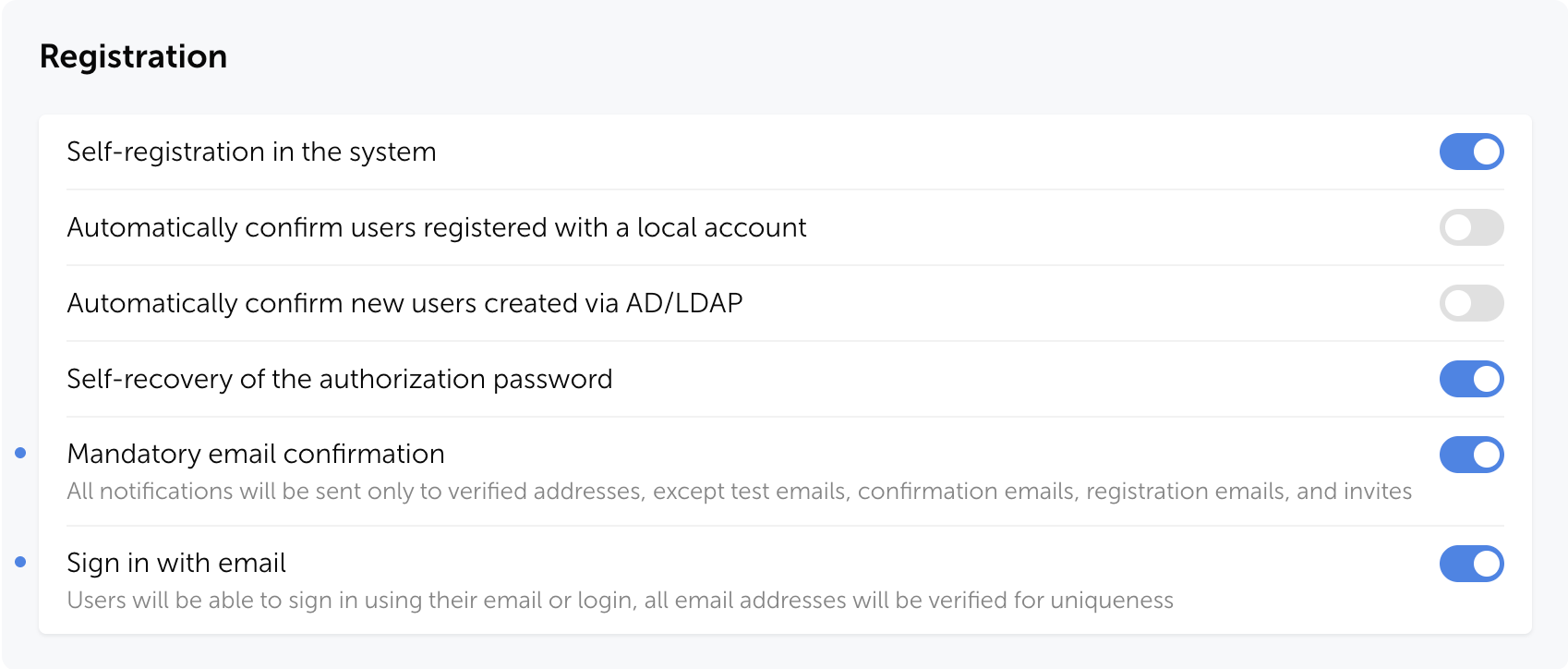
You can enable email-based authentication in Passwork in System settings → Registration→ Sign in with email.
Improvements
- Improved the user filter in the Activity log: search now considers not only the action initiator but also linked users
- Fixed an issue where the folder filter in Security dashboard and Activity log might not include data from nested subfolders when selecting a parent folder
- Added automatic locking of the authentication settings page after 5 minutes of inactivity
- Added an option to set a color for each shortcut individually without changing the color of the initial password
- Added Trusted Proxies support (see documentation for details)
- Made improvements to the UI and localization
Bug fixes
- Fixed an issue where the Edit option in User management was not activated when the "Edit user email" option was enabled in role settings
- Fixed incorrect display of the banner prompting to add a service account on the LDAP server edit page after reloading the page
- Fixed an issue where the Update button in the user edit modal could remain inactive when there were unsaved changes
- Fixed an issue in the setup wizard where an incorrect "Database already exists" message could be displayed on the database connection page
- Fixed an issue where after saving changes in the Vault access or Folder access modal, an incorrect "Discard changes?" message was displayed when attempting to close the window
- Fixed an issue where notifications about failed PIN code entry attempts in the browser extension might not be sent
 Ana Moore
 Eirik Salmi
 Eirik Salmi