
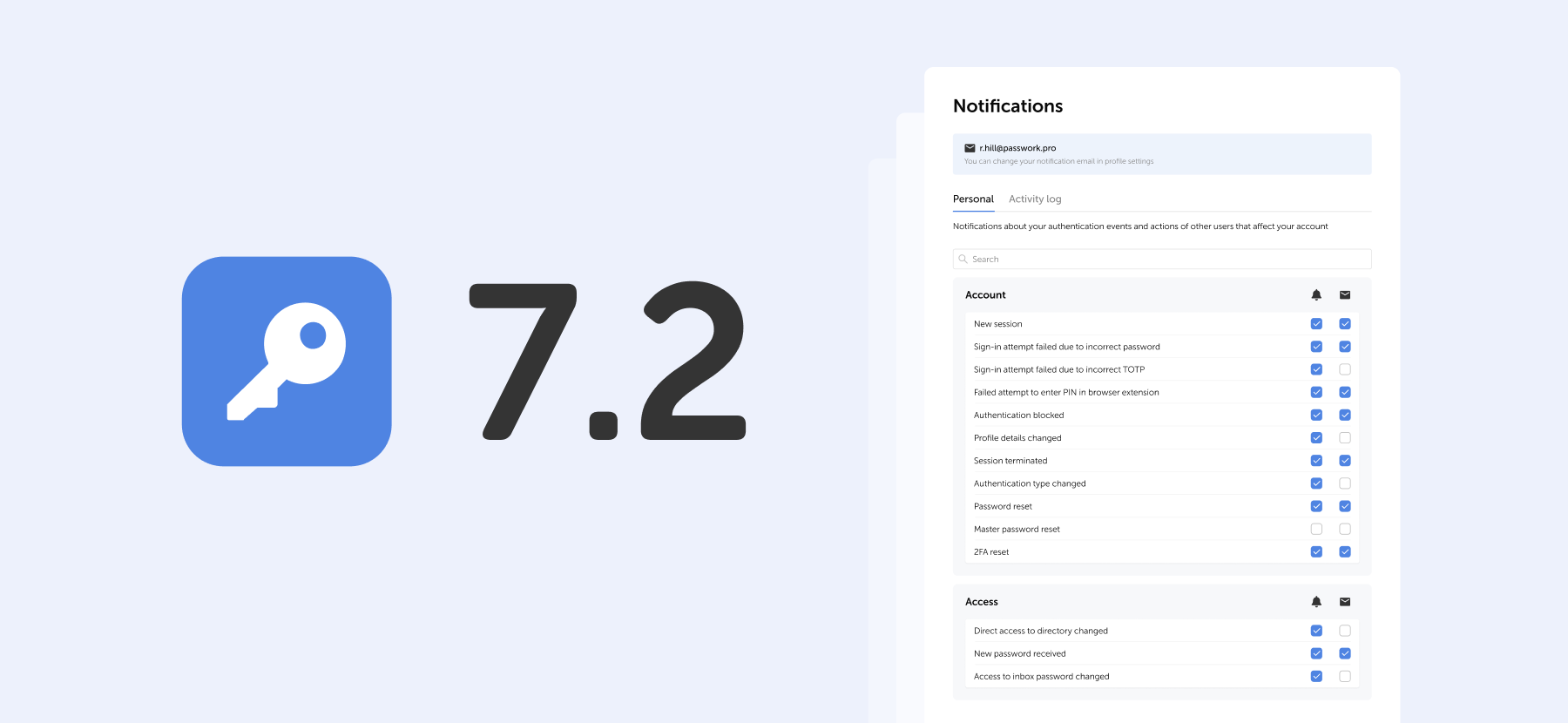
The new version introduces customizable notifications with flexible delivery options, enhanced event logging descriptions, expanded CLI functionality, server-side PIN code storage for the browser extension, and the ability to enable client-side encryption during initial Passwork configuration.
Notification settings
We've added a dedicated notification settings section where you can choose notification types and delivery methods: in-app or via email.

Access notification settings in the Notifications section under Account in the settings menu.
Notification settings include two tabs:
- Personal — notifications about your authentication events and actions of other users that affect your account
- Activity log — notifications about selected events from the activity log. Notifications for events related to vaults, passwords, and tags are available for vaults with "Read" access level or higher.
Notification delivery methods
For each event, you can independently choose how to receive notifications or disable them entirely.
Use the checkboxes in the two columns to the right of the event name:
- Bell icon — in-app notifications in Passwork interface
- Envelope icon — email notifications to your specified address

Select the desired checkboxes. Settings apply independently for each event type.
PIN in browser extension
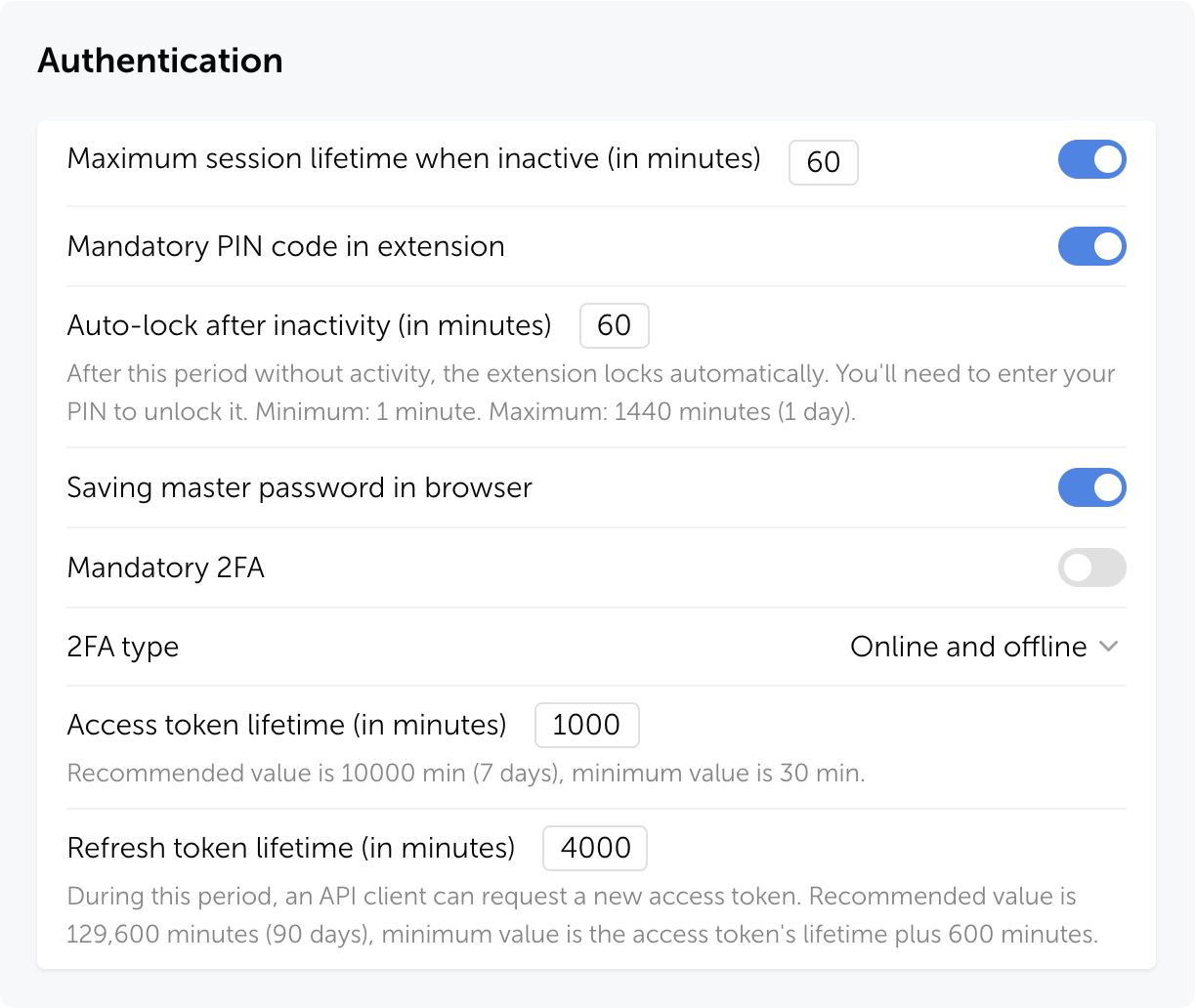
The extension PIN is now stored on the server as a cryptographic hash. In the role settings, you can set a maximum user inactivity period, after which the extension will request the PIN to be re-entered, narrowing the window of potential attack and protecting against unauthorized access to an already open session.
How it works
Actions on first extension login:
- User authenticates in the extension
- If PIN is mandatory for the user's role — a prompt to create one appears
- If PIN is optional — the user can enable it voluntarily for additional protection
After successful login, a temporary access session begins — the user works with the extension without re-entering the PIN. Session duration depends on role settings and personal preferences. The PIN is requested again if the user hasn't performed any actions in the extension during the set time period.
Security
Even if someone gains access to a user's session token, they cannot open passwords in the extension without the PIN.
Passwork automatically terminates all sessions when:
- PIN code is reset
- Three failed entry attempts occur
- Mandatory PIN code is enabled for the user's role
- User's role is changed to one where PIN code is mandatory
Zero knowledge mode
Added an option to enable client-side encryption (Zero knowledge mode) in the setup wizard during initial Passwork configuration. Previously, this required running a separate script or editing the configuration file.

Zero knowledge mode encrypts all data on the client side, making decryption impossible even if the server is compromised. Each user has their own master password that is never transmitted to the server.
Improvements
- Added a confirmation modal window for changing role to Owner and restricted the ability to assign this role to users
- Added pagination and change indicators in the hidden vaults modal window
- Added error information and update and get commands to the CLI utility (details in documentation)
- Added the ability to retrieve current TOTP codes via CLI: the command now returns a one-time code instead of the original key
- Improved security dashboard analysis: entries with an empty Password field no longer fall into the Weak category and are not evaluated for complexity
- Added an option to limit link validity to one day
- Improved display of long names and logins in User management
- Improved display of inactive items in dropdown menus
- Improved event descriptions in Activity log
- Improved data import with large numbers of folders
- Improved localization
Bug fixes
- Fixed an issue where folders were not created during CSV import, causing passwords to import directly to the root directory
- Fixed automatic launch of background tasks for loading groups, users, and LDAP sync when saving changes on the Groups and Synchronization tabs, and when starting manual sync in LDAP settings
- Fixed display of pagination items when changing the sidebar width
- Fixed an issue where pagination in User management could stop working after using the search bar
- Fixed import window freezing when uploading files with large amounts of data and when importing vaults containing only folders
- Fixed an issue in export where not all passwords could be exported after selecting all directories with the checkbox
- Fixed an issue when bulk deleting large numbers of folders from the Bin
- Fixed issues when moving columns: overlapping and extending beyond the visible area
- Fixed filtering by invite creator: now it is possible to sequentially select different users without resetting the filter
- Fixed an issue where checkboxes in access modals were not reset after canceling changes
- Fixed an issue where a vault connection request appeared when connecting a user without access (version with client-side encryption)
- Fixed an issue where copy and move folder to another vault options were unavailable if folder access was granted through a group without access to the root directory
- Fixed an issue where the Move option remained available for folders in directories with "Full access" rights
- Fixed an issue where the active tab reset to Users after refreshing the User management page
- Fixed an issue in JSON import with structure preservation where passwords from folders could move to the root directory
- Fixed KeePass XML import issues when the <UUID> tag is missing and custom fields transfer incorrectly
- Fixed an issue where the first password edition was not saved after migration from version 6.x.x
- Fixed an issue where attachments stopped downloading from links after preparing for migration in version 5.4.2, with the problem persisting after updating to version 7.x.x
- Fixed an issue where links in the access window stopped displaying for some vaults and passwords after updating to version 7.x.x
- Fixed an issue in migration from version 6.x.x where user IDs displayed instead of user names in notifications
- Fixed user manual links: they now open in a new tab and lead to correct pages
- Fixed an issue where favicon failed to display correctly when changing the URL to a site with an unavailable favicon
- Fixed an issue where selected items remained highlighted after copying folders by drag-and-drop
- Fixed the display of the default role in user creation and confirmation windows
- Fixed an issue where the TOTP code would only update after reopening the password card when the key was changed
Other changes
- Changed default values for "Access to vault actions" section in Vaults settings
- Hidden the "Password sent to group" item from the actions filter in Activity log (version with client-side encryption)
- Hidden the Edit menu item in the password send window for users without the appropriate access rights
- Hidden the "Connect mobile device" menu item for users who have mobile app usage restricted by their role settings
Further reading
 Eirik Salmi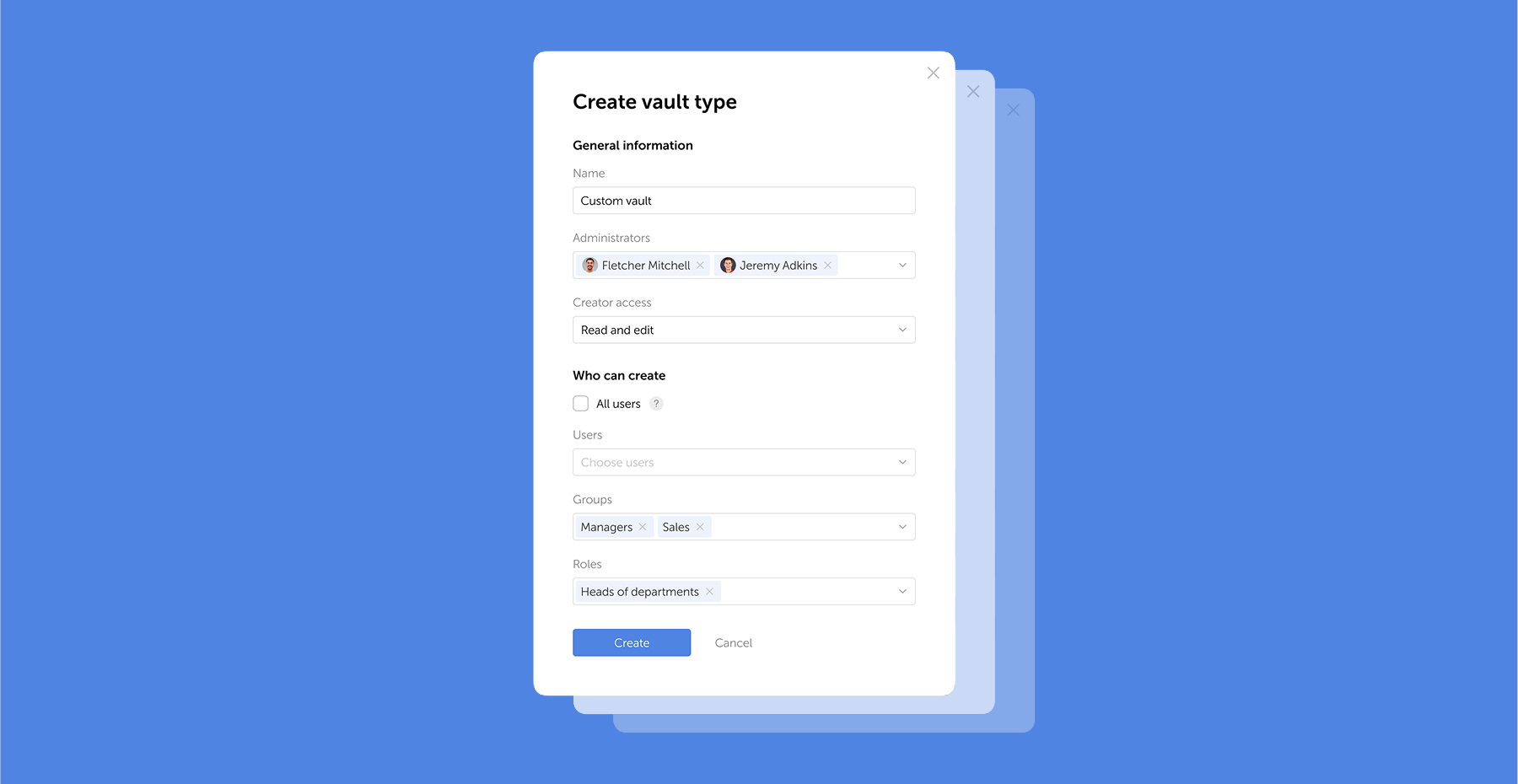
 Eirik Salmi
 Eirik Salmi