
In the new version, we've improved the migration process from older versions of Passwork, enhanced descriptions in the Activity log, and made minor fixes to the UI and localization.
Improvements
- Added a restriction that blocks users from changing their own authorization type
- Improved migration to Passwork 7 for versions earlier than 5.3
- Improved descriptions for certain events in the Activity log
Bug fixes
- Fixed an issue where it was impossible to move a folder to the Bin via drag-and-drop if the "Access level required to copy folders and passwords" setting was set to "Action forbidden"
- Fixed duplicate "Save settings" button in Vault settings
- Fixed the display of parameter change indicators in Vault settings and User management in Safari browser
- Fixed incorrect redirect to Recents after successful extension authorization
You can find all information about Passwork updates in our release notes
Further reading
Passwork 7.1: Vault types
Table of contents * What are vault types * Basic vault types * Advantages of vault types * Managing vault types * Migration from previous versions * Conclusion: Data control and efficiency Vault types Passwork 7.1 introduces a robust vault types architecture, providing enterprise-grade access control for enhanced security and management. Vault types address a
 Eirik Salmi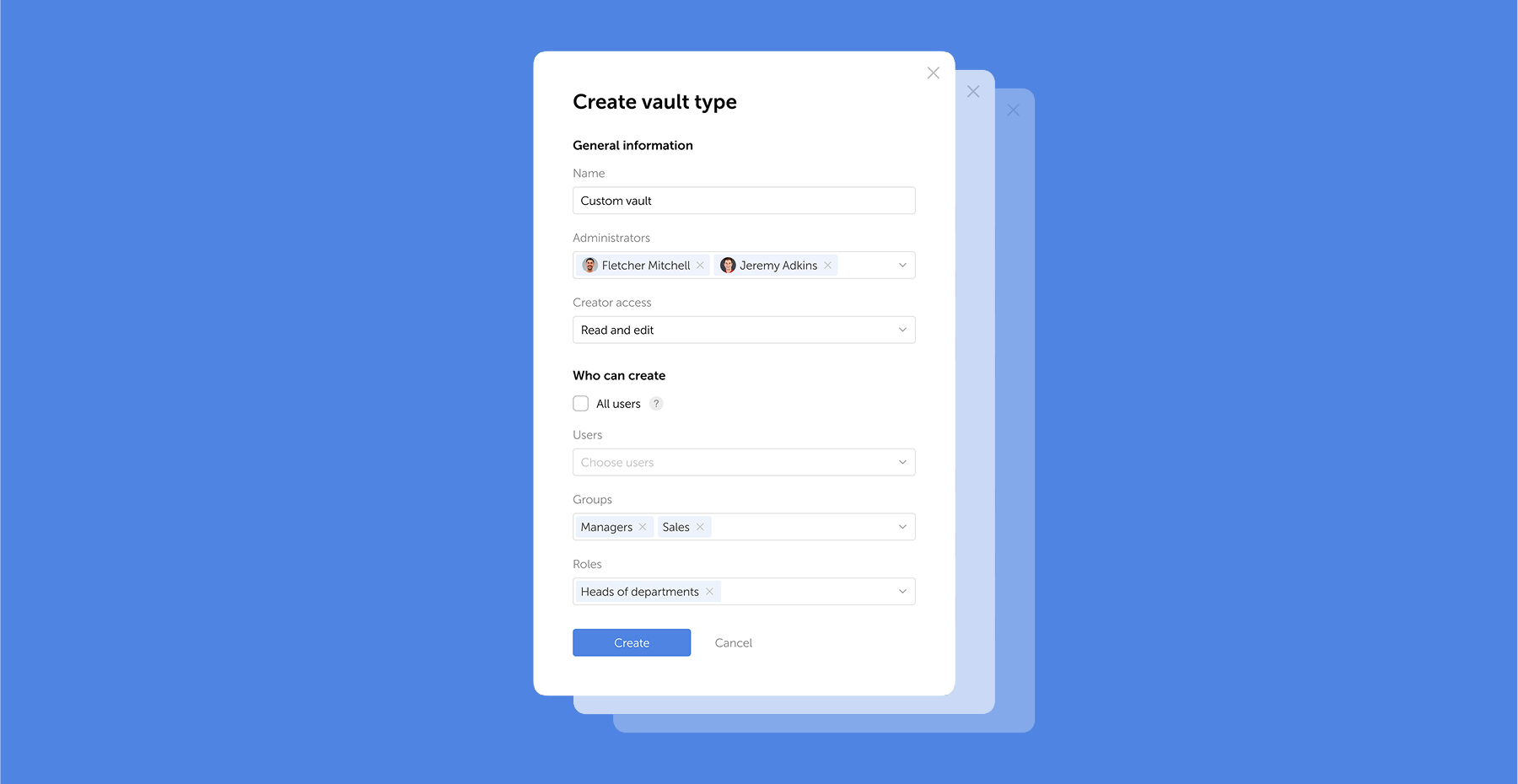
Browser extension 2.0.26 release
Version 2.0.27 * Further improved clickjacking protection: added blocking of clicks on hidden elements and checking for element overlap and CSS transformations * Fixed an issue when following a link from a notification to a deleted vault or password * Fixed an issue that could cause the extension to log out
 Eirik Salmi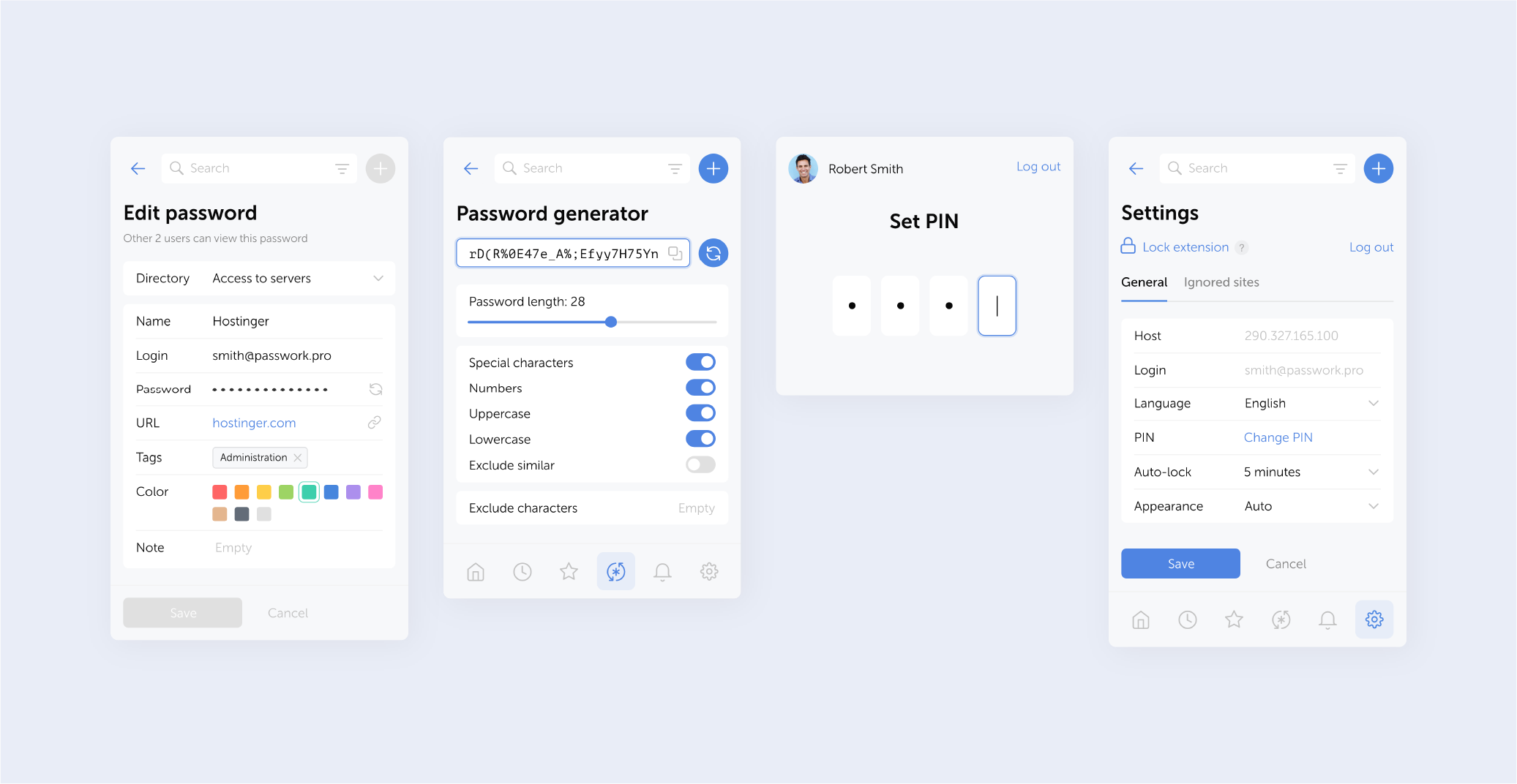
GDPR password security: Guide to effective staff training
Learn proven strategies to train employees for GDPR password security compliance. Reduce breach risks with practical training methods.
 Ana Moore