Passwork 7.0.10 update is available in the Customer portal.
- Improved handling of additional parameters in Acivity log when migrating from Passwork 6
- Fixed incorrect vault data export when access to its nested folder is restricted
- Fixed an issue where access confirmation requests to a vault failed to be sent under certain scenarios
- Improved data import performance
You can find all information about Passwork updates in our release notes
Passwork 7.1 release
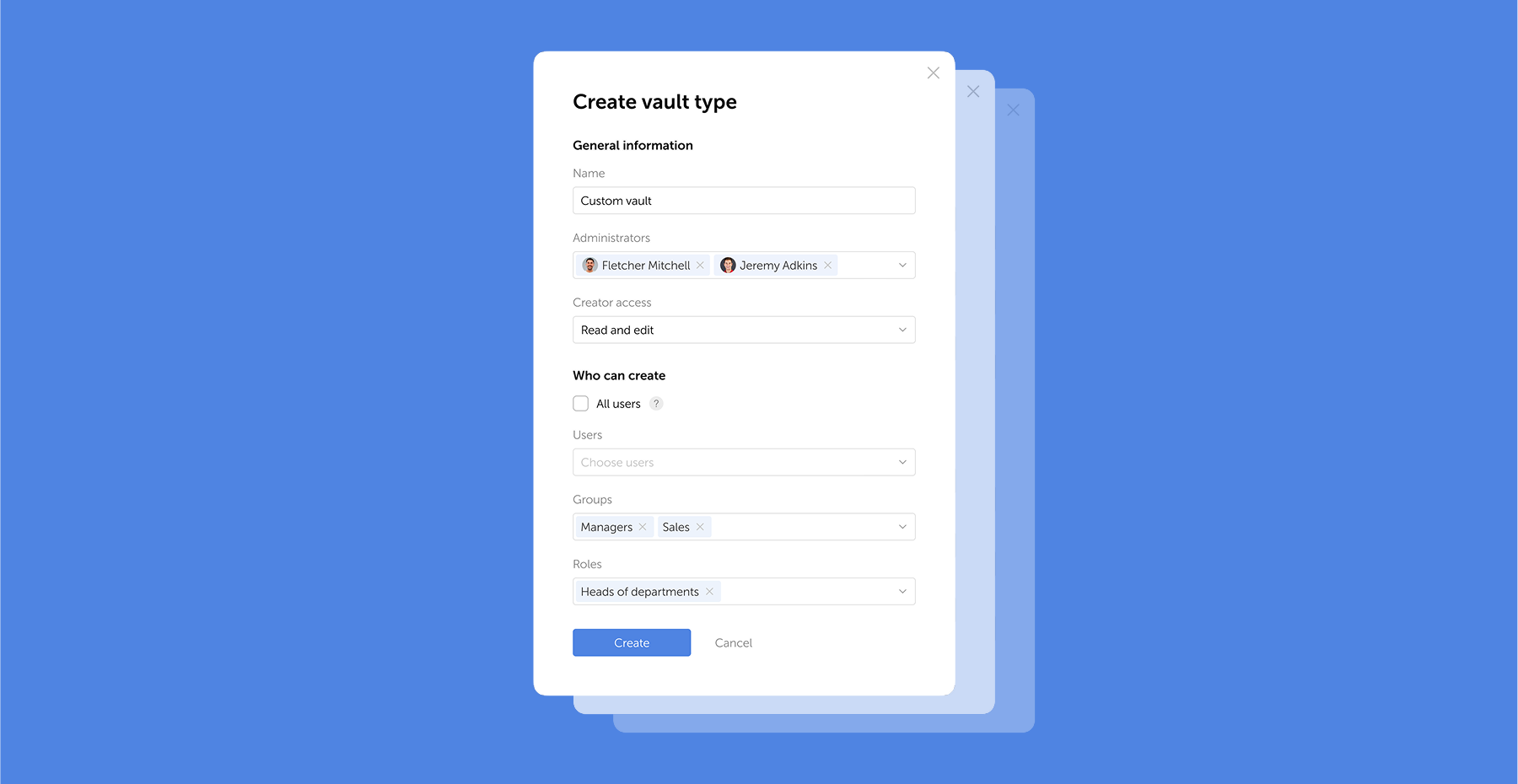
In the new version, we have introduced the capability to create custom vault types with automatically assigned administrators, refined the inheritance of group-based access rights and handling of TOTP code parameters, as well as made numerous fixes and improvements. Vault types In Passwork 7.1, you can create custom vault
 Eirik Salmi
Passwork 7.2 release
The new version introduces customizable notifications with flexible delivery options, enhanced event logging descriptions, expanded CLI functionality, server-side PIN code storage for the browser extension, and the ability to enable client-side encryption during initial Passwork configuration. Notification settings We’ve added a dedicated notification settings section where you can choose notification
 Eirik Salmi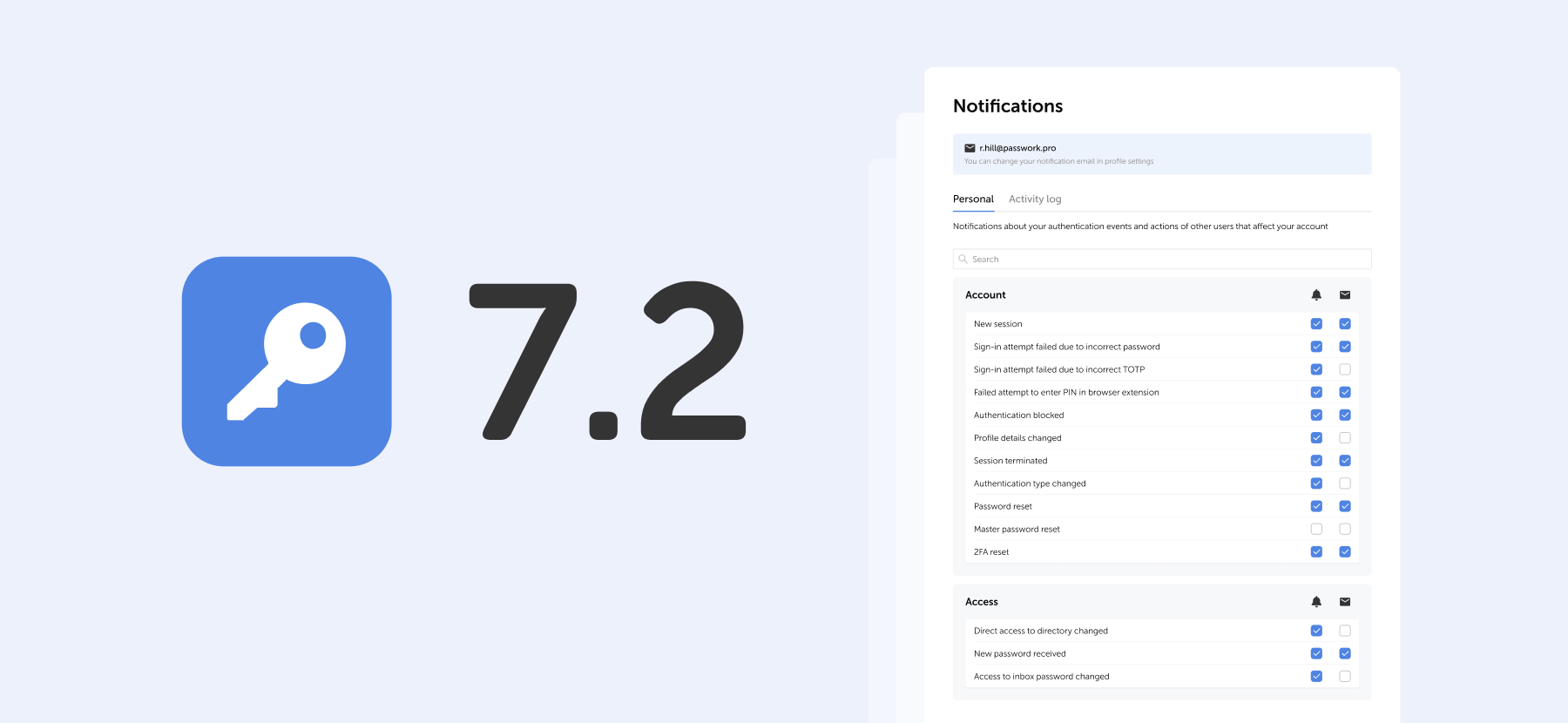
Passwork 7.1: Vault types
Vault types Passwork 7.1 introduces a robust vault types architecture, providing enterprise-grade access control for enhanced security and management. Vault types address a key challenge for administrators: controlling data access and delegating vault management across large organizations. Previously, the choice was limited to two types. Now, you can create
 Eirik Salmi