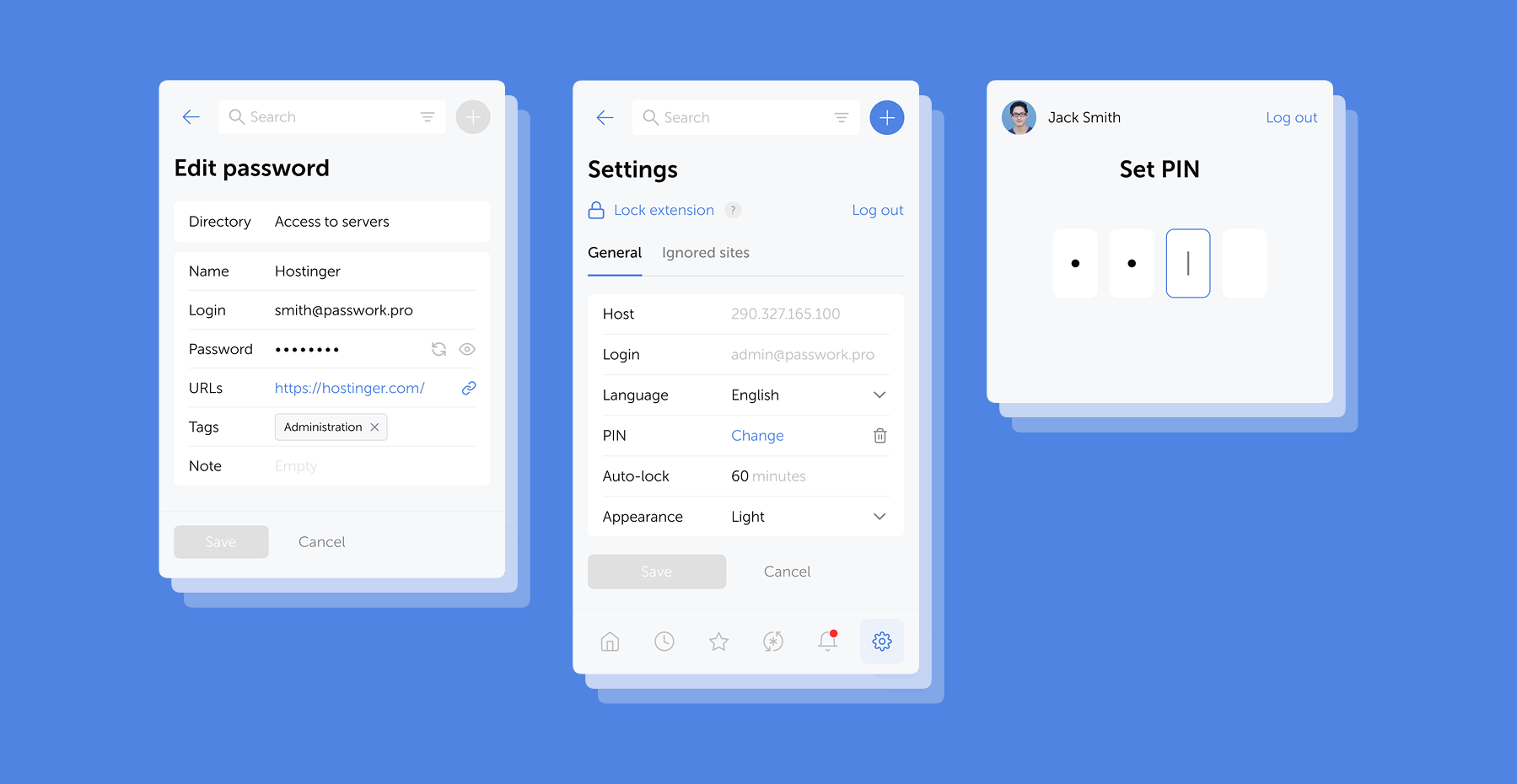
In the new version, we’ve improved TOTP autofill and added error logging to the browser extension. You can now export logs directly from the service worker console and share them with our team — significantly speeding up troubleshooting.
- Improved TOTP autofill performance in the browser extension
- Added the capability to download error logs through the service worker console using the downloadErrors() command
- Fixed an issue where TOTP autofill did not work for items from the Inbox
- Fixed an issue where the extension could incorrectly prompt to save or autofill data in some forms not related to authentication
- Fixed an issue that could block extension functionality after connecting it
- Fixed an issue where notification dates could display incorrectly
- Fixed an issue preventing the extension from working in Firefox Incognito mode
- Minor bug fixes and performance improvements
⚠️ We updated the extension manifest permissions to enable log downloads. As a result, you may need to re-enable the Passwork extension in Chrome, Firefox, and Edge.
Introducing Passwork Desktop app
Passwork is now available as a full-featured desktop app for Windows, macOS, and Linux. The desktop app delivers complete password management functionality: manage credentials, access vaults, collaborate with your team, all with the native performance and convenience of a desktop environment.
 Eirik Salmi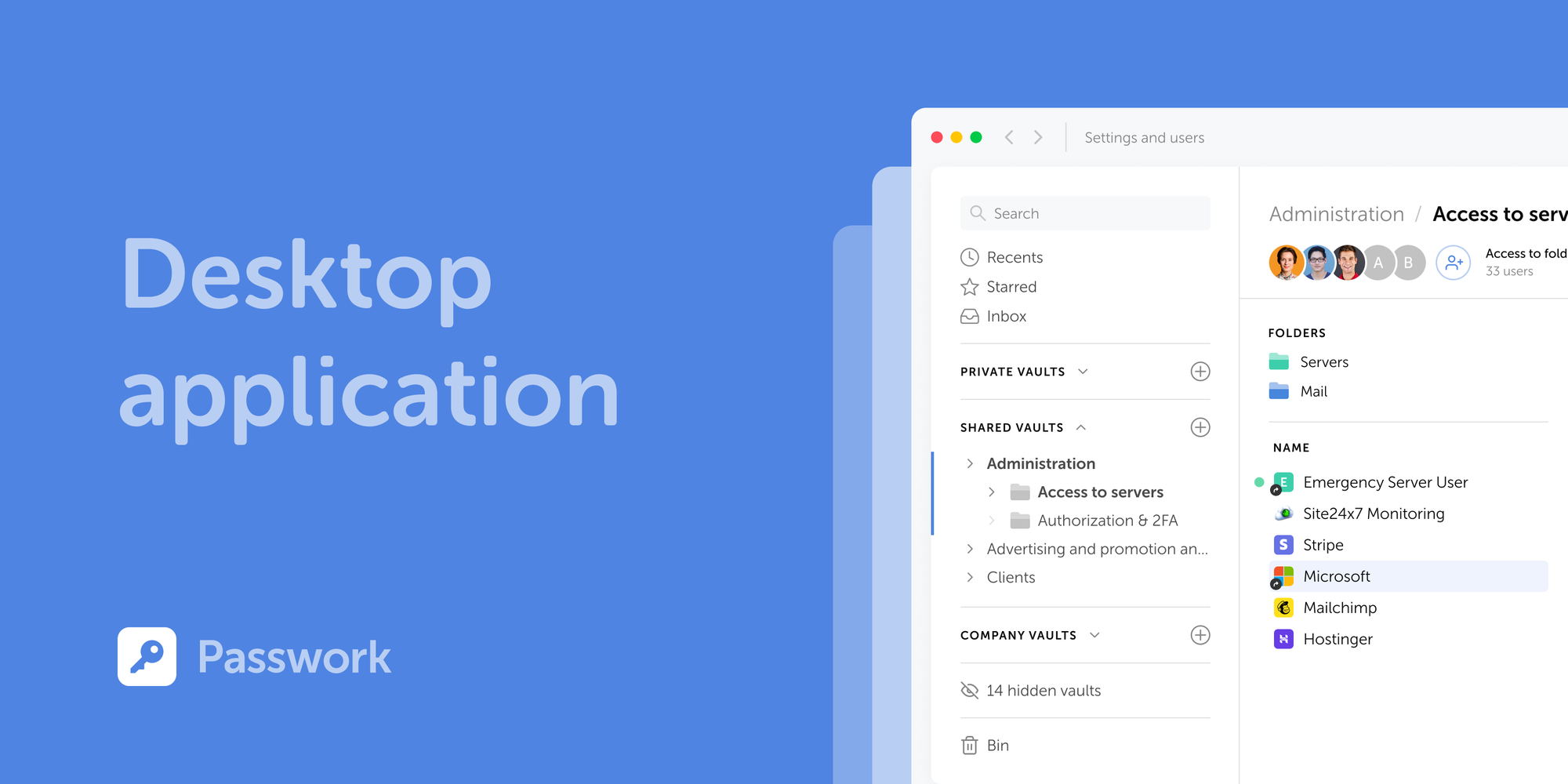
Security password guide: Expert methods to protect you
Password security stands as your first line of defense against cyber threats. A comprehensive approach combines strong password creation, encrypted storage through password managers, and multi-factor authentication to counter increasingly sophisticated attacks targeting your digital identity.
 Mike Shikun
How to use a password manager: complete security guide
A password manager replaces guesswork with structure, a direct upgrade to your organization’s digital protection.
 Mike Shikun