

In Passwork 6.1, we have added new settings that provide more options for user management and enhance security:
- Restriction on editing administrators
- Selection of authorization method for individual users
- 2FA reset independent of authorization password
- Password complexity policies for authorization and master passwords
- More LDAP and SSO settings
System settings
In "System Settings," it is now possible to restrict administrator management, set password complexity requirements for logging into Passwork, and prohibit saving the master password in the browser's local storage.
Who can create and manage administrators
The owner can prohibit organization administrators from managing other administrators — they will not be able to create new administrators, deactivate, edit, or reset passwords for other administrators. When prohibited, only the organization owner can perform these actions.
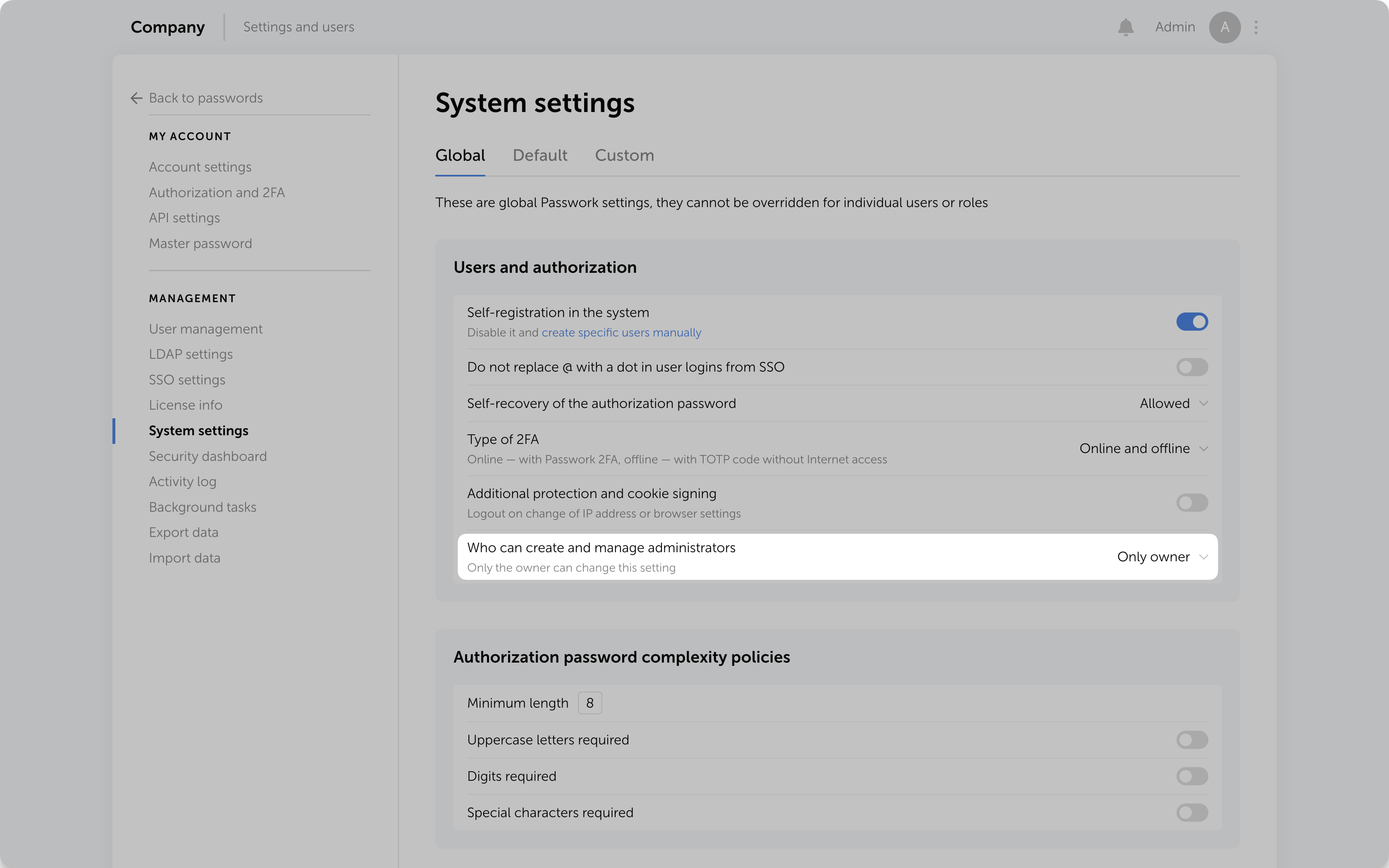
Complexity policies for authorization and master passwords
Administrators can configure requirements that local passwords and master passwords must meet. This prevents users from creating weak passwords.
Available settings include minimum length, mandatory use of uppercase letters, digits, and special characters. The set requirements are visible on registration and password change pages.
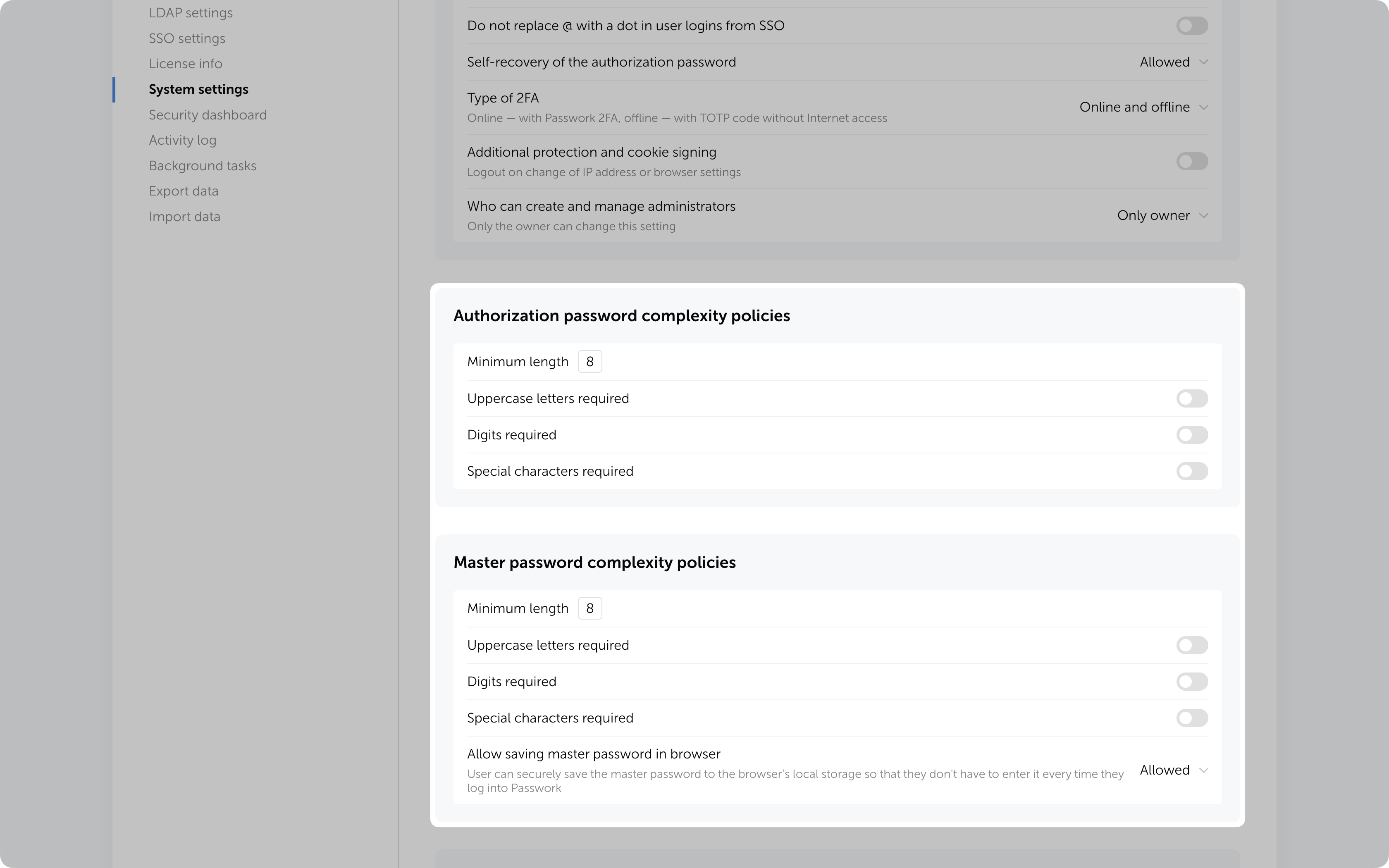
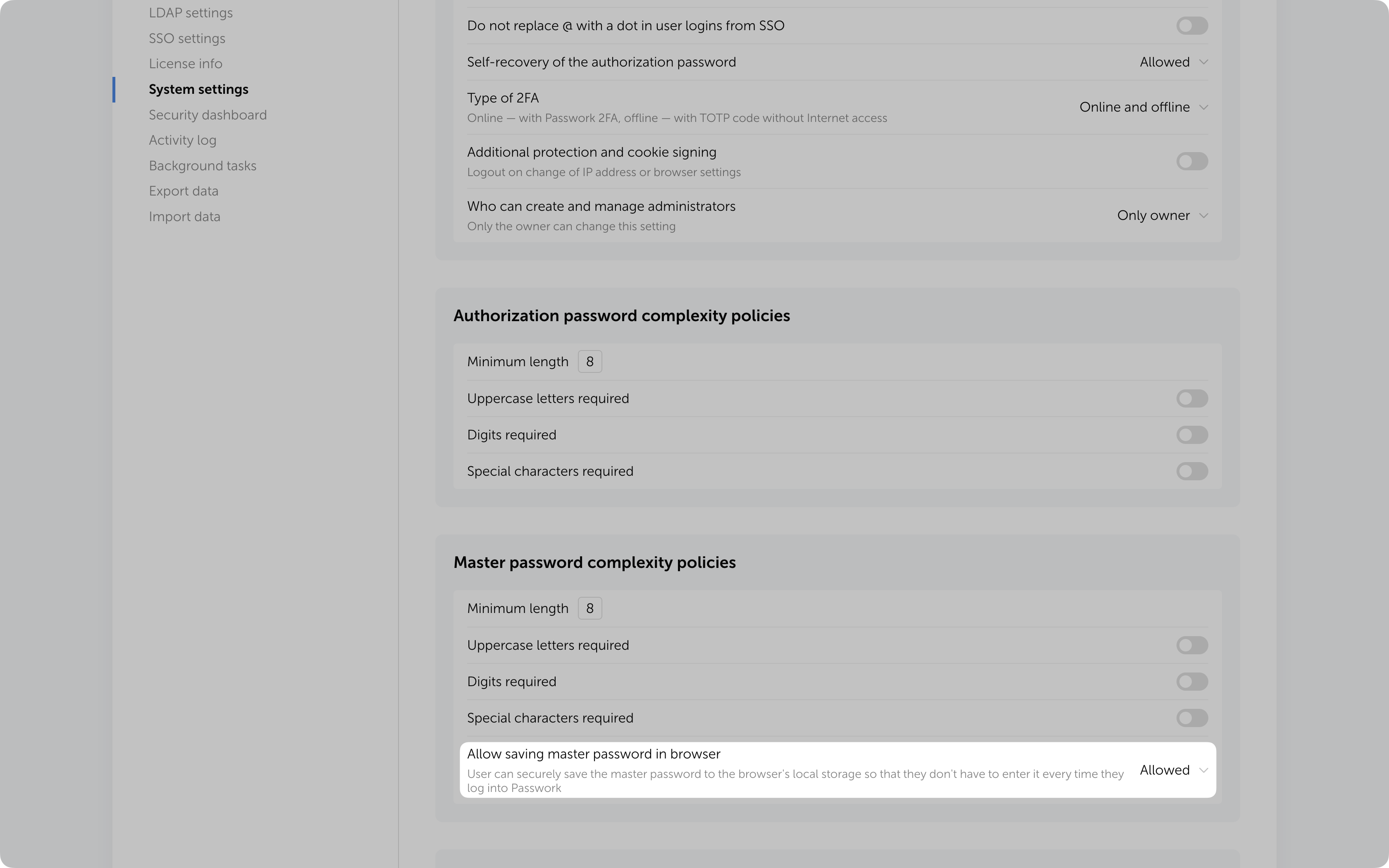
Allow saving the master password in the browser
This setting is available in the "Master Password Complexity Policies" section. It enables or disables the need to enter the master password each time the Passwork browser tab is refreshed (if master password mode is enabled).
User management
To expand administrators' capabilities in managing users, we have added a number of functional and interface improvements.
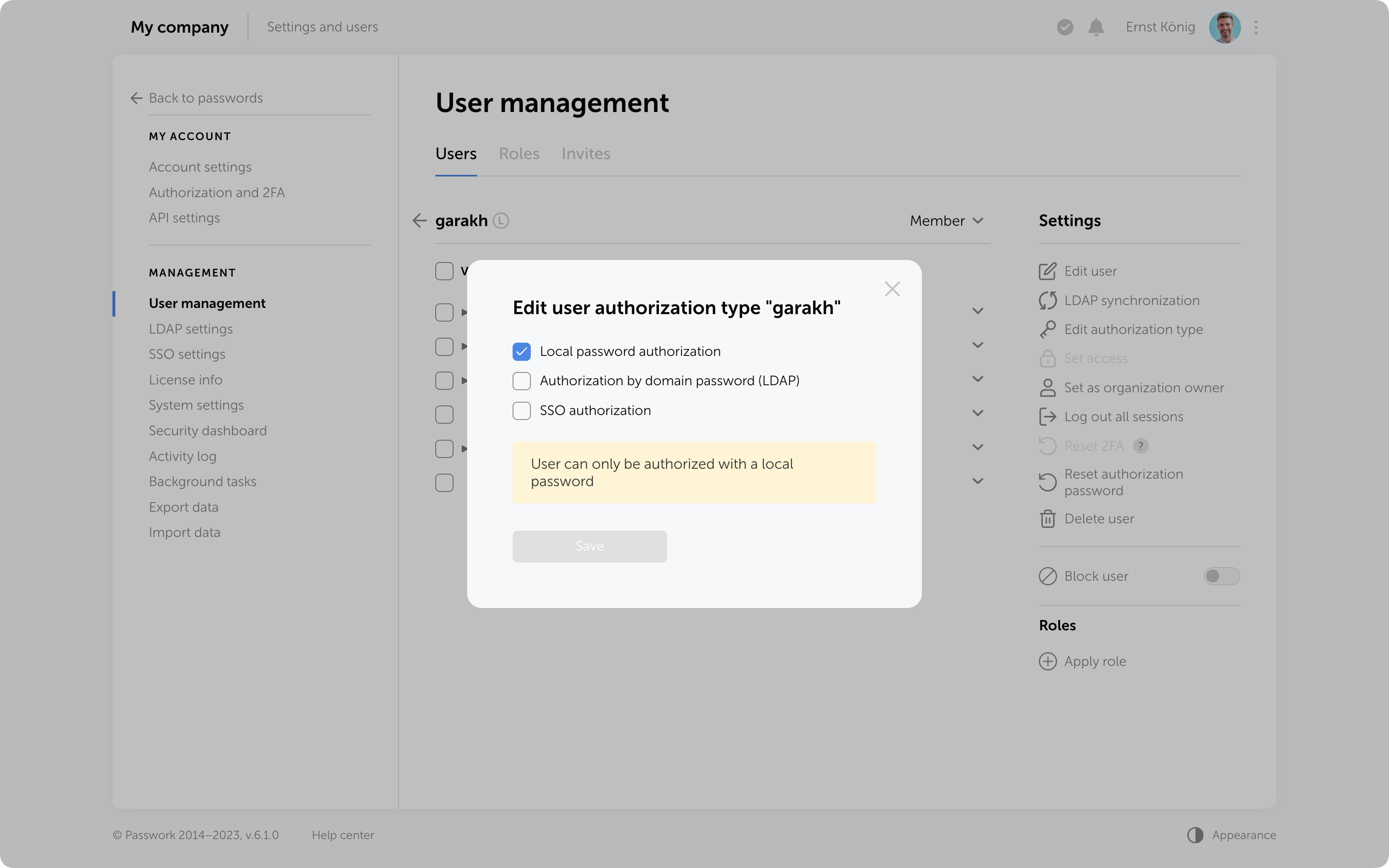
Authorization type selection
This setting has been moved from the "System Settings" section. Now it is possible to select the authorization type individually for each user.
Three authorization types are available — local password, domain password, or via SSO. These options can be combined and applied both to individual users and user groups.
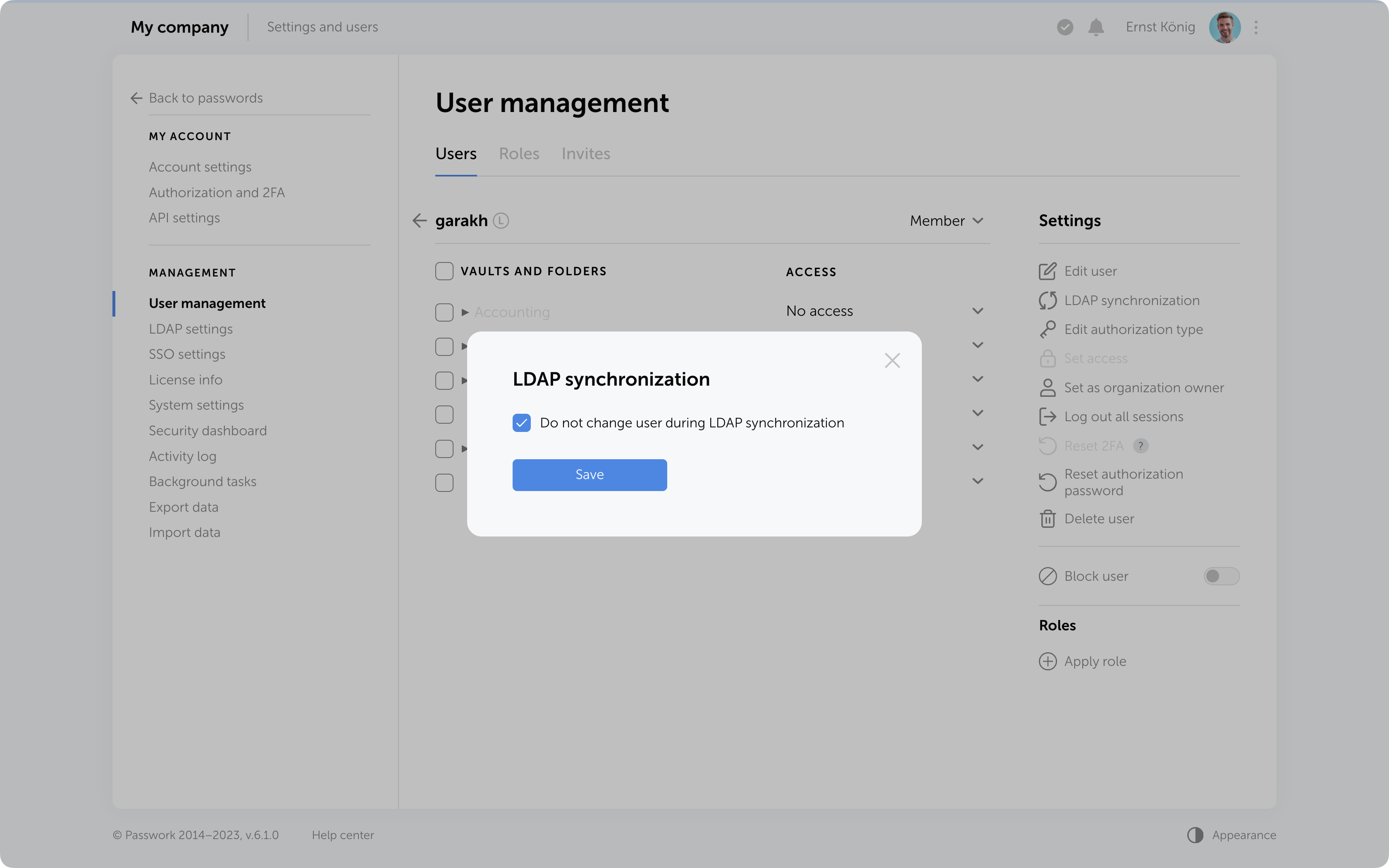
Excluding users from LDAP synchronization
Such users will remain active in Passwork even if they are deactivated on the AD side. Also, roles related to their security groups will not be applied to them.
Interface improvements
New icons for authorization types have been added — thanks to them, administrators can immediately see which authorization methods are available for each user in the general list.
Changing user status
Changing the "Administrator" or "Employee" status can now only be done on the user's page. Previously, the status could also be set in the general user list — this could lead to unintended actions.
New filters in the user list
It is now possible to select users with a specific authorization type and LDAP synchronization.
Temporary passwords
When resetting the authorization or master password, a temporary password is generated, which the user must change to a permanent one upon the next login to Passwork. The complexity of temporary passwords has also been increased.
Improved 2FA reset
Administrators can now reset a user's 2FA separately from the authorization password.
Enhanced security when resetting the master password
When resetting the master password, all active user sessions are automatically reset. To resume working with Passwork, the user must enter the new master password.
SSO, LDAP, and more
In the new version of Passwork, we have added several parameters in LDAP and SSO settings. Additionally, we made fixes that enhance security, improve user accounting in licensing, and optimize the database.
2FA support when authorizing via SSO
Users who log into Passwork through single sign-on services will be able to confirm login with a second factor.
Logout from IdP when logging out of Passwork
If this SSO setting is enabled, users will be required to log into their identity provider system each time they log into Passwork.
LDAP interface improvements
Removed global enable/disable for LDAP authorization. Now it is enough to activate the required AD server.
Also, new icons have been added that show for which AD servers LDAP synchronization is enabled.
Passwork lock when changing the server master key
Passwork lock has been added to protect data when changing the server master key. If it is changed, users will not be able to perform any actions until the master key is restored.
Licensing improvements
Unconfirmed users are no longer counted in the total number of users.
Automatic cleanup of the session collection in the database to limit collection size.