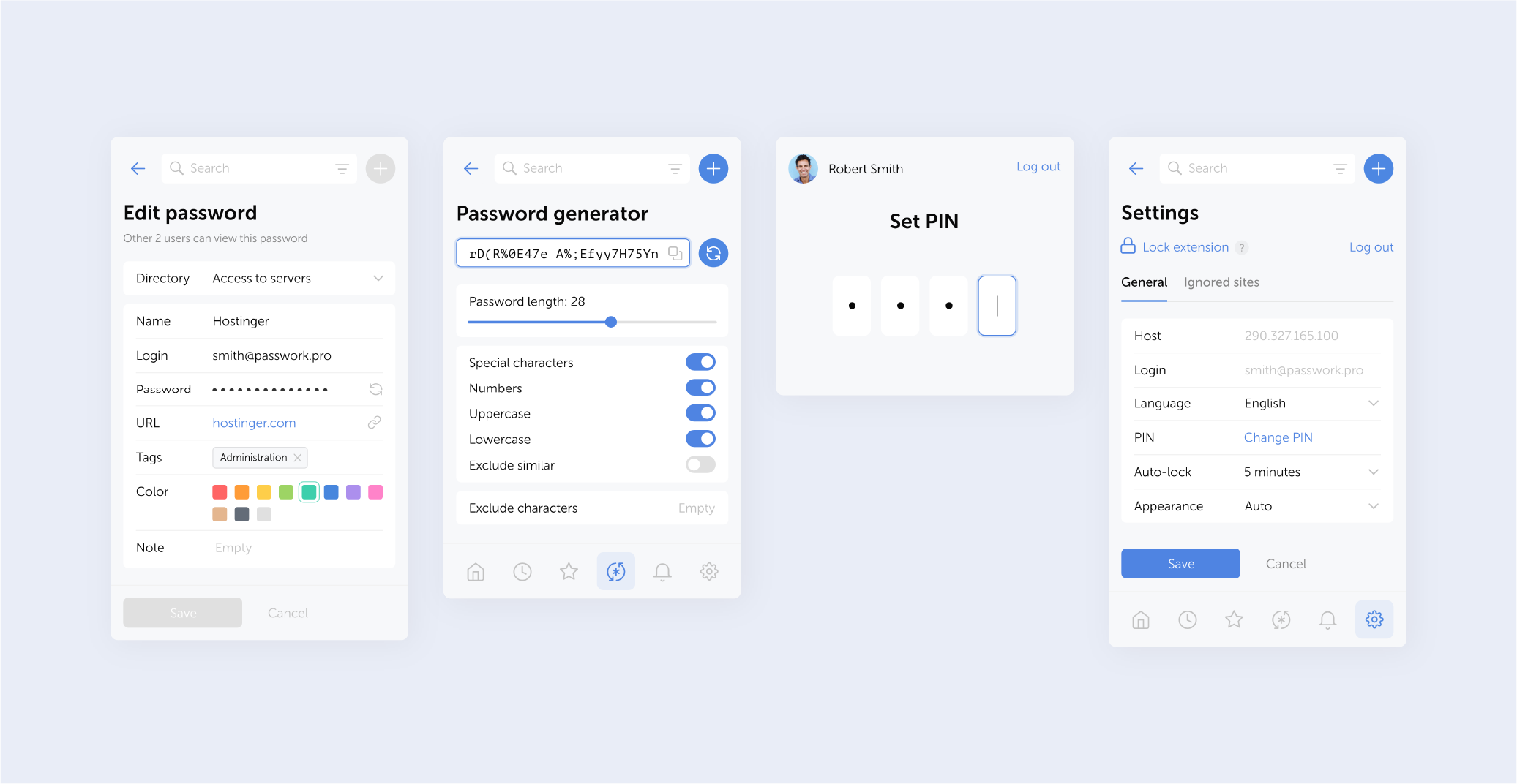
The browser extension is available for Google Chrome, Microsoft Edge, Mozilla Firefox, and Safari.
- Improved autofill: now you can autofill login forms directly from the extension's main screen when only one password is found for a website
- Added a time unit indicator (minutes) to the auto-lock settings field
- Removed the prompt to set up a PIN code in the extension when it is not mandatory
- Fixed session timeout issue
You can find all information about Passwork updates in our release notes
Further reading
The 2025 small business cybersecurity checklist: A complete guide | Passwork
Passwork’s 2025 cybersecurity checklist, based on the NIST framework, provides actionable steps to prevent data breaches and financial loss.
 Eirik Salmi
Passwork: Secrets management and automation for DevOps
Introduction In corporate environment, the number of passwords, keys, and digital certificates is rapidly increasing, and secrets management is becoming one of the critical tasks for IT teams. Secrets management addresses the complete lifecycle of sensitive data: from secure generation and encrypted storage to automated rotation and audit trails. As
 Eirik Salmi
Passwork 7.2 release
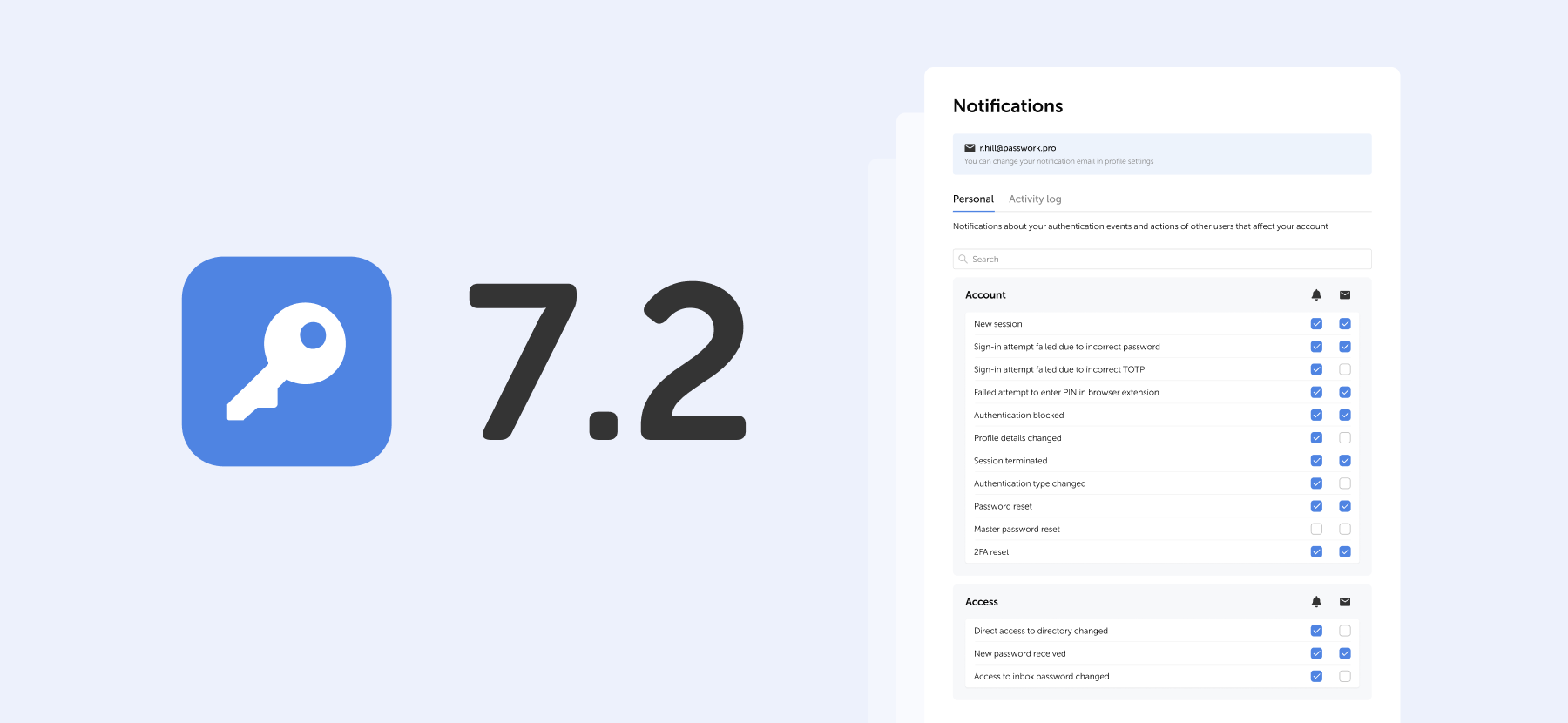
The new version introduces customizable notifications with flexible delivery options, enhanced event logging descriptions, expanded CLI functionality, server-side PIN code storage for the browser extension, and the ability to enable client-side encryption during initial Passwork configuration. Notification settings We’ve added a dedicated notification settings section where you can choose notification
 Eirik Salmi